
Volume Manager : Volume administer per app на пк
Scorpion Infosoft
Скачать Volume Manager : Volume administer per app на ПК с помощью эмулятора GameLoop
Volume Manager : Volume administer per app на ПК
Volume Manager : Volume administer per app, исходящий от разработчика Scorpion Infosoft, в прошлом работал на системе Android.
Теперь вы можете без проблем играть в Volume Manager : Volume administer per app на ПК с помощью GameLoop.
Загрузите его в библиотеке GameLoop или результатах поиска. Больше не нужно смотреть на аккумулятор или разочаровывать звонки в неподходящее время.
Просто наслаждайтесь Volume Manager : Volume administer per app на ПК на большом экране бесплатно!
Volume Manager : Volume administer per app Введение
Volume manager helps you to manage automate volume levels and ringer modes based on the app you open in your device.
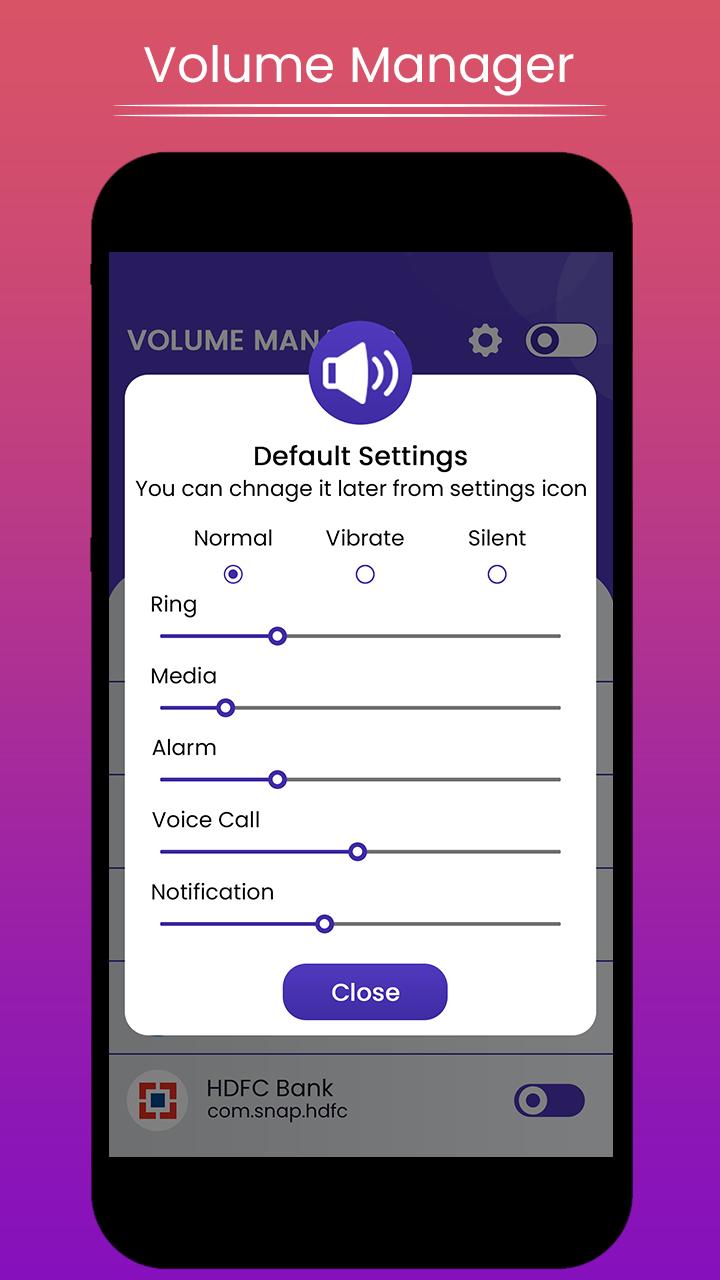
Volume Manager makes its easy to control different volume levels for android such as Ring, music, alarm, in call voice, notification etc.App also offers automate ringer modes, such as silent, vibrate or normal mode based on the app you open.
How to use:
1. App list all installed and system apps from your device.Enable the mode you want.It will be automatically off once you leave the app.
2. App shows normal.ringer,vibrate and silent mode with their different volume levels.
choose the mode and volume set for particular application.
That's all, easy and quick.
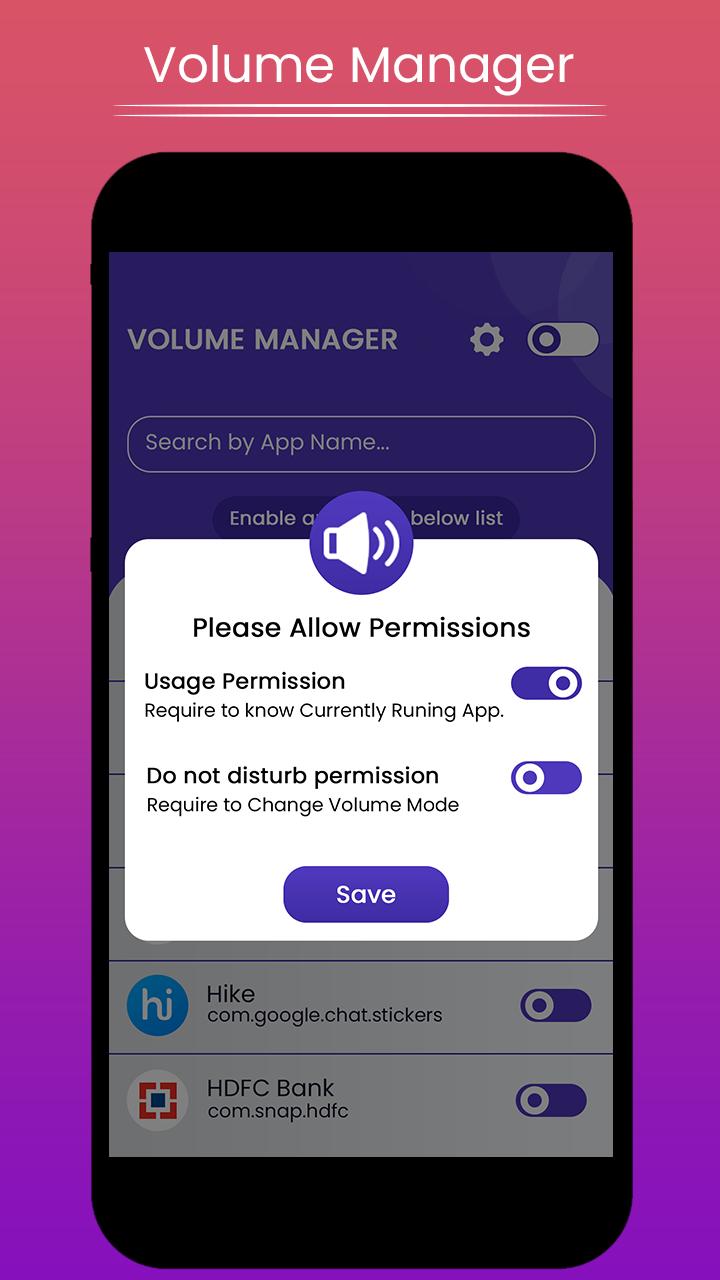
App need following permissions to complete the task, please allow these permissions for the app when you first time open the app.
Permissions:
Do Not Disturb: permission need to change volume modes.
Usage access: permission needed to check currently running app for applying volume level changes.
How to configure:
1. Give all require permissions app asks for.
2. That's all.Now you can set the volume set and modes as per your application.
Note:
✔ Please make sure Volume Manager Service is ON, please check the toggle
at top right corner.
Please try atleast once and let us know so that we can make our better for all users.
And if like the app please leave rating & review for the same.
Thank you...
Предварительный просмотр
Информация
Разработчик
Scorpion Infosoft
Последняя версия
1.5
Последнее обновление
2020-07-19
Категория
Инструменты
Доступно на
Google Play
Показать больше
Как играть в Volume Manager : Volume administer per app с GameLoop на ПК
1. Загрузите GameLoop с официального сайта, затем запустите исполняемый файл для установки GameLoop.
2. Откройте GameLoop и выполните поиск Volume Manager : Volume administer per app, найдите Volume Manager : Volume administer per app в результатах поиска и нажмите Установить.
3. Наслаждайтесь игрой в Volume Manager : Volume administer per app на GameLoop.
Minimum requirements
OS
Windows 8.1 64-bit or Windows 10 64-bit
GPU
GTX 1050
CPU
i3-8300
Memory
8GB RAM
Storage
1GB available space
Recommended requirements
OS
Windows 8.1 64-bit or Windows 10 64-bit
GPU
GTX 1050
CPU
i3-9320
Memory
16GB RAM
Storage
1GB available space