
VELUX KLG Installer App на пк
VELUX A/S
Скачать VELUX KLG Installer App на ПК с помощью эмулятора GameLoop
VELUX KLG Installer App на ПК
VELUX KLG Installer App, исходящий от разработчика VELUX A/S, в прошлом работал на системе Android.
Теперь вы можете без проблем играть в VELUX KLG Installer App на ПК с помощью GameLoop.
Загрузите его в библиотеке GameLoop или результатах поиска. Больше не нужно смотреть на аккумулятор или разочаровывать звонки в неподходящее время.
Просто наслаждайтесь VELUX KLG Installer App на ПК на большом экране бесплатно!
VELUX KLG Installer App Введение
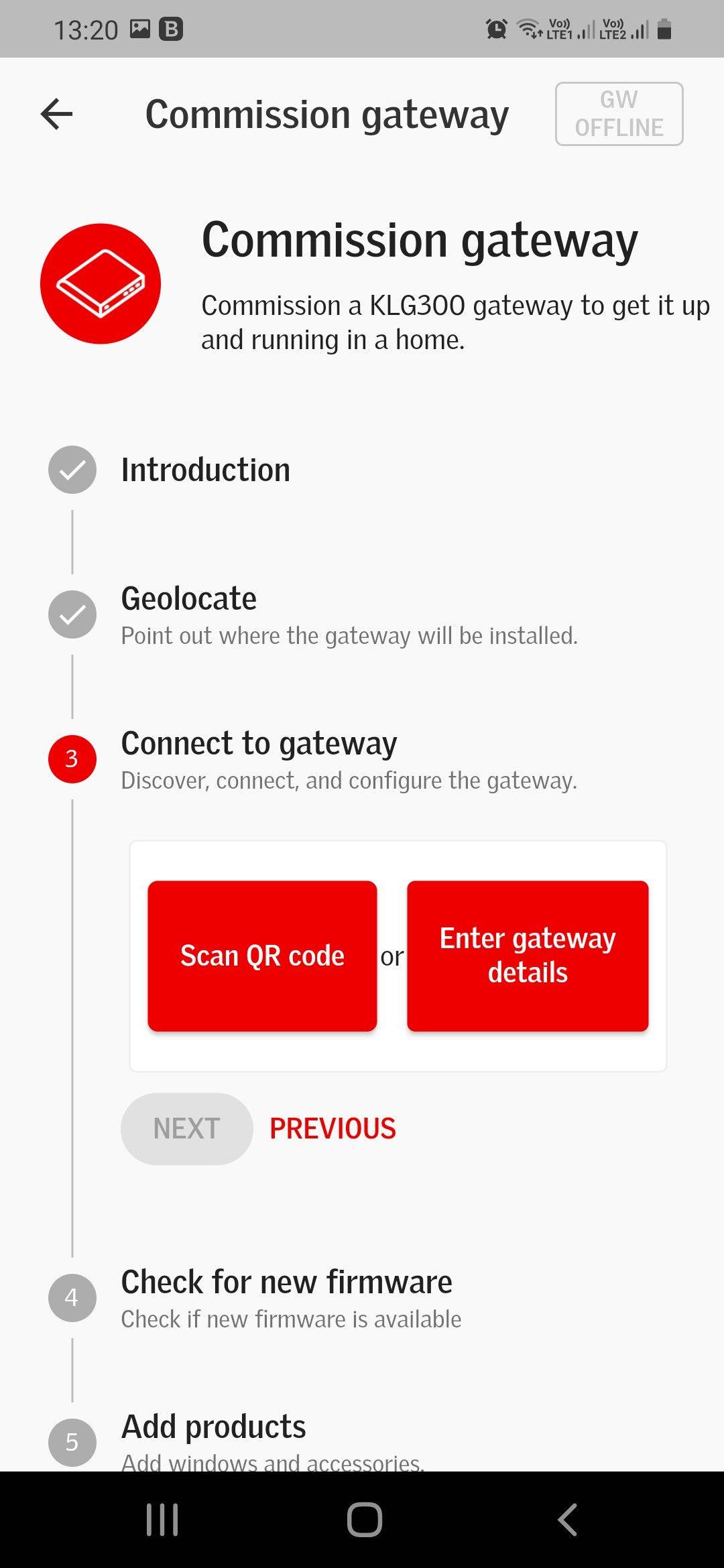
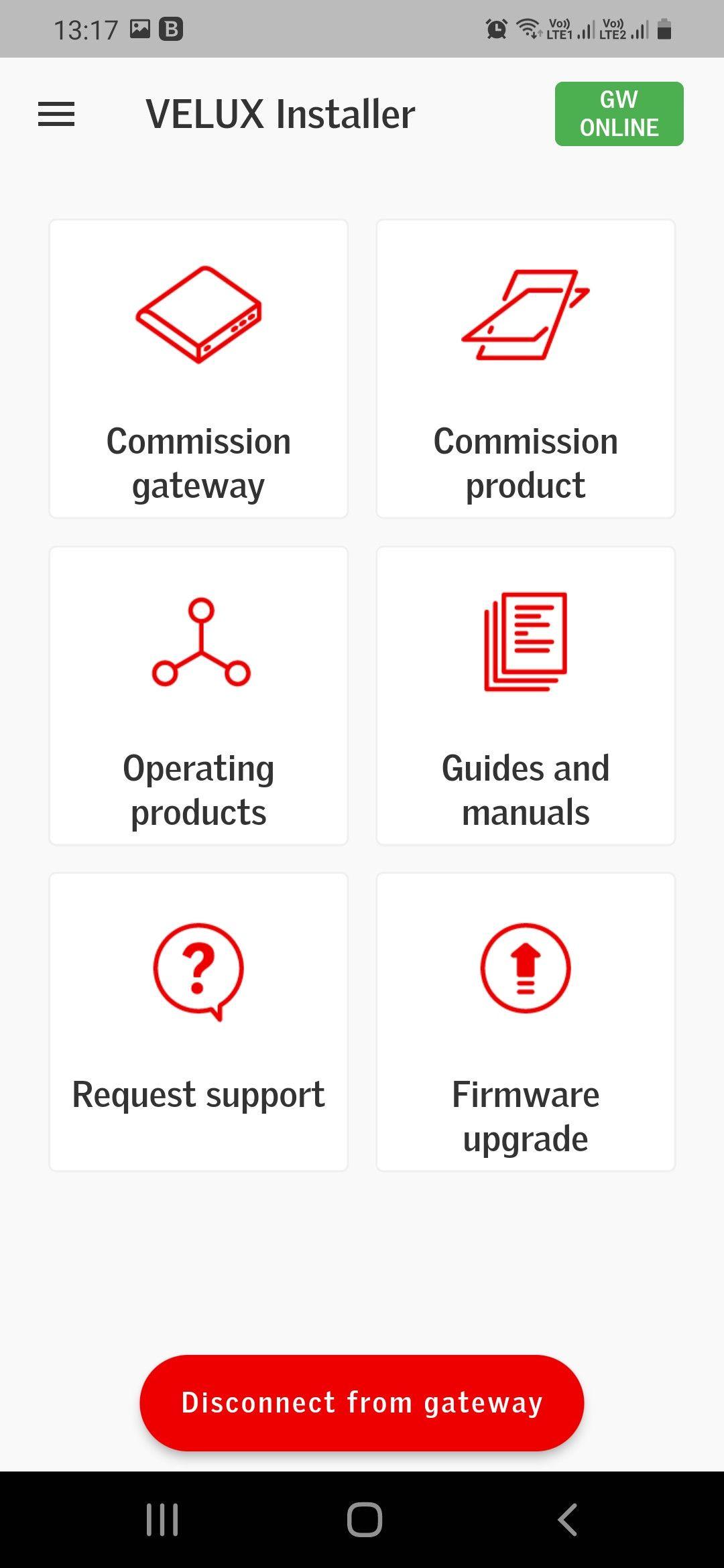
VELUX Smart Home Installer App supports Installers when commissioning the VELUX Smart Home Gateway (KLG 300) and VELUX Integra windows and accessories in private homes.
The VELUX Smart Home Gateway (KLG 300) is part of an eco-system and will need to be paired with a system provider system in order to work for the private homeowner.
COMMISSIONING VELUX SMART HOME GATEWAY (KLG 300)
Step-by-step the VELUX Smart Home Installer App guides you through the commissioning process in 1 flow, with illustrations and guides to support the commissioning process. This flow also allows you to add products right away, so you in less than 5 min. have the whole VELUX system commissioned, and ready to be paired with the System provider system.
COMMISSIONING VELUX INTEGRA PRODUCTS
Step-by-step the VELUX Smart Home Installer App allows you to commission VELUX Integra products, even when you have finished the gateway commissioning process.
EASY INTEGRATION WITH SYSTEM PROVIDER SYSTEM
The smart home ecosystem has already been preconfigured. Accordingly, when the VELUX Smart Home Gateway (KLG 300) and VELUX Integra products have been commissioned through the VELUX Smart Home Installer App, the VELUX products can be controlled, through the connected System Provider home-user app right away.
EASY FIRMWARE UPDATE AND TROUBLESHOOTING
The VELUX Smart Home Installer App allows you to do firmware updates and troubleshooting on VELUX Smart Home Gateways (KLG 300), which you have physical access to, even if you have not done the commissioning process.
Предварительный просмотр
Теги
ИнструментыИнформация
Разработчик
VELUX A/S
Последняя версия
1.0.1
Последнее обновление
2022-07-08
Категория
Инструменты
Доступно на
Google Play
Показать больше
Как играть в VELUX KLG Installer App с GameLoop на ПК
1. Загрузите GameLoop с официального сайта, затем запустите исполняемый файл для установки GameLoop.
2. Откройте GameLoop и выполните поиск VELUX KLG Installer App, найдите VELUX KLG Installer App в результатах поиска и нажмите Установить.
3. Наслаждайтесь игрой в VELUX KLG Installer App на GameLoop.
Minimum requirements
OS
Windows 8.1 64-bit or Windows 10 64-bit
GPU
GTX 1050
CPU
i3-8300
Memory
8GB RAM
Storage
1GB available space
Recommended requirements
OS
Windows 8.1 64-bit or Windows 10 64-bit
GPU
GTX 1050
CPU
i3-9320
Memory
16GB RAM
Storage
1GB available space