
Vapor: Steam™ Authenticator на пк
tolunlade
Скачать Vapor: Steam™ Authenticator на ПК с помощью эмулятора GameLoop
Vapor: Steam™ Authenticator на ПК
Vapor: Steam™ Authenticator, исходящий от разработчика tolunlade, в прошлом работал на системе Android.
Теперь вы можете без проблем играть в Vapor: Steam™ Authenticator на ПК с помощью GameLoop.
Загрузите его в библиотеке GameLoop или результатах поиска. Больше не нужно смотреть на аккумулятор или разочаровывать звонки в неподходящее время.
Просто наслаждайтесь Vapor: Steam™ Authenticator на ПК на большом экране бесплатно!
Vapor: Steam™ Authenticator Введение
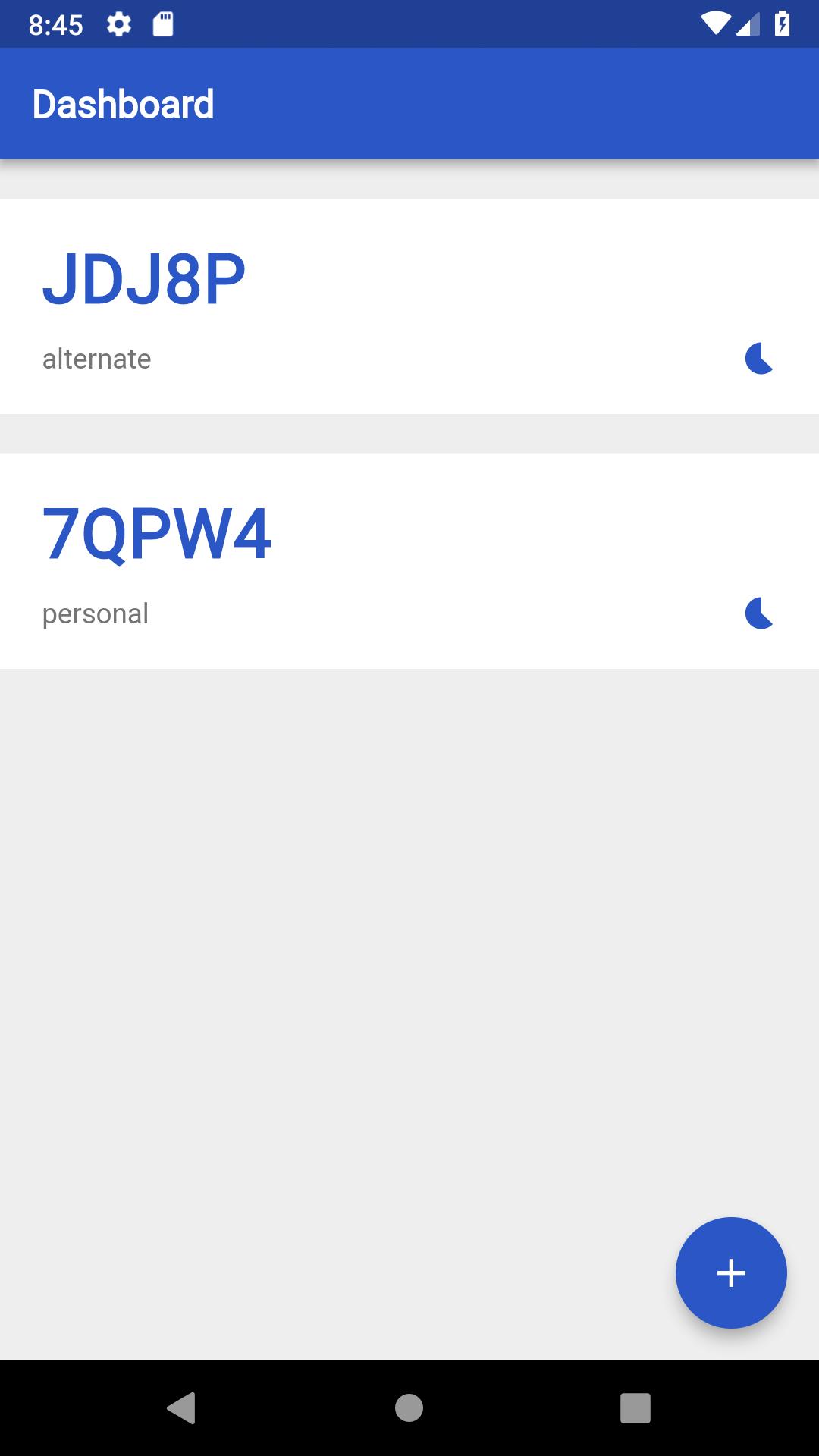
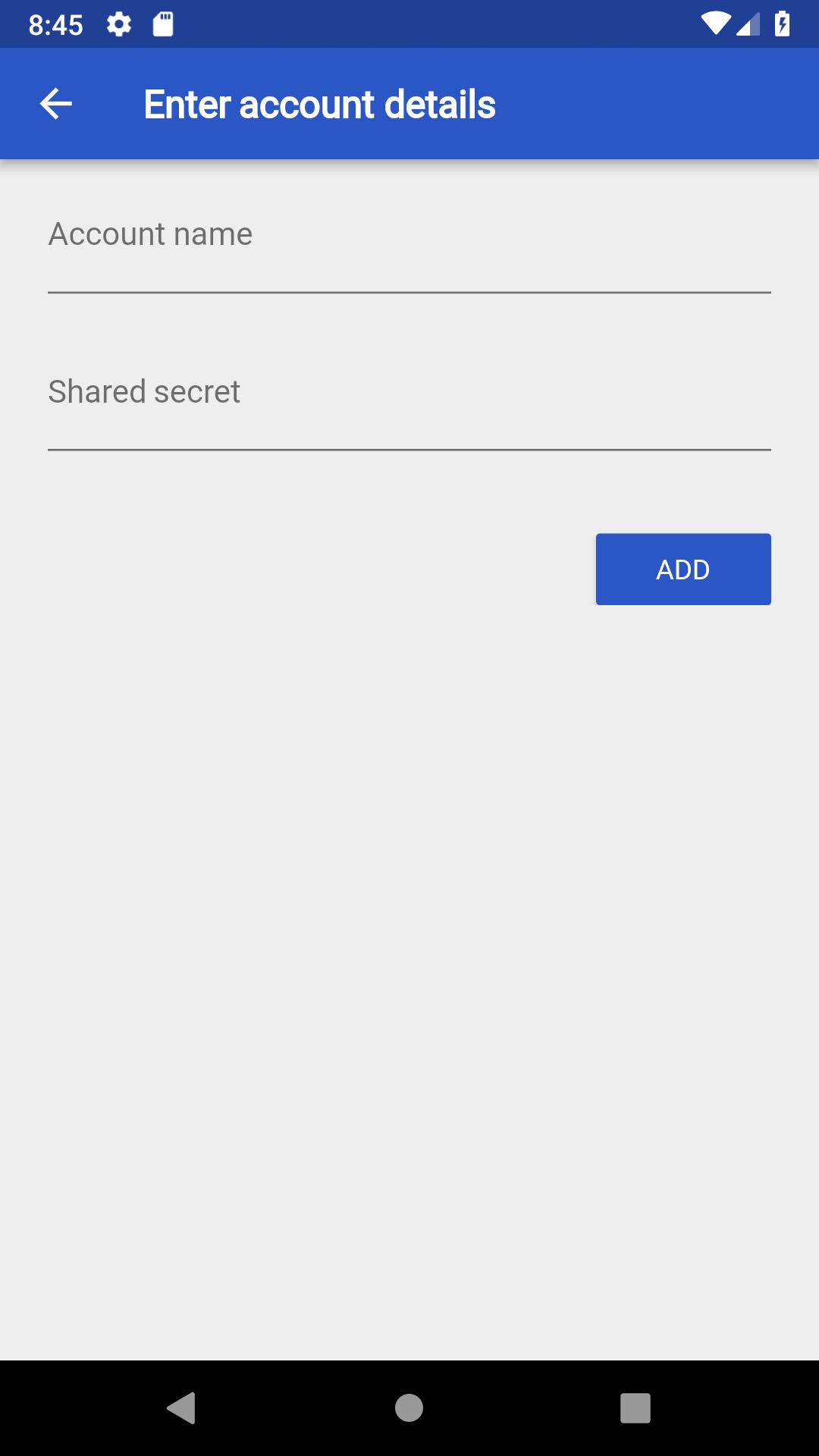
This application was built with the steam power user in mind. While owning multiple steam accounts either for steam trading, bot management or privacy, it certainly helps to have the option to securely store your 2FA credentials on one device, while also having the ability to transfer those credentials in a secure manner.
"Steam Guard is an additional level of security that can be applied to your Steam account. The first level of security on your account is your login credentials: your Steam account name and password. With Steam Guard, a second level of security is applied to your account, making it harder for your Steam account to fall into the wrong hands.
When Steam Guard is enabled on your account, when you login to your Steam account from an unrecognised device you'll need to provide a special access code to verify it's your account."
*I am not affiliated with Steam or Valve Corporation
Предварительный просмотр
Теги
ИнструментыИнформация
Разработчик
tolunlade
Последняя версия
1.0.0
Последнее обновление
2018-11-24
Категория
Инструменты
Доступно на
Google Play
Показать больше
Как играть в Vapor: Steam™ Authenticator с GameLoop на ПК
1. Загрузите GameLoop с официального сайта, затем запустите исполняемый файл для установки GameLoop.
2. Откройте GameLoop и выполните поиск Vapor: Steam™ Authenticator, найдите Vapor: Steam™ Authenticator в результатах поиска и нажмите Установить.
3. Наслаждайтесь игрой в Vapor: Steam™ Authenticator на GameLoop.
Minimum requirements
OS
Windows 8.1 64-bit or Windows 10 64-bit
GPU
GTX 1050
CPU
i3-8300
Memory
8GB RAM
Storage
1GB available space
Recommended requirements
OS
Windows 8.1 64-bit or Windows 10 64-bit
GPU
GTX 1050
CPU
i3-9320
Memory
16GB RAM
Storage
1GB available space