
TermEX - Tools Guide for Termux на пк
Eduard Merkaj
Скачать TermEX - Tools Guide for Termux на ПК с помощью эмулятора GameLoop
TermEX - Tools Guide for Termux на ПК
TermEX - Tools Guide for Termux, исходящий от разработчика Eduard Merkaj, в прошлом работал на системе Android.
Теперь вы можете без проблем играть в TermEX - Tools Guide for Termux на ПК с помощью GameLoop.
Загрузите его в библиотеке GameLoop или результатах поиска. Больше не нужно смотреть на аккумулятор или разочаровывать звонки в неподходящее время.
Просто наслаждайтесь TermEX - Tools Guide for Termux на ПК на большом экране бесплатно!
TermEX - Tools Guide for Termux Введение
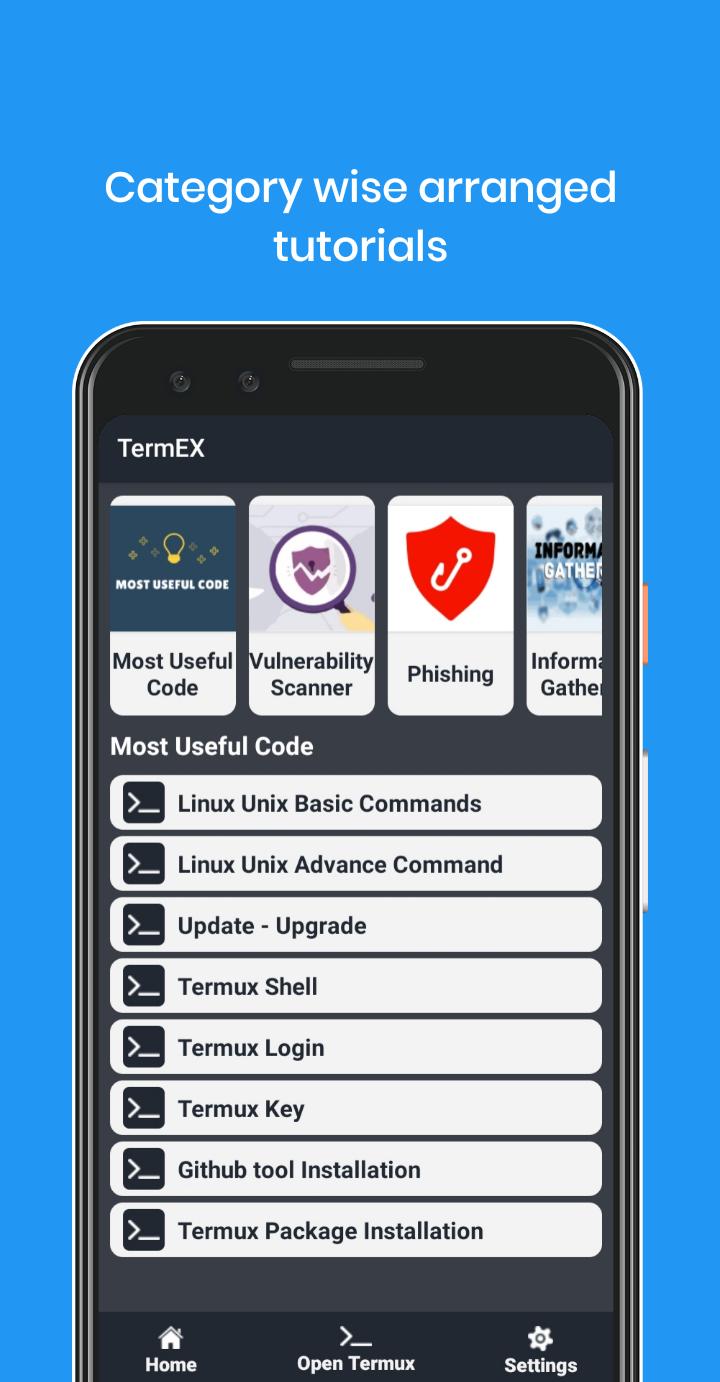
Using TermEX app you can learn Termux all tips and trick.
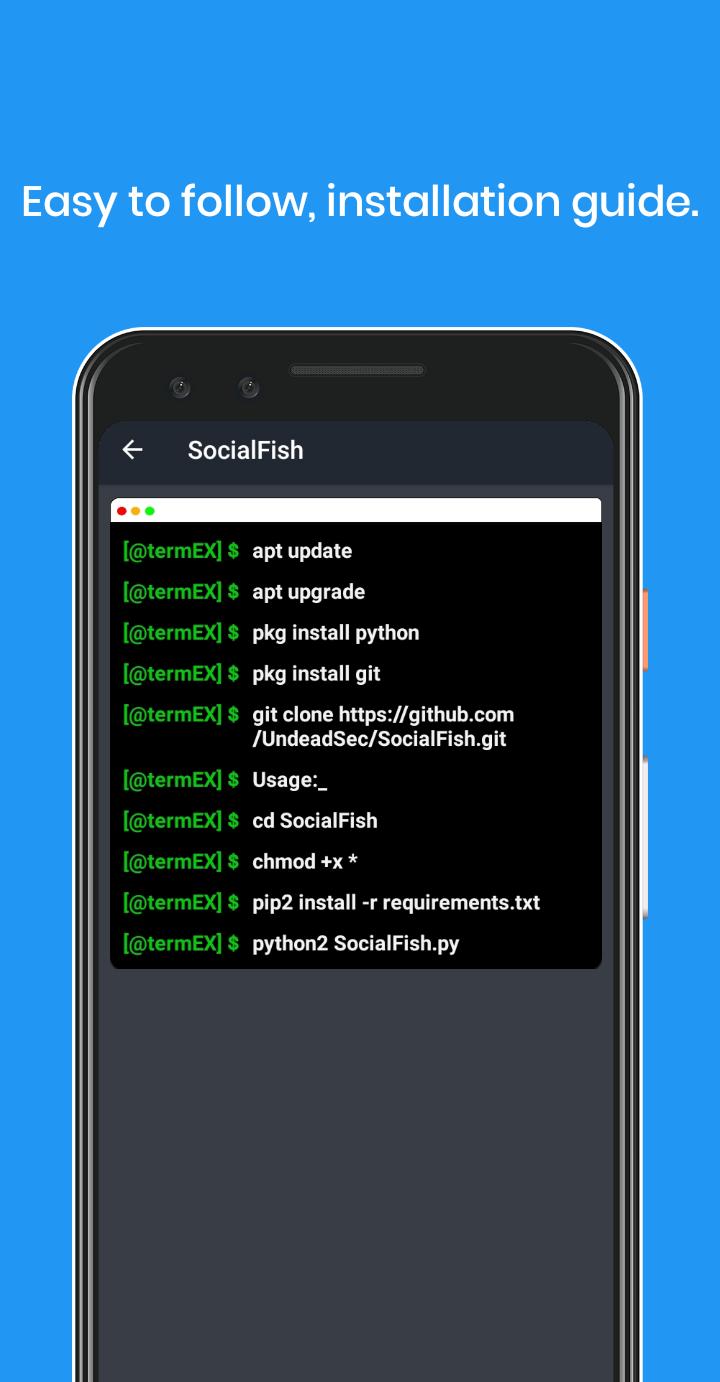
TermEX is an application that has plenty of open-source tools guides. It's easy to copy and use them on your terminal. You can use these tools for penetration tester, ethical hacking, security and for education purpose also.
Disclaimer:
This application solely motive is for Education purposes use only. Usage of these tools for attacking targets without prior mutual consent is illegal. It's the end user's responsibility to obey all applicable, local, state and federal laws. Developers assume no liability and are not responsible for any misuse or damage caused by this program. This app is created for learners to learn Hacking and this app is for Learning purposes.
Предварительный просмотр
Информация
Разработчик
Eduard Merkaj
Последняя версия
1.0.2
Последнее обновление
2020-10-25
Категория
Инструменты
Доступно на
Google Play
Показать больше
Как играть в TermEX - Tools Guide for Termux с GameLoop на ПК
1. Загрузите GameLoop с официального сайта, затем запустите исполняемый файл для установки GameLoop.
2. Откройте GameLoop и выполните поиск TermEX - Tools Guide for Termux, найдите TermEX - Tools Guide for Termux в результатах поиска и нажмите Установить.
3. Наслаждайтесь игрой в TermEX - Tools Guide for Termux на GameLoop.
Minimum requirements
OS
Windows 8.1 64-bit or Windows 10 64-bit
GPU
GTX 1050
CPU
i3-8300
Memory
8GB RAM
Storage
1GB available space
Recommended requirements
OS
Windows 8.1 64-bit or Windows 10 64-bit
GPU
GTX 1050
CPU
i3-9320
Memory
16GB RAM
Storage
1GB available space