Scroll Text with blink Screen на пк
AHByte
Скачать Scroll Text with blink Screen на ПК с помощью эмулятора GameLoop
Scroll Text with blink Screen на ПК
Scroll Text with blink Screen, исходящий от разработчика AHByte, в прошлом работал на системе Android.
Теперь вы можете без проблем играть в Scroll Text with blink Screen на ПК с помощью GameLoop.
Загрузите его в библиотеке GameLoop или результатах поиска. Больше не нужно смотреть на аккумулятор или разочаровывать звонки в неподходящее время.
Просто наслаждайтесь Scroll Text with blink Screen на ПК на большом экране бесплатно!
Scroll Text with blink Screen Введение
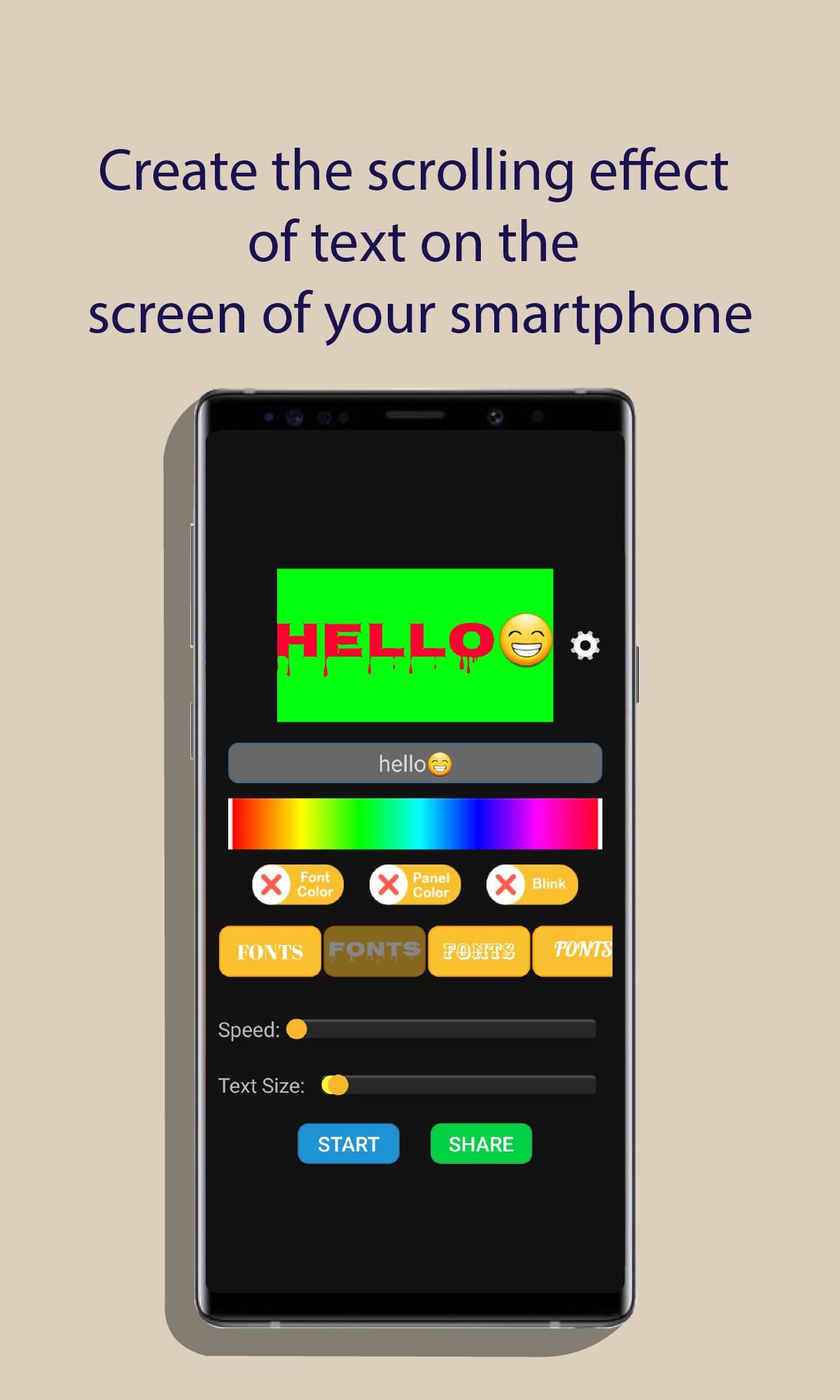
App that generates a scrolling text on the screen from the text entered by the user. You can choose between various text and background colors, font, text scrolling speed and blink screen effect.
Help
1.- Write the text you want to scroll,
2.- Press the panel color radio button,
3.- Slide your finger over palette color to choose the color screen,
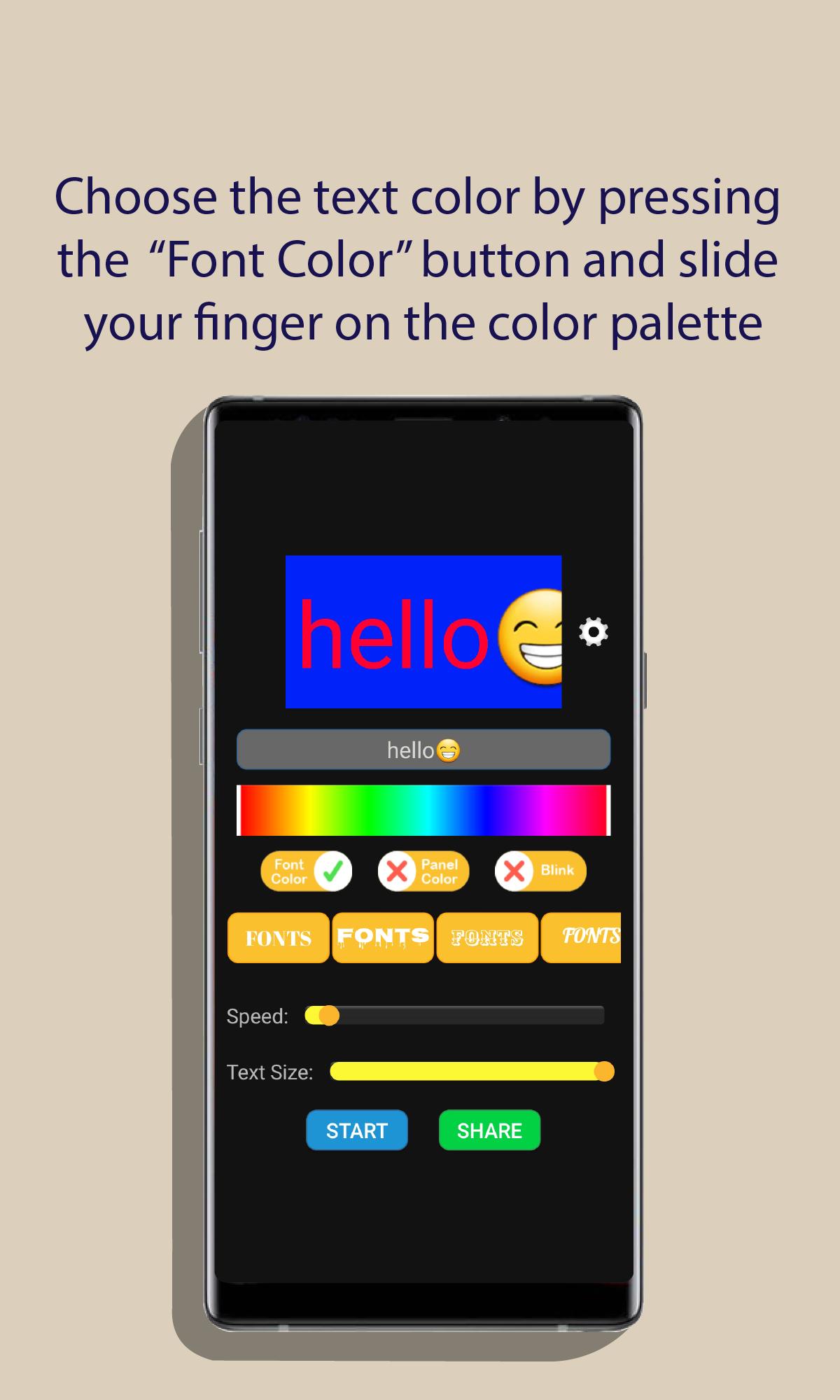
4.- Press the font color radio button,
5.- Slide your finger over palette color to choose the text color,
6.- Choose the font type of the text,
7.- Choose text size.
8.- Choose the text scrolling speed,
9.- Press the blink screen button if you want this effect,
10.- Press the start button to start the action.
IMPORTANT: Emojis are only available for Android 11 or later.
Предварительный просмотр
Теги
ИнструментыИнформация
Разработчик
AHByte
Последняя версия
1.1
Последнее обновление
2022-09-05
Категория
Инструменты
Доступно на
Google Play
Показать больше
Как играть в Scroll Text with blink Screen с GameLoop на ПК
1. Загрузите GameLoop с официального сайта, затем запустите исполняемый файл для установки GameLoop.
2. Откройте GameLoop и выполните поиск Scroll Text with blink Screen, найдите Scroll Text with blink Screen в результатах поиска и нажмите Установить.
3. Наслаждайтесь игрой в Scroll Text with blink Screen на GameLoop.
Minimum requirements
OS
Windows 8.1 64-bit or Windows 10 64-bit
GPU
GTX 1050
CPU
i3-8300
Memory
8GB RAM
Storage
1GB available space
Recommended requirements
OS
Windows 8.1 64-bit or Windows 10 64-bit
GPU
GTX 1050
CPU
i3-9320
Memory
16GB RAM
Storage
1GB available space