
Status Keeper на пк
App Cornor
Скачать Status Keeper на ПК с помощью эмулятора GameLoop
Status Keeper на ПК
Status Keeper, исходящий от разработчика App Cornor, в прошлом работал на системе Android.
Теперь вы можете без проблем играть в Status Keeper на ПК с помощью GameLoop.
Загрузите его в библиотеке GameLoop или результатах поиска. Больше не нужно смотреть на аккумулятор или разочаровывать звонки в неподходящее время.
Просто наслаждайтесь Status Keeper на ПК на большом экране бесплатно!
Status Keeper Введение
How to Use?
1 - Check the Desired Status/Story...
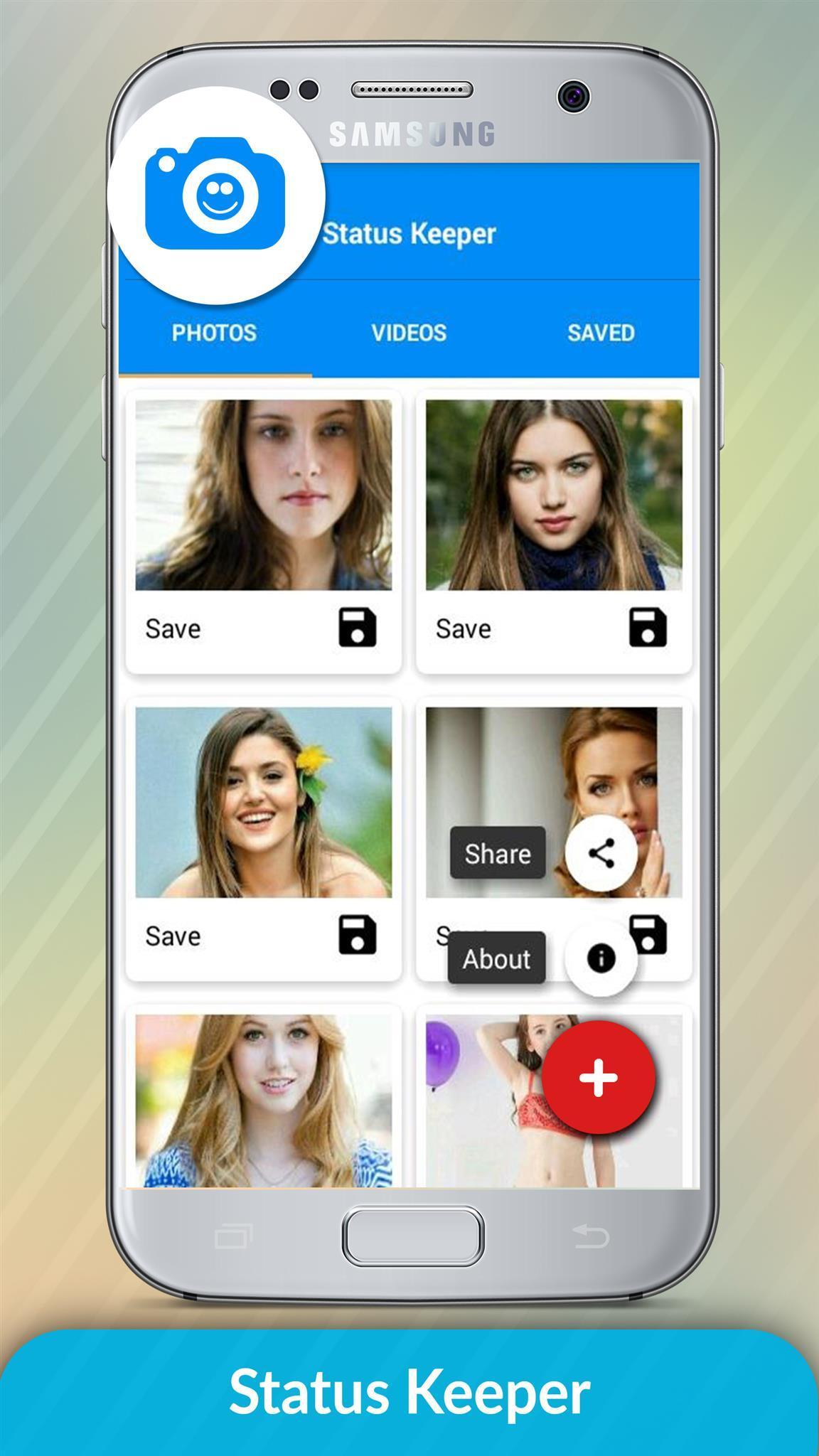
2 - Open Status Keeper, Click on any Image or Video to View...
3 - Click the Save Button...
That's where we get in. Status Keeper works as a WhatsApp status downloader, or Whatsapp status saver. With a single touch, save all your favorites statuses.
You can choose either to preview, share as a media to all available platforms on your device or download directly to your gallery.
All that in a simple, beautiful and intuitive interface. Once you load it, you know exactly where to go ;)
*Very minimal ads, nothing disturbing, we know you don't like too much of them, Promise!
story keeper
status downloader
story downloader
share status
repost status
share Whatsapp status
repost Whatsapp status
save status
download WhatsApp status
download WhatsApp story
The Status Keeper Status Image/Video is Instantly saved to your Gallery! 😉😃
Notable Status Keeper Features:
* Multi Save, Delete, Repost / Share, Delete,
* Easy Repost even without Saving,
* Easy & Fast Saving,
* Built-in Image Viewer & Video Player,
* Easy Navigation!
Status Keeper app is an independent one and is not affiliated with any 3rd Party including Whatsapp Inc.
Status Keeper not use to clone or hack anything it just display downloaded files in app.
======================
Contact Us
Email: conorapp@gmail.com
Предварительный просмотр
Информация
Разработчик
App Cornor
Последняя версия
1.0.1
Последнее обновление
2018-11-17
Категория
Инструменты
Доступно на
Google Play
Показать больше
Как играть в Status Keeper с GameLoop на ПК
1. Загрузите GameLoop с официального сайта, затем запустите исполняемый файл для установки GameLoop.
2. Откройте GameLoop и выполните поиск Status Keeper, найдите Status Keeper в результатах поиска и нажмите Установить.
3. Наслаждайтесь игрой в Status Keeper на GameLoop.
Minimum requirements
OS
Windows 8.1 64-bit or Windows 10 64-bit
GPU
GTX 1050
CPU
i3-8300
Memory
8GB RAM
Storage
1GB available space
Recommended requirements
OS
Windows 8.1 64-bit or Windows 10 64-bit
GPU
GTX 1050
CPU
i3-9320
Memory
16GB RAM
Storage
1GB available space