
Polaris - Super Privacy Proxy на пк
DanielParkApp
Скачать Polaris - Super Privacy Proxy на ПК с помощью эмулятора GameLoop
Polaris - Super Privacy Proxy на ПК
Polaris - Super Privacy Proxy, исходящий от разработчика DanielParkApp, в прошлом работал на системе Android.
Теперь вы можете без проблем играть в Polaris - Super Privacy Proxy на ПК с помощью GameLoop.
Загрузите его в библиотеке GameLoop или результатах поиска. Больше не нужно смотреть на аккумулятор или разочаровывать звонки в неподходящее время.
Просто наслаждайтесь Polaris - Super Privacy Proxy на ПК на большом экране бесплатно!
Polaris - Super Privacy Proxy Введение
✅Security and Privacy
The Polaris runs in the background and encrypts the data transmitted by all your apps, so you can stay safe whether you're browsing, shopping, or streaming.
✅no log
Polaris not only provides protection from the outside, we also respect your privacy. We do not record the IP addresses of websites you visit or the content of data sent or received through our services.
✅Free Internet access with multiple fast proxy servers
Bypass blocking restrictions and firewalls to unblock websites, apps, and other streaming services. Intelligently choose the best free server for you. Quickly and anonymously browse Tiktok, Twitter, YouTube.
Feature:
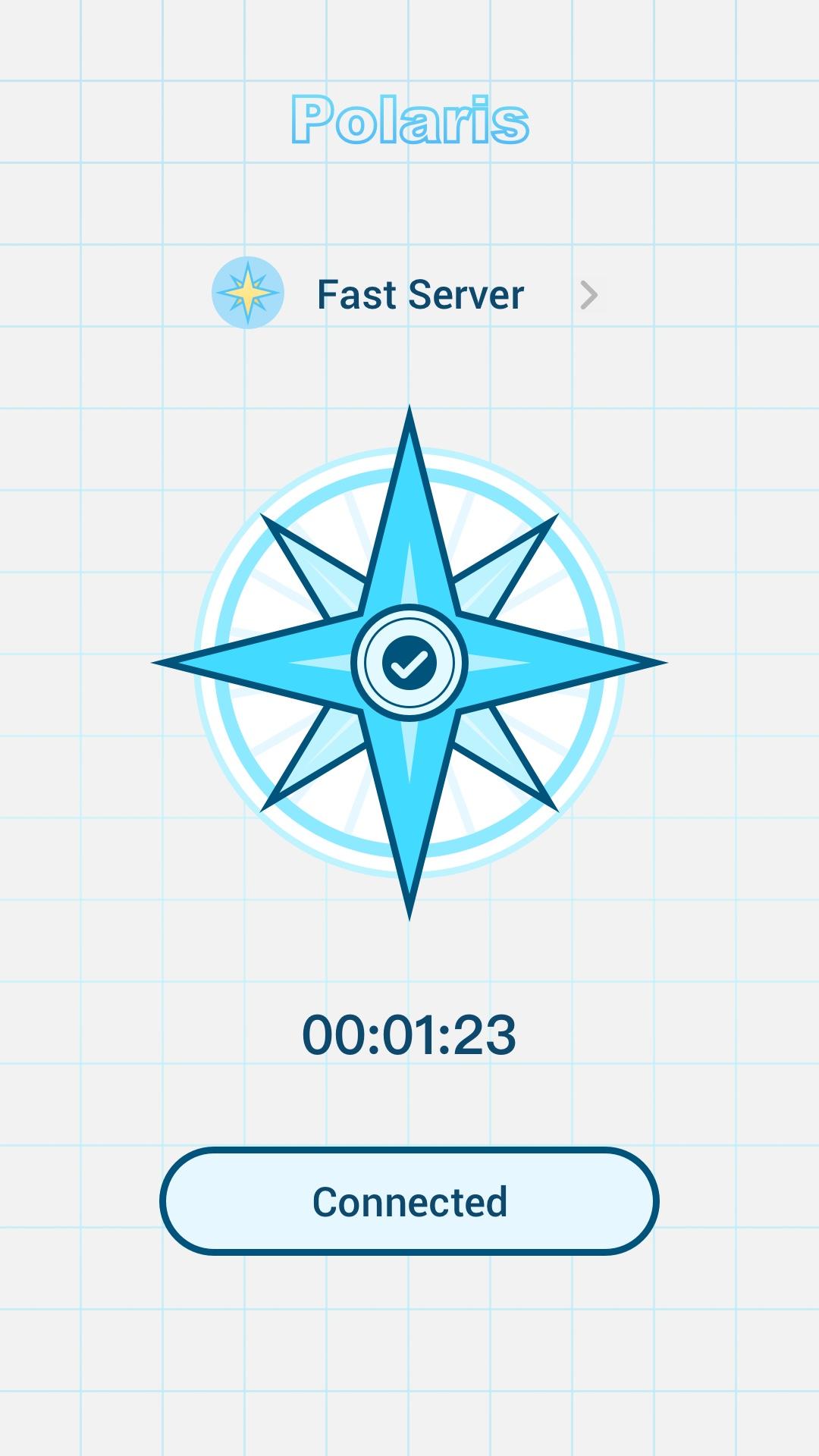
Simple interface. Just click to connect
Multiple stable and fast servers around the world
Hide your IP address and location
Unblocked blocked websites such as: Netflix, YouTube, Twitter, Facebook
Strict no-logs policy. You are completely anonymous and protected.
Unlimited free service
Individual Internet users can use it to protect transactions, circumvent geographic restrictions and censorship, and connect to proxy servers to protect personal identities and locations. However, some Internet sites block access to known proxy technologies to avoid geographic restrictions.
Предварительный просмотр

Теги
ИнструментыИнформация
Разработчик
DanielParkApp
Последняя версия
1.0.0
Последнее обновление
2022-06-24
Категория
Инструменты
Доступно на
Google Play
Показать больше
Как играть в Polaris - Super Privacy Proxy с GameLoop на ПК
1. Загрузите GameLoop с официального сайта, затем запустите исполняемый файл для установки GameLoop.
2. Откройте GameLoop и выполните поиск Polaris - Super Privacy Proxy, найдите Polaris - Super Privacy Proxy в результатах поиска и нажмите Установить.
3. Наслаждайтесь игрой в Polaris - Super Privacy Proxy на GameLoop.
Minimum requirements
OS
Windows 8.1 64-bit or Windows 10 64-bit
GPU
GTX 1050
CPU
i3-8300
Memory
8GB RAM
Storage
1GB available space
Recommended requirements
OS
Windows 8.1 64-bit or Windows 10 64-bit
GPU
GTX 1050
CPU
i3-9320
Memory
16GB RAM
Storage
1GB available space