Personalized Volume Control на пк
Kumar.Studio
Скачать Personalized Volume Control на ПК с помощью эмулятора GameLoop
Personalized Volume Control на ПК
Personalized Volume Control, исходящий от разработчика Kumar.Studio, в прошлом работал на системе Android.
Теперь вы можете без проблем играть в Personalized Volume Control на ПК с помощью GameLoop.
Загрузите его в библиотеке GameLoop или результатах поиска. Больше не нужно смотреть на аккумулятор или разочаровывать звонки в неподходящее время.
Просто наслаждайтесь Personalized Volume Control на ПК на большом экране бесплатно!
Personalized Volume Control Введение
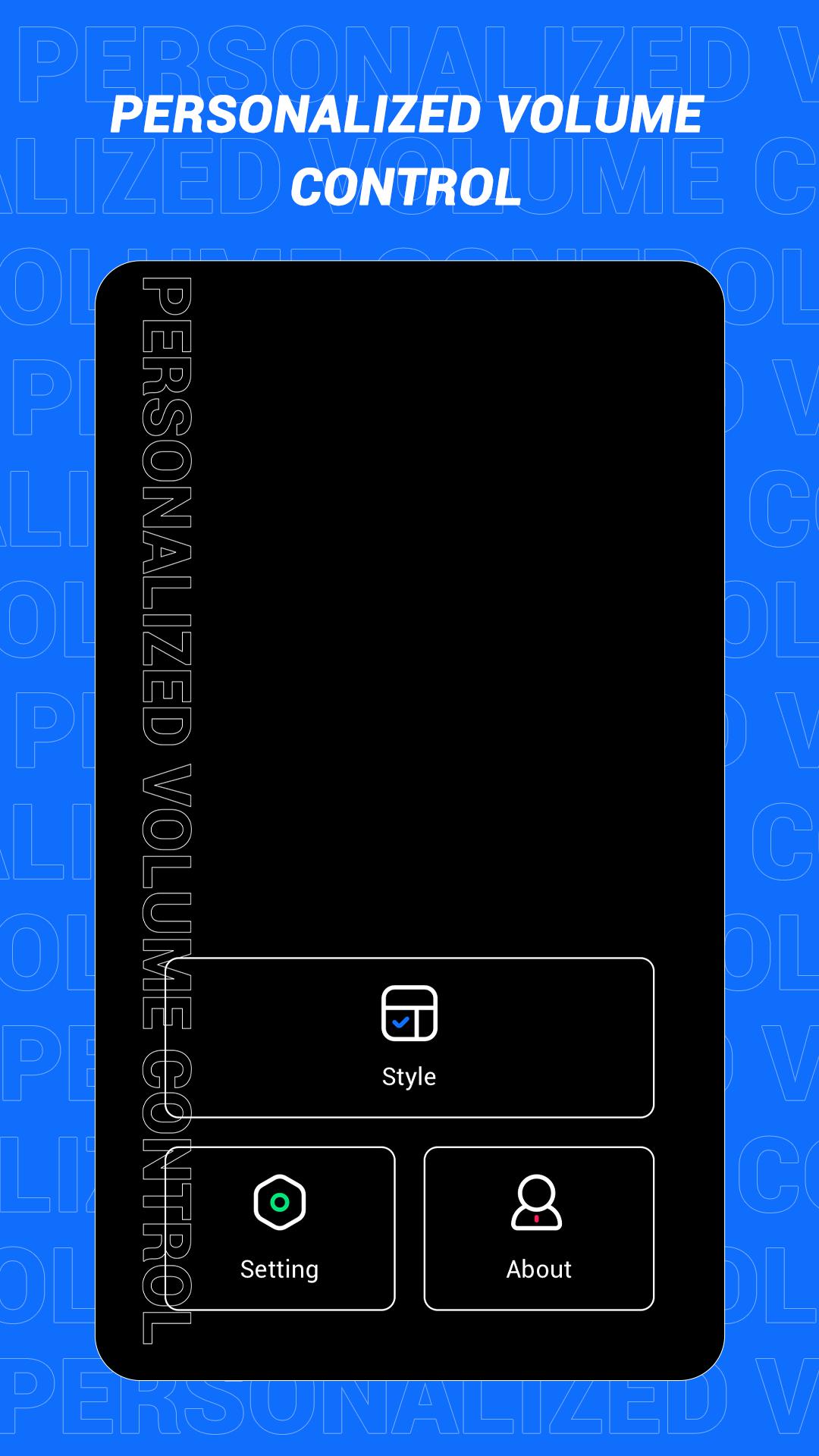
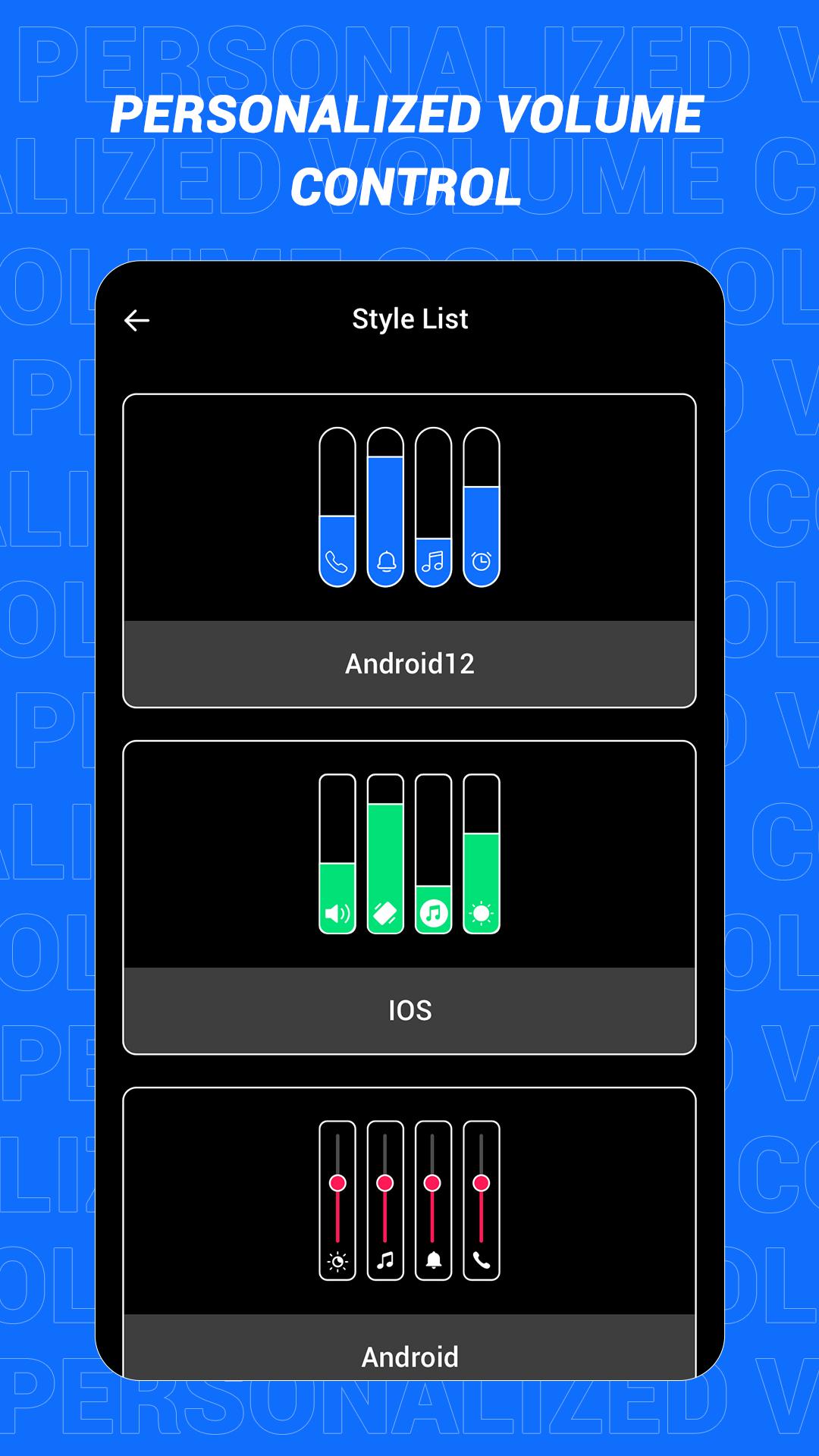
This is an app that can quickly change the style of the sound control panel. The volume control panel is to remind the user of the specific volume of the device and to adjust the volume more conveniently. In this software, a variety of panel styles are provided for users, and users can choose and set them at will. If you want a different color, you can choose your favorite color. In this app, users can also increase the brightness adjustment slider according to the actual situation!
Main features:
1. Provide a variety of volume panel styles to choose from
2. You can change the panel color to your favorite color
3. You can add shortcuts for multiple functions
4. Support more detailed function settings
Disclaimer: This application is only a tool application and will not collect any information from you, please rest assured!
Предварительный просмотр
Теги
ИнструментыИнформация
Разработчик
Kumar.Studio
Последняя версия
1.1
Последнее обновление
2022-08-08
Категория
Инструменты
Доступно на
Google Play
Показать больше
Как играть в Personalized Volume Control с GameLoop на ПК
1. Загрузите GameLoop с официального сайта, затем запустите исполняемый файл для установки GameLoop.
2. Откройте GameLoop и выполните поиск Personalized Volume Control, найдите Personalized Volume Control в результатах поиска и нажмите Установить.
3. Наслаждайтесь игрой в Personalized Volume Control на GameLoop.
Minimum requirements
OS
Windows 8.1 64-bit or Windows 10 64-bit
GPU
GTX 1050
CPU
i3-8300
Memory
8GB RAM
Storage
1GB available space
Recommended requirements
OS
Windows 8.1 64-bit or Windows 10 64-bit
GPU
GTX 1050
CPU
i3-9320
Memory
16GB RAM
Storage
1GB available space