
Paste Keyboard : Copy And Paste Keyboard на пк
NANOKU APPS
Скачать Paste Keyboard : Copy And Paste Keyboard на ПК с помощью эмулятора GameLoop
Paste Keyboard : Copy And Paste Keyboard на ПК
Paste Keyboard : Copy And Paste Keyboard, исходящий от разработчика NANOKU APPS, в прошлом работал на системе Android.
Теперь вы можете без проблем играть в Paste Keyboard : Copy And Paste Keyboard на ПК с помощью GameLoop.
Загрузите его в библиотеке GameLoop или результатах поиска. Больше не нужно смотреть на аккумулятор или разочаровывать звонки в неподходящее время.
Просто наслаждайтесь Paste Keyboard : Copy And Paste Keyboard на ПК на большом экране бесплатно!
Paste Keyboard : Copy And Paste Keyboard Введение
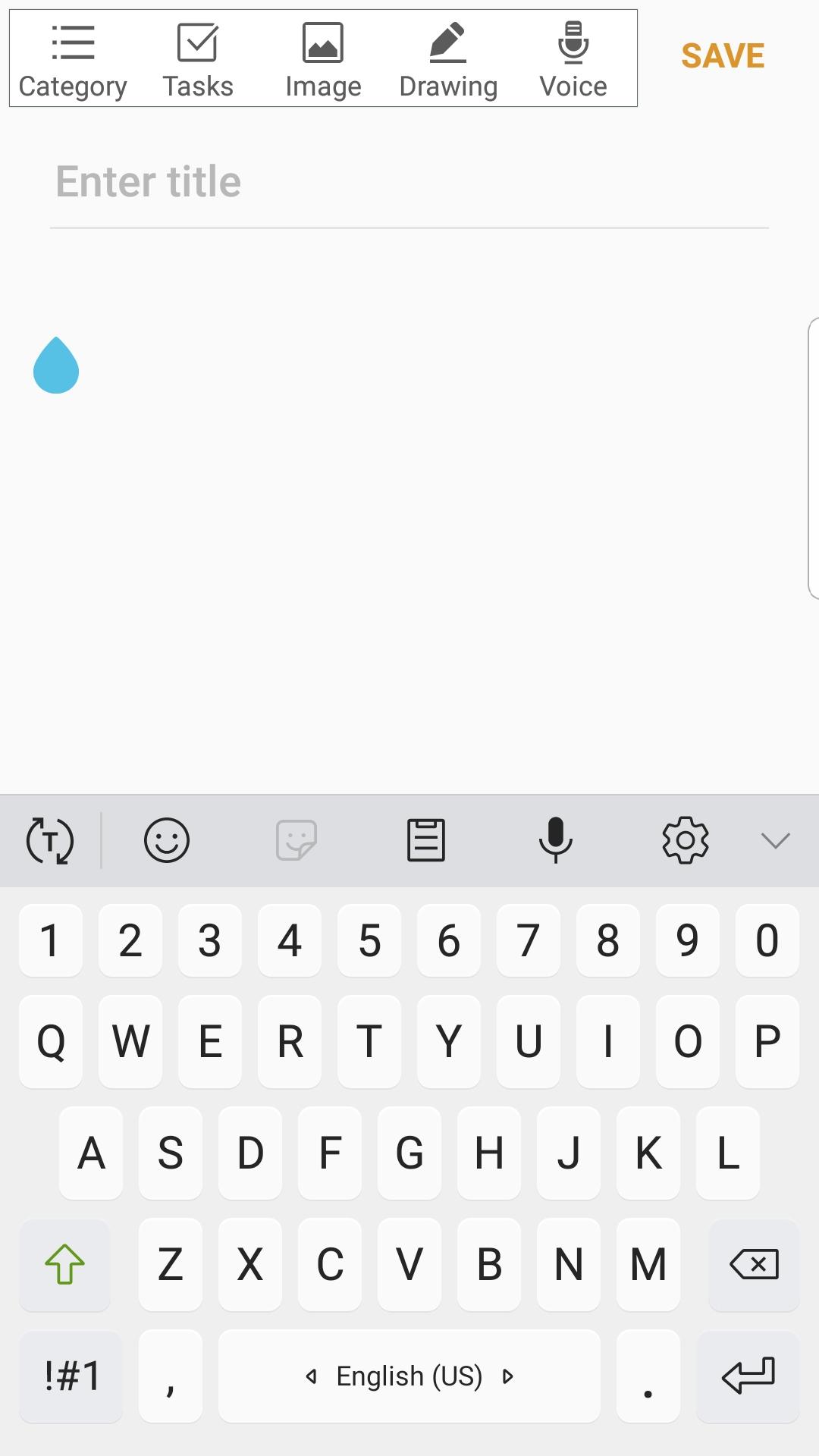
Paste Keyboard is a free custom keyboard app that allows users to fill out template text directly from their keyboard without having to switch to another location to copy and paste.
If you find yourself typing similar text over and over again, such as email, address, phone number, greeting messages, etc., then this free Copy & Paste Keyboard app is ideal for you to save time. Simply go to the main interface and create a few templates that you might use frequently. When you need to fill those sentences, simply tap on the globe icon to switch to this custom auto snap keyboard.
Some people use this copy paste keyboard app to spam their friends for fun, while others use it to speed up their writing work. It's entirely up to you how you want to use this copy & paste keyboard. If you enjoy and find this sclipboard keyboard app useful, please help us share it with others!
copy and paste keyboards are commonly used as an on-screen input method in devices that lack a physical keyboard, such as a pocket computer, personal digital assistant (PDA), tablet computer, or touchscreen-equipped mobile phone. Text is typically entered by tapping a virtual keyboard or by finger-tracing.
Virtual keyboards are also used in emulation software for systems that have fewer buttons than a computer keyboard.
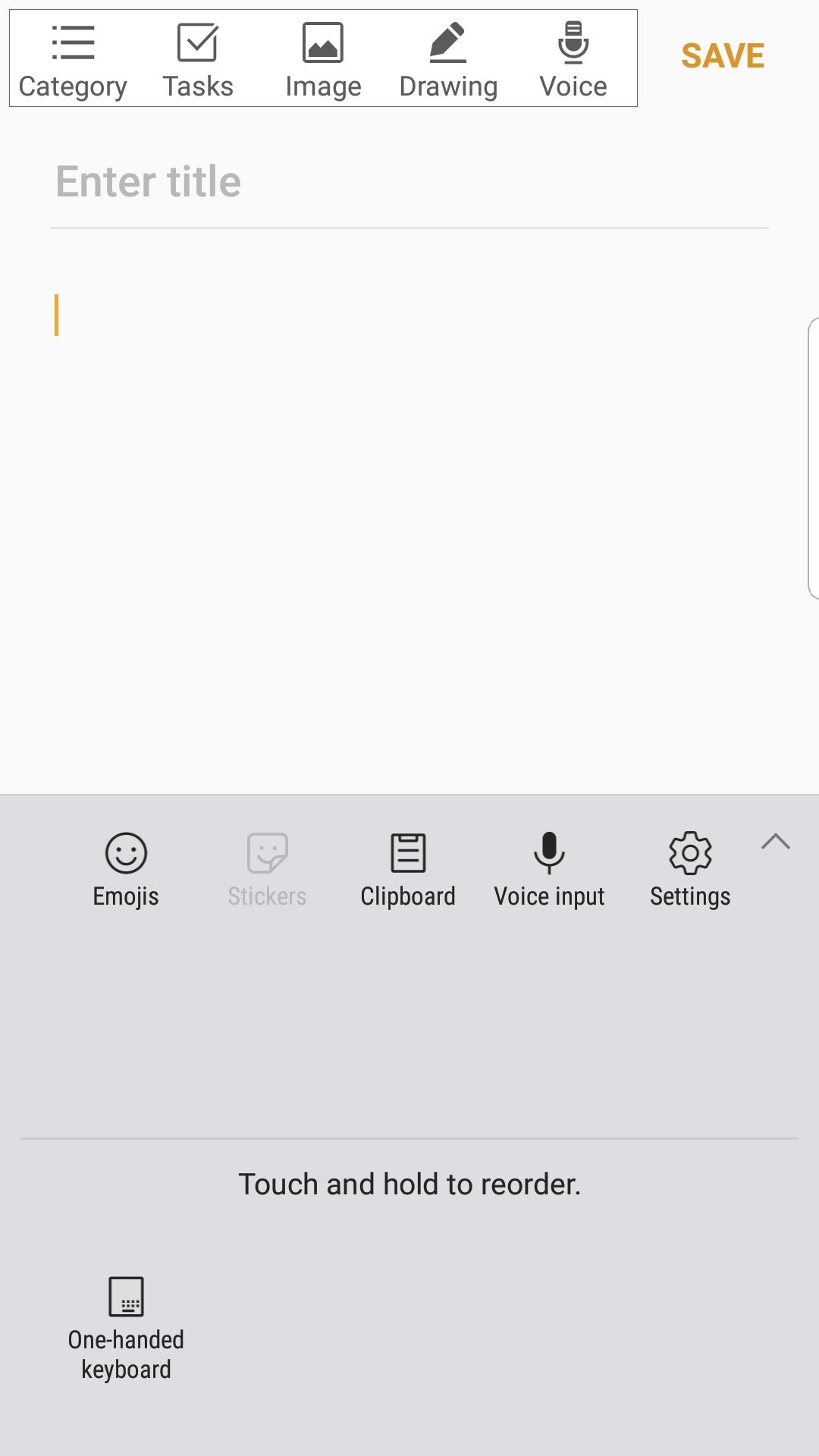
Paste Keyboard is a clipboard manager that works in conjunction with a standard or third-party keyboard.
Paste Keyboard records what you copy to your system's clipboard. Its clipboard history then allows you to quickly access what you previously copied and paste it wherever you want.
To access the ClipKey Clipboard, simply select it from your system's keyboard switching menu.
Предварительный просмотр
Информация
Разработчик
NANOKU APPS
Последняя версия
1
Последнее обновление
2021-07-14
Категория
Инструменты
Доступно на
Google Play
Показать больше
Как играть в Paste Keyboard : Copy And Paste Keyboard с GameLoop на ПК
1. Загрузите GameLoop с официального сайта, затем запустите исполняемый файл для установки GameLoop.
2. Откройте GameLoop и выполните поиск Paste Keyboard : Copy And Paste Keyboard, найдите Paste Keyboard : Copy And Paste Keyboard в результатах поиска и нажмите Установить.
3. Наслаждайтесь игрой в Paste Keyboard : Copy And Paste Keyboard на GameLoop.
Minimum requirements
OS
Windows 8.1 64-bit or Windows 10 64-bit
GPU
GTX 1050
CPU
i3-8300
Memory
8GB RAM
Storage
1GB available space
Recommended requirements
OS
Windows 8.1 64-bit or Windows 10 64-bit
GPU
GTX 1050
CPU
i3-9320
Memory
16GB RAM
Storage
1GB available space