Mobile Authenticator App - QR & Password Generator на пк
UpNext Generation Studio
Скачать Mobile Authenticator App - QR & Password Generator на ПК с помощью эмулятора GameLoop
Mobile Authenticator App - QR & Password Generator на ПК
Mobile Authenticator App - QR & Password Generator, исходящий от разработчика UpNext Generation Studio, в прошлом работал на системе Android.
Теперь вы можете без проблем играть в Mobile Authenticator App - QR & Password Generator на ПК с помощью GameLoop.
Загрузите его в библиотеке GameLoop или результатах поиска. Больше не нужно смотреть на аккумулятор или разочаровывать звонки в неподходящее время.
Просто наслаждайтесь Mobile Authenticator App - QR & Password Generator на ПК на большом экране бесплатно!
Mobile Authenticator App - QR & Password Generator Введение
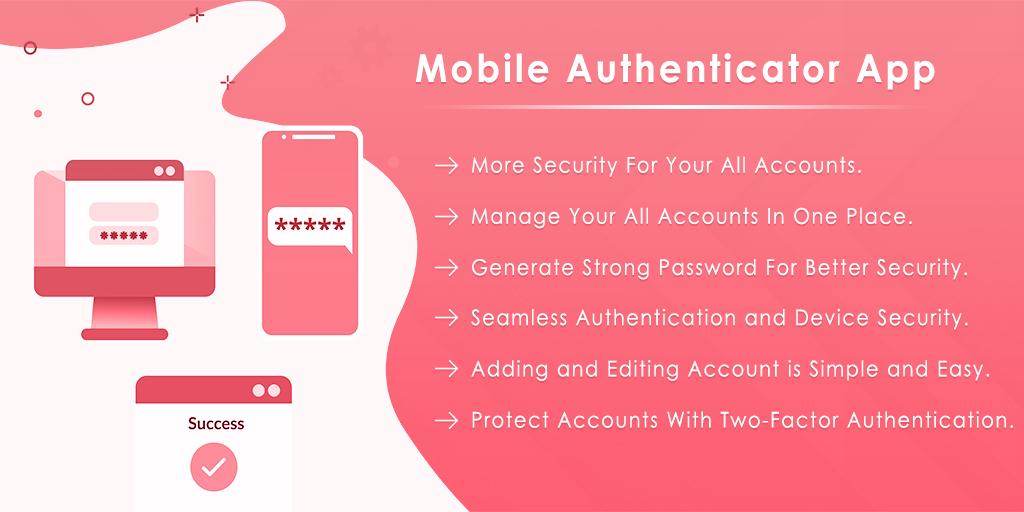
Mobile Authenticator Application helps to access your account with two factor authentication.
Application provide extra layer of security for your online any accounts.
Just enable two factor authentication from your account and scan code here to give authorized access... Simple!
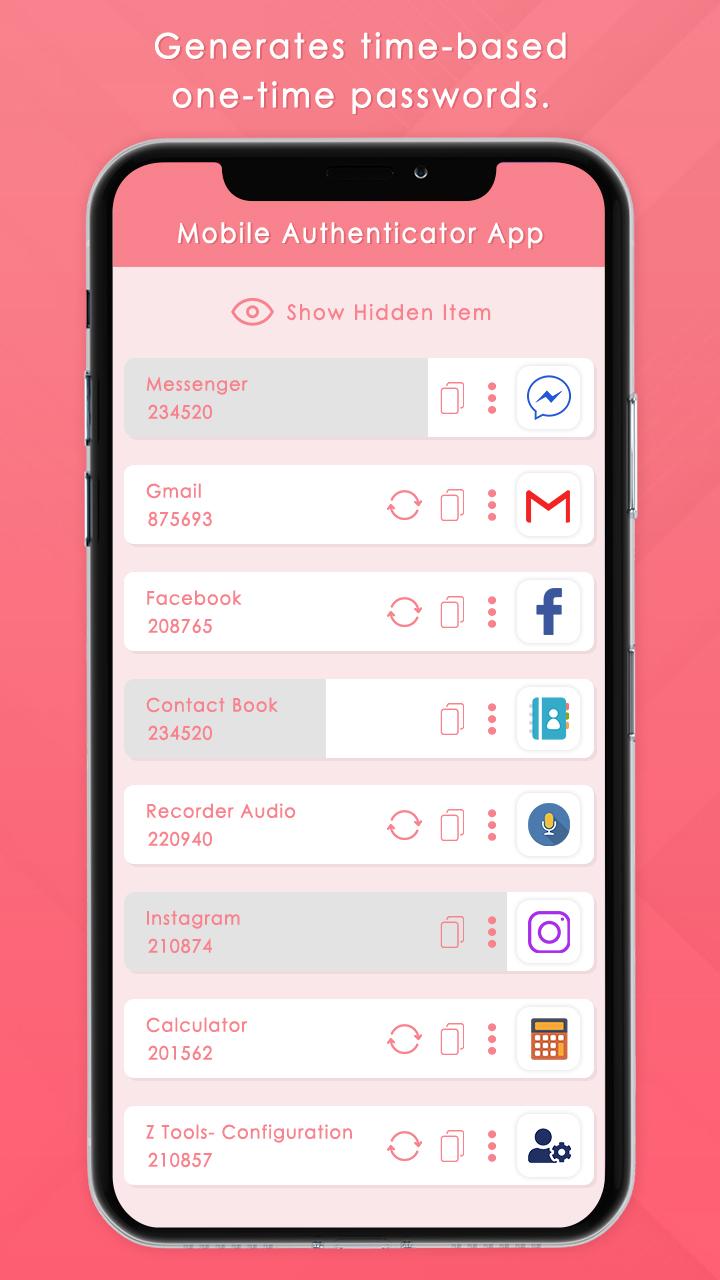
Mobile Authenticator App generates time based one time password for your account based on two factor authentication.
You can find here total access list of your accounts anytime.
Also here you can create your secure passwords for push authentication.
QR & Password Generator helps to generate random password from combination of uppercase, lowercase, symbols & digits.
You can easily create random password which was easily unreadable for anyone.
Easy to copy & paste anywhere that you want to set as your way.
No limitation for password strength.
Mobile Authentication enable two factor authentication, scan QR codes, authentication access and done!
Features :-
* Mobile Authenticator application generate two factor authentication codes for your any types of accounts.
* Fully password protection.
* Supports different SHA algorithms.
* Generate new tokens one time for after every 45 second.
* You can update token generated time as your way.
* Just scan a simple QR code to give access on your account.
* Also you can copy token and use it for authorized login.
* Use tokens anytime anywhere when you need this.
* Improove security with password generator.
* Generate password as you want.
* Amazing password combination maker from uppercase, lowercase, symbols & digits.
Notes :-
Mobile Authenticator Application doesn't store any personal data or password.
Data always encrypted using 256 bit AES standard.
Предварительный просмотр
Информация
Разработчик
UpNext Generation Studio
Последняя версия
1.1
Последнее обновление
2021-09-01
Категория
Инструменты
Доступно на
Google Play
Показать больше
Как играть в Mobile Authenticator App - QR & Password Generator с GameLoop на ПК
1. Загрузите GameLoop с официального сайта, затем запустите исполняемый файл для установки GameLoop.
2. Откройте GameLoop и выполните поиск Mobile Authenticator App - QR & Password Generator, найдите Mobile Authenticator App - QR & Password Generator в результатах поиска и нажмите Установить.
3. Наслаждайтесь игрой в Mobile Authenticator App - QR & Password Generator на GameLoop.
Minimum requirements
OS
Windows 8.1 64-bit or Windows 10 64-bit
GPU
GTX 1050
CPU
i3-8300
Memory
8GB RAM
Storage
1GB available space
Recommended requirements
OS
Windows 8.1 64-bit or Windows 10 64-bit
GPU
GTX 1050
CPU
i3-9320
Memory
16GB RAM
Storage
1GB available space