iOS Launcher: Control Center на пк
MuVid Apps
Скачать iOS Launcher: Control Center на ПК с помощью эмулятора GameLoop
iOS Launcher: Control Center на ПК
iOS Launcher: Control Center, исходящий от разработчика MuVid Apps, в прошлом работал на системе Android.
Теперь вы можете без проблем играть в iOS Launcher: Control Center на ПК с помощью GameLoop.
Загрузите его в библиотеке GameLoop или результатах поиска. Больше не нужно смотреть на аккумулятор или разочаровывать звонки в неподходящее время.
Просто наслаждайтесь iOS Launcher: Control Center на ПК на большом экране бесплатно!
iOS Launcher: Control Center Введение
Are You Lover of I phone? You wants to convert your android mobile in ios?
You are at the right place. This Android Application is designed for all iphone lover who want experience Apple Phone on Android.. This ios Luncher is makes your phone better than before.
Control Center: you can swipe up to open control center, set wifi, Brightness, Volume, flashlight, etc.
Weather and Suggestion widget: We provide a Weather and Suggestion widget, you can get the weather forecast in recent days.
Smart search: Simple search by swiping down anywhere on the screen.
In Our Application We Provide various Stylish Theme Adaptive to the themes you select, which can bring you smooth interface like iOS 13 like experience. ios Launcher is a fast and lightweight App designed especially for Android phone launchers and tablet launchers.
This Launcher is totally free for all android user. You can fell like your phone is iphone 13.
Features of iOS Launcher:-
- Beautiful Wallpaper to decorate your android screen.
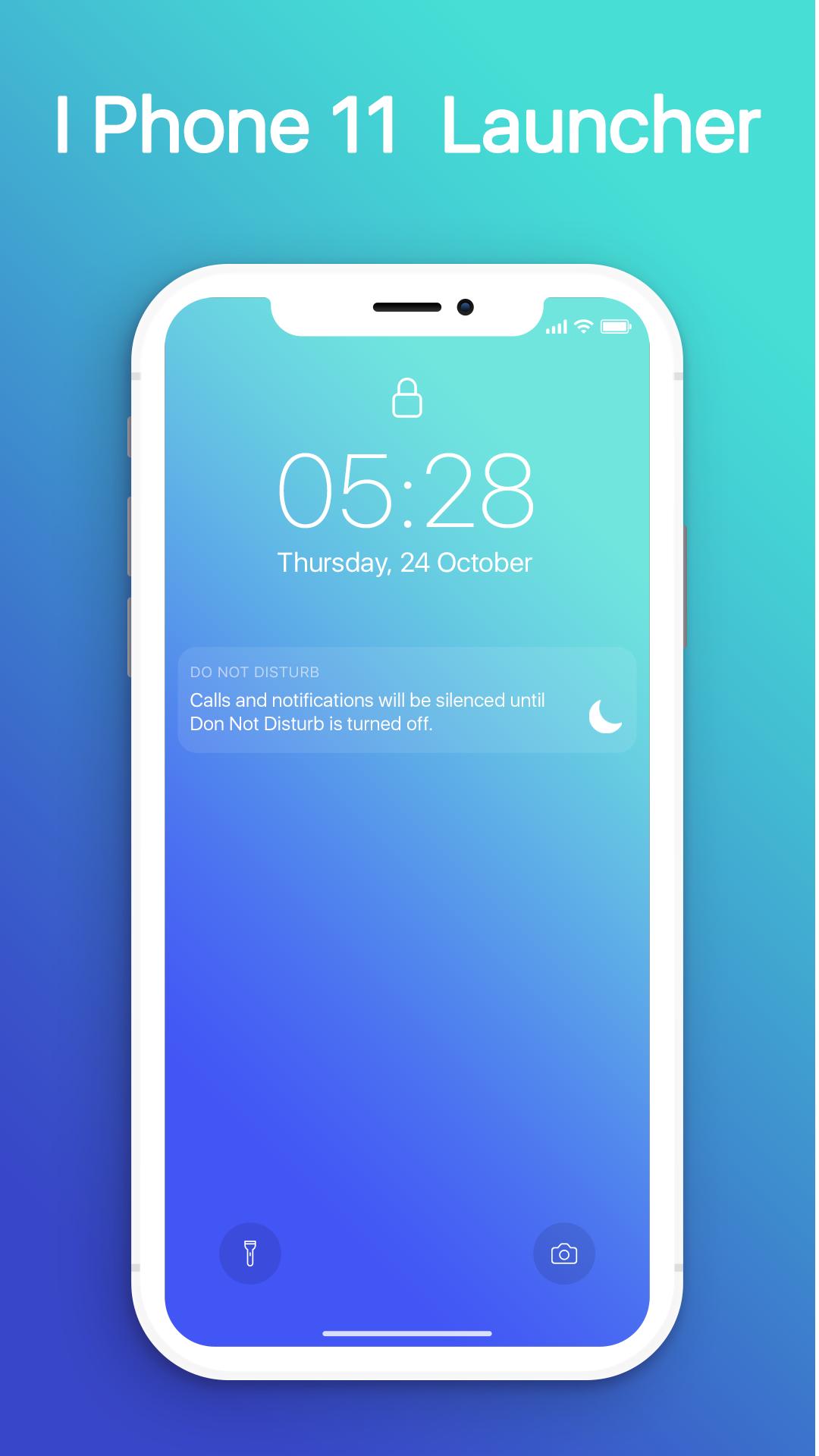
- Swipe down to display notification bar like iPhone 13.
- Control Center like iOS 13.
- Hide application use 3D touch or add in app settings.
- Smart Search: quickly find anything on your device.
- Free to use.
- Stylish Theme, icon pack for iOS 13.
- Notification Center: Show you notification history.
Предварительный просмотр
Информация
Разработчик
MuVid Apps
Последняя версия
1.3
Последнее обновление
2019-11-16
Категория
Инструменты
Доступно на
Google Play
Показать больше
Как играть в iOS Launcher: Control Center с GameLoop на ПК
1. Загрузите GameLoop с официального сайта, затем запустите исполняемый файл для установки GameLoop.
2. Откройте GameLoop и выполните поиск iOS Launcher: Control Center, найдите iOS Launcher: Control Center в результатах поиска и нажмите Установить.
3. Наслаждайтесь игрой в iOS Launcher: Control Center на GameLoop.
Minimum requirements
OS
Windows 8.1 64-bit or Windows 10 64-bit
GPU
GTX 1050
CPU
i3-8300
Memory
8GB RAM
Storage
1GB available space
Recommended requirements
OS
Windows 8.1 64-bit or Windows 10 64-bit
GPU
GTX 1050
CPU
i3-9320
Memory
16GB RAM
Storage
1GB available space