
Forza Horizon Telemetry на пк
sevtix
Скачать Forza Horizon Telemetry на ПК с помощью эмулятора GameLoop
Forza Horizon Telemetry на ПК
Forza Horizon Telemetry, исходящий от разработчика sevtix, в прошлом работал на системе Android.
Теперь вы можете без проблем играть в Forza Horizon Telemetry на ПК с помощью GameLoop.
Загрузите его в библиотеке GameLoop или результатах поиска. Больше не нужно смотреть на аккумулятор или разочаровывать звонки в неподходящее время.
Просто наслаждайтесь Forza Horizon Telemetry на ПК на большом экране бесплатно!
Forza Horizon Telemetry Введение
Only compatible with Forza Horizon 4
STORAGE PERMISSION IS NECESSARY TO USE THE DRAG HISTORY
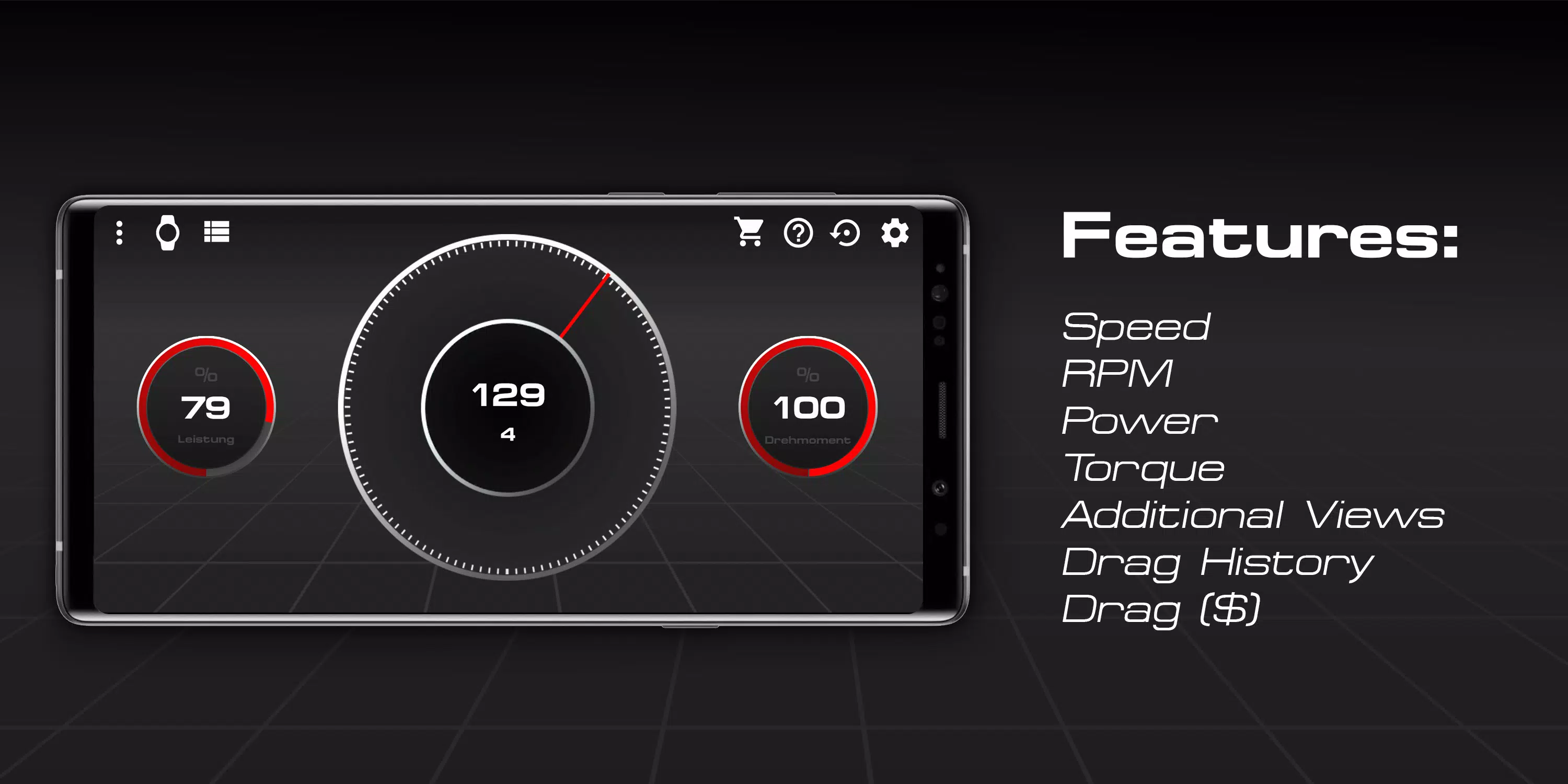
Features:
- Speed
- Revolutions per minute
- Power
- Torque
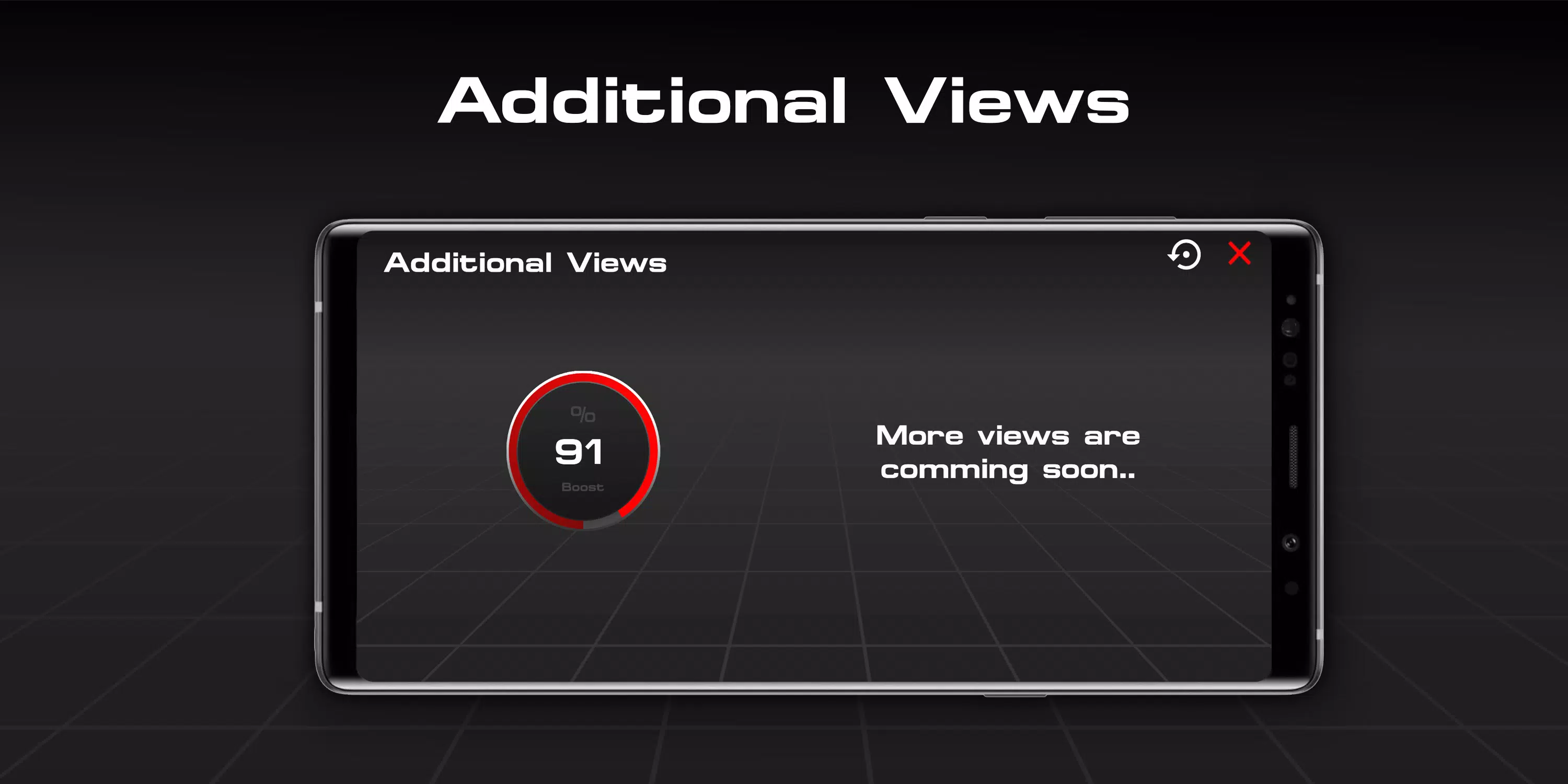
- Additional Views
- Drag List (free but useless without Drag Module)
- Drag Module (paid)
Tested with the Forza Horizon 4 PC version
Xbox compatibility not tested.
FAQ:
How do I connect with the game?
- 1. Make sure that both devices are in the same Wi-Fi network.
- 2. Enable UDP Output: Settings - HUD & Gameplay - UDP Telemetry Output - On.
- 3. Enter the IP address shown in the settings of the app in the input field "IP address".
- 4. Now only the UDP port, which is 4096 by default, is missing.
- 5. Enter the port and you're ready to go.
(- 6. Optionally, you can change the port if your port 4096 bothers you.)
I'm in a vehicle and have connected the app to the game using the tutorial, but the app does not respond, what to do?
- Make sure both devices are on the same Wi-Fi network and no services, such as Windows Firewall, block the port and make sure the UDP output is on and the IP address and port match.
All rights belong to their respective owners ("Forza" Logo and the name "Forza")
Предварительный просмотр
Информация
Разработчик
sevtix
Последняя версия
3.0 fixed3
Последнее обновление
2019-08-19
Категория
Инструменты
Доступно на
Google Play
Показать больше
Как играть в Forza Horizon Telemetry с GameLoop на ПК
1. Загрузите GameLoop с официального сайта, затем запустите исполняемый файл для установки GameLoop.
2. Откройте GameLoop и выполните поиск Forza Horizon Telemetry, найдите Forza Horizon Telemetry в результатах поиска и нажмите Установить.
3. Наслаждайтесь игрой в Forza Horizon Telemetry на GameLoop.
Minimum requirements
OS
Windows 8.1 64-bit or Windows 10 64-bit
GPU
GTX 1050
CPU
i3-8300
Memory
8GB RAM
Storage
1GB available space
Recommended requirements
OS
Windows 8.1 64-bit or Windows 10 64-bit
GPU
GTX 1050
CPU
i3-9320
Memory
16GB RAM
Storage
1GB available space