Floating Navigation Bar - Cust на пк
rdnextgen
Скачать Floating Navigation Bar - Cust на ПК с помощью эмулятора GameLoop
Floating Navigation Bar - Cust на ПК
Floating Navigation Bar - Cust, исходящий от разработчика rdnextgen, в прошлом работал на системе Android.
Теперь вы можете без проблем играть в Floating Navigation Bar - Cust на ПК с помощью GameLoop.
Загрузите его в библиотеке GameLoop или результатах поиска. Больше не нужно смотреть на аккумулятор или разочаровывать звонки в неподходящее время.
Просто наслаждайтесь Floating Navigation Bar - Cust на ПК на большом экране бесплатно!
Floating Navigation Bar - Cust Введение
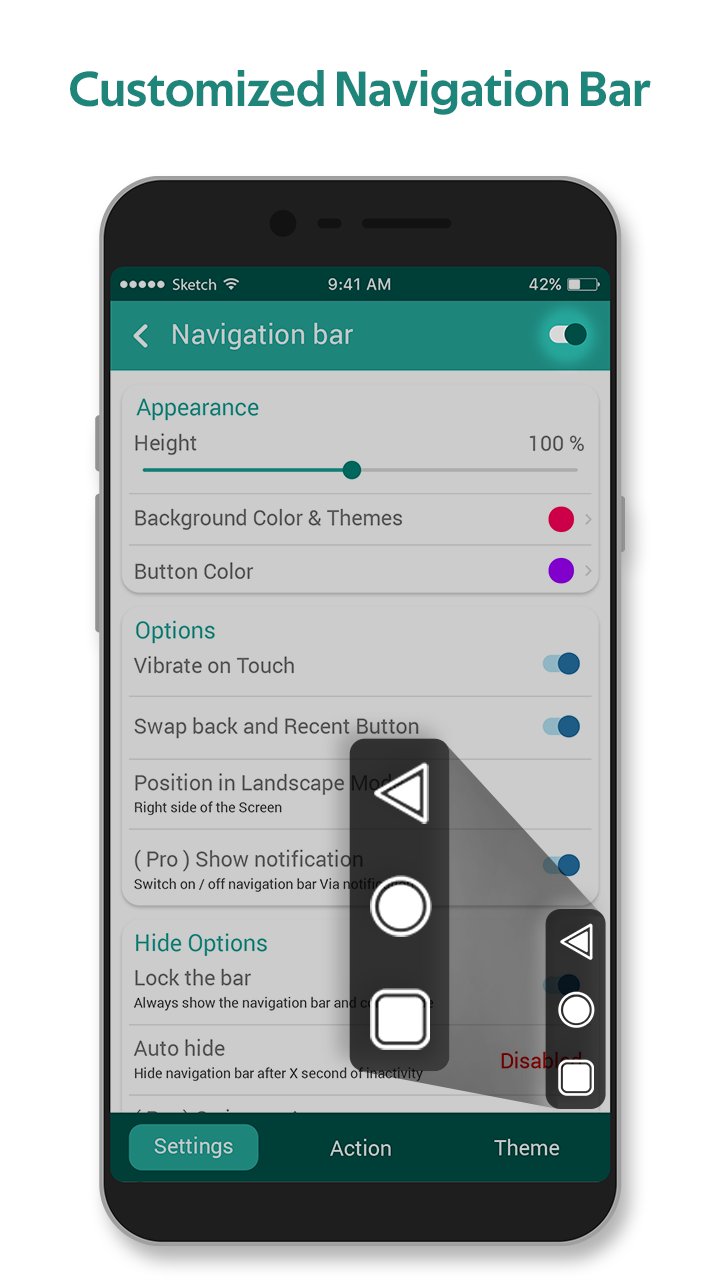
Several navigation bar apps allow the user to create their navigation bar with individual background task. The all-new intuitively designed Floating Navigation Bar - Customized facilitates a range of editing features to create customized navigation bars along with floating feature, wherein the user can slide the navigation bar on the screen easily.
The floating feature is adaptability of the floating button in iPhone series. Floating Navigation Bar - Customized app is designed by professional Android designers and developers to provide the Android users with an amazing customization experience of having a manual control on their device.
Floating Navigation Bar - Customized covers a range of utilities like height, width, color, button color, background, gradient color, individual touch actions, button icons, etc. Floating Navigation Bar - Customized is a profound navigation bar maker and editor app which serves its purpose effectively and efficiently!
Roadmap:-
- Allow overlay permission to Floating Navigation Bar - Customized app.
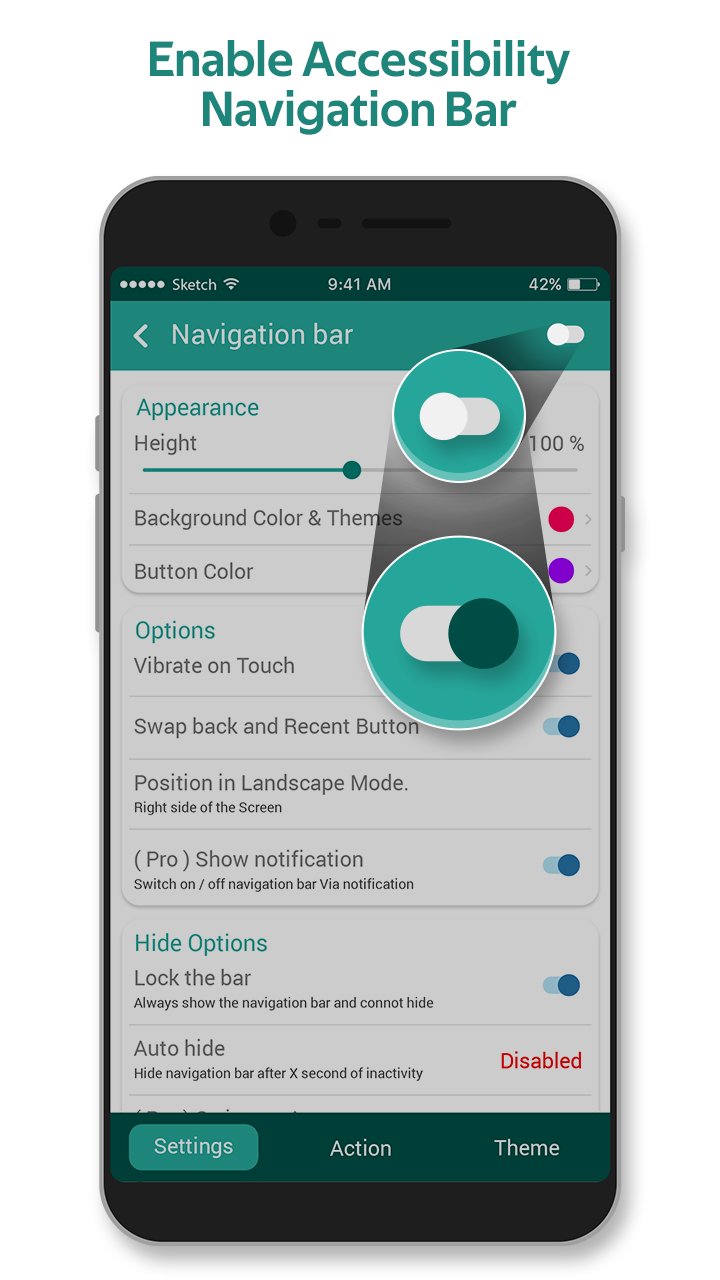
- Turn on toggle to display Customized Navigation Bar over other apps.
- Turn on Floating Navigation Bar - Customized app as accessibility service.
- Click on "Go To Settings" tab. This will direct you to settings window.
- Window displays the requirements of Floating Navigation Bar - Customized app: observe your actions, retrieve window content and perform gestures. Click on OK.
- Turn on Toggle to access Floating Navigation Bar.
- Set the height and width of the navigation bar via sliders present in the appearance section of settings.
- Select navigation bar color and button color from the color palette in the appearance section of settings.
- Turn on toggle if required for: Vibrate on touch, swipe back and recent buttons, auto-adjust in portrait, auto-adjust in landscape, show app notification, vertical bar.
- Set the opacity of the navigation bar via the sliders in the Hide options section.
- For action, Allow Floating Navigation Bar - Customized app access to photos, media, and files on devices.
- Allow Floating Navigation Bar - Customized app to take pictures and record video.
- Customize the back, home and recent buttons by assigning them any of the ones: No action, settings, camera, browser, power summary, toggle down notification, split-screen, voice command, date-time settings, power dialog.
- Turn on the toggle for the theme section to invoke background, gradient and icon effects.
- Select one of the stunning background frames enlisted in the background section to make vibrant navigation bar.
- Select gradient color 1, 2 and 3 from the gradient section.
- Pick one of the creative and stunning icon styles presented in the icon section.
Floating Navigation Bar - Customized app is a collection of phenomenal editing effects to create explicitly customized navigation bars. Floating Navigation Bar - Customized app is completely free to install.
Floating Navigation Bar - Customized is a readily available Android app. Floating Navigation Bar - Customized app has an easy installation process. Floating Navigation Bar - Customized app is easy to understand and employs an easy-to-use functionality.
Floating Navigation Bar - Customized app is a lightweight application, will not drain the deice memory, battery and other resources. Floating Navigation Bar - Customized app supports almost all screen resolutions of mobile and tablet devices.
Quick! Quick!! Quick!!!
Install the Floating Navigation Bar - Customized app NOW!!!
Предварительный просмотр
Теги
ИнструментыИнформация
Разработчик
rdnextgen
Последняя версия
5.0
Последнее обновление
2021-07-14
Категория
Инструменты
Доступно на
Google Play
Показать больше
Как играть в Floating Navigation Bar - Cust с GameLoop на ПК
1. Загрузите GameLoop с официального сайта, затем запустите исполняемый файл для установки GameLoop.
2. Откройте GameLoop и выполните поиск Floating Navigation Bar - Cust, найдите Floating Navigation Bar - Cust в результатах поиска и нажмите Установить.
3. Наслаждайтесь игрой в Floating Navigation Bar - Cust на GameLoop.
Minimum requirements
OS
Windows 8.1 64-bit or Windows 10 64-bit
GPU
GTX 1050
CPU
i3-8300
Memory
8GB RAM
Storage
1GB available space
Recommended requirements
OS
Windows 8.1 64-bit or Windows 10 64-bit
GPU
GTX 1050
CPU
i3-9320
Memory
16GB RAM
Storage
1GB available space