
HD Screen Recorder на пк
Infinity Apps Pvt. Ltd.
Скачать HD Screen Recorder на ПК с помощью эмулятора GameLoop
HD Screen Recorder на ПК
HD Screen Recorder, исходящий от разработчика Infinity Apps Pvt. Ltd., в прошлом работал на системе Android.
Теперь вы можете без проблем играть в HD Screen Recorder на ПК с помощью GameLoop.
Загрузите его в библиотеке GameLoop или результатах поиска. Больше не нужно смотреть на аккумулятор или разочаровывать звонки в неподходящее время.
Просто наслаждайтесь HD Screen Recorder на ПК на большом экране бесплатно!
HD Screen Recorder Введение
Free Smart Screen Recorder for android is the best app to record the screen of your Smartphone. It does NOT require root access, without a time limit, no watermark screen recorder, and very easy to use with one action to start and stop recording.
This is the easiest app Screen Recording App and Screenshot. The application supports full HD screen quality recording. Start or stop screen recording with only one tap. It’s a completely free screen recorder application. You can record gameplay, live show, video chat, capture chatting history, or anything you want.
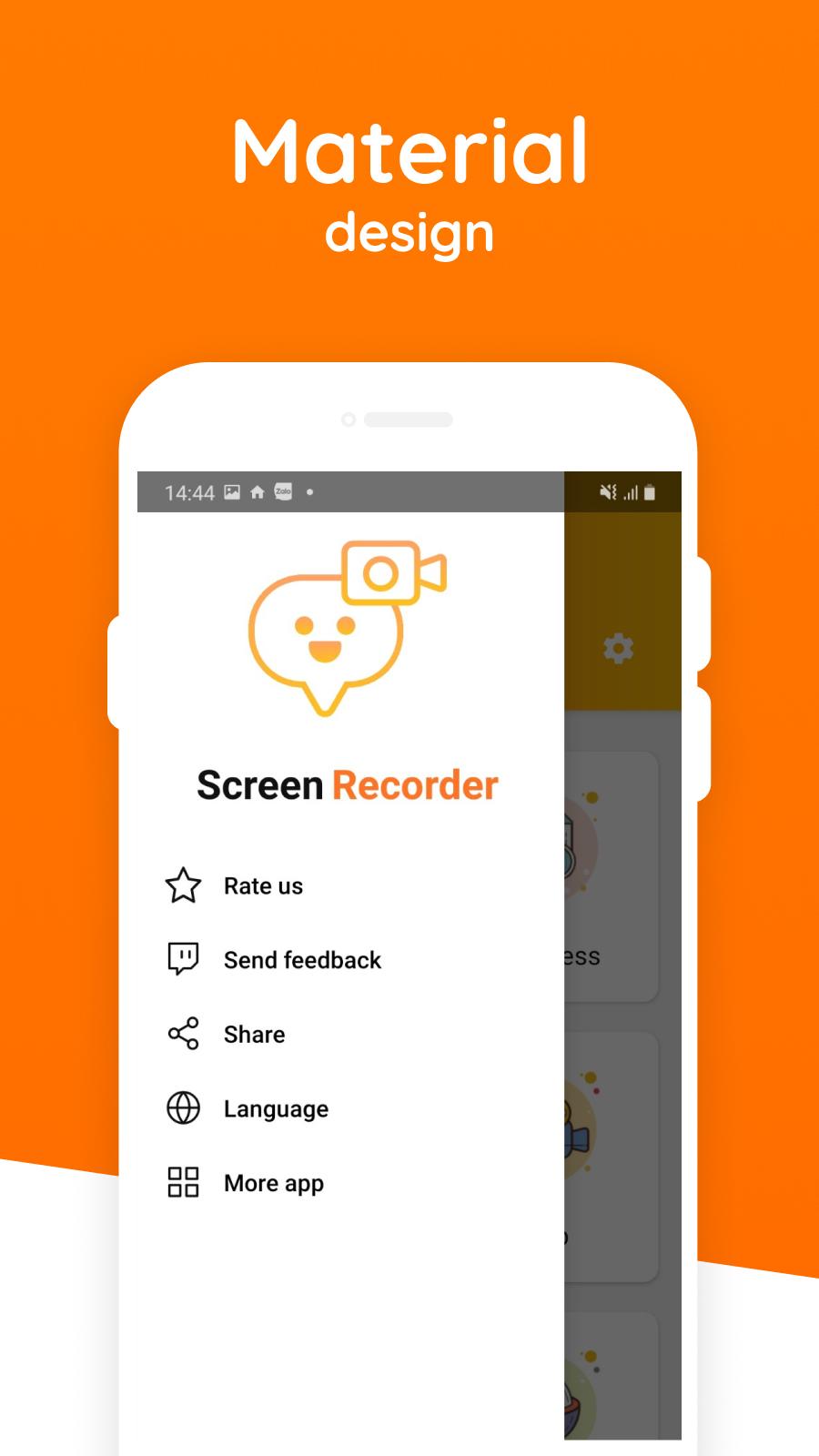
This app isn’t the fully function screen record application, but the user interface is also carefully designed. The modern and clean UIs of Screen Recording App make it fluent and enjoyable to use. The most basic application for a screen recording app HD quality and screen capture.
An outstanding feature of this Screen recorder is simple, light and modern. If you’re not a master smartphone, you still use it well.
*Key features:-
Screen Recording App You may want to Screen Recording while playing the game, screen recorder your video chat with friends. So our free Screen Recording App offers you:
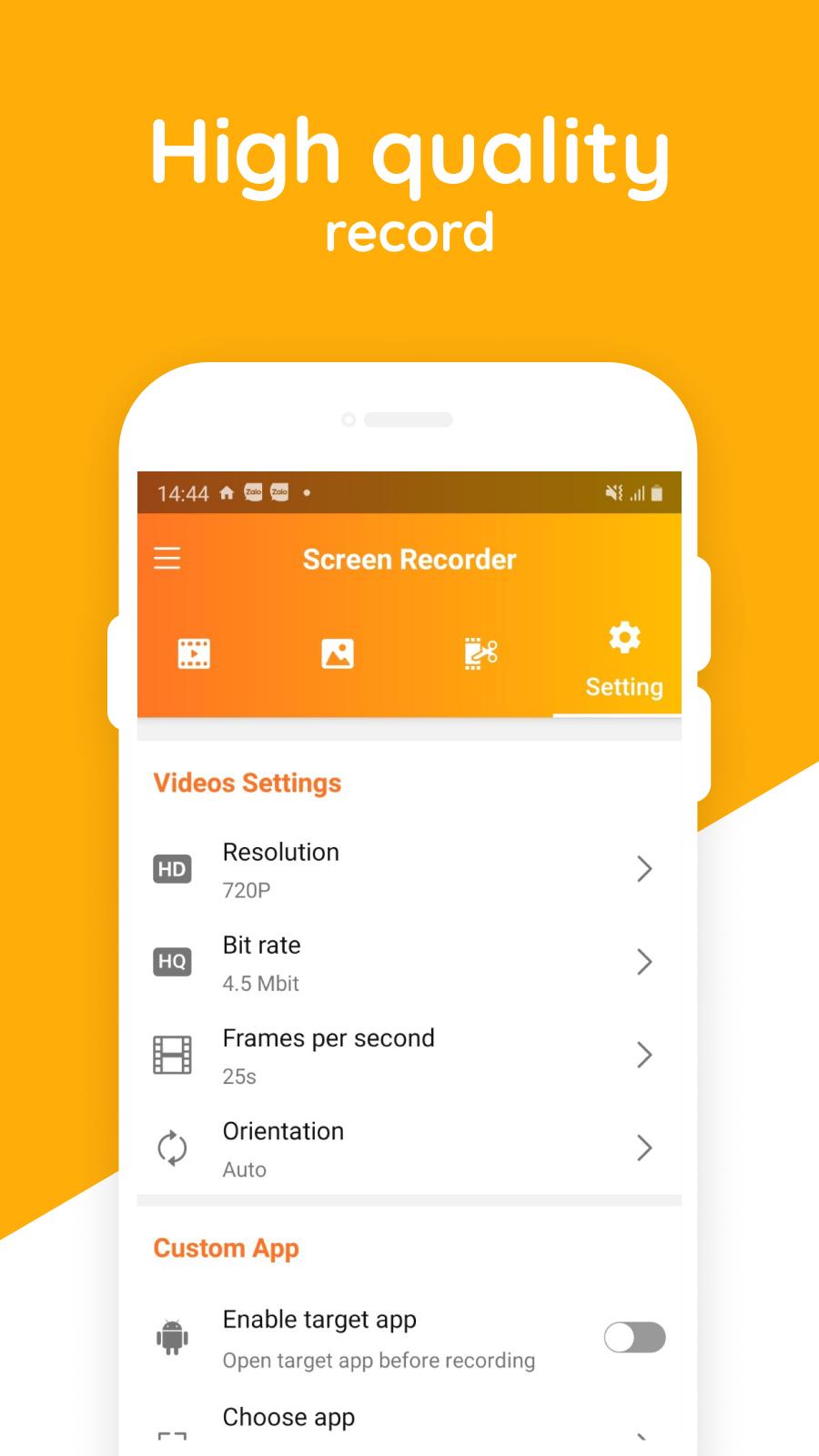
– High video resolution, video quality. Automatically choose the best video settings for your device.
– One tap to record your screen through a floating button.
– Multiple resolution screen record: HD, FHD, QHD.
– Many solution records: Bitrate, Frame, Screen rotate.
– Shake to enable, unable record.
– Target app to direct record.
– Auto enables the speaker to record external sound.
– One tap to start/pause/resume recording
– Record no watermark screen recorder.
– Pause/resume recording app.
Screen Capture You want to save chatting history? Want to capture screenshots to note your mind? The best android app you need is our Free Screen Recorder and Screen Capture. Because our Free Screen Recorder for android provides:
– Screen capture works when recording your screen.
– One tap to capture your screen through a floating button.
Предварительный просмотр
Теги
ИнструментыИнформация
Разработчик
Infinity Apps Pvt. Ltd.
Последняя версия
2.0
Последнее обновление
2021-07-14
Категория
Инструменты
Доступно на
Google Play
Показать больше
Как играть в HD Screen Recorder с GameLoop на ПК
1. Загрузите GameLoop с официального сайта, затем запустите исполняемый файл для установки GameLoop.
2. Откройте GameLoop и выполните поиск HD Screen Recorder, найдите HD Screen Recorder в результатах поиска и нажмите Установить.
3. Наслаждайтесь игрой в HD Screen Recorder на GameLoop.
Minimum requirements
OS
Windows 8.1 64-bit or Windows 10 64-bit
GPU
GTX 1050
CPU
i3-8300
Memory
8GB RAM
Storage
1GB available space
Recommended requirements
OS
Windows 8.1 64-bit or Windows 10 64-bit
GPU
GTX 1050
CPU
i3-9320
Memory
16GB RAM
Storage
1GB available space