Sarimin File Manager на пк
Oscar Perdanakusuma
Скачать Sarimin File Manager на ПК с помощью эмулятора GameLoop
Sarimin File Manager на ПК
Sarimin File Manager, исходящий от разработчика Oscar Perdanakusuma, в прошлом работал на системе Android.
Теперь вы можете без проблем играть в Sarimin File Manager на ПК с помощью GameLoop.
Загрузите его в библиотеке GameLoop или результатах поиска. Больше не нужно смотреть на аккумулятор или разочаровывать звонки в неподходящее время.
Просто наслаждайтесь Sarimin File Manager на ПК на большом экране бесплатно!
Sarimin File Manager Введение
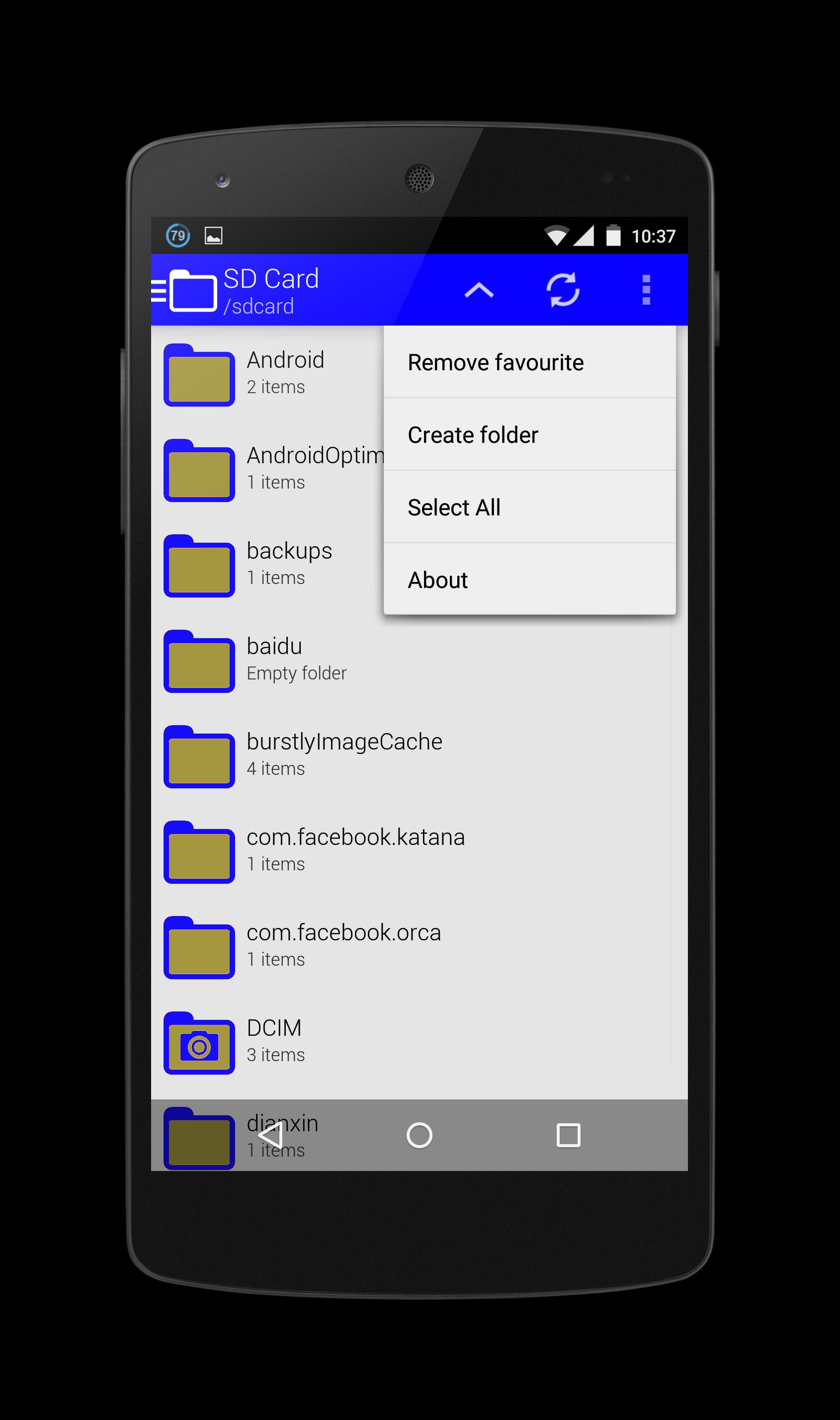
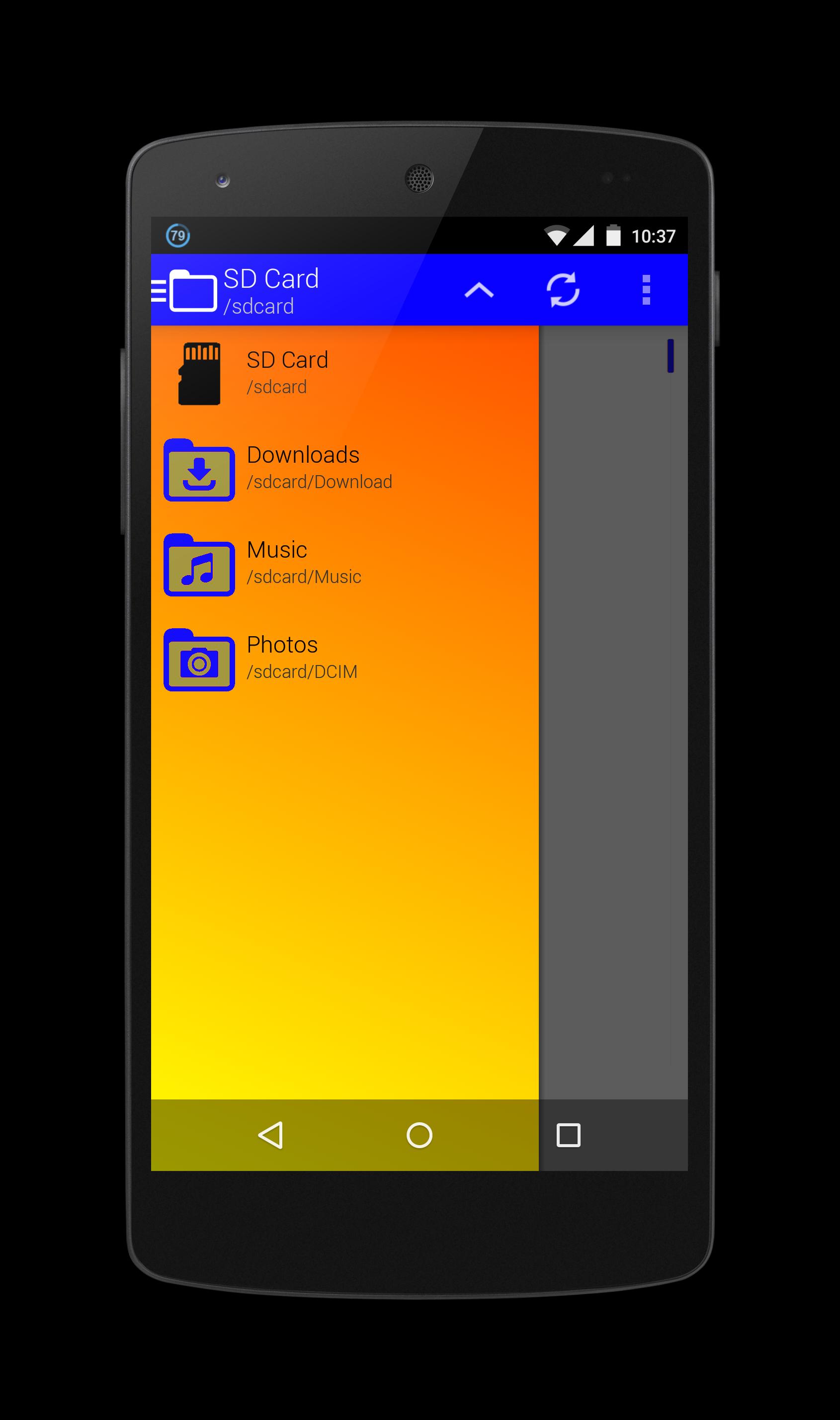
Sarimin file manager let user interaction with the files and can restrict access when required. In addition to functions of the user interface, they can carry out security functions in the background automatically. When operating on a network, such a program can let users share work, collaborate on projects and coordinate schedules.
Operation functions let the users interact with the files. These functions typically include "Open," "Save," "Close," "Copy," "Move," "Delete," "Rename," "New." A "Print" function is sometimes included if an associated printer is compatible with Sarimin file manager, and a "Manage" or "Properties" function lets users configure the program and how it stores the files.
The security aspects of a file management program include access and data integrity. The program can restrict access to itself or to particular files with log-in procedures. It can specify a user name and a password for program or folder access, or it can encrypt files and require a password to access the data. With regard to data integrity, it can keep track of modifications and deletions to make sure users can reverse unauthorized changes.
Предварительный просмотр
Информация
Разработчик
Oscar Perdanakusuma
Последняя версия
1.0
Последнее обновление
2015-07-15
Категория
Инструменты
Доступно на
Google Play
Показать больше
Как играть в Sarimin File Manager с GameLoop на ПК
1. Загрузите GameLoop с официального сайта, затем запустите исполняемый файл для установки GameLoop.
2. Откройте GameLoop и выполните поиск Sarimin File Manager, найдите Sarimin File Manager в результатах поиска и нажмите Установить.
3. Наслаждайтесь игрой в Sarimin File Manager на GameLoop.
Minimum requirements
OS
Windows 8.1 64-bit or Windows 10 64-bit
GPU
GTX 1050
CPU
i3-8300
Memory
8GB RAM
Storage
1GB available space
Recommended requirements
OS
Windows 8.1 64-bit or Windows 10 64-bit
GPU
GTX 1050
CPU
i3-9320
Memory
16GB RAM
Storage
1GB available space