Wi-fi Keyboard на пк
Ishwarya Prasanna
Скачать Wi-fi Keyboard на ПК с помощью эмулятора GameLoop
Wi-fi Keyboard на ПК
Wi-fi Keyboard, исходящий от разработчика Ishwarya Prasanna, в прошлом работал на системе Android.
Теперь вы можете без проблем играть в Wi-fi Keyboard на ПК с помощью GameLoop.
Загрузите его в библиотеке GameLoop или результатах поиска. Больше не нужно смотреть на аккумулятор или разочаровывать звонки в неподходящее время.
Просто наслаждайтесь Wi-fi Keyboard на ПК на большом экране бесплатно!
Wi-fi Keyboard Введение
1.Please install Wi-fi Keyboard receiver on your computer before using Wi-fi Keyboard.
2.Download the Wi-fi Keyboard receiver from the link below:
https://drive.google.com/open?id=10YXRhjvY0TDpOiX5ej2c1WCPVmOCs7Vh
Features:
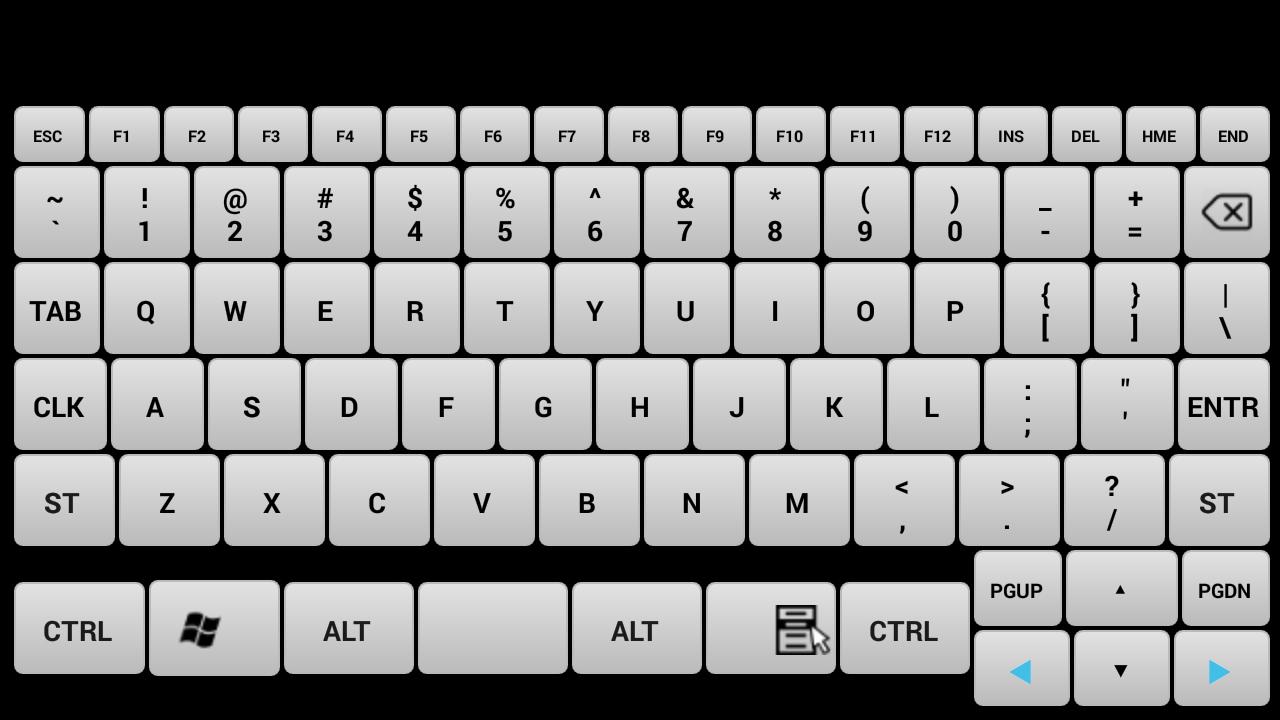
Device Simulation-Turn your mobile into a real keyboard.
Keys- All the keys are equal to your keyboard keys.
How to Connect:
1.Install Wi-fi Keyboard receiver from https://drive.google.com/open?id=10YXRhjvY0TDpOiX5ej2c1WCPVmOCs7Vhn the PC that you want to use.
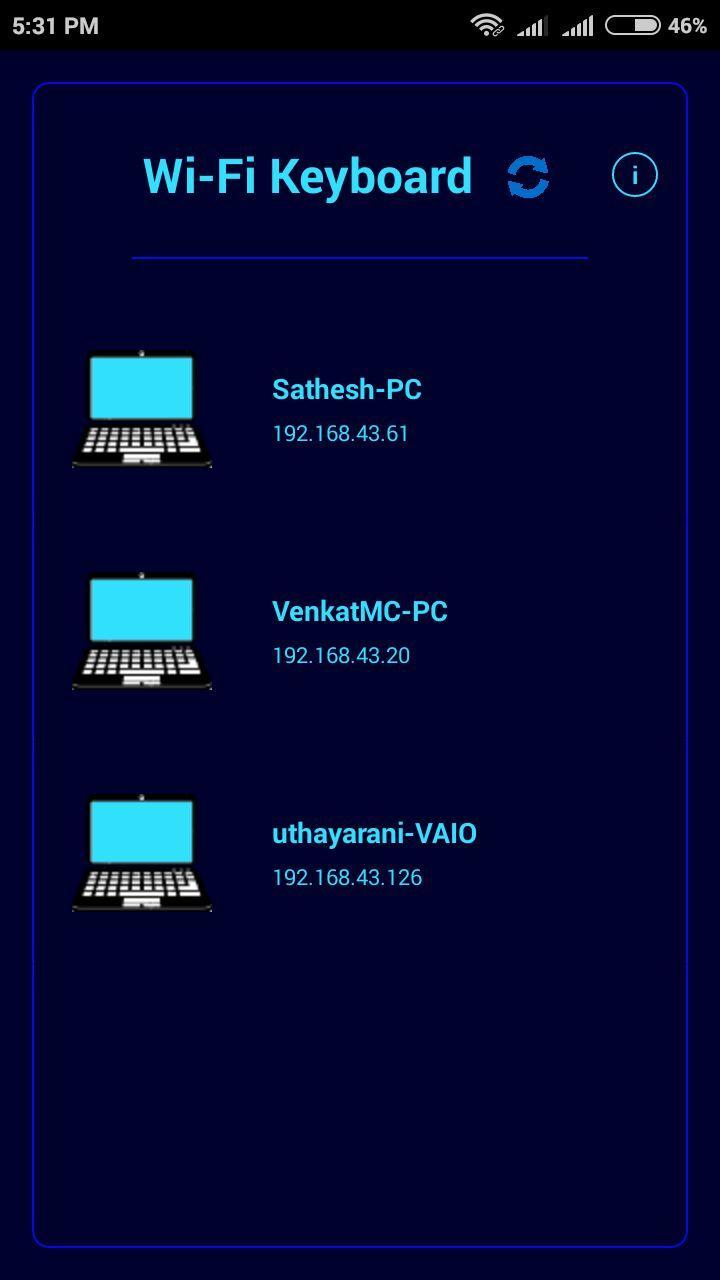
2.Open Wi-fi Keyboard app and connect to the PC on the same network.
System Requirements:
1.Wi-fi Keyboard receiver running on target PC(install from https://drive.google.com/open?id=10YXRhjvY0TDpOiX5ej2c1WCPVmOCs7Vh
2.Target PC must be connected to the same network(Wi-fi or Ethernet).
3.Target PC must be Windows.(If you want to use it for linux or mac with wine IP address shown in receiver is incorrect so you have to enter your pc ip address).
Note: If cannot connect, please make sure the phone and the pc are in the same network and check the firewall setting on pc. If you want to use it in linux or mac you need wine and you have to enter ip address of your device.
Предварительный просмотр
Информация
Разработчик
Ishwarya Prasanna
Последняя версия
1.2
Последнее обновление
2017-03-24
Категория
Инструменты
Доступно на
Google Play
Показать больше
Как играть в Wi-fi Keyboard с GameLoop на ПК
1. Загрузите GameLoop с официального сайта, затем запустите исполняемый файл для установки GameLoop.
2. Откройте GameLoop и выполните поиск Wi-fi Keyboard, найдите Wi-fi Keyboard в результатах поиска и нажмите Установить.
3. Наслаждайтесь игрой в Wi-fi Keyboard на GameLoop.
Minimum requirements
OS
Windows 8.1 64-bit or Windows 10 64-bit
GPU
GTX 1050
CPU
i3-8300
Memory
8GB RAM
Storage
1GB available space
Recommended requirements
OS
Windows 8.1 64-bit or Windows 10 64-bit
GPU
GTX 1050
CPU
i3-9320
Memory
16GB RAM
Storage
1GB available space