
CM Security Master - Antivirus, Cleaner & AppLock на пк
Security Master .inc
Скачать CM Security Master - Antivirus, Cleaner & AppLock на ПК с помощью эмулятора GameLoop
CM Security Master - Antivirus, Cleaner & AppLock на ПК
CM Security Master - Antivirus, Cleaner & AppLock, исходящий от разработчика Security Master .inc, в прошлом работал на системе Android.
Теперь вы можете без проблем играть в CM Security Master - Antivirus, Cleaner & AppLock на ПК с помощью GameLoop.
Загрузите его в библиотеке GameLoop или результатах поиска. Больше не нужно смотреть на аккумулятор или разочаровывать звонки в неподходящее время.
Просто наслаждайтесь CM Security Master - Antivirus, Cleaner & AppLock на ПК на большом экране бесплатно!
CM Security Master - Antivirus, Cleaner & AppLock Введение
CM Security Master - Antivirus upgraded to the whole new CM Security and redefined the scalp of Phone Security: protects not only your phone but also your privacy. Instead of providing all the popular features, CM Security Master - Antivirus introduced Intelligent Diagnosis to detect your phone status and advise needed solution, including Antivirus, Junk Clean, and Phone Booster (Battery Saver, and CPU Cooler) in time.
* Intelligent Diagnosis : CM Security Master - Antivirus, Cleaner & AppLock
Our famous big button design upgraded to intelligently diagnose your most needed solution. All solutions you need to keep your phone safe, clean, and optimized like a new phone, including battery.
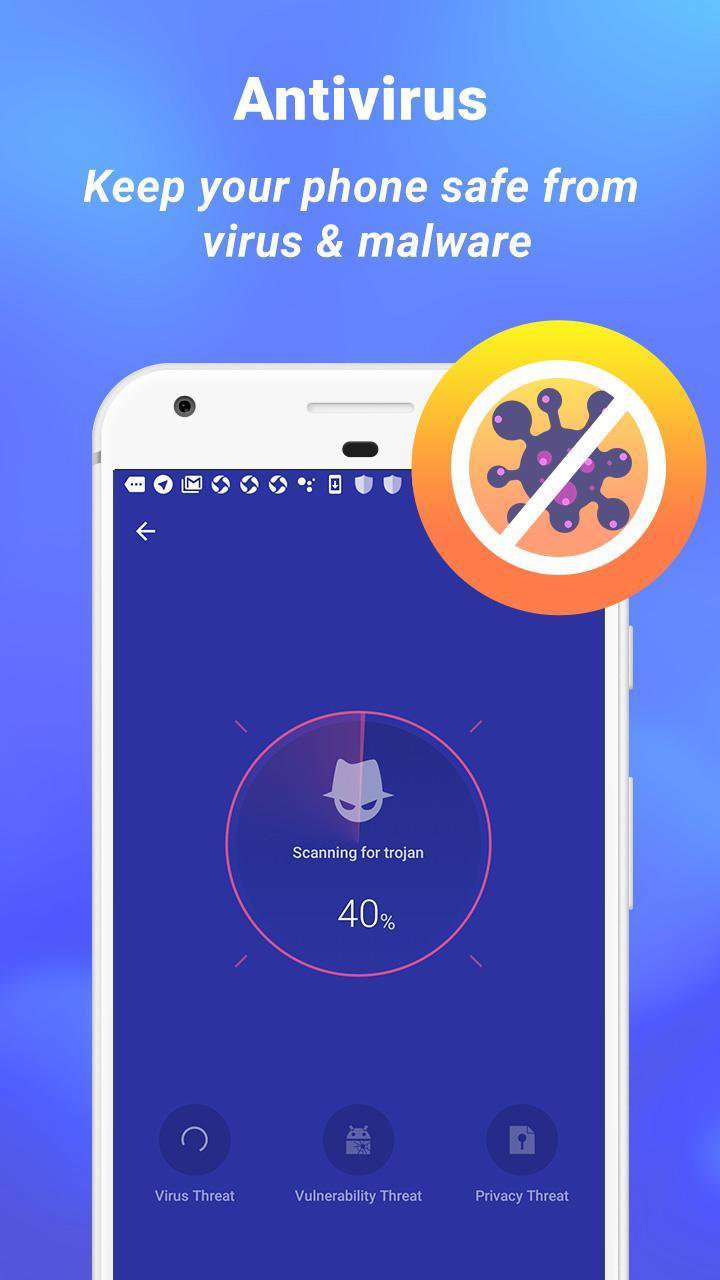
Antivirus - CM Security Master - Antivirus equips the certified #1 antivirus engine. It detects 100% of virus & malware through customized scan and removes virus & malware. It protects phone and also your personal information against malware, spyware, and hackers.
Junk Clean - Your phone stores junk files automatically from time to time. CM Security Master - Antivirus detects this issue and frees storage when needed. One tap to clean cache and junk files at once. The smartest way to clean and optimize phone.
Phone Boost, Battery Saver, and CPU Cooler - Your phone can not have the best performance if it stays at a high temperature or high memory usage. Especially when charging battery and playing games, it watches out your phone & battery and keeps your phone cool, fast, and saves more battery life.
* AppLock : CM Security Master - Antivirus, Cleaner & AppLock
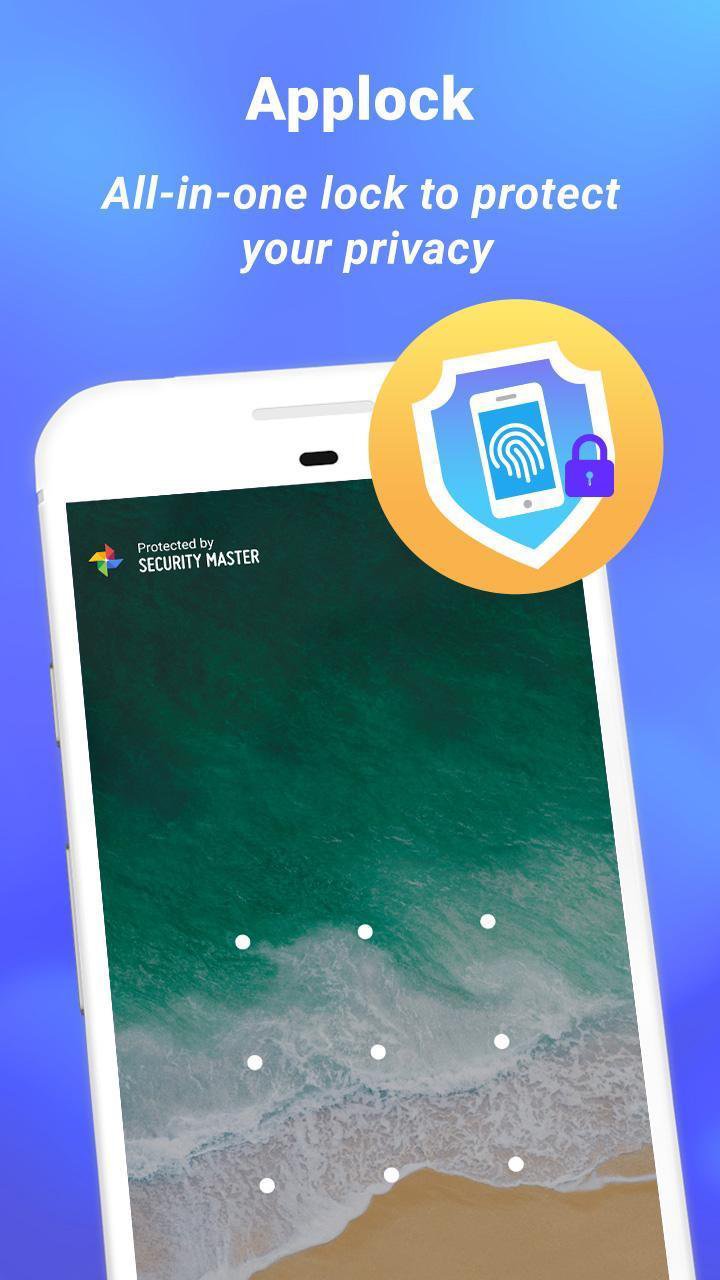
CM Security Master - Antivirus protects the privacy of your apps by AppLock. You can lock anything you want to protect, such as Bluetooth & Wi-Fi switches, incoming calls, recent apps, settings, photos, WhatsApp, or any apps you choose. Furthermore, the preview of notifications can be also locked so that no one can see which apps you are using or who you are chatting with.
With Applock, you can lock apps with a pattern, PIN code, or fingerprint. Fingerprint lock is supported on Samsung or Android devices 6.0 and above that are equipped with fingerprint sensors. You can also customize the re-lock time to re-lock at device screen off so that don’t need to unlock each time you launch an app.
Intruder Selfie - CM Security Master - Antivirus protects your apps privacy from snoopers. If someone tries to unlock your app with a wrong password, the photo of the intruder will automatically be taken and the intruder alert will be sent to you by e-mail. It keeps your phone safe and further tells who the intruder is.
Disguise cover - CM Security Master - Antivirus disguises your lock screen so that no one is aware of you are using AppLock while keeping your secret & privacy safe. You can protect your privacy without your parents, partner, or children knowing.
Theme - You can choose your own style of lock screen from hundreds of AppLock themes or customize with your own photos.
* Notification Cleaner : CM Security Master - Antivirus, Cleaner & AppLock
CM Security Master - Antivirus sweeps and cleans junk notifications on your notification bar. It stops trash notifications from jamming and slowing down phone, keeping phone free
Предварительный просмотр
Информация
Разработчик
Security Master .inc
Последняя версия
1.5.1
Последнее обновление
2020-08-29
Категория
Инструменты
Доступно на
Google Play
Показать больше
Как играть в CM Security Master - Antivirus, Cleaner & AppLock с GameLoop на ПК
1. Загрузите GameLoop с официального сайта, затем запустите исполняемый файл для установки GameLoop.
2. Откройте GameLoop и выполните поиск CM Security Master - Antivirus, Cleaner & AppLock, найдите CM Security Master - Antivirus, Cleaner & AppLock в результатах поиска и нажмите Установить.
3. Наслаждайтесь игрой в CM Security Master - Antivirus, Cleaner & AppLock на GameLoop.
Minimum requirements
OS
Windows 8.1 64-bit or Windows 10 64-bit
GPU
GTX 1050
CPU
i3-8300
Memory
8GB RAM
Storage
1GB available space
Recommended requirements
OS
Windows 8.1 64-bit or Windows 10 64-bit
GPU
GTX 1050
CPU
i3-9320
Memory
16GB RAM
Storage
1GB available space