Miracast на пк
BrainTechDeveloper
Скачать Miracast на ПК с помощью эмулятора GameLoop
Miracast на ПК
Miracast, исходящий от разработчика BrainTechDeveloper, в прошлом работал на системе Android.
Теперь вы можете без проблем играть в Miracast на ПК с помощью GameLoop.
Загрузите его в библиотеке GameLoop или результатах поиска. Больше не нужно смотреть на аккумулятор или разочаровывать звонки в неподходящее время.
Просто наслаждайтесь Miracast на ПК на большом экране бесплатно!
Miracast Введение
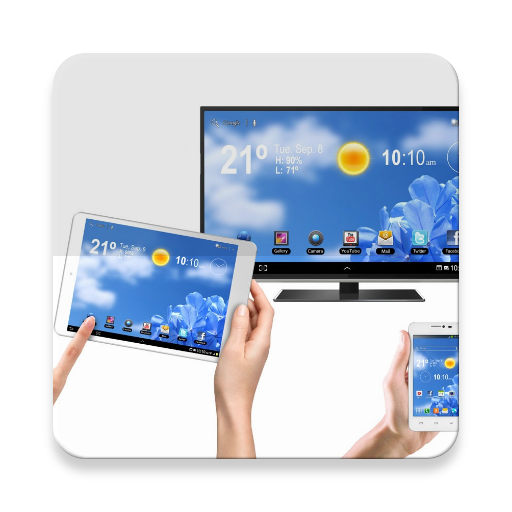
Miracast App will assist you to scan and mirror your android phone or tab's screen on smart TV/Display (mira cast enabled ) or Wireless dongles or adapters.
Miracast Able to play videos, music, photos, etc in my smartphone with any devices (smartphone, smartTV, laptop, tablet, etc) at anywhere.
Miracast does not need extra dongle or cable. Click the application “Start WIFI”, the Mobile hotspot will be operating automatically. and After hotspot will be operating, connect to AP from other devices.
Miracast can only play contents but send screen as is such as HDMI, MHL, Miracast and Chromecast. User can share with friends and also there is help instructions.
Please follow below steps to mirror your mobile screen to smart TV.
1) Your Smart TV should support Wireless Display or any sort of Display Dongles.
2) The TV must be connected to wifi network same as your phone.
3) The Phone version must be android 4.0 and above.
4) Download and run Miracast App.
Note: Paid version also available with additional devices support.
Предварительный просмотр

Информация
Разработчик
BrainTechDeveloper
Последняя версия
1.3
Последнее обновление
2017-06-01
Категория
Инструменты
Доступно на
Google Play
Показать больше
Как играть в Miracast с GameLoop на ПК
1. Загрузите GameLoop с официального сайта, затем запустите исполняемый файл для установки GameLoop.
2. Откройте GameLoop и выполните поиск Miracast, найдите Miracast в результатах поиска и нажмите Установить.
3. Наслаждайтесь игрой в Miracast на GameLoop.
Minimum requirements
OS
Windows 8.1 64-bit or Windows 10 64-bit
GPU
GTX 1050
CPU
i3-8300
Memory
8GB RAM
Storage
1GB available space
Recommended requirements
OS
Windows 8.1 64-bit or Windows 10 64-bit
GPU
GTX 1050
CPU
i3-9320
Memory
16GB RAM
Storage
1GB available space