
Classic Clock with Second Hand на пк
QBee520
Скачать Classic Clock with Second Hand на ПК с помощью эмулятора GameLoop
Classic Clock with Second Hand на ПК
Classic Clock with Second Hand, исходящий от разработчика QBee520, в прошлом работал на системе Android.
Теперь вы можете без проблем играть в Classic Clock with Second Hand на ПК с помощью GameLoop.
Загрузите его в библиотеке GameLoop или результатах поиска. Больше не нужно смотреть на аккумулятор или разочаровывать звонки в неподходящее время.
Просто наслаждайтесь Classic Clock with Second Hand на ПК на большом экране бесплатно!
Classic Clock with Second Hand Введение
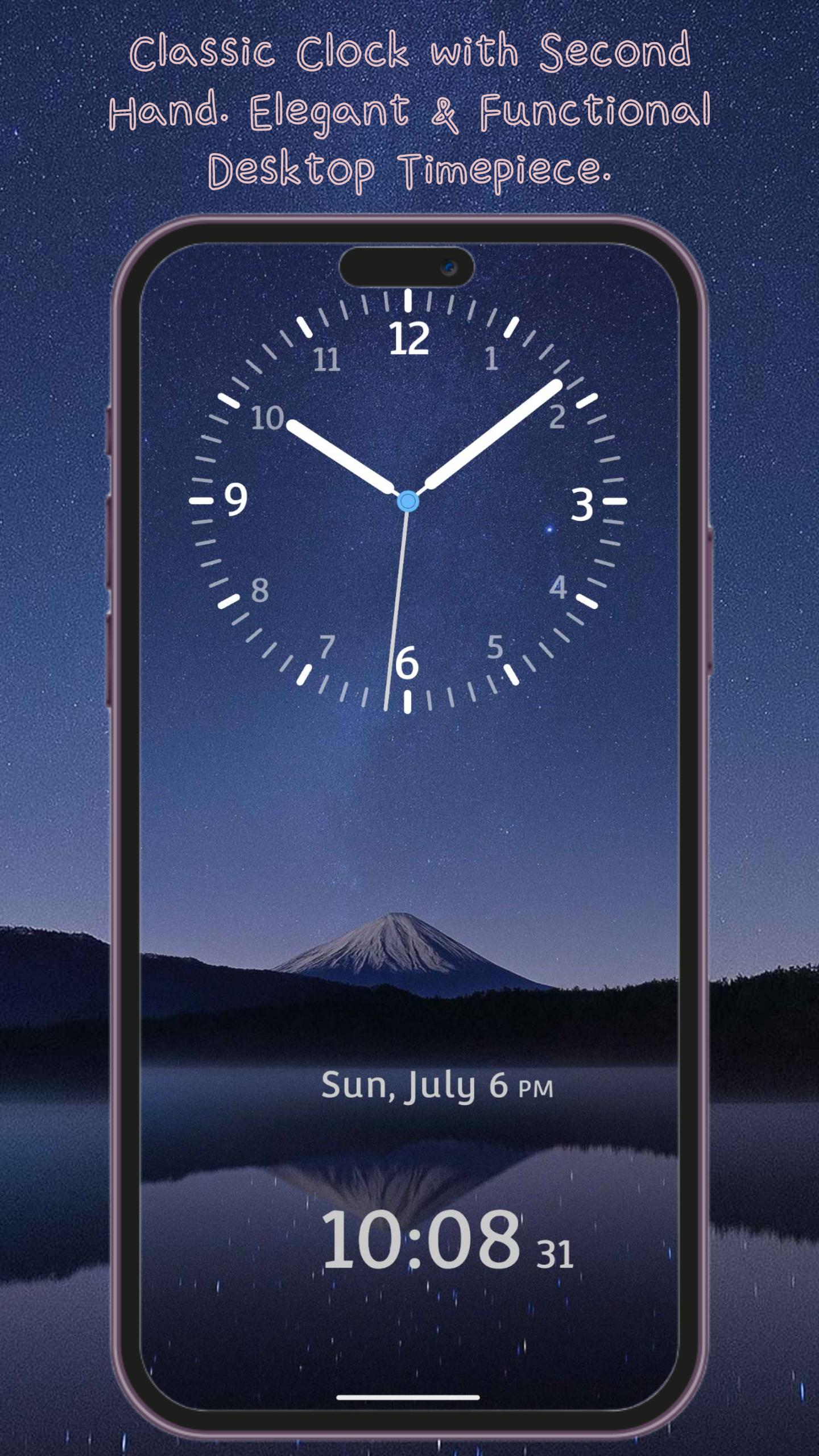
Classic Clock – Elegant & Functional Desktop Timepiece
Bring the charm of a traditional clock to your phone with Classic Clock. With smooth, realistic ticking hands and a timeless design, this app turns your device into a stylish desktop clock. Perfect for your office desk, nightstand, or as a meeting timer — it's more than just a clock; it's a statement of style.
Practical Features, Designed for Daily Use
• Dual Time Display – See both analog and digital clocks at a glance
• Landscape & Portrait Modes – Fully optimized for any screen orientation
• 12/24-Hour Format – Easily switch between formats based on your preference
• Adjustable Hand Styles – Choose from different hour and minute hand designs for a customized look
Make It Yours – Personalization Options
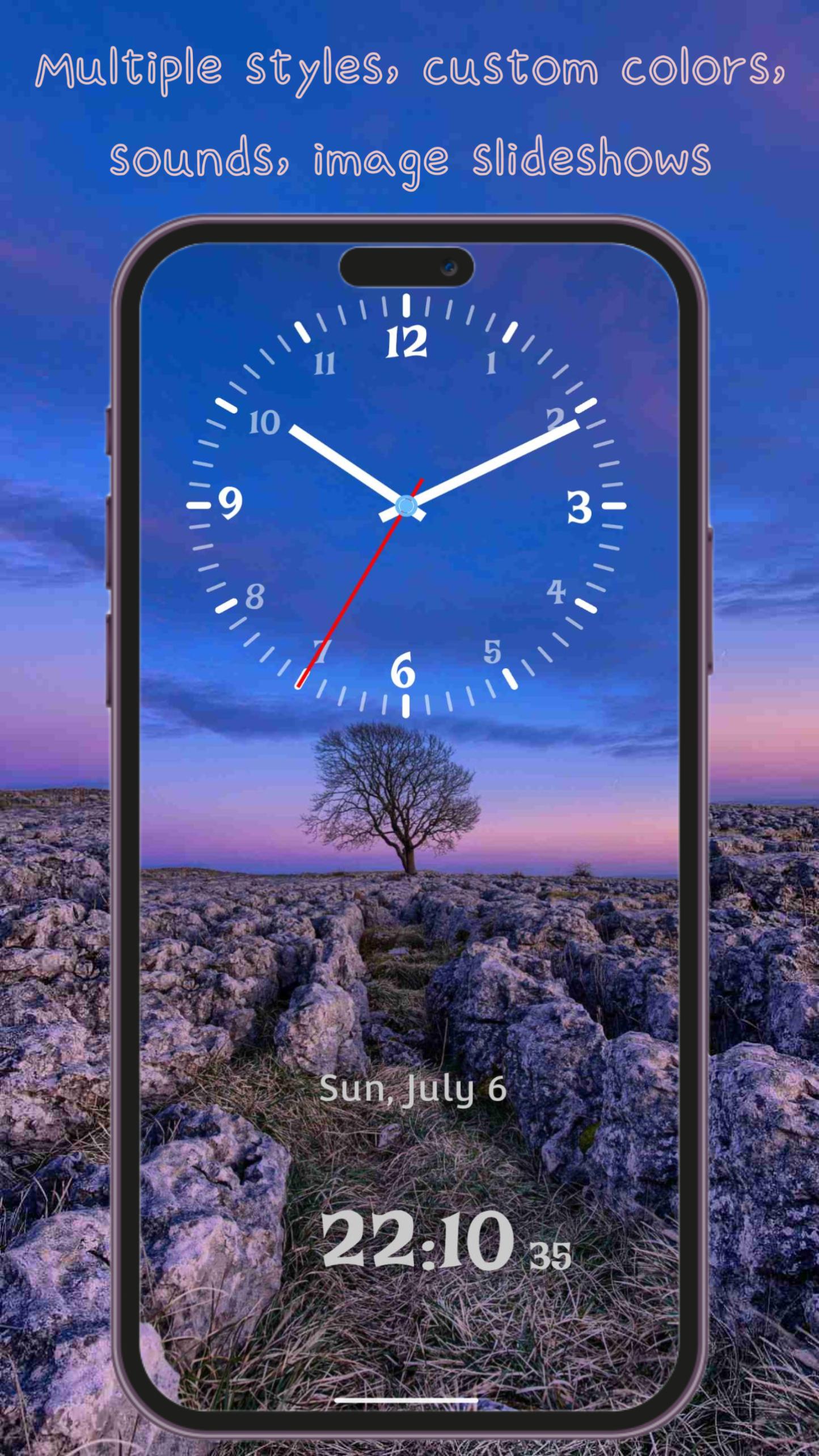
• Multiple Hand Styles – From classic simplicity to modern elegance, pick the design that suits your style
• Custom Clock Fonts – A wide selection of font styles, from traditional to contemporary
• Custom Colors – Independently adjust the color of the clock face, hour hand, minute hand, and second hand
• Dynamic & Static Backgrounds – Choose from beautiful animated scenes, solid colors, or image slideshows
• Clock Shadow Option – Enable realistic shadow effects for added depth and dimension
Immersive Experience
• Background Sounds – Choose from 14 ambient sounds including ticking, nature, birdsong, rain, and more
• Clean & Simple Interface – Easy to use with intuitive controls and no unnecessary clutter
• Home Screen Widget – View the time right from your home screen without opening the app
Classic Clock isn't just a time tool — it’s a beautiful blend of design and function.
Download now and elevate your space with timeless elegance.
Предварительный просмотр
Теги
ИнструментыИнформация
Разработчик
QBee520
Последняя версия
1.4.2
Последнее обновление
2025-08-04
Категория
Инструменты
Доступно на
Google Play
Показать больше
Как играть в Classic Clock with Second Hand с GameLoop на ПК
1. Загрузите GameLoop с официального сайта, затем запустите исполняемый файл для установки GameLoop.
2. Откройте GameLoop и выполните поиск Classic Clock with Second Hand, найдите Classic Clock with Second Hand в результатах поиска и нажмите Установить.
3. Наслаждайтесь игрой в Classic Clock with Second Hand на GameLoop.
Minimum requirements
OS
Windows 8.1 64-bit or Windows 10 64-bit
GPU
GTX 1050
CPU
i3-8300
Memory
8GB RAM
Storage
1GB available space
Recommended requirements
OS
Windows 8.1 64-bit or Windows 10 64-bit
GPU
GTX 1050
CPU
i3-9320
Memory
16GB RAM
Storage
1GB available space