
Azure Storage Explorer на пк
my.app.factory
Скачать Azure Storage Explorer на ПК с помощью эмулятора GameLoop
Azure Storage Explorer на ПК
Azure Storage Explorer, исходящий от разработчика my.app.factory, в прошлом работал на системе Android.
Теперь вы можете без проблем играть в Azure Storage Explorer на ПК с помощью GameLoop.
Загрузите его в библиотеке GameLoop или результатах поиска. Больше не нужно смотреть на аккумулятор или разочаровывать звонки в неподходящее время.
Просто наслаждайтесь Azure Storage Explorer на ПК на большом экране бесплатно!
Azure Storage Explorer Введение
**IMPORTANT!**: Personal accounts with an @outlook.com/hotmail.com domain cannot be used with this app. This is a limitation with Microsoft AAD unfortunately. You will need to use an organizational account or add a user in your tenant which has your tenant's domain. For ex: user@yourtenantname.onmicrosoft.com.
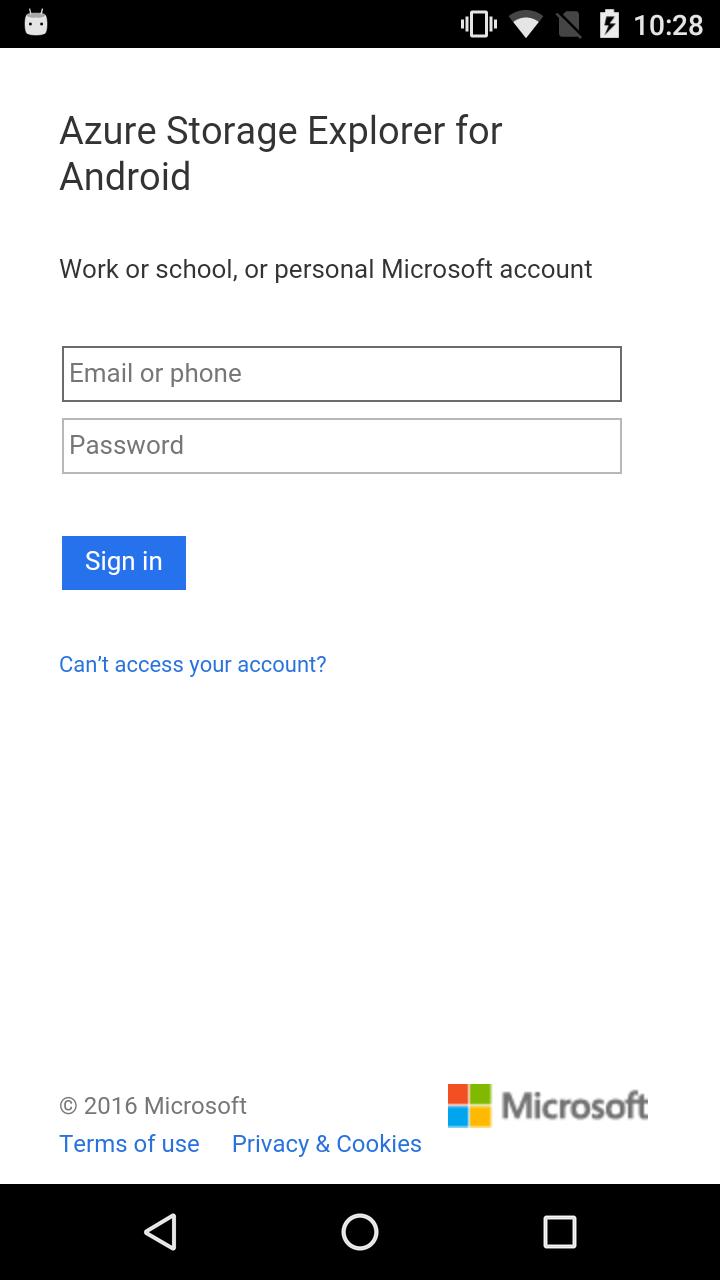
This app allows you to sign-in with you Azure credentials and automatically pulls all of your subscriptions and the (classic and ARM) storage accounts associated with them.
Features:
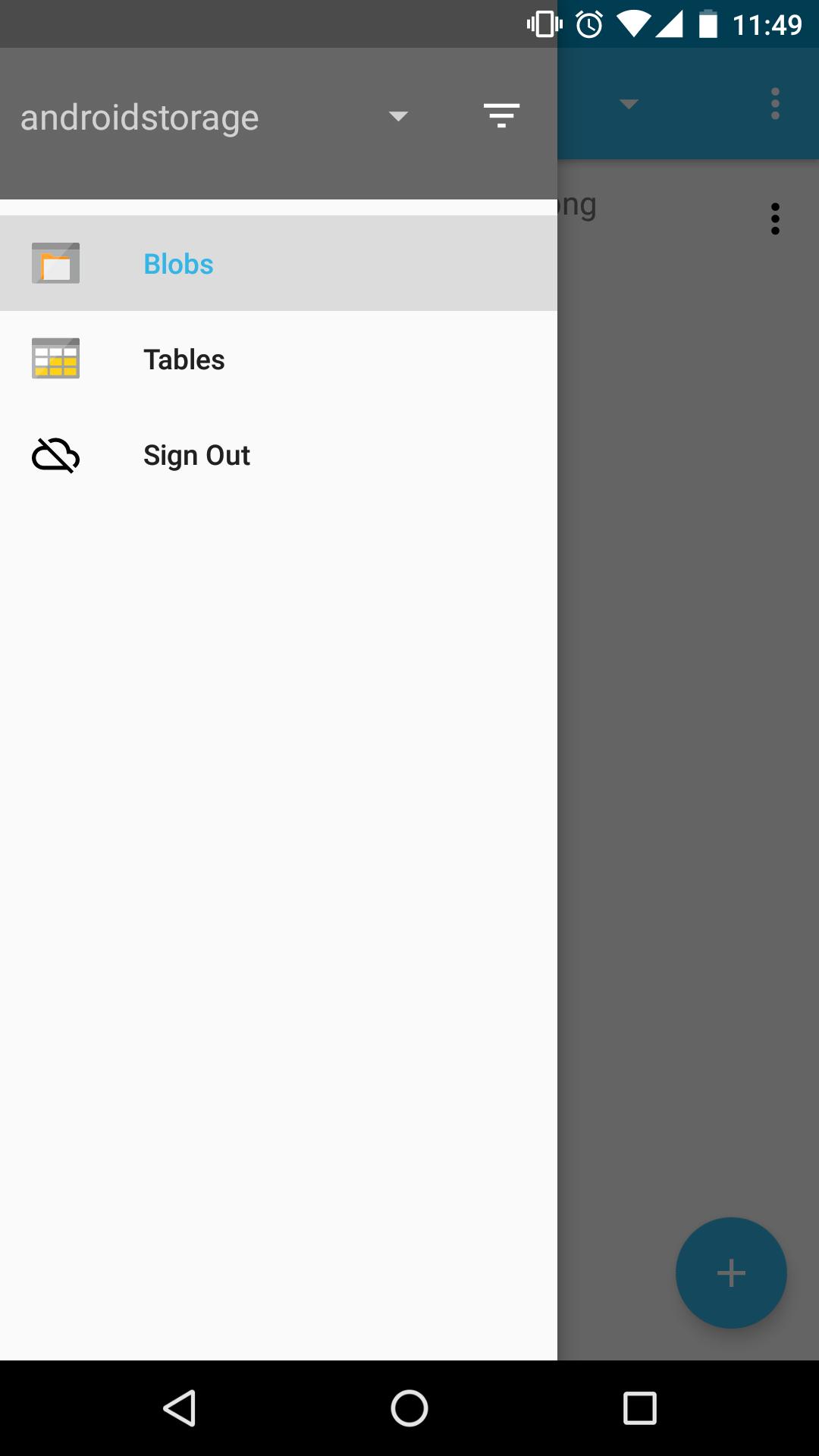
- View all of your storage accounts
- Filter and view storage accounts from specific subscriptions
- Navigate through your blob directories
- Preview blobs
- View blob properties
- Upload/download/delete blobs
- Create blob containers
- View storage tables
- View table entities
Coming soon!
- View entity metadata
- Create storage table
This app is open-sourced on GitHub! https://github.com/praneetloke/AzureStorageExplorerAndroid. Have a problem with the app? Submit an issue https://github.com/praneetloke/AzureStorageExplorerAndroid/issues.
Предварительный просмотр
Информация
Разработчик
my.app.factory
Последняя версия
1.0.0
Последнее обновление
2018-10-19
Категория
Инструменты
Доступно на
Google Play
Показать больше
Как играть в Azure Storage Explorer с GameLoop на ПК
1. Загрузите GameLoop с официального сайта, затем запустите исполняемый файл для установки GameLoop.
2. Откройте GameLoop и выполните поиск Azure Storage Explorer, найдите Azure Storage Explorer в результатах поиска и нажмите Установить.
3. Наслаждайтесь игрой в Azure Storage Explorer на GameLoop.
Minimum requirements
OS
Windows 8.1 64-bit or Windows 10 64-bit
GPU
GTX 1050
CPU
i3-8300
Memory
8GB RAM
Storage
1GB available space
Recommended requirements
OS
Windows 8.1 64-bit or Windows 10 64-bit
GPU
GTX 1050
CPU
i3-9320
Memory
16GB RAM
Storage
1GB available space