AppLock: Lock Apps, Password на пк
Apps Specials
Скачать AppLock: Lock Apps, Password на ПК с помощью эмулятора GameLoop
AppLock: Lock Apps, Password на ПК
AppLock: Lock Apps, Password, исходящий от разработчика Apps Specials, в прошлом работал на системе Android.
Теперь вы можете без проблем играть в AppLock: Lock Apps, Password на ПК с помощью GameLoop.
Загрузите его в библиотеке GameLoop или результатах поиска. Больше не нужно смотреть на аккумулятор или разочаровывать звонки в неподходящее время.
Просто наслаждайтесь AppLock: Lock Apps, Password на ПК на большом экране бесплатно!
AppLock: Lock Apps, Password Введение
Protect your privacy with a password, pattern, and fingerprint lock using private App Lock 2022 for Lock your Apps and make Secure. App lock 2022 Uses in over 150+ countries and also supports 87+ Languages and Counting.
☀️——Highlights of AppLock——☀️
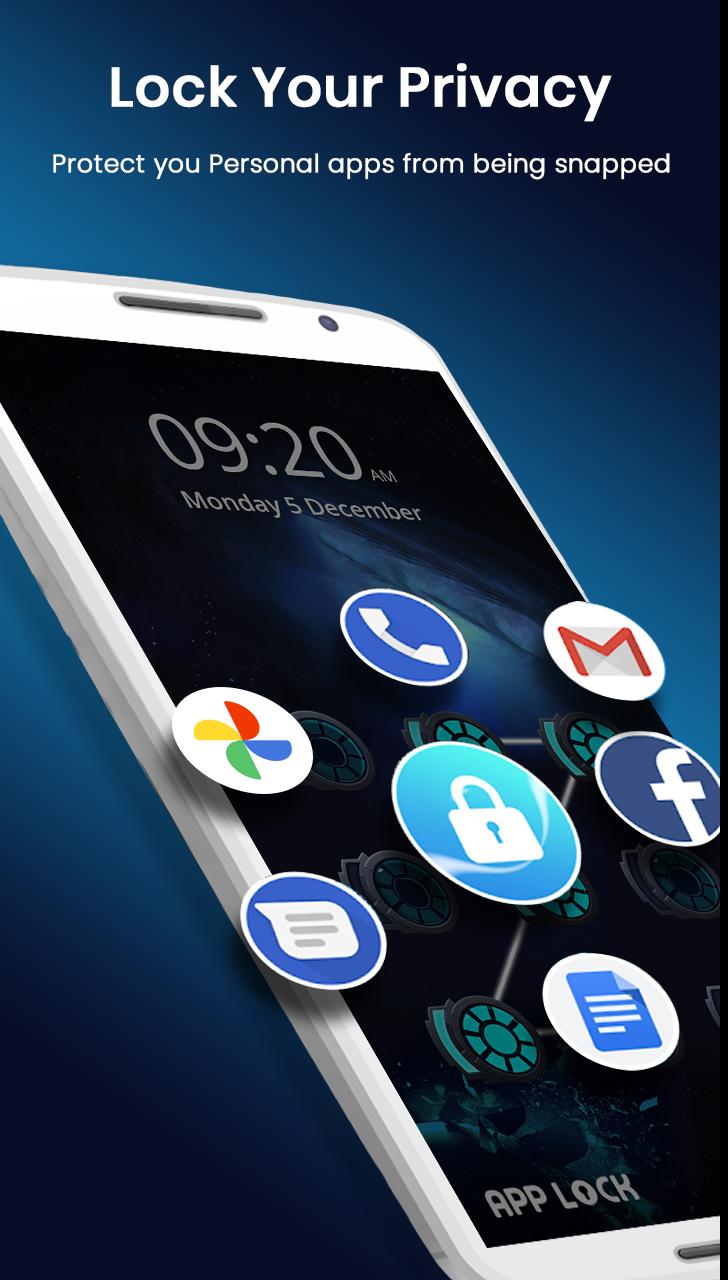
🔒 AppLock can lock Social media: Facebook, Whatsapp, FB Messenger, Instagram, Tumblr, WeChat. Set Fingerprint password No one can peep 👀 at your private chat anymore;
🔒 AppLock can lock System apps: Gallery, SMS, Contacts, Gmail, Settings, game, calls, and any app you choose. Prevent unauthorized access and guard privacy;
🔒 AppLock multiple lock types: PIN Lock, Pattern password Lock, and Fingerprint Lock. choose your favorite style to pattern lock apps.
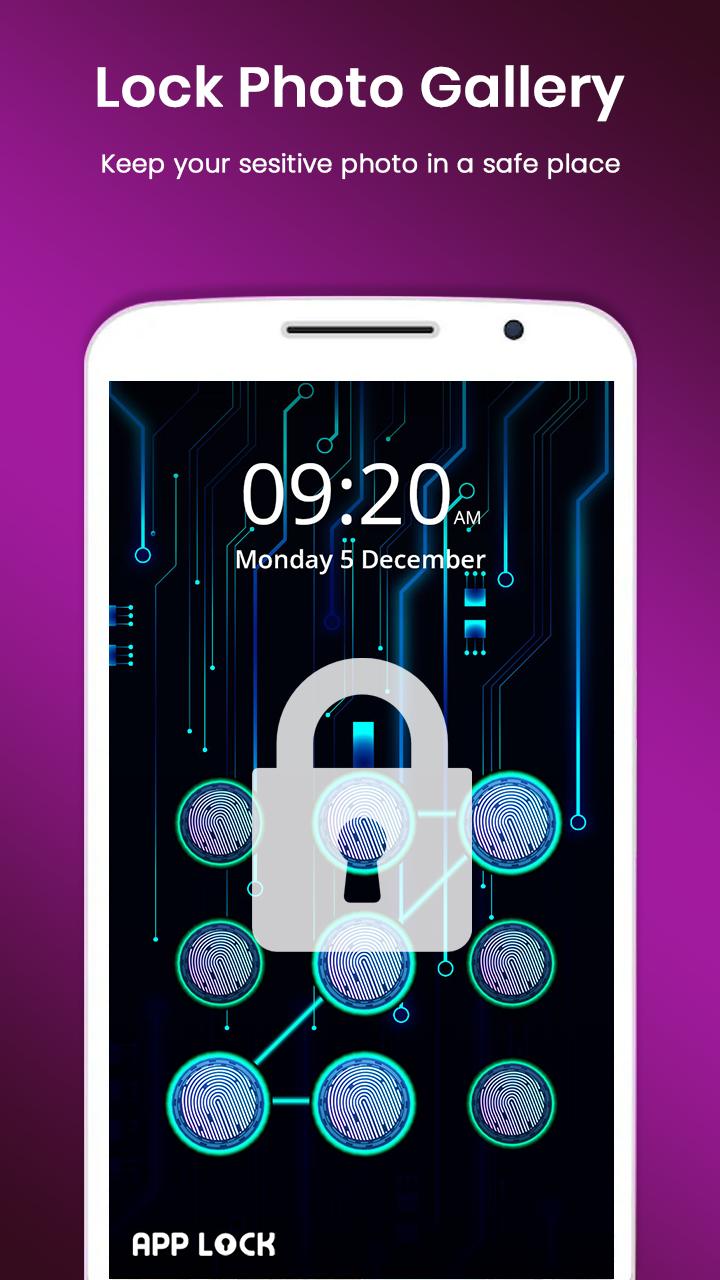
🔒 AppLock can lock your gallery: Keep safe gallery & hide your photos & videos without worrying about others see
🔒 AppLock support screen lock: App lock Fingerprint pattern password Prevent strangers from using your phone without your permission.
🔒Applock all devices supported
Samsung, LG, Huawei, Meizu pro, Sony Xperia, Motorola, one plus, Xiaomi mi, oppo, Vivo, and others
👮 Lock apps in real time
Applock fingerprint password Monitor the new installation and app updating, real-time reminders avoiding potential risks, keeping your devices safe.
🚀 Photo vault
Applock fingerprint lock Easily encrypt & hide photos & videos
👁 Intruder Selfie
App lock fingerprint Capture any intruder of your phone. Snaps photos of intruders who enters the wrong lock pattern Password.
📪 Message Security
Fingerprint lock Hiding notifications preview timely to protect your privacy.
🔢 Reset pattern password
Reset your pattern password with security questions if you forget it.
👍 Easy to operate
App lock One-click to enable/disable App Locker.
ℹ️ Applock Notification Cleaner
App lock One-click cleaning of spam push notifications, No annoying notifications anymore.
🔐 Safe Lockscreen
AppLock fingerprint secures your phone from intruders with PIN pattern lock security.
🌈 Live Theme
Live pattern Theme features to make unlocking apps even more fun! We will regularly launch Live Themes.
Privacy Browser
App lock The incognito mode and block trackers can ensure you private browsing.
👇—More Features—👇
Lock apps with password, pattern, fingerprint lock
• Vault: hide pictures and videos, cloud
• Folder applocker, Audio applocker, Files applocker
• Well-designed Themes
• Disguise AppLock icon as calculator or compass
• Customized background, select a favorite picture
• Customized Profiles: set different locked app groups
• Time Lock, Location Lock: auto-lock/unlock according to time, location
• Advanced Protection: prevent AppLock being killed
• AppLock widget: enable/disable AppLock with one tap
• Quick lock switch: Lock/unlock in notification bar
• Fingerprint Allow a brief exit: no need password, pattern, fingerprint again within set time
——How it Works——
📥Download and install the Transparent Pattern Lock.
■ Go into setting and enable the lock.
■ Set your pattern password & fingerprint.
■ To unlock draw your pattern and you open the lock and see you home screen.
👁 FAQ 👁
1) How to change password for lock apps?
Open AppLock, Protect, Unlock Settings
2) How to stop uninstalling AppLock?
Please enable Advanced Protect in Protest of AppLock fingerprint pattern, so nobody can uninstall or kill AppLock without a password & fingerprint. You can disable Advanced Protect when you don't want it.
3) I forgot my password & fingerprint pattern password, how to find it?
Update to App Locker the latest version first. And then tap the AppLock icon, click the icon at the top right corner of the app lock apps page, tap 'forgot fingerprint password.
1. Security answer: enter security answer, click 'reset password'.
2. Security email: click 'send code to security email', input reset code, click 'reset password'.
Предварительный просмотр
Теги
ИнструментыИнформация
Разработчик
Apps Specials
Последняя версия
1.23
Последнее обновление
2024-07-18
Категория
Инструменты
Доступно на
Google Play
Показать больше
Как играть в AppLock: Lock Apps, Password с GameLoop на ПК
1. Загрузите GameLoop с официального сайта, затем запустите исполняемый файл для установки GameLoop.
2. Откройте GameLoop и выполните поиск AppLock: Lock Apps, Password, найдите AppLock: Lock Apps, Password в результатах поиска и нажмите Установить.
3. Наслаждайтесь игрой в AppLock: Lock Apps, Password на GameLoop.
Minimum requirements
OS
Windows 8.1 64-bit or Windows 10 64-bit
GPU
GTX 1050
CPU
i3-8300
Memory
8GB RAM
Storage
1GB available space
Recommended requirements
OS
Windows 8.1 64-bit or Windows 10 64-bit
GPU
GTX 1050
CPU
i3-9320
Memory
16GB RAM
Storage
1GB available space