App 2SD: Move apps to SD Card на пк
TALDEV Solution
Скачать App 2SD: Move apps to SD Card на ПК с помощью эмулятора GameLoop
App 2SD: Move apps to SD Card на ПК
App 2SD: Move apps to SD Card, исходящий от разработчика TALDEV Solution, в прошлом работал на системе Android.
Теперь вы можете без проблем играть в App 2SD: Move apps to SD Card на ПК с помощью GameLoop.
Загрузите его в библиотеке GameLoop или результатах поиска. Больше не нужно смотреть на аккумулятор или разочаровывать звонки в неподходящее время.
Просто наслаждайтесь App 2SD: Move apps to SD Card на ПК на большом экране бесплатно!
App 2SD: Move apps to SD Card Введение
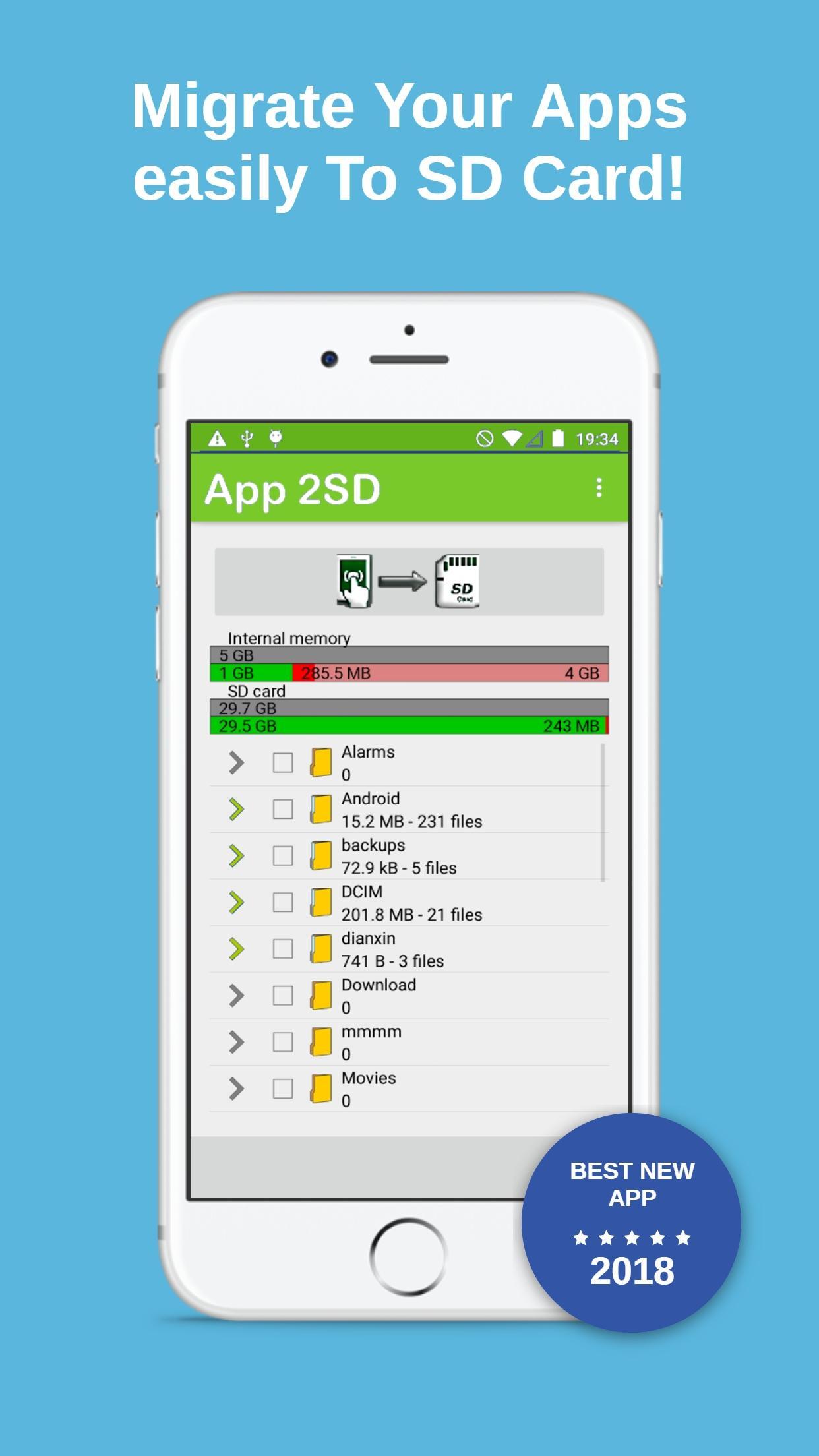
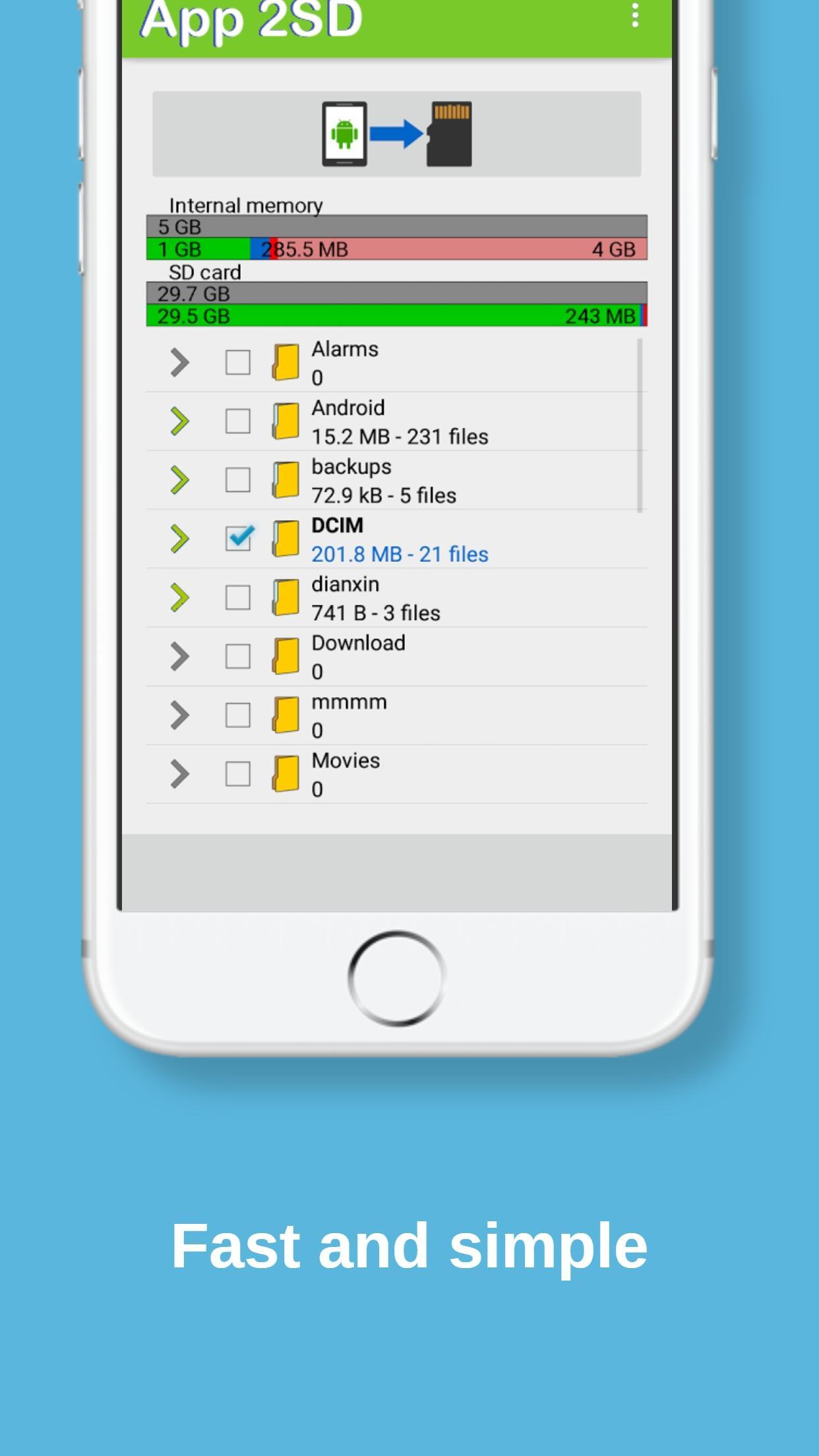
If your phone internal memory isn't enough. "App2SD" App will make you migrate data to your external memory card (sd card), easily and fast with one simple tap!
App 2SD tool is a one-click fast tool to move your files from internal storage to SD card. You can move Multiple type of files (apps, photos, videos, and all other files in your internal memory)
• how to move apps to sd card :
Most of Android phones come with 16/32GB of internal memory, much of which is already taken up by the operating system and software. After you start adding your own apps, taking pictures, downloading movies and music albums on the phone, your space will run out. Fortunately, many devices come with microSD card slot that allow you to expand your storage capacity by inserting a memory card. So in this case you need to move apps to sd card using our great tool App 2SD tp copy your data from internal storage to sd card.
So If you don't have enough memory space in your storage, you will start uninstalling apps and deleting files (may be important ones) to generate a new free space for new data. But there is a nice tool to expand the storage of an Android device Memory if it has an SD card that help you to move apps to sd card.
Android 6.0 Marshmallow lets you use your SD card as internal storage, but Some other OS versions may let you move apps manually, but only if the developer of this app allows it.
"APP 2SD" tool will move your photos, files, and some apps to the SD card. To migrate the data now, just click “Move now”. This will select the SD card as the preferred storage location for all apps and and all other data. If you don’t want to migrate your data now, choose “Move later”.
this app is simple and fast tool to move apps & data from internal storage to sd card with just one simple click and it works with all android devices and OS 's.
If an app moved to the SD card memory from the internal storage, " App 2SD " app will recognize it. the unusable “Move to SD card” button became “Move to device storage” after the tweak. This is notable because it is proves that the Android could allow the app to move over using the same tweak we use in Android 4 or earlier.
App 2SD is app to sd tool, it will move your photos, files, and some apps from internal storage to the SD card. To migrate the data now, tap “Move now”. This selects the SD card as the preferred storage location for all apps and data. If you don’t want to migrate your data yet, tap “Move later”.
With App 2SD App, you will never have a stockage running out or full memory problem in your android phone or tablet.
If App 2sd app is helpful & usefull, Please rate us & give us 5 stars for encouragement and more creativity for our next projects and if you have any problem/question please let us now!
Предварительный просмотр
Информация
Разработчик
TALDEV Solution
Последняя версия
3.0
Последнее обновление
2018-01-16
Категория
Инструменты
Доступно на
Google Play
Показать больше
Как играть в App 2SD: Move apps to SD Card с GameLoop на ПК
1. Загрузите GameLoop с официального сайта, затем запустите исполняемый файл для установки GameLoop.
2. Откройте GameLoop и выполните поиск App 2SD: Move apps to SD Card, найдите App 2SD: Move apps to SD Card в результатах поиска и нажмите Установить.
3. Наслаждайтесь игрой в App 2SD: Move apps to SD Card на GameLoop.
Minimum requirements
OS
Windows 8.1 64-bit or Windows 10 64-bit
GPU
GTX 1050
CPU
i3-8300
Memory
8GB RAM
Storage
1GB available space
Recommended requirements
OS
Windows 8.1 64-bit or Windows 10 64-bit
GPU
GTX 1050
CPU
i3-9320
Memory
16GB RAM
Storage
1GB available space