
AirPush - Nearby File Sharing in Web Browser на пк
OmniaShare
Скачать AirPush - Nearby File Sharing in Web Browser на ПК с помощью эмулятора GameLoop
AirPush - Nearby File Sharing in Web Browser на ПК
AirPush - Nearby File Sharing in Web Browser, исходящий от разработчика OmniaShare, в прошлом работал на системе Android.
Теперь вы можете без проблем играть в AirPush - Nearby File Sharing in Web Browser на ПК с помощью GameLoop.
Загрузите его в библиотеке GameLoop или результатах поиска. Больше не нужно смотреть на аккумулятор или разочаровывать звонки в неподходящее время.
Просто наслаждайтесь AirPush - Nearby File Sharing in Web Browser на ПК на большом экране бесплатно!
AirPush - Nearby File Sharing in Web Browser Введение
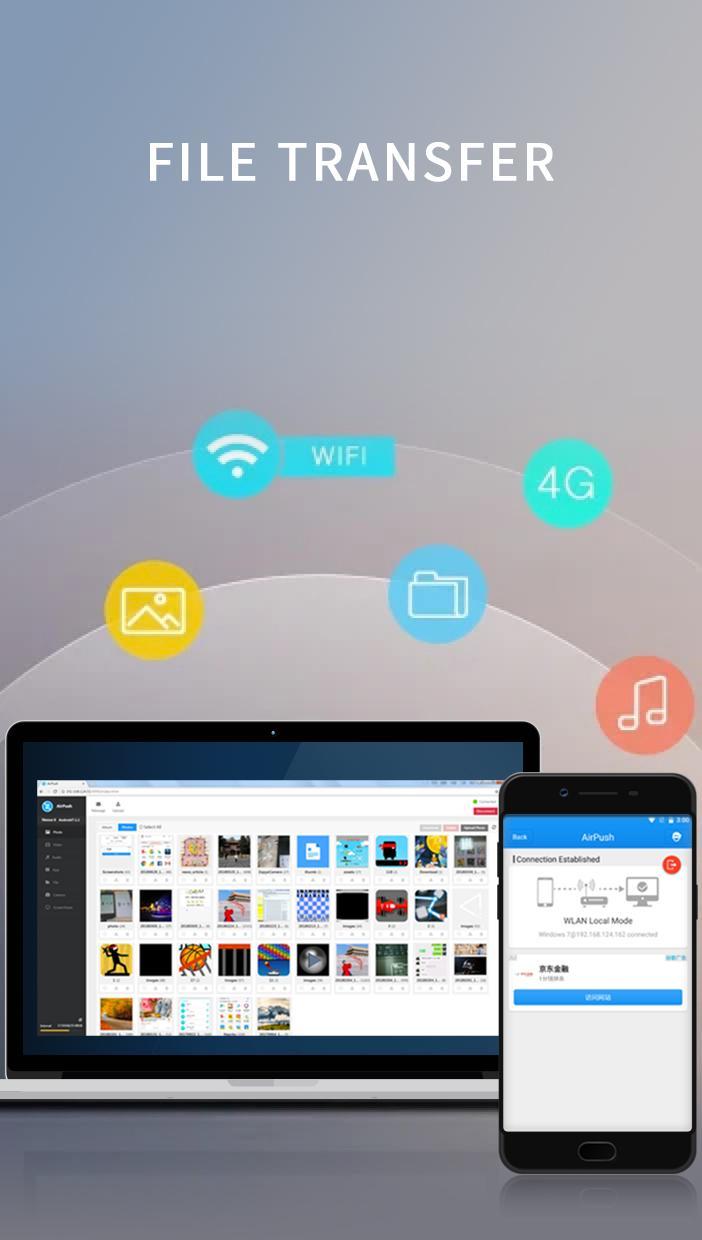
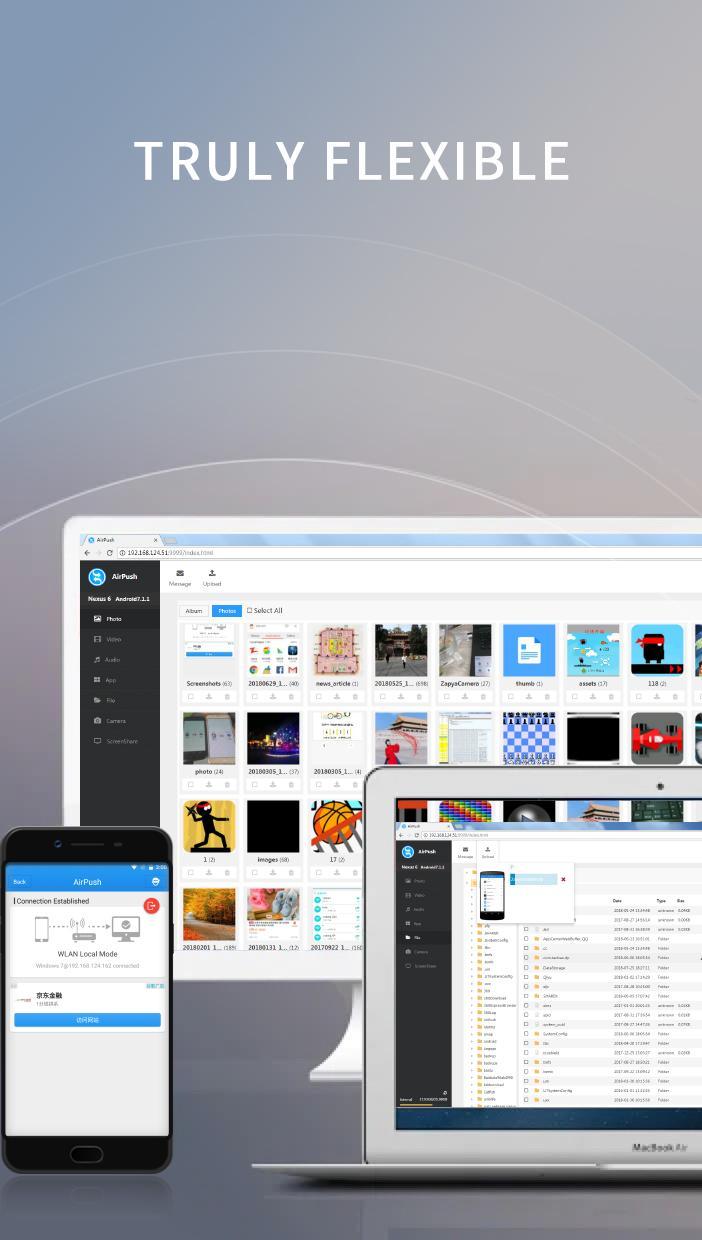
AirPush is a simple and yet powerful tool that allow Android users to push files to any other platforms in the same WLAN network. The idea is that this app includes a web server that has full access to all files on the Android device. Any devices in the same network can connect to the web server via a web browser to gain full access of files of this Android device.
With this app, you do not need the peer devices to install a matching app first before starting file transfer as many file sharing apps do. You just need to start the system web browser on the other devices, connect to the IP address of the web server running inside of AirPush, and then manage all files on the Android device.
All these tasks can be done in the web interface:
- View Photos
- Play Songs
- Watch Videos
- Access any folders on the phone
- Download files from the Android device
- Upload files onto the Android device
- Access Android Apps(.apk)
- Remote control the camera on the Android device
Install once and share files to any platforms!
Предварительный просмотр
Теги
ИнструментыИнформация
Разработчик
OmniaShare
Последняя версия
1.0
Последнее обновление
2018-07-29
Категория
Инструменты
Доступно на
Google Play
Показать больше
Как играть в AirPush - Nearby File Sharing in Web Browser с GameLoop на ПК
1. Загрузите GameLoop с официального сайта, затем запустите исполняемый файл для установки GameLoop.
2. Откройте GameLoop и выполните поиск AirPush - Nearby File Sharing in Web Browser, найдите AirPush - Nearby File Sharing in Web Browser в результатах поиска и нажмите Установить.
3. Наслаждайтесь игрой в AirPush - Nearby File Sharing in Web Browser на GameLoop.
Minimum requirements
OS
Windows 8.1 64-bit or Windows 10 64-bit
GPU
GTX 1050
CPU
i3-8300
Memory
8GB RAM
Storage
1GB available space
Recommended requirements
OS
Windows 8.1 64-bit or Windows 10 64-bit
GPU
GTX 1050
CPU
i3-9320
Memory
16GB RAM
Storage
1GB available space