
UC Browser Tips Private на пк
CostingPP
Скачать UC Browser Tips Private на ПК с помощью эмулятора GameLoop
UC Browser Tips Private на ПК
UC Browser Tips Private, исходящий от разработчика CostingPP, в прошлом работал на системе Android.
Теперь вы можете без проблем играть в UC Browser Tips Private на ПК с помощью GameLoop.
Загрузите его в библиотеке GameLoop или результатах поиска. Больше не нужно смотреть на аккумулятор или разочаровывать звонки в неподходящее время.
Просто наслаждайтесь UC Browser Tips Private на ПК на большом экране бесплатно!
UC Browser Tips Private Введение
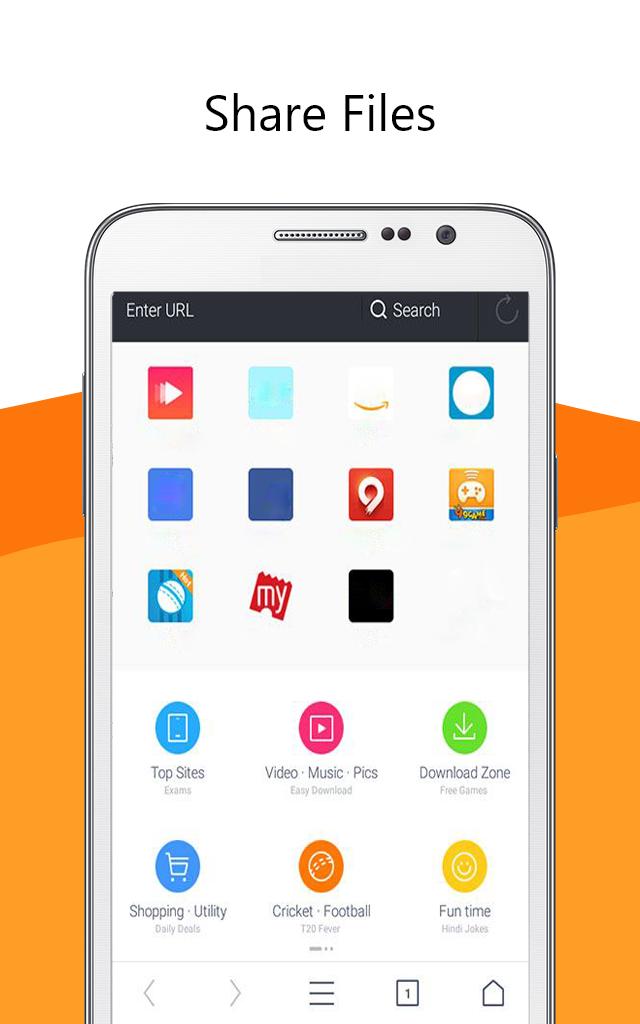
UC Browser software 🌐 is a secure and fast web browser for mobile devices. It is a free mobile browser with a simple and easy-to-use interface. It has a built-in ad blocker, smart downloads, video support, and data saving features.
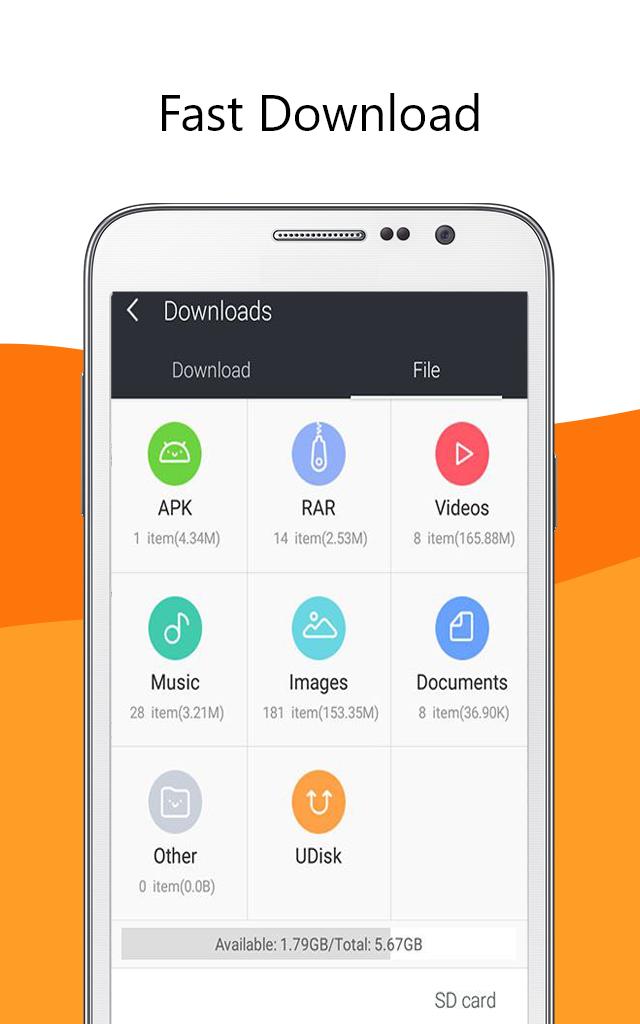
UC Browser app provides fast and secure web browsing with an intuitive and easy to use interface. Its built-in ad blocker blocks🔒 annoying ads, pop-ups, and malware. It also has a smart download feature📥 which allows you to download multiple files in parallel and resume interrupted downloads. It has a secure connection feature which encrypts your data and keeps it safe from snoopers and hackers. It also provides anti-tracking features which protect your privacy by blocking tracking cookies.
Uc browser fast app also supports video streaming 📹with optimized video playback. You can watch online videos without buffering and enjoy a smooth playback experience
Overall, UC Browser is a fast and secure web browser for mobile devices. It has a simple and easy-to-use interface with a built-in ad blocker, smart downloads, video support, and data saving features. It is a great choice for those who want a fast and secure web browsing experience.😉
Disclaimer: ❗
This is an unofficial app. Just be aware of the app and in case of any questions, give us feedback.
Предварительный просмотр
Информация
Разработчик
CostingPP
Последняя версия
1.0.0
Последнее обновление
2023-03-16
Категория
Социальные
Доступно на
Google Play
Показать больше
Как играть в UC Browser Tips Private с GameLoop на ПК
1. Загрузите GameLoop с официального сайта, затем запустите исполняемый файл для установки GameLoop.
2. Откройте GameLoop и выполните поиск UC Browser Tips Private, найдите UC Browser Tips Private в результатах поиска и нажмите Установить.
3. Наслаждайтесь игрой в UC Browser Tips Private на GameLoop.
Minimum requirements
OS
Windows 8.1 64-bit or Windows 10 64-bit
GPU
GTX 1050
CPU
i3-8300
Memory
8GB RAM
Storage
1GB available space
Recommended requirements
OS
Windows 8.1 64-bit or Windows 10 64-bit
GPU
GTX 1050
CPU
i3-9320
Memory
16GB RAM
Storage
1GB available space