
Sony TV Screen Mirroring на пк
AirBeamTV BV
Скачать Sony TV Screen Mirroring на ПК с помощью эмулятора GameLoop
Sony TV Screen Mirroring на ПК
Sony TV Screen Mirroring, исходящий от разработчика AirBeamTV BV, в прошлом работал на системе Android.
Теперь вы можете без проблем играть в Sony TV Screen Mirroring на ПК с помощью GameLoop.
Загрузите его в библиотеке GameLoop или результатах поиска. Больше не нужно смотреть на аккумулятор или разочаровывать звонки в неподходящее время.
Просто наслаждайтесь Sony TV Screen Mirroring на ПК на большом экране бесплатно!
Sony TV Screen Mirroring Введение
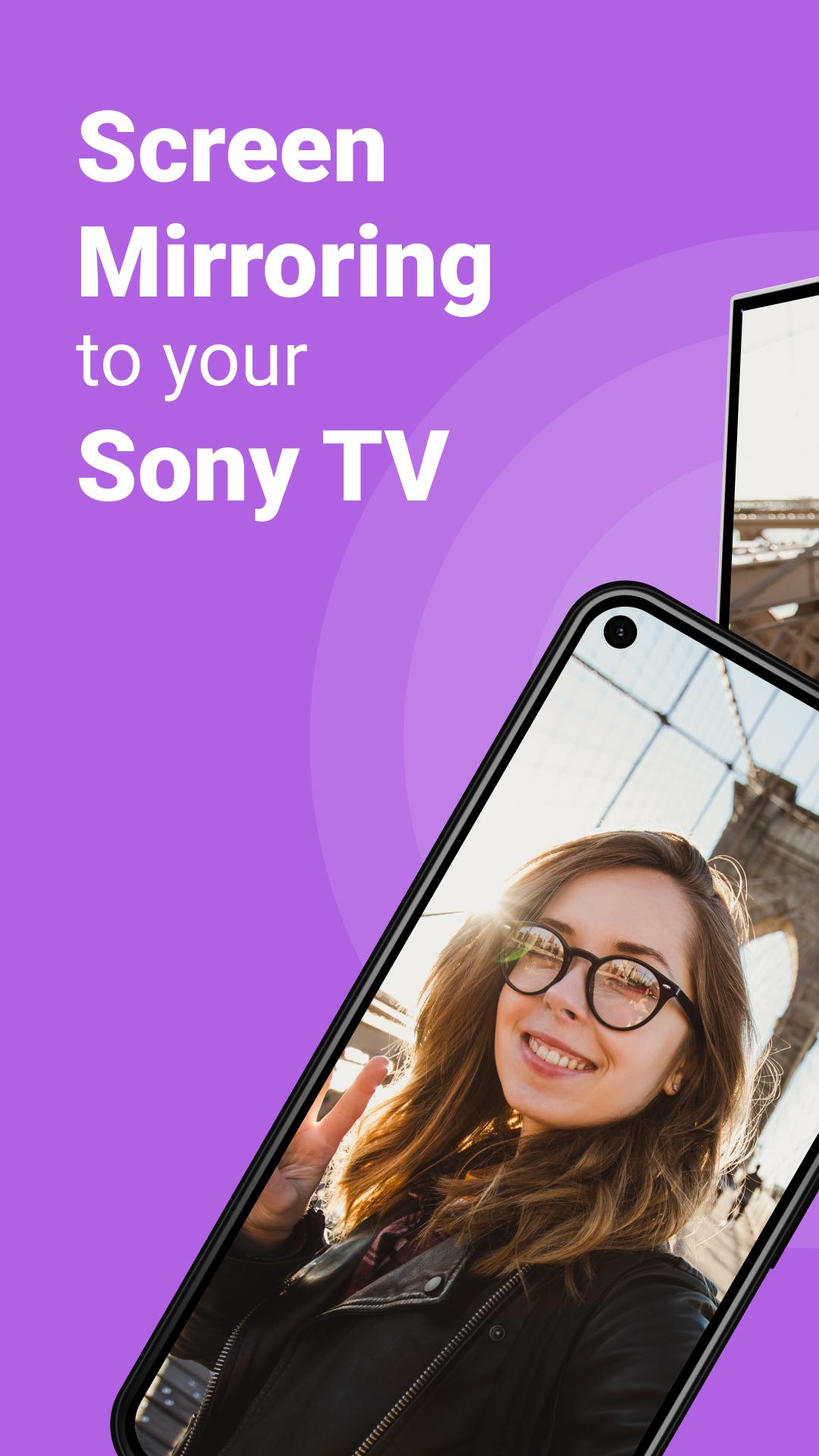
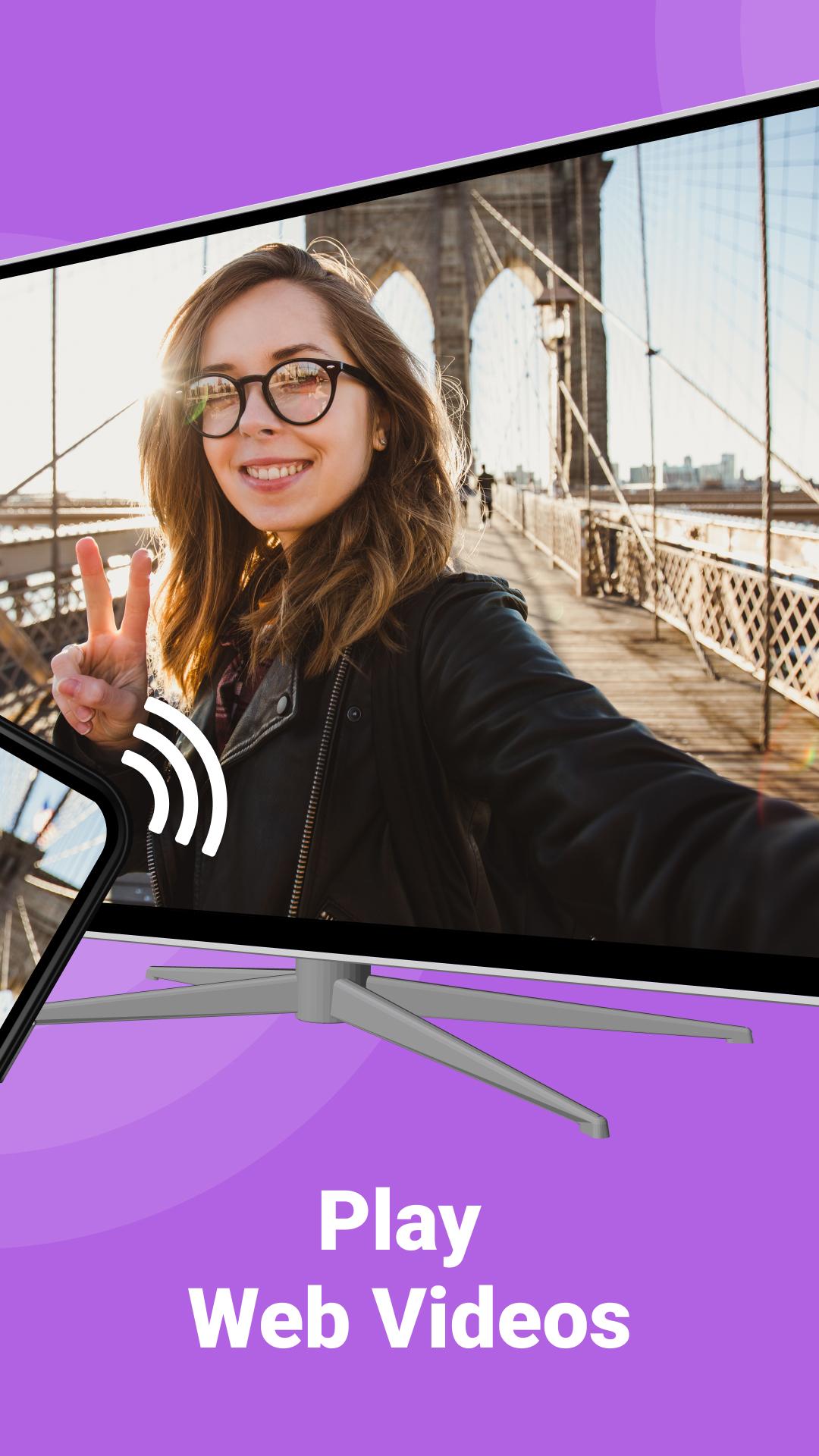
Sony Screen Mirroring app cast online videos and series on your Sony TV for free. Share photos or videos with friends and family and use your phone's apps on a bigger screen. Stream in your smart TV all your phone content.
Display the content from your phone on a larger screen, such as a Sony Bravia TV, either based on DLNA or on the Android TV operating system using screen mirroring, just like Miracast.
Our screen mirroring app is user-friendly: Enjoy all of your favorite content on the big screen with AirBeamTV's Sony screen mirroring app. Connect your device to the same WiFi network as your TV, and you're ready to TV cast from your android from remote.
Mirroring your phone to your Sony smart TV using AirBeam TV includes:
- Easier to see and share remote content on Sony Bravia TV screen
- Ability to use your phone's apps on a bigger screen
- Stream online videos or movies on your Sony TV
- Present at work using your phone
Discover all benefits of remote screen mirroring your phone to your TV. Stream all your phone and tablet content on the Bravia big screen from remote for free. Connect your phone or tablet to your Sony TV without cables nor hardware. Try Sony TV Screen Mirroring app to cast and screen share anything from remote to your TV from your Android phone or tablet.
This TV screen share app works on any Sony Smart TV from the 2012 models onward, including Sony Android TVs, just make sure that your Android phone or tablet is on the same Wifi network as your Sony Smart TV.
*Some apps block Screen Mirroring. This means that application developers can choose themselves if they want to block Screen Mirroring. For instance, Netflix, Disney and Amazon Prime have decided to block this and this can't be changed.
Support: support@airbeam.tv
Cast from your phone or tablet to your Sony Smart TV using our screen mirroring app for free.
Предварительный просмотр
Теги
РаботаИнформация
Разработчик
AirBeamTV BV
Последняя версия
2.60
Последнее обновление
2025-01-22
Категория
Работа
Доступно на
Google Play
Показать больше
Как играть в Sony TV Screen Mirroring с GameLoop на ПК
1. Загрузите GameLoop с официального сайта, затем запустите исполняемый файл для установки GameLoop.
2. Откройте GameLoop и выполните поиск Sony TV Screen Mirroring, найдите Sony TV Screen Mirroring в результатах поиска и нажмите Установить.
3. Наслаждайтесь игрой в Sony TV Screen Mirroring на GameLoop.
Minimum requirements
OS
Windows 8.1 64-bit or Windows 10 64-bit
GPU
GTX 1050
CPU
i3-8300
Memory
8GB RAM
Storage
1GB available space
Recommended requirements
OS
Windows 8.1 64-bit or Windows 10 64-bit
GPU
GTX 1050
CPU
i3-9320
Memory
16GB RAM
Storage
1GB available space