
Sensitivity Finder на пк
Luke C Nelson
Скачать Sensitivity Finder на ПК с помощью эмулятора GameLoop
Sensitivity Finder на ПК
Sensitivity Finder, исходящий от разработчика Luke C Nelson, в прошлом работал на системе Android.
Теперь вы можете без проблем играть в Sensitivity Finder на ПК с помощью GameLoop.
Загрузите его в библиотеке GameLoop или результатах поиска. Больше не нужно смотреть на аккумулятор или разочаровывать звонки в неподходящее время.
Просто наслаждайтесь Sensitivity Finder на ПК на большом экране бесплатно!
Sensitivity Finder Введение
(This app is designed to be used with the game CS:GO, however, there is no affiliation between this app and Valve Corporation or Counter-Strike Global Offensive)
Need a better sensitivity in CS:GO, but don't where to start?
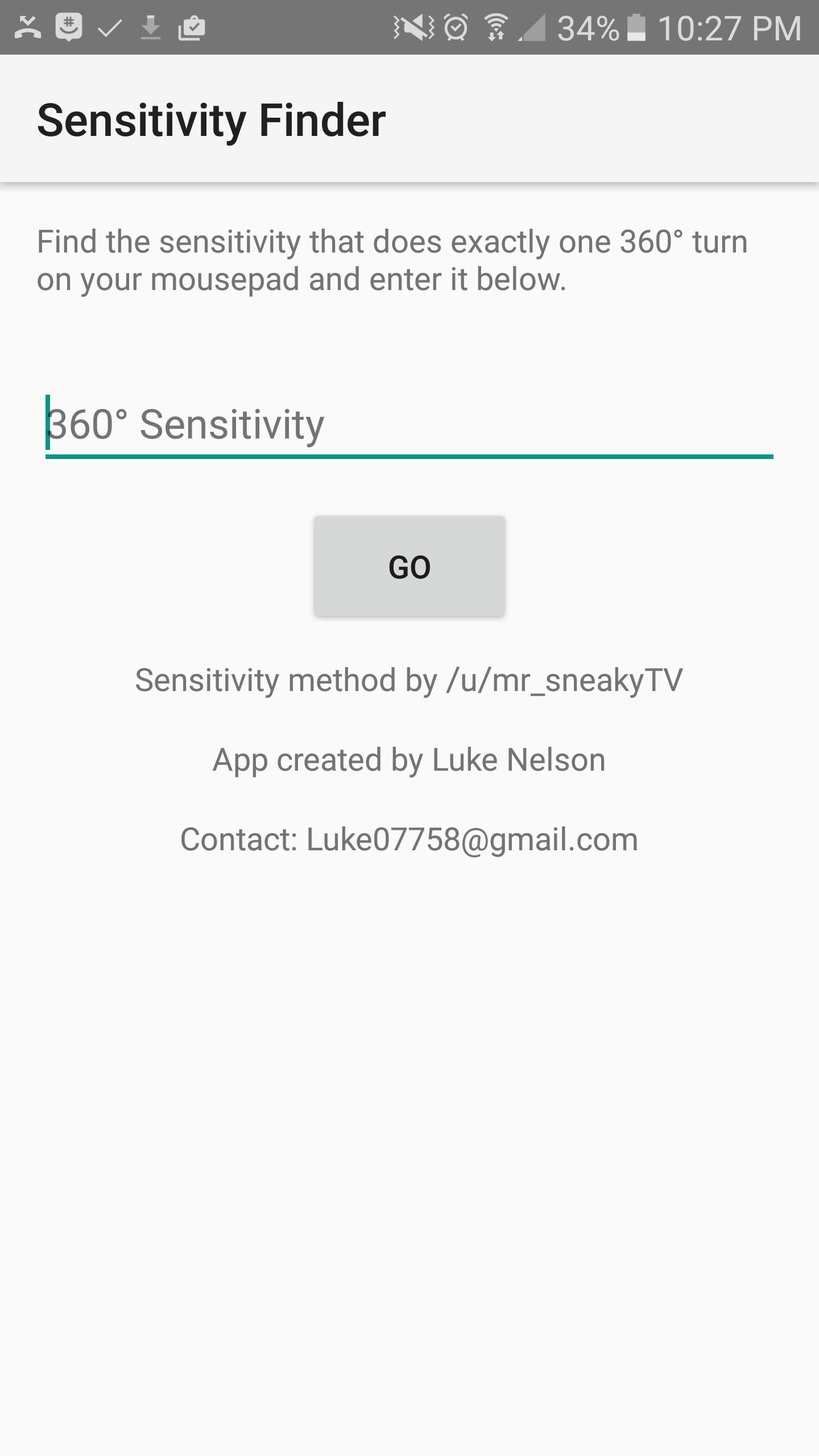
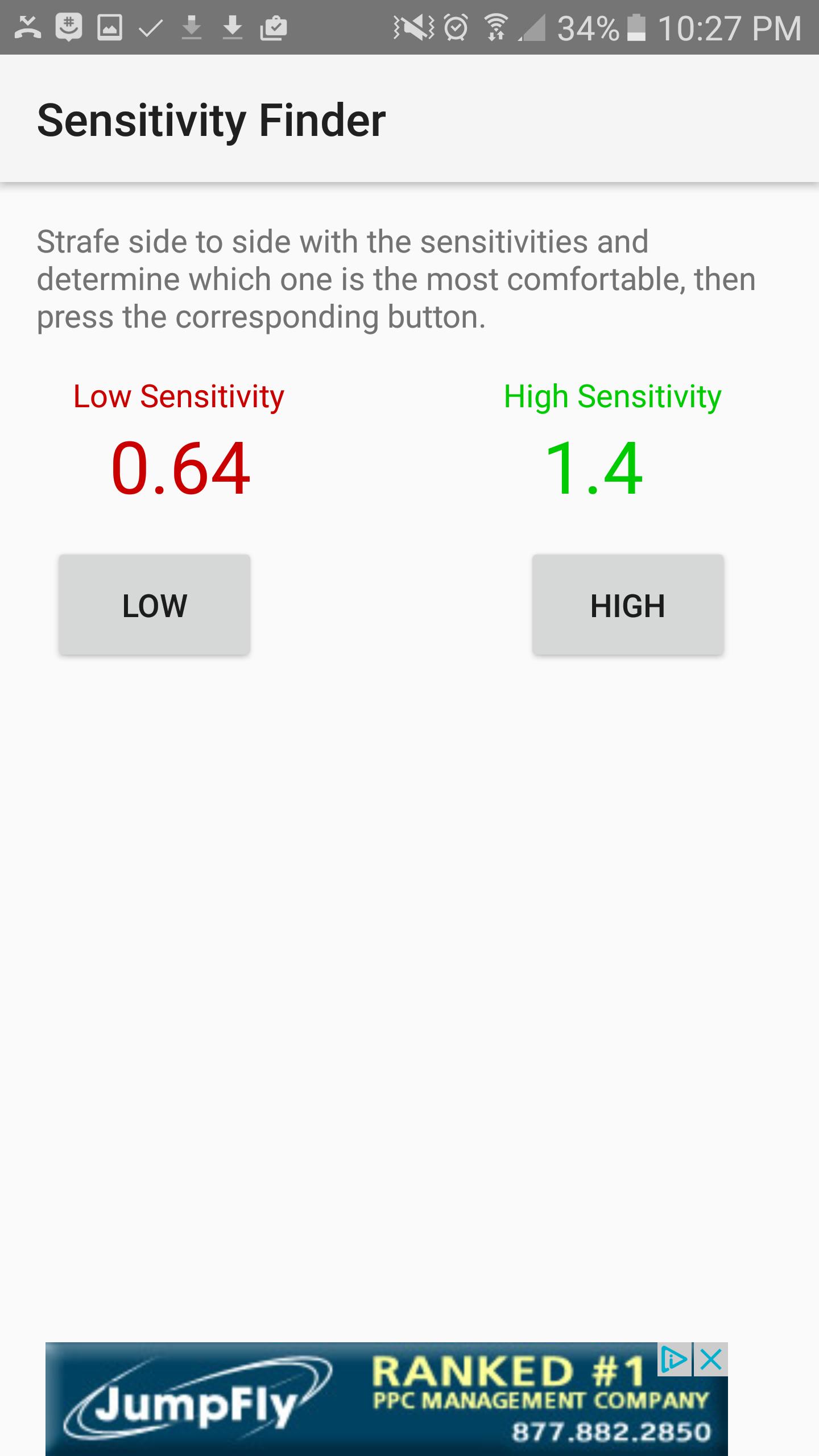
This app will help you find your PERFECT sensitivity to get better at the game. How it works is, you first open the game and find which sensitivity it is that does exactly one 360 degree turn from one side of your mouse pad to the other, and you will enter that sensitivity into the first screen. Next, the app will show you two sensitivities, a Low, colored in red, and a High colored in green. Try each of these sensitivities out and determine which one you like better. I recommend strafing back and forth and trying to keep your crosshair fixed on one point on a wall. Once you figure out which one you like better, select the corresponding High or low button, and the app will show you updated sensitivities, and then you try those sensitivities. Repeat the process over and over until the app finds the perfect sensitivity for you. The entire process takes up to an hour, but it is worth it, and your sensitivity will be much better.
Предварительный просмотр
Информация
Разработчик
Luke C Nelson
Последняя версия
1.0
Последнее обновление
2017-01-28
Категория
Работа
Доступно на
Google Play
Показать больше
Как играть в Sensitivity Finder с GameLoop на ПК
1. Загрузите GameLoop с официального сайта, затем запустите исполняемый файл для установки GameLoop.
2. Откройте GameLoop и выполните поиск Sensitivity Finder, найдите Sensitivity Finder в результатах поиска и нажмите Установить.
3. Наслаждайтесь игрой в Sensitivity Finder на GameLoop.
Minimum requirements
OS
Windows 8.1 64-bit or Windows 10 64-bit
GPU
GTX 1050
CPU
i3-8300
Memory
8GB RAM
Storage
1GB available space
Recommended requirements
OS
Windows 8.1 64-bit or Windows 10 64-bit
GPU
GTX 1050
CPU
i3-9320
Memory
16GB RAM
Storage
1GB available space