
Montage на пк
DisplayNote Technologies Ltd
Скачать Montage на ПК с помощью эмулятора GameLoop
Montage на ПК
Montage, исходящий от разработчика DisplayNote Technologies Ltd, в прошлом работал на системе Android.
Теперь вы можете без проблем играть в Montage на ПК с помощью GameLoop.
Загрузите его в библиотеке GameLoop или результатах поиска. Больше не нужно смотреть на аккумулятор или разочаровывать звонки в неподходящее время.
Просто наслаждайтесь Montage на ПК на большом экране бесплатно!
Montage Введение
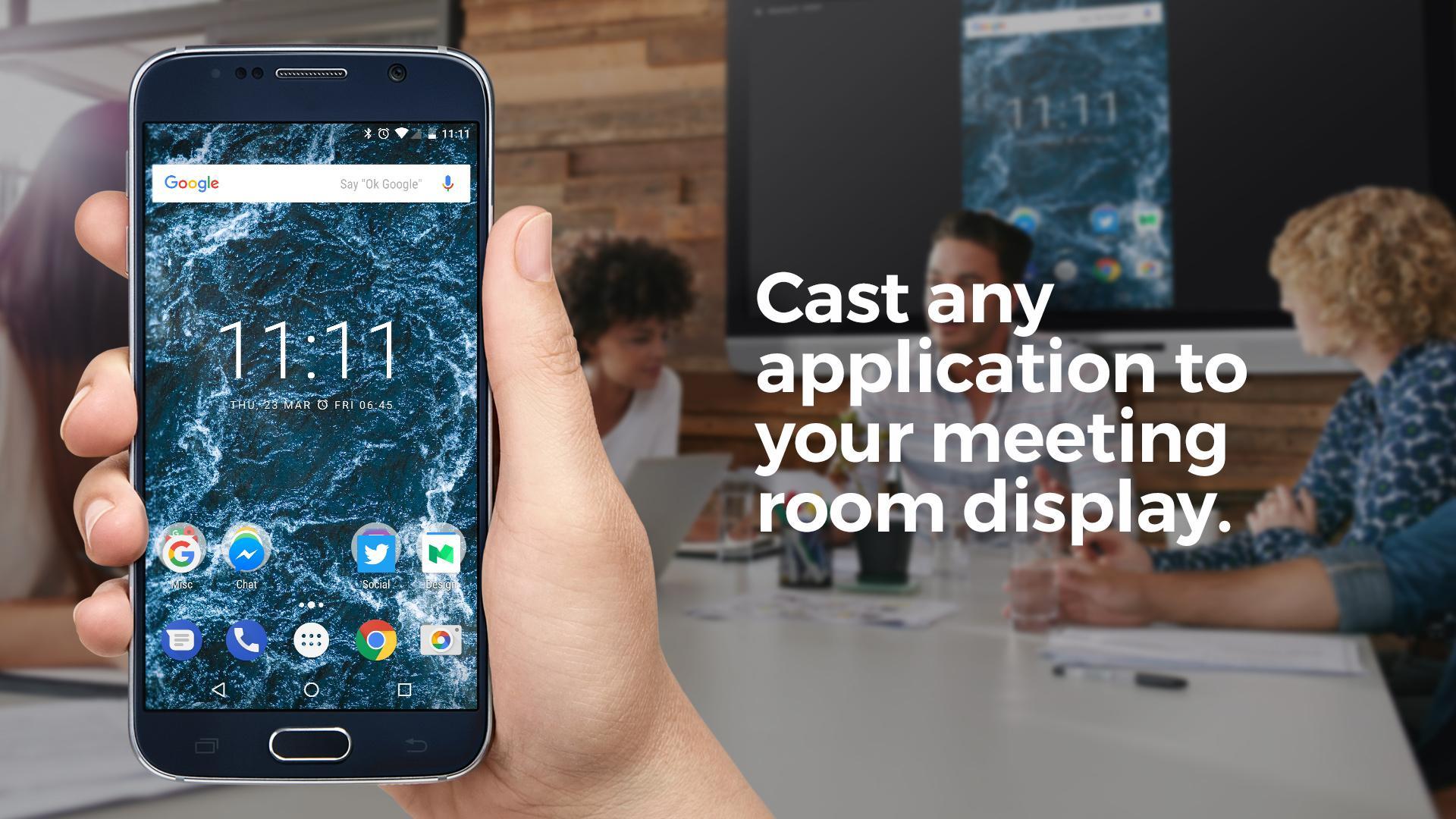
Using the native Android app, meeting attendees can connect to a Montage for Meetings session and cast their Android screen to the main meeting room screen.
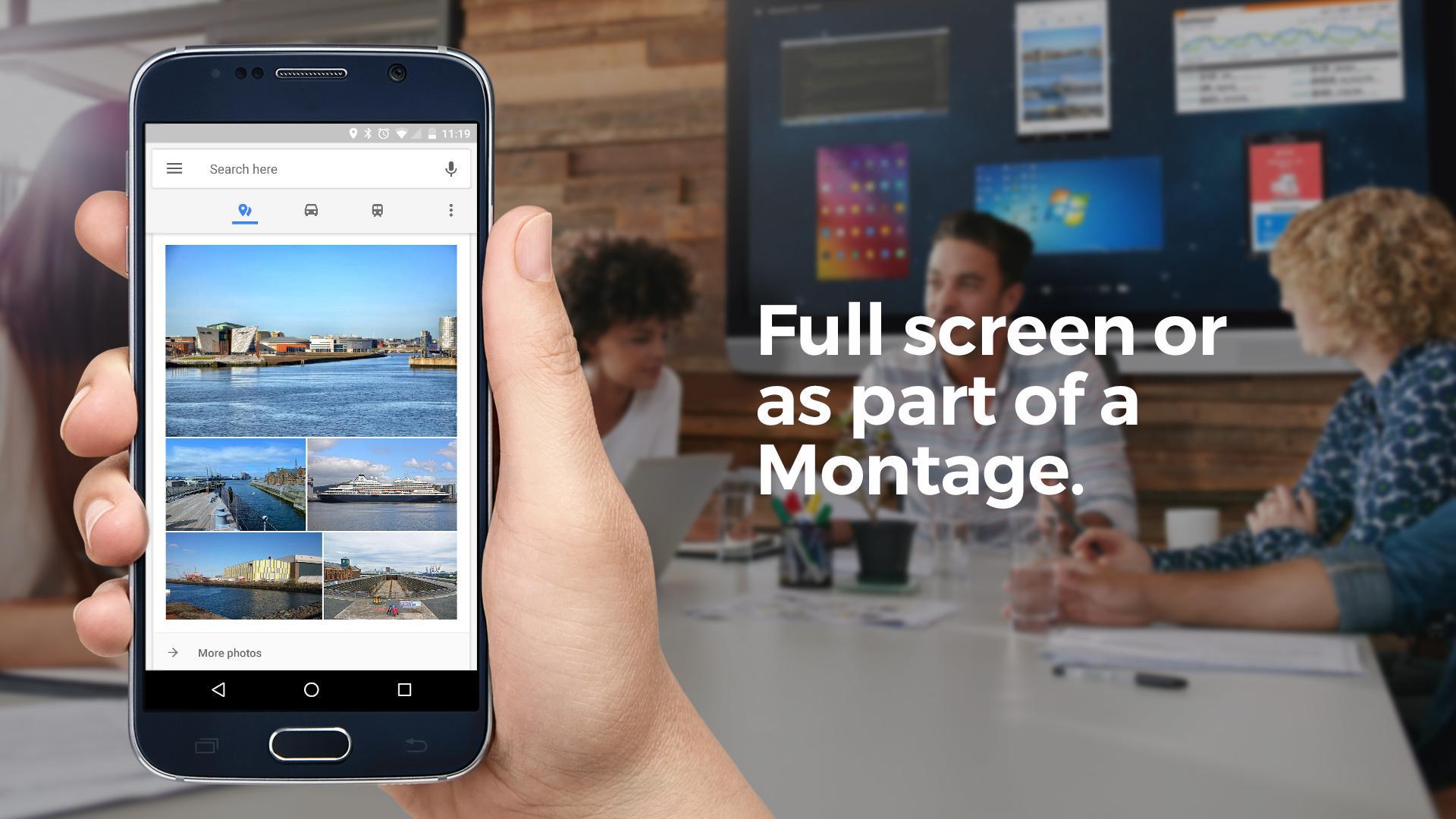
Once connected, they can choose to make their Android device full screen on the meeting room display or view it as part of a Montage alongside other attendee devices.
Users can also draw on the active display, view and draw on a whiteboard and share and receive files.
Montage for Meetings on Android allows users to join a meeting and cast their device both in the meeting room and when remote.
Remote attendees can also use their device camera and microphone to make video and voice calls to others in the meeting room. In addition, remote attendees can view what's happening on the main meeting room screen right from their mobile device.
The Montage for Meetings application works alongside the Montage Wireless Presentation System.
The app also features a menu controller – this means options like ‘make active display, pause session etc can be done via the Android notifications bar.
Предварительный просмотр
Информация
Разработчик
DisplayNote Technologies Ltd
Последняя версия
2.3.0-6994880
Последнее обновление
2017-11-23
Категория
Работа
Доступно на
Google Play
Показать больше
Как играть в Montage с GameLoop на ПК
1. Загрузите GameLoop с официального сайта, затем запустите исполняемый файл для установки GameLoop.
2. Откройте GameLoop и выполните поиск Montage, найдите Montage в результатах поиска и нажмите Установить.
3. Наслаждайтесь игрой в Montage на GameLoop.
Minimum requirements
OS
Windows 8.1 64-bit or Windows 10 64-bit
GPU
GTX 1050
CPU
i3-8300
Memory
8GB RAM
Storage
1GB available space
Recommended requirements
OS
Windows 8.1 64-bit or Windows 10 64-bit
GPU
GTX 1050
CPU
i3-9320
Memory
16GB RAM
Storage
1GB available space