
InShare Apk на пк
Syolo Soft
Скачать InShare Apk на ПК с помощью эмулятора GameLoop
InShare Apk на ПК
InShare Apk, исходящий от разработчика Syolo Soft, в прошлом работал на системе Android.
Теперь вы можете без проблем играть в InShare Apk на ПК с помощью GameLoop.
Загрузите его в библиотеке GameLoop или результатах поиска. Больше не нужно смотреть на аккумулятор или разочаровывать звонки в неподходящее время.
Просто наслаждайтесь InShare Apk на ПК на большом экране бесплатно!
InShare Apk Введение
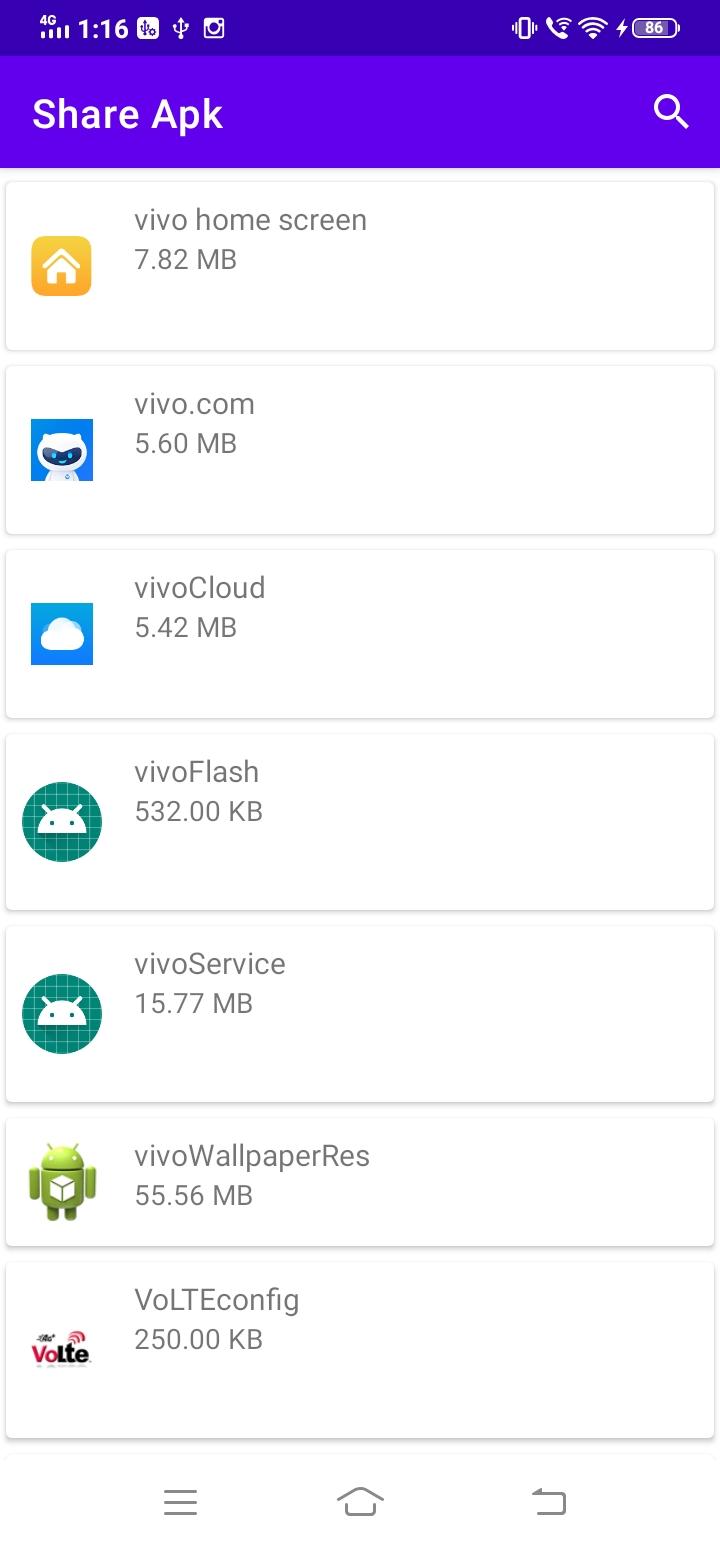
Looking for a cross-device app sharing option? InShare Apk is the perfect choice for you. This app is the answer to the app sharing problem faced by android users. you can make use of Bluetooth, whatsapp and other Social Media Apps for sharing, it will take little bit time depending on the size of app and Internet speed. Finish this waiting game to an end as InShare Apk satisfies your app transfer needs with perfection. You will be able to transfer the android apps from one android device to another at a lightning-fast speed. It does not require any internet connection to share your apps and is much faster than Bluetooth. The receiver no need to have this app Only sender need to install this app in order to share apps. It has such a clean, simple, and user-friendly interface that makes easy sharing possible.
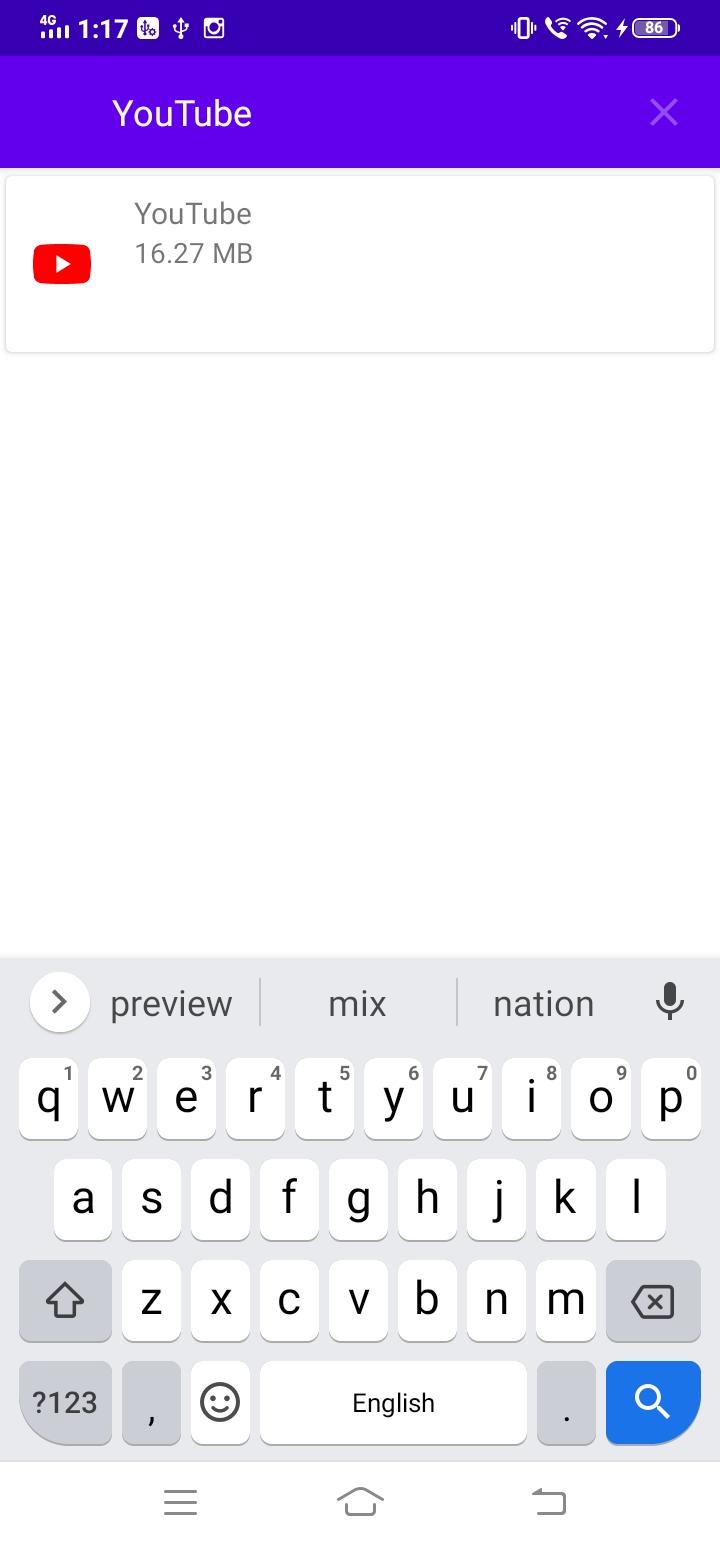
Choose any App to transfer and then you will have to select the social media where you want to share. It is that simple, you see.
Предварительный просмотр
Теги
РаботаИнформация
Разработчик
Syolo Soft
Последняя версия
1.0
Последнее обновление
2020-12-01
Категория
Работа
Доступно на
Google Play
Показать больше
Как играть в InShare Apk с GameLoop на ПК
1. Загрузите GameLoop с официального сайта, затем запустите исполняемый файл для установки GameLoop.
2. Откройте GameLoop и выполните поиск InShare Apk, найдите InShare Apk в результатах поиска и нажмите Установить.
3. Наслаждайтесь игрой в InShare Apk на GameLoop.
Minimum requirements
OS
Windows 8.1 64-bit or Windows 10 64-bit
GPU
GTX 1050
CPU
i3-8300
Memory
8GB RAM
Storage
1GB available space
Recommended requirements
OS
Windows 8.1 64-bit or Windows 10 64-bit
GPU
GTX 1050
CPU
i3-9320
Memory
16GB RAM
Storage
1GB available space