Flowchart Studio на пк
Bianca's House
Скачать Flowchart Studio на ПК с помощью эмулятора GameLoop
Flowchart Studio на ПК
Flowchart Studio, исходящий от разработчика Bianca's House, в прошлом работал на системе Android.
Теперь вы можете без проблем играть в Flowchart Studio на ПК с помощью GameLoop.
Загрузите его в библиотеке GameLoop или результатах поиска. Больше не нужно смотреть на аккумулятор или разочаровывать звонки в неподходящее время.
Просто наслаждайтесь Flowchart Studio на ПК на большом экране бесплатно!
Flowchart Studio Введение
Designed for anyone wanting to design a process, or a complex algorithm, such as planning the "edge cases" of a UI.
The Flowchart is reborn with the new simple Standard Notation.
Add and Move steps with drag n drop. For those users who prefer not to drag their fingers across their tablet's screen, the user-interface also works equally well with Point-n-Tap.
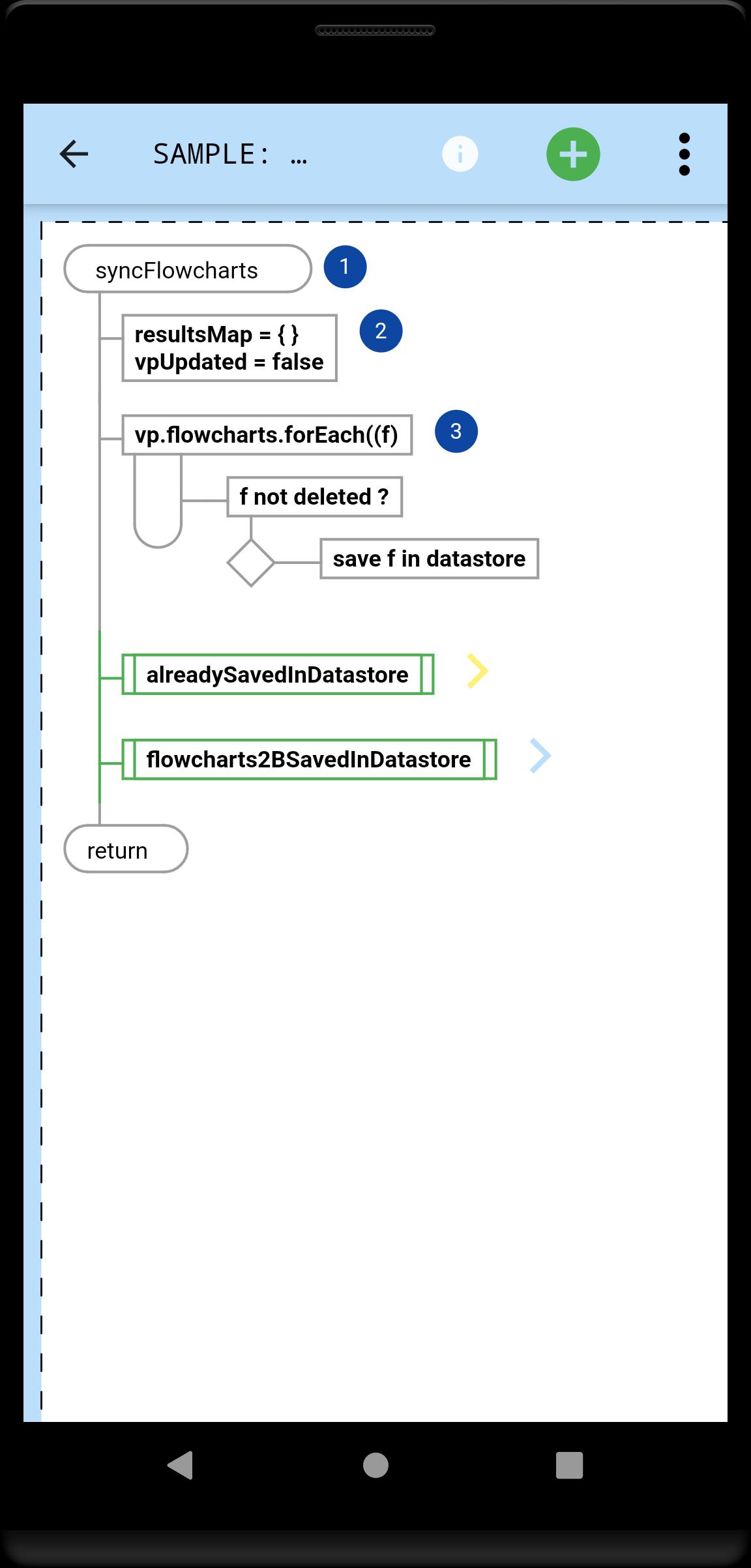
You tell the app which steps, and their order: it draws the perfect flowchart.
A Flowchart is a tree of Steps. Coders will instantly be familiar with any flowchart, because they now flow just like their code.
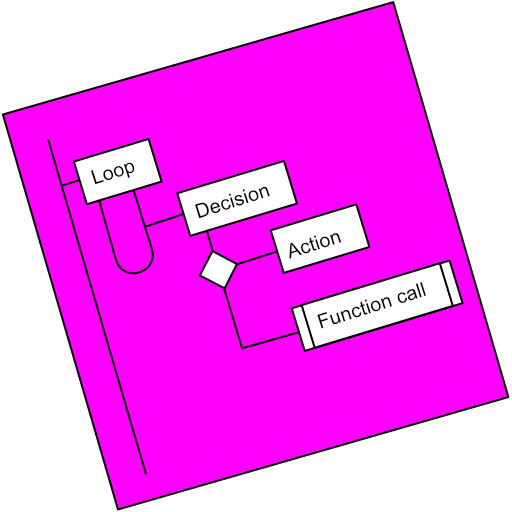
A Step is either a Loop, a Decision or an Action (or Async Action for coders).
Flowcharts can be linked (Function Call steps).
Every step can be annotated with Text and an Image.
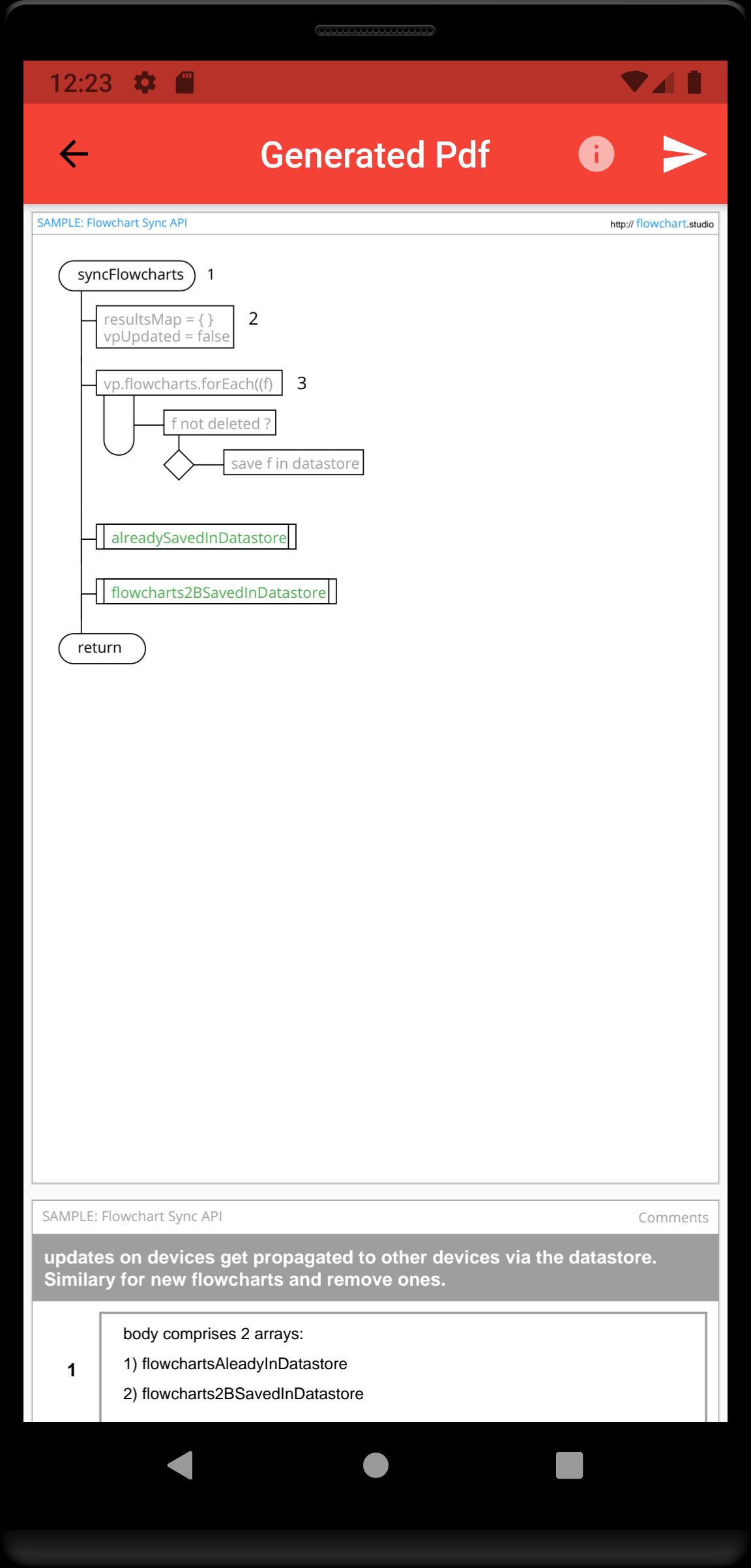
Your step annotations get collated and added to your generated Pdfs.
Your flowcharts are saved on your device, and can be sync'd to our Cloud, allowing you to access them from all your devices.
Предварительный просмотр
Теги
РаботаИнформация
Разработчик
Bianca's House
Последняя версия
1.0.0
Последнее обновление
2022-01-23
Категория
Работа
Доступно на
Google Play
Показать больше
Как играть в Flowchart Studio с GameLoop на ПК
1. Загрузите GameLoop с официального сайта, затем запустите исполняемый файл для установки GameLoop.
2. Откройте GameLoop и выполните поиск Flowchart Studio, найдите Flowchart Studio в результатах поиска и нажмите Установить.
3. Наслаждайтесь игрой в Flowchart Studio на GameLoop.
Minimum requirements
OS
Windows 8.1 64-bit or Windows 10 64-bit
GPU
GTX 1050
CPU
i3-8300
Memory
8GB RAM
Storage
1GB available space
Recommended requirements
OS
Windows 8.1 64-bit or Windows 10 64-bit
GPU
GTX 1050
CPU
i3-9320
Memory
16GB RAM
Storage
1GB available space