Split Pic - Photogrid Maker на пк
UpStack Apps
Скачать Split Pic - Photogrid Maker на ПК с помощью эмулятора GameLoop
Split Pic - Photogrid Maker на ПК
Split Pic - Photogrid Maker, исходящий от разработчика UpStack Apps, в прошлом работал на системе Android.
Теперь вы можете без проблем играть в Split Pic - Photogrid Maker на ПК с помощью GameLoop.
Загрузите его в библиотеке GameLoop или результатах поиска. Больше не нужно смотреть на аккумулятор или разочаровывать звонки в неподходящее время.
Просто наслаждайтесь Split Pic - Photogrid Maker на ПК на большом экране бесплатно!
Split Pic - Photogrid Maker Введение
Collage Maker is your ONLY photo collage maker and pic stitch app in pics-art trip. Just select several photos - support up to 100, in your photo lab, Collage Maker instantly remixes them into a cool photo collage and side by side your photos in one photo layout frame. Pick the layout you like, edit the picture and decorate it with photo filters, stickers, texts, and much more.
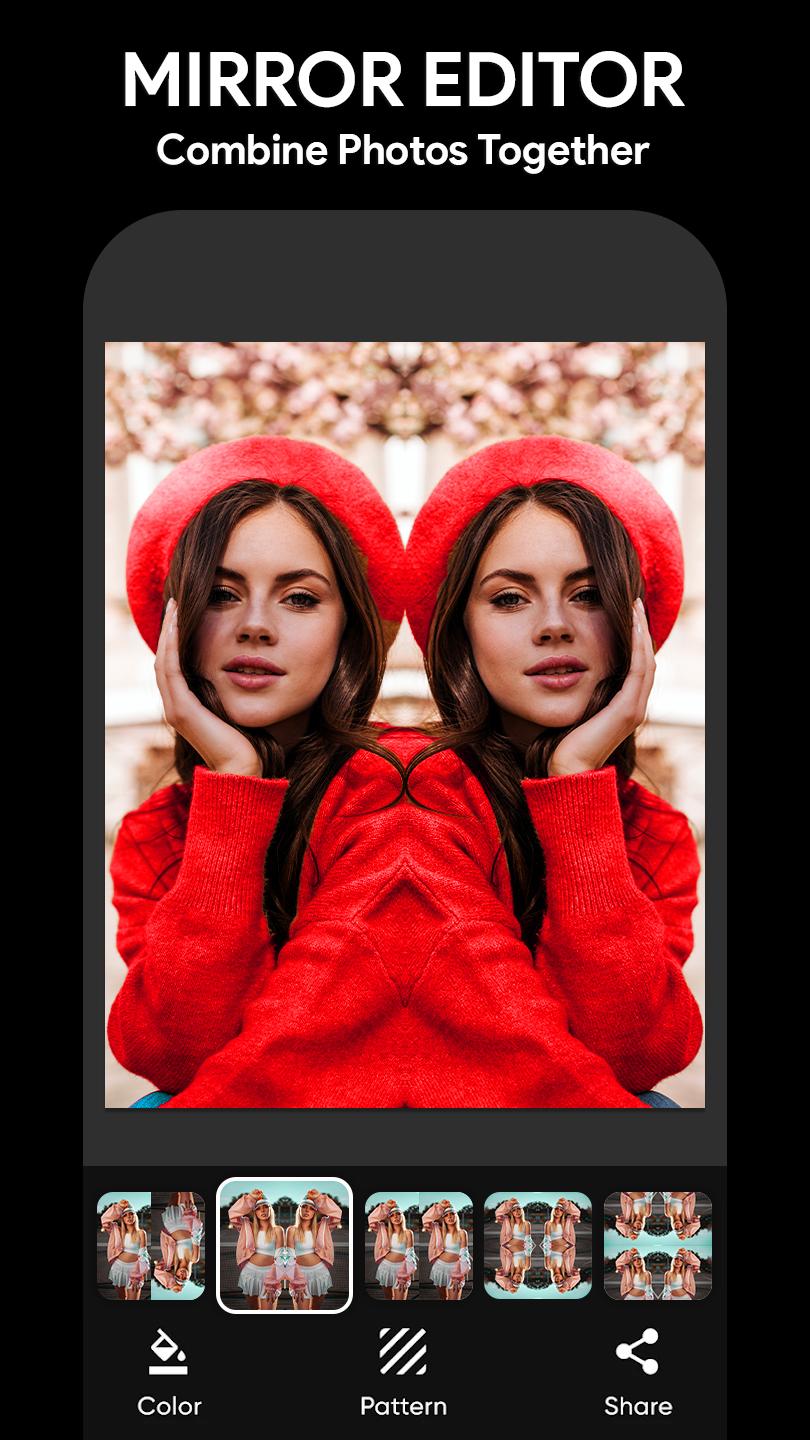
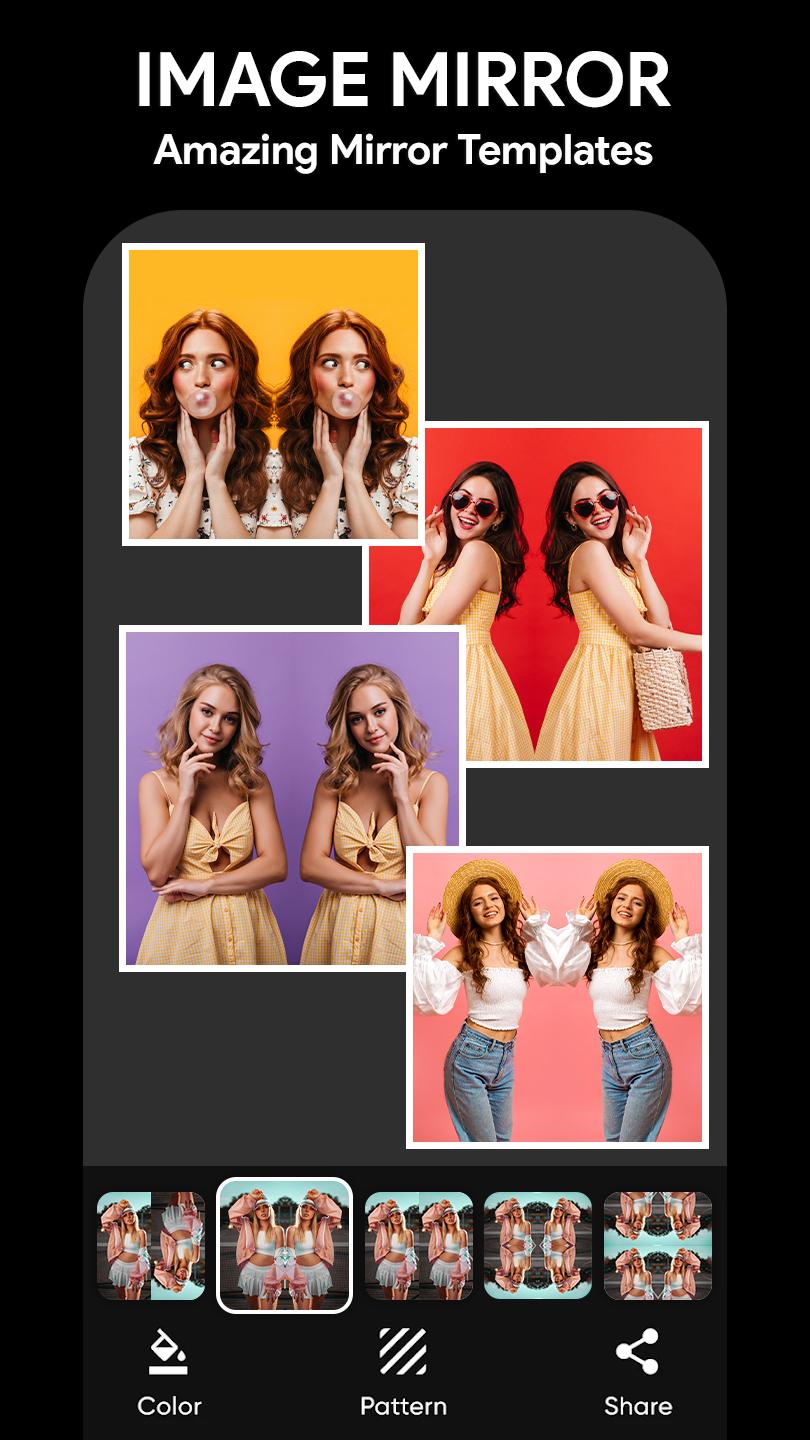
Mirror Photo Editor: Collage Maker & Beauty Camera is the perfect photo mirror app that helps you create your best pics art. Combine photos together to make a delightful pic collage with the greatest photo collage maker and edit your mirror images with incredible photo editor tools, a variety of selfie camera filters, and effects. With photo collage maker and image photo editor, You can generate an epic selfie with the mirror image effect, retouch your pictures with a caption and stickers, add a marvelous filter, camera effect, photo grid, and frames to form a nice pic collage.
Mirror Image: Pic Collage, Selfie Camera, Picture Stickers helps you combine photos together to make a great picture collage with incredible photo editing tools, a variety of beauty filters, and cute effects and stickers. Mirror photo collage maker to form a marvelous reflection for your selfies, add a photo grid and captions to make creative images and a bind frame to produce a pic collage with this amazing mirror app! With the mirror app & picture editor, there is no need to pick the best photo when you can combine them all! Retouch your picture in detail with the mirror app & photo editor applying the useful split pic tools ready for you.
Key features of the photo collage maker and mirror maker app:
● Combine up to 20 photos to create a photo collage.
● Unlimited Layouts of frames or grids to choose from!
● Make a photo collage with Free style or Grid style.
● Crop pictures and edit photos with photo filter beauty effects.
● Many beautiful photo filters and picture effects.
● A large number of Backgrounds, Stickers, Fonts, drip effects, Neon Art styles, and doodle to choose from!
● Save photos in high resolution and share pictures to social apps.
Photo collage and mirror image maker is the professional photo editing application that helps you make perfect grid layouts and apply trending photo filters and picture effects. It helps you remove backgrounds and erase unwanted objects from the pictures and change your background with a new style. The background eraser tool helps you remove unwanted background objects and pictures very easily and smoothly; it is straightforward to use all tools in the photo collage and grid layout images application.
Why choose this photo collage and mirror image maker:
Why? Thanks to the selfie filters and picture effects, you’ll have dozens of pretty pics to post. Montage all your selfies with the photo collage editor instantly. Photo collage and mirror maker create amazing collages for special days like Birthdays, Valentine’s day, wedding images, love images, and many more.. Just choose your favorite pics and let the photo collage maker do its magic. Many stickers are available in various themes. Make your picture collage and set your 20+ images into a single frame. Explore layout and the photogrids to add a breathtaking collage photo frame.
So, don't waste your time and try this out for making your photo editing skills perfect. Use different styles of photo grids and picture layout/frames for your photos very easily. With the best photo filters, cute photo filters, and beautiful photo filters, you can enhance your images with stunning effects. Additionally, the photo editor filters and photo editing filters allow you to apply various adjustments and modifications. Try the cut out filter for a unique look and create captivating cut out photos.
Предварительный просмотр
Теги
ПерсонализацияФотографияСтиль жизниИнформация
Разработчик
UpStack Apps
Последняя версия
1.6.2
Последнее обновление
2023-11-23
Категория
Фотография
Доступно на
Google Play
Показать больше
Как играть в Split Pic - Photogrid Maker с GameLoop на ПК
1. Загрузите GameLoop с официального сайта, затем запустите исполняемый файл для установки GameLoop.
2. Откройте GameLoop и выполните поиск Split Pic - Photogrid Maker, найдите Split Pic - Photogrid Maker в результатах поиска и нажмите Установить.
3. Наслаждайтесь игрой в Split Pic - Photogrid Maker на GameLoop.
Minimum requirements
OS
Windows 8.1 64-bit or Windows 10 64-bit
GPU
GTX 1050
CPU
i3-8300
Memory
8GB RAM
Storage
1GB available space
Recommended requirements
OS
Windows 8.1 64-bit or Windows 10 64-bit
GPU
GTX 1050
CPU
i3-9320
Memory
16GB RAM
Storage
1GB available space