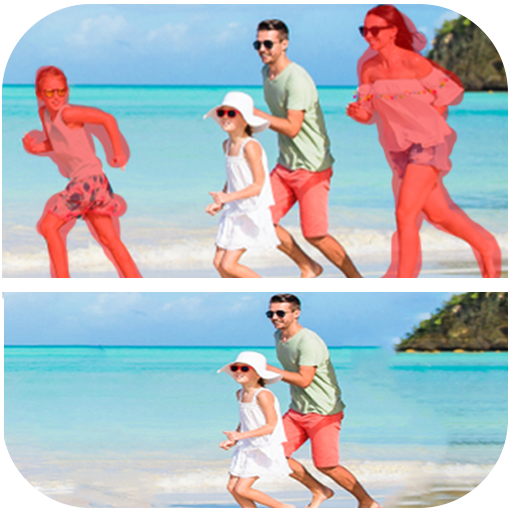
photo eraser : remove unwanted на пк
photo:momo lab
Скачать photo eraser : remove unwanted на ПК с помощью эмулятора GameLoop
photo eraser : remove unwanted на ПК
photo eraser : remove unwanted, исходящий от разработчика photo:momo lab, в прошлом работал на системе Android.
Теперь вы можете без проблем играть в photo eraser : remove unwanted на ПК с помощью GameLoop.
Загрузите его в библиотеке GameLoop или результатах поиска. Больше не нужно смотреть на аккумулятор или разочаровывать звонки в неподходящее время.
Просто наслаждайтесь photo eraser : remove unwanted на ПК на большом экране бесплатно!
photo eraser : remove unwanted Введение
Photo Eraser - Remove Objects is the best Mobile Photo Editor to remove content from Photos.
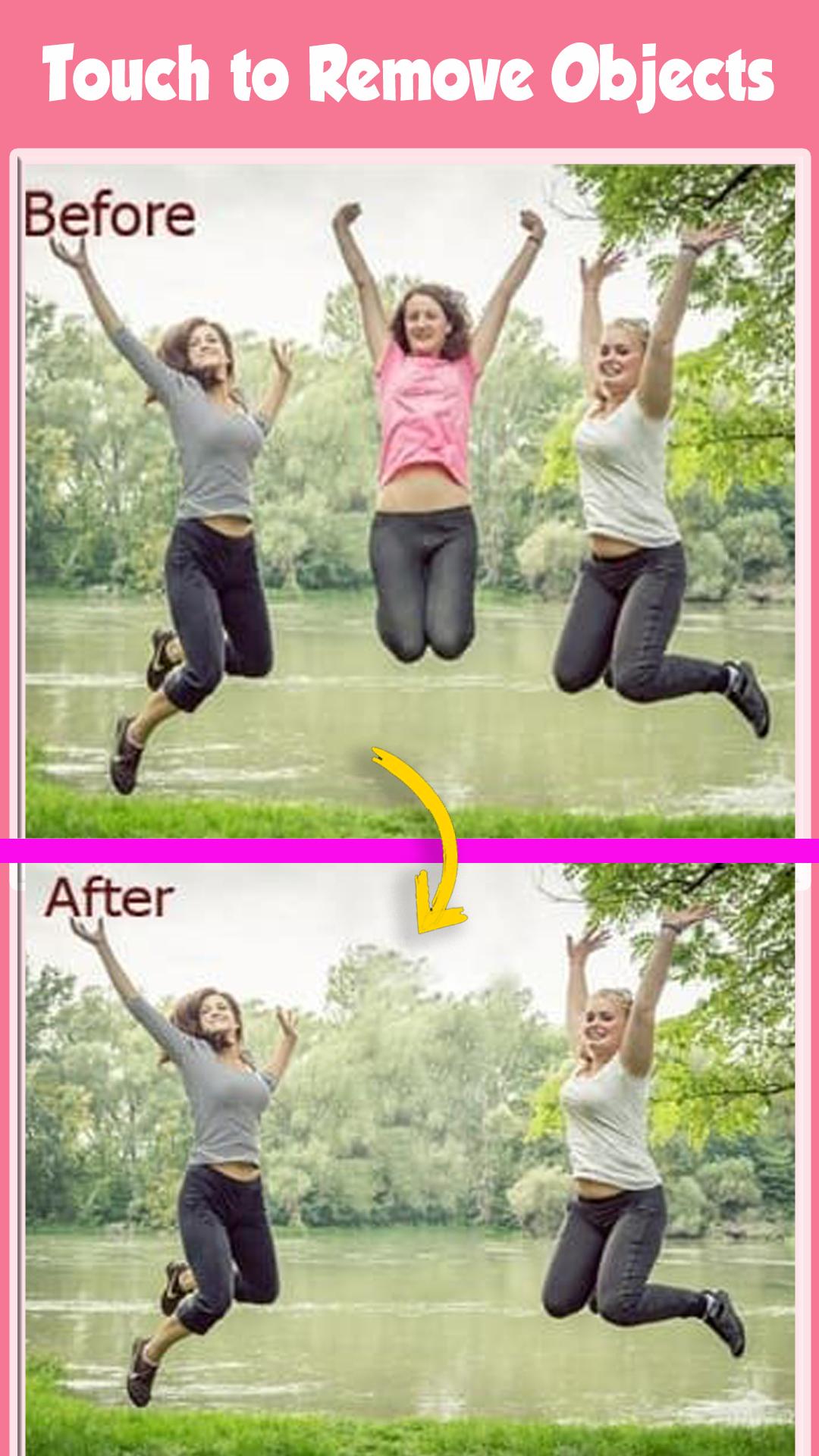
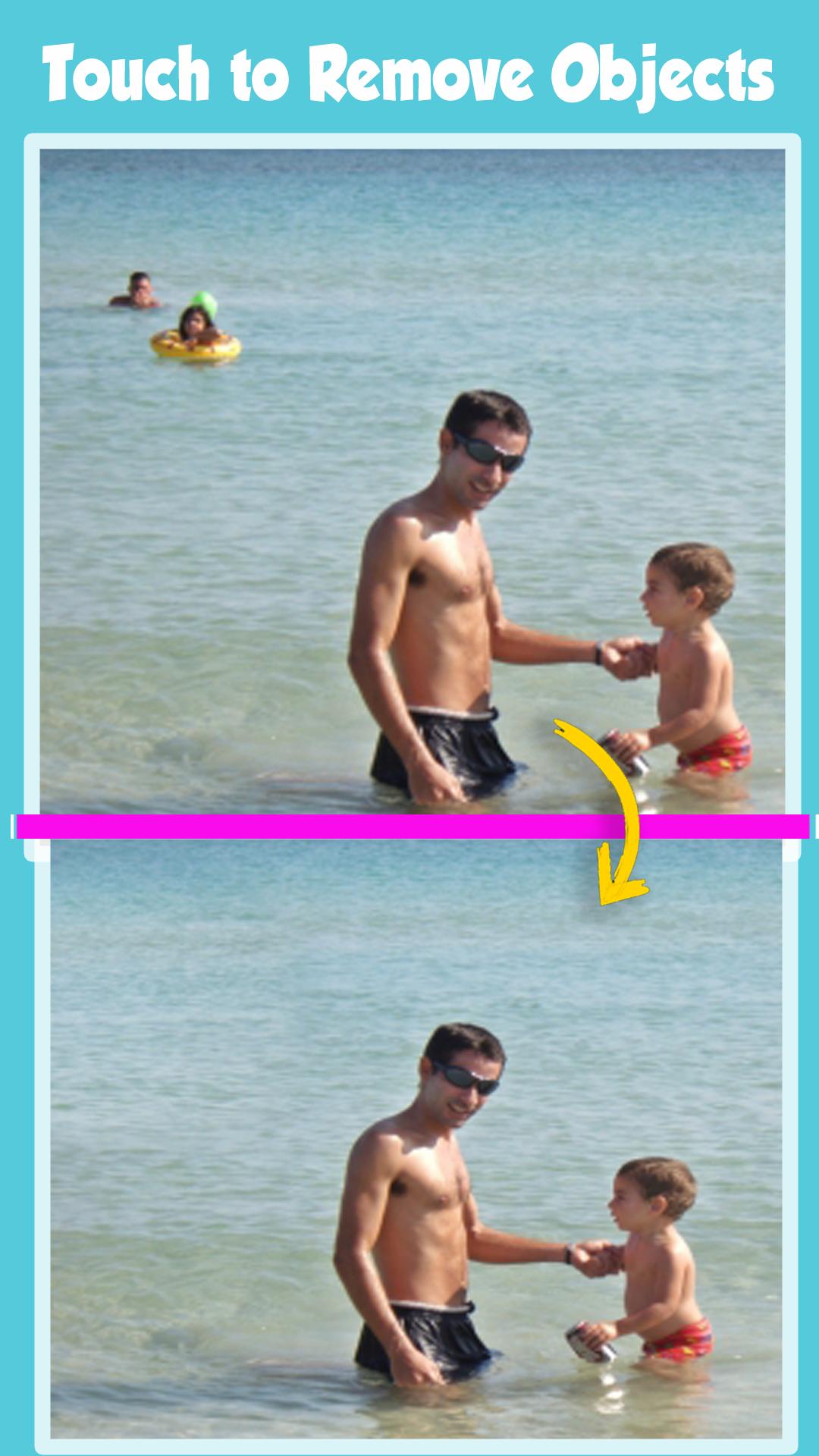
delete any unwanted content in the photo with Erase Unwanted Content From Photo.
Erase Unwanted Content From Photos, remove unwanted objects and people from pics provides a fast and easy way to change photos backgrounds.
Just touch the area you want to erase and auto eraser tool will do the rest of the work for you. You can also erase your photos background manually by finger touch.
The app comes with the most advanced photo cutting technologies.
You can use the Magic Brush to draw on a photo.
The app auto-magically figures out which part you like to remove. You can pinch and zoom the photo and use the normal Bruch and Eraser to fine-tune the cut out.
You want to get rid of some unwanted objects or person in an otherwise perfect photo?
Now you can with this Erase Unwanted Content From Photo powerful Object Remover app right here at your palm in your Smartphone.
select your Photo from gallery using photo Retouch- remove items from photo app and remove lines from photo. Using your finger,
select the Brush or Lasso tool to mark snapheal, remove unwanted picture, remove object photo, clone object, remove objects,
unwanted photos that you want to erase from picture, then hit the ‘Go’ button now your processing complete within a seconds.
you’re done and it’s now safe image/drawing into your gallery and share your picture-perfect memories with friends.
Eliminate distractions from photos with the Object Removal tool — select either Brush or Lasso, mark the content to be removed, and then tap the Go button.
Erase Unwanted Content From Photo - Remove Objects defects or duplicate objects by using the Clone Stamp tool. Adjust Stamp Size, Hardness, and Opacity as desired. Use Eraser to wipe out what has just been cloned.
Set Eraser Size, Hardness, and Opacity as needed.
Photo Retouch is allows you to remove unwanted content or objects from any photo, using just your finger and your phone.Photo editing has never been so quick,
easy and convenient.Removing unwanted content from images is as easy as one, two, three with the Retouch tool, object remove.
What magic can you do with TouchRetouch?
- Remove telephone wires and posts, power lines
- Remove surface breaks and scratches — both straight and curved
FREE 100% to enjoy it
Предварительный просмотр
Теги
ФотографияИнформация
Разработчик
photo:momo lab
Последняя версия
7.1
Последнее обновление
2022-08-15
Категория
Фотография
Доступно на
Google Play
Показать больше
Как играть в photo eraser : remove unwanted с GameLoop на ПК
1. Загрузите GameLoop с официального сайта, затем запустите исполняемый файл для установки GameLoop.
2. Откройте GameLoop и выполните поиск photo eraser : remove unwanted, найдите photo eraser : remove unwanted в результатах поиска и нажмите Установить.
3. Наслаждайтесь игрой в photo eraser : remove unwanted на GameLoop.
Minimum requirements
OS
Windows 8.1 64-bit or Windows 10 64-bit
GPU
GTX 1050
CPU
i3-8300
Memory
8GB RAM
Storage
1GB available space
Recommended requirements
OS
Windows 8.1 64-bit or Windows 10 64-bit
GPU
GTX 1050
CPU
i3-9320
Memory
16GB RAM
Storage
1GB available space