
MiniPrint на пк
PRINICS Co., Ltd
Скачать MiniPrint на ПК с помощью эмулятора GameLoop
MiniPrint на ПК
MiniPrint, исходящий от разработчика PRINICS Co., Ltd, в прошлом работал на системе Android.
Теперь вы можете без проблем играть в MiniPrint на ПК с помощью GameLoop.
Загрузите его в библиотеке GameLoop или результатах поиска. Больше не нужно смотреть на аккумулятор или разочаровывать звонки в неподходящее время.
Просто наслаждайтесь MiniPrint на ПК на большом экране бесплатно!
MiniPrint Введение
Note: A genuine XSories MiniPrint printer is required to print using this application.
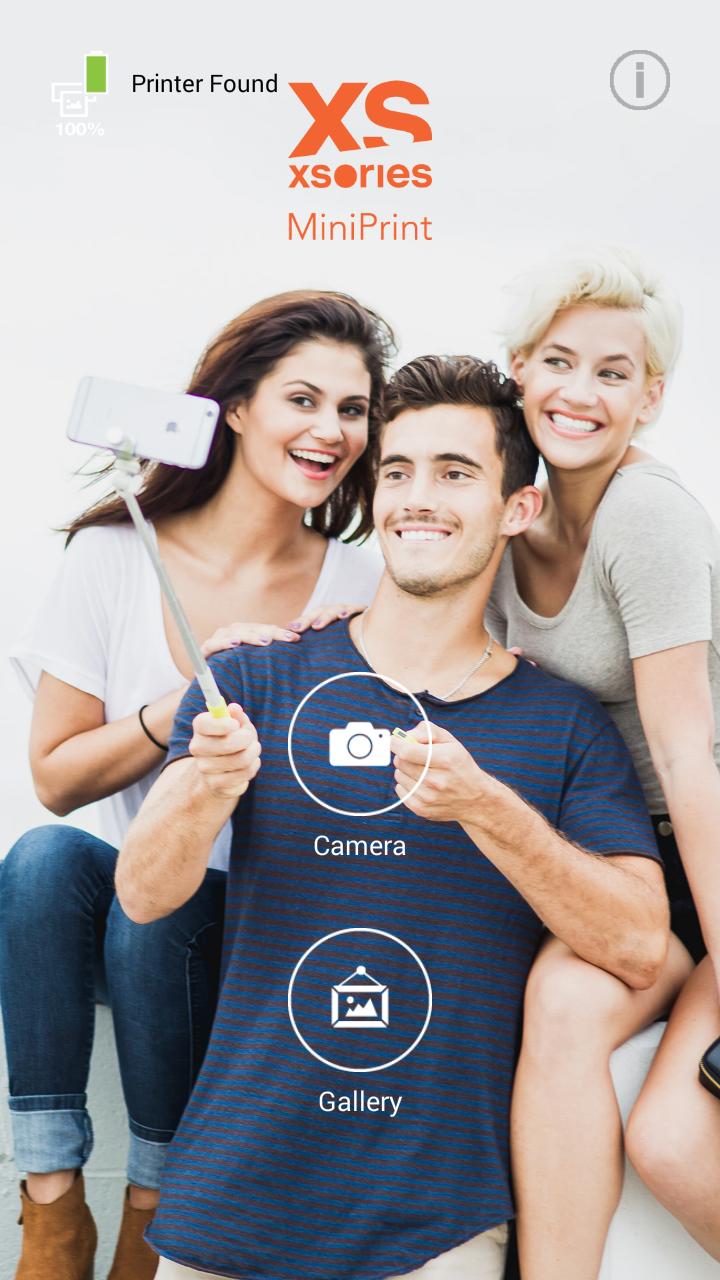
Easily print amazing photos with the XSories MiniPrint printer via WiFi-Direct or WiFi using this application.
The "XSories MiniPrint" photo printer can be used to print images from smartphones by NFC tag scanning (*NFC enabled device ONLY). For non-NFC featured smartphones, simply print via Wi-Fi. You can take and edit pictures on smartphones or tablets. This portable PICKIT printer will instantly print your precious moments.
1. Turn on the printer.
2. Tap your smartphone on the NFC tag or manually connect to the WiFi (DIRECT-Cube-xxxx)
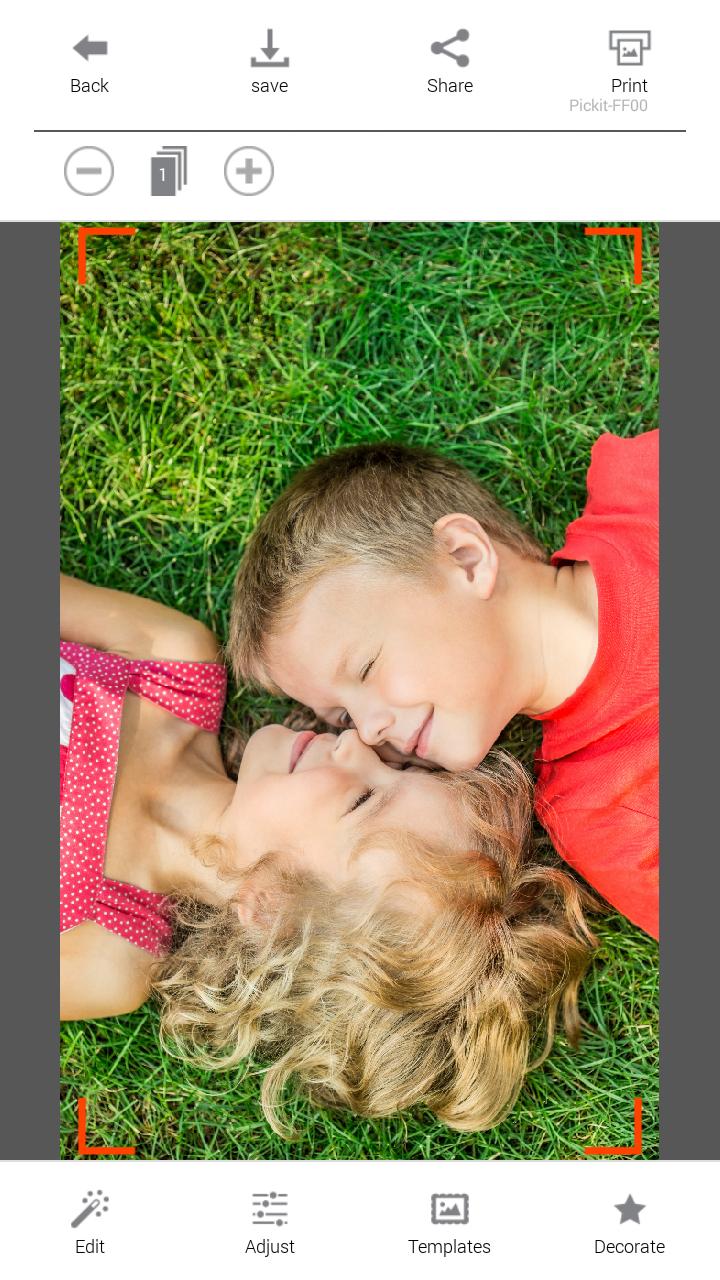
3. Select an image from the Gallery or take a photo with your smartphone.
4. Once image has been selected, edit the image with your personal preference.
5. Now press print when editting is completed.
6. When you print for the first time, it may need to update the firmware. Please follow the instruction shown on the screen of your smartphone.
7. I will take about a minute to fully print. Please do not pull the photo until it is completely printed.
Thank you for purchasing XSories MiniPrint photo printer
Предварительный просмотр
Информация
Разработчик
PRINICS Co., Ltd
Последняя версия
9.79
Последнее обновление
2016-08-24
Категория
Фотография
Доступно на
Google Play
Показать больше
Как играть в MiniPrint с GameLoop на ПК
1. Загрузите GameLoop с официального сайта, затем запустите исполняемый файл для установки GameLoop.
2. Откройте GameLoop и выполните поиск MiniPrint, найдите MiniPrint в результатах поиска и нажмите Установить.
3. Наслаждайтесь игрой в MiniPrint на GameLoop.
Minimum requirements
OS
Windows 8.1 64-bit or Windows 10 64-bit
GPU
GTX 1050
CPU
i3-8300
Memory
8GB RAM
Storage
1GB available space
Recommended requirements
OS
Windows 8.1 64-bit or Windows 10 64-bit
GPU
GTX 1050
CPU
i3-9320
Memory
16GB RAM
Storage
1GB available space