
iPixel - Modern Image Editor на пк
oneAppz
Скачать iPixel - Modern Image Editor на ПК с помощью эмулятора GameLoop
iPixel - Modern Image Editor на ПК
iPixel - Modern Image Editor, исходящий от разработчика oneAppz, в прошлом работал на системе Android.
Теперь вы можете без проблем играть в iPixel - Modern Image Editor на ПК с помощью GameLoop.
Загрузите его в библиотеке GameLoop или результатах поиска. Больше не нужно смотреть на аккумулятор или разочаровывать звонки в неподходящее время.
Просто наслаждайтесь iPixel - Modern Image Editor на ПК на большом экране бесплатно!
iPixel - Modern Image Editor Введение
ipixel is a best free powerful photo editing application.
If you have some knowledge of photography, you can do a lot with ipixel,
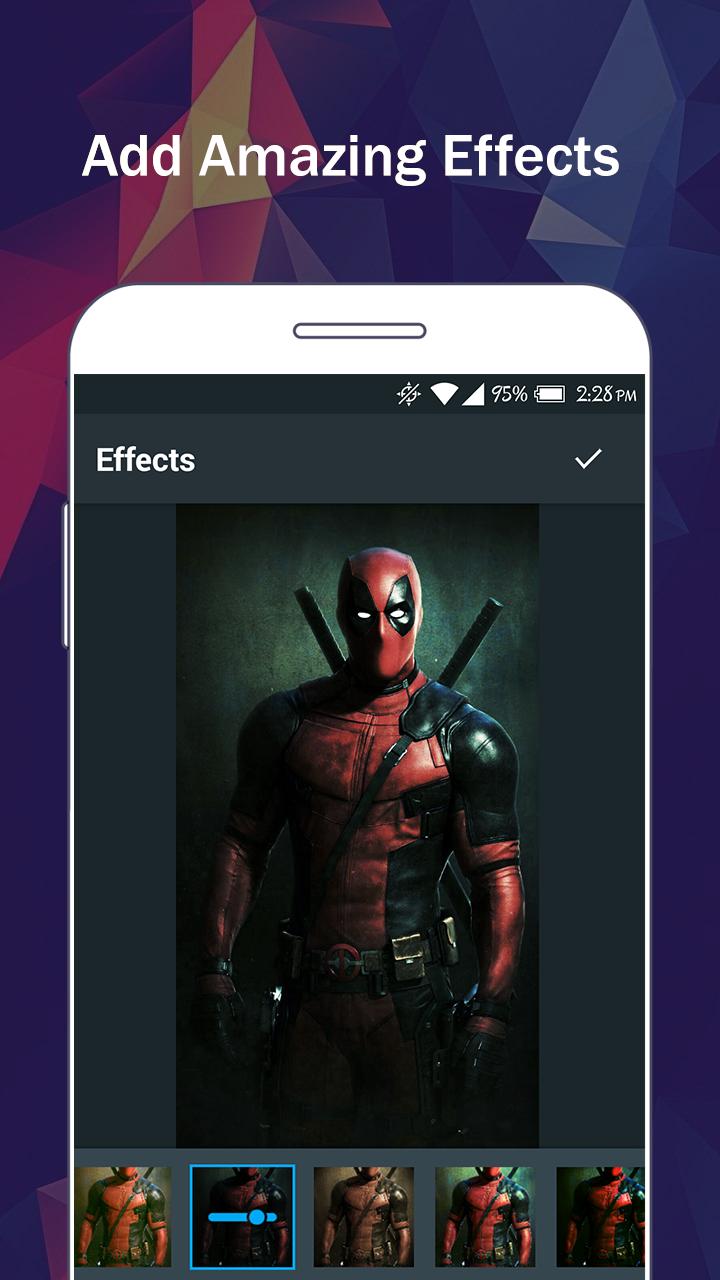
There are so many effects, stickers and features to apply to your photos!
Main Features:
- Photo filters
- Magic photo effects and frames
- Awesome stickers
- One-tap auto enhance
- Color balance
- Crop, rotate, and straighten your photo
- Adjust brightness, contrast, color temperature, and saturation
- Sharpen and blur
- Color : exposure, brightness, contrast, saturation, tint and hue
- Color temperature ("Warmth")
- Color Splash
- Easily edit with the touch and pinch-to-zoom interface
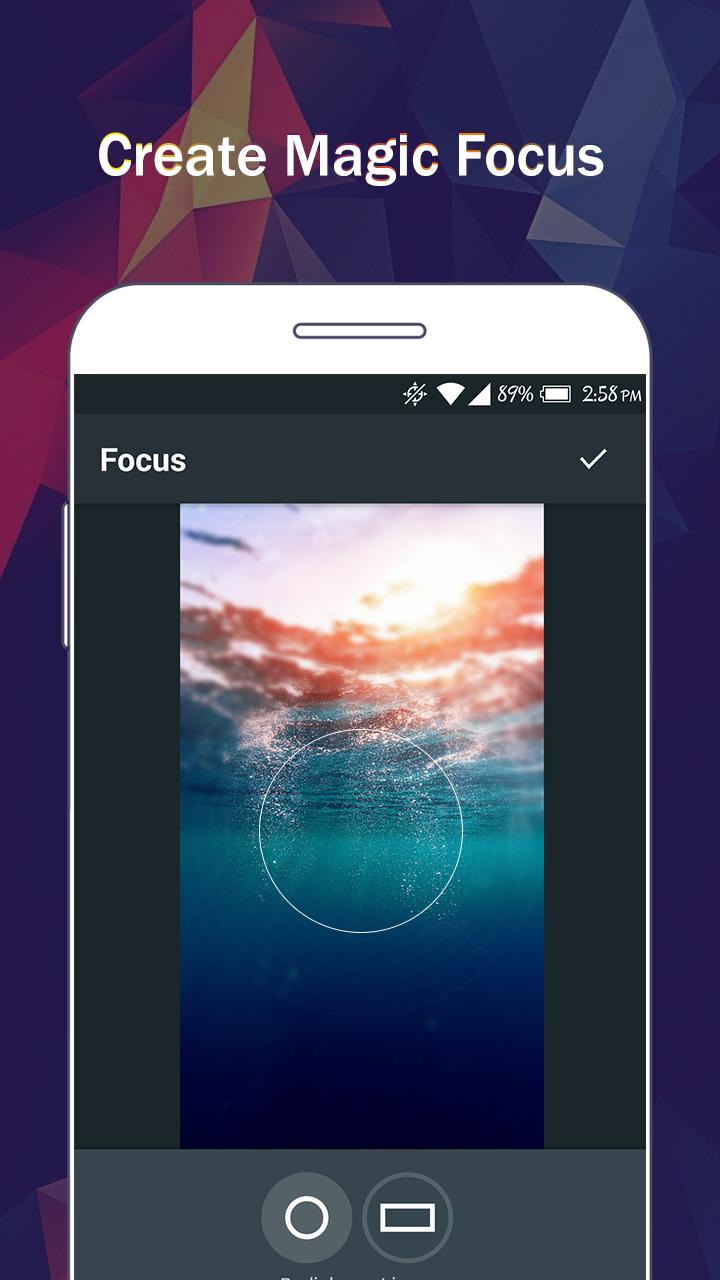
- Focus (Tilt Shift)
- Draw and add text
- Create your own memes
- Share photos with e-mail, SNS and more
Предварительный просмотр
Теги
ФотографияИнформация
Разработчик
oneAppz
Последняя версия
1.2.2000
Последнее обновление
2019-12-23
Категория
Фотография
Доступно на
Google Play
Показать больше
Как играть в iPixel - Modern Image Editor с GameLoop на ПК
1. Загрузите GameLoop с официального сайта, затем запустите исполняемый файл для установки GameLoop.
2. Откройте GameLoop и выполните поиск iPixel - Modern Image Editor, найдите iPixel - Modern Image Editor в результатах поиска и нажмите Установить.
3. Наслаждайтесь игрой в iPixel - Modern Image Editor на GameLoop.
Minimum requirements
OS
Windows 8.1 64-bit or Windows 10 64-bit
GPU
GTX 1050
CPU
i3-8300
Memory
8GB RAM
Storage
1GB available space
Recommended requirements
OS
Windows 8.1 64-bit or Windows 10 64-bit
GPU
GTX 1050
CPU
i3-9320
Memory
16GB RAM
Storage
1GB available space