iGallery OS 13 - HD & Editor на пк
Xuân Thắng
Скачать iGallery OS 13 - HD & Editor на ПК с помощью эмулятора GameLoop
iGallery OS 13 - HD & Editor на ПК
iGallery OS 13 - HD & Editor, исходящий от разработчика Xuân Thắng, в прошлом работал на системе Android.
Теперь вы можете без проблем играть в iGallery OS 13 - HD & Editor на ПК с помощью GameLoop.
Загрузите его в библиотеке GameLoop или результатах поиска. Больше не нужно смотреть на аккумулятор или разочаровывать звонки в неподходящее время.
Просто наслаждайтесь iGallery OS 13 - HD & Editor на ПК на большом экране бесплатно!
iGallery OS 13 - HD & Editor Введение
If you are one of those people who admire OS then you can appreciate the neatness of OS app interface and especially of OS’s gallery app. iGallery OS 13 promises to bring that experience on your android device. iGallery OS 13, a photo gallery app that brings the neatness of the Photo app and might make a good alternative to your default gallery app.
The app photo gallery manager from Phone 11 style, and from style OS13, complete from the rounded corners to the font. That’s what our special.
We categorize photos by album, sort videos, photo gift... over time, your topic when creating it _ a perfect Photo Album.
Enjoy photos and videos gallery about you, your lover, your family, your friend and everything you save an unlimited.
Full material design! It combines best photo gallery of android with flat design.
🌸 Function of 🍎 iGallery i.o.s 13 : Gallery Phone 11 🍎
✓ Best fast gallery
iGallery OS 13 is the fastest app for sync your photo to your Phone Style Gallery. As well as viewing HD photos, find photos and managing albums.
Fast refresh gallery collections.
✓ View mode style OS gallery
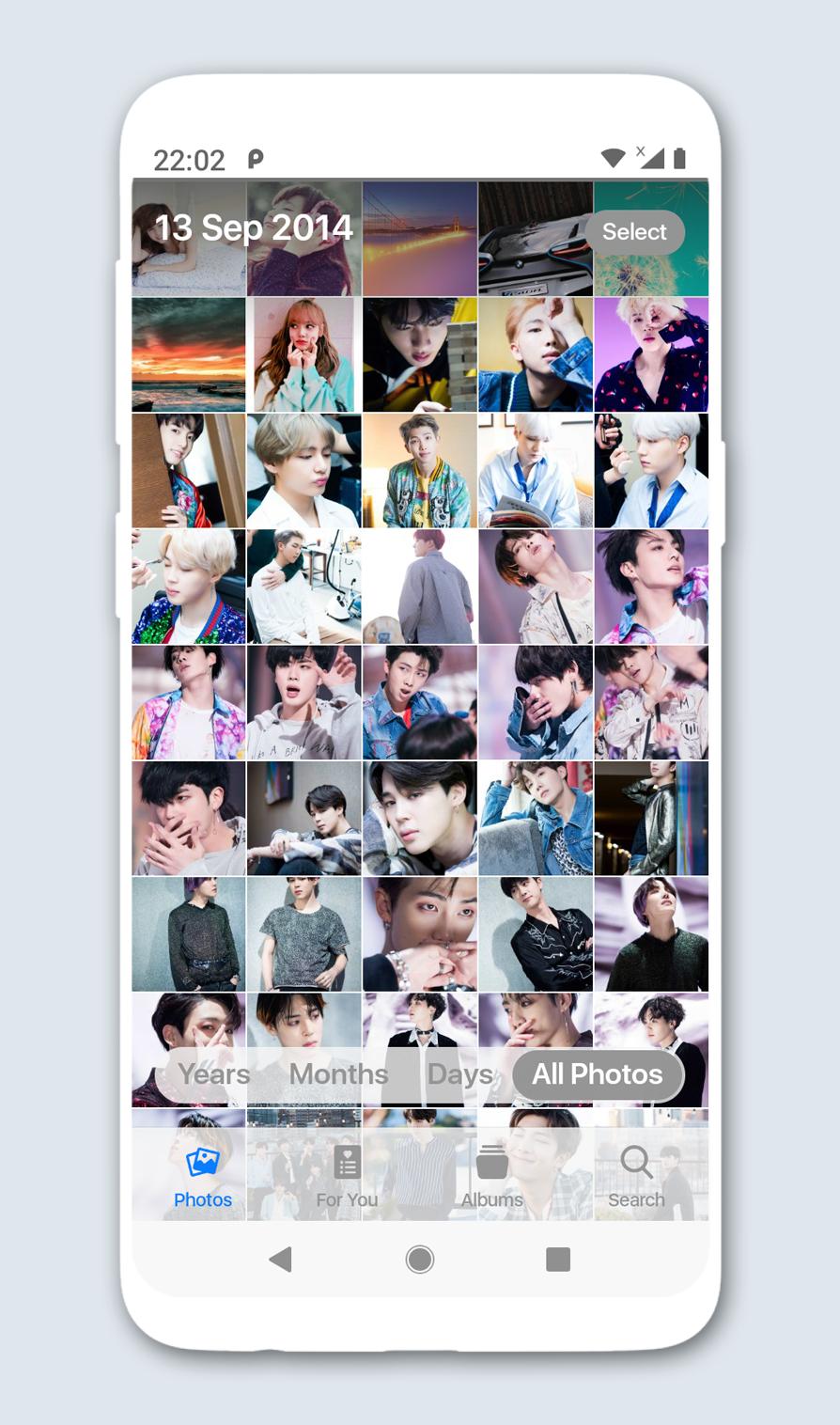
The timeline or folder view mode, switching is very convenient.
✓ Interface design sophistication in gallery
Photo album style OS time view... makes it easy to search and manage them.
iGallery HD can view photos by Year if you want to see more photos.
Gallery can show photos by Month or by Day, you can easy to manage or find for image.
✓ Create and manage photo albums
Create your own album with OS style. Create Albums and choose best photos of yours into secret folder or your folder.
✓ Best Gallery video player
Quickpic gallery video with gallery app, playing videos with our unique quick seek technology!
Open Video from gallery of supported all video formats and you can say like flv video player, mp4 video player, avi video player etc.
✓ Edit photo in Gallery OS
Edit photo with tool supper as rotate photo, filter photo, flip, crop, adjust colors… Support many format photo as JPG, JPEG, PNG, GIF…
💄 Professional Tools for Selfie and Photo Editing
🦄 Remove Zits, Pimples & Blemishes
👁 Brighter Eyes & Whiter Teeth
💁♀️ Smooth Skin
🎨 Artistic Tools
✓ Show photo details.
✓ Rotate photo backgrounds.
✓ Set Wallpaper
✓ Share to social networks from gallery.
✓ Multi selection move & copy paste files
✓ Delete photo, album or video gallery
✓ Preview your photo
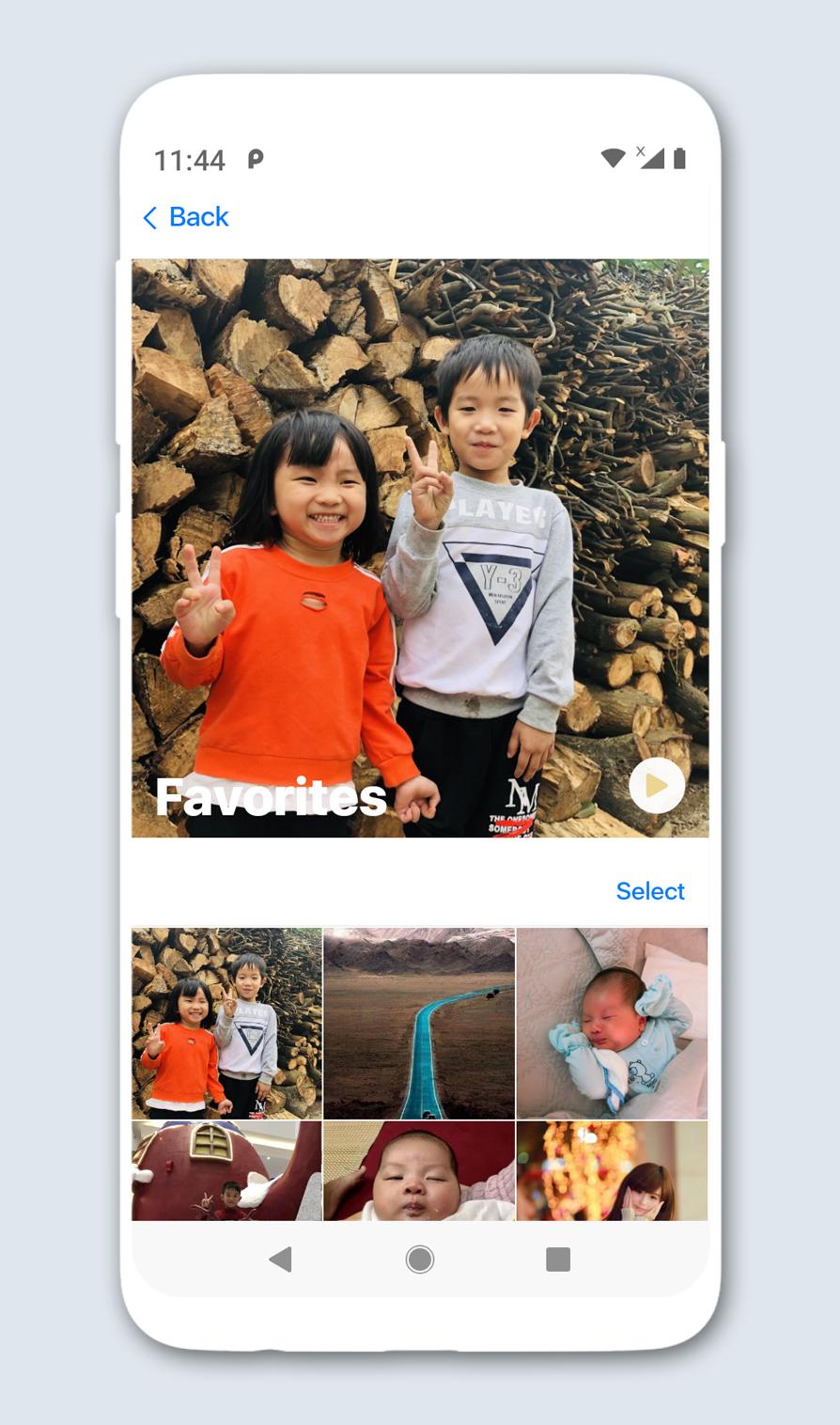
✓ Collection Photo, Collection album, Collection video album
😍 Gallery 13 : Gallery Phone X is a Beauty Gallery app for Photo 11. It same as Gallery plus, Gallery+. Inheriting the excellent experience of iGallery OS13 on Phone 11 earlier. We hope we can bring you the pleasant experience, easy and fun to app.
So, you can download now and experience 😋
Comments with us, share with your friends and give us 5 stars if you like Gallery OS 13 : Gallery Phone X <3
Thanks for using 🍎
Gallery OS 13 : Gallery Phone 11
🍎
Предварительный просмотр
Информация
Разработчик
Xuân Thắng
Последняя версия
3.0
Последнее обновление
2021-01-14
Категория
Фотография
Доступно на
Google Play
Показать больше
Как играть в iGallery OS 13 - HD & Editor с GameLoop на ПК
1. Загрузите GameLoop с официального сайта, затем запустите исполняемый файл для установки GameLoop.
2. Откройте GameLoop и выполните поиск iGallery OS 13 - HD & Editor, найдите iGallery OS 13 - HD & Editor в результатах поиска и нажмите Установить.
3. Наслаждайтесь игрой в iGallery OS 13 - HD & Editor на GameLoop.
Minimum requirements
OS
Windows 8.1 64-bit or Windows 10 64-bit
GPU
GTX 1050
CPU
i3-8300
Memory
8GB RAM
Storage
1GB available space
Recommended requirements
OS
Windows 8.1 64-bit or Windows 10 64-bit
GPU
GTX 1050
CPU
i3-9320
Memory
16GB RAM
Storage
1GB available space