Easy GIF - Video to GIF, Images to GIF, Edit GIF на пк
Navneet Krishna
Скачать Easy GIF - Video to GIF, Images to GIF, Edit GIF на ПК с помощью эмулятора GameLoop
Easy GIF - Video to GIF, Images to GIF, Edit GIF на ПК
Easy GIF - Video to GIF, Images to GIF, Edit GIF, исходящий от разработчика Navneet Krishna, в прошлом работал на системе Android.
Теперь вы можете без проблем играть в Easy GIF - Video to GIF, Images to GIF, Edit GIF на ПК с помощью GameLoop.
Загрузите его в библиотеке GameLoop или результатах поиска. Больше не нужно смотреть на аккумулятор или разочаровывать звонки в неподходящее время.
Просто наслаждайтесь Easy GIF - Video to GIF, Images to GIF, Edit GIF на ПК на большом экране бесплатно!
Easy GIF - Video to GIF, Images to GIF, Edit GIF Введение
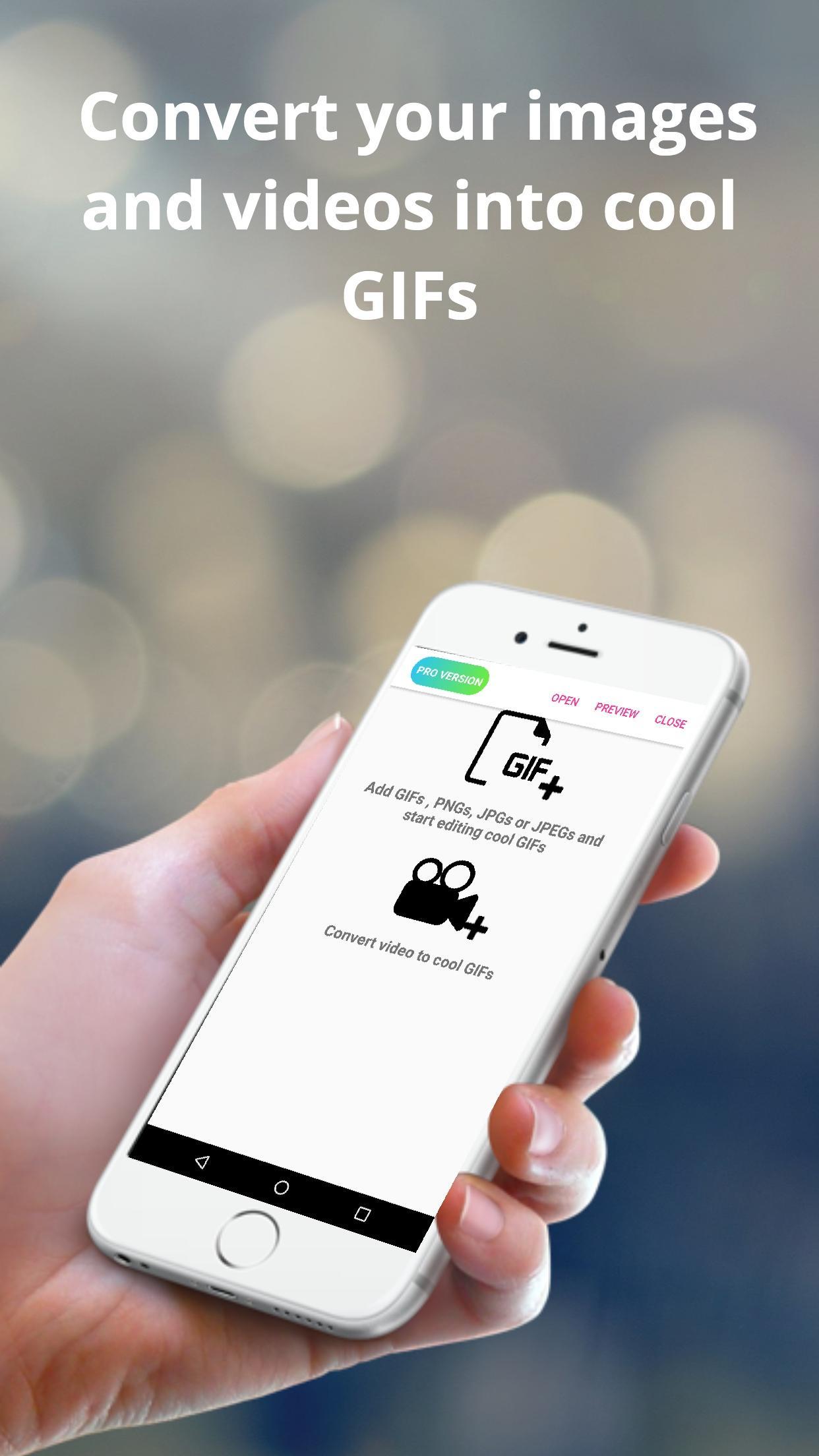
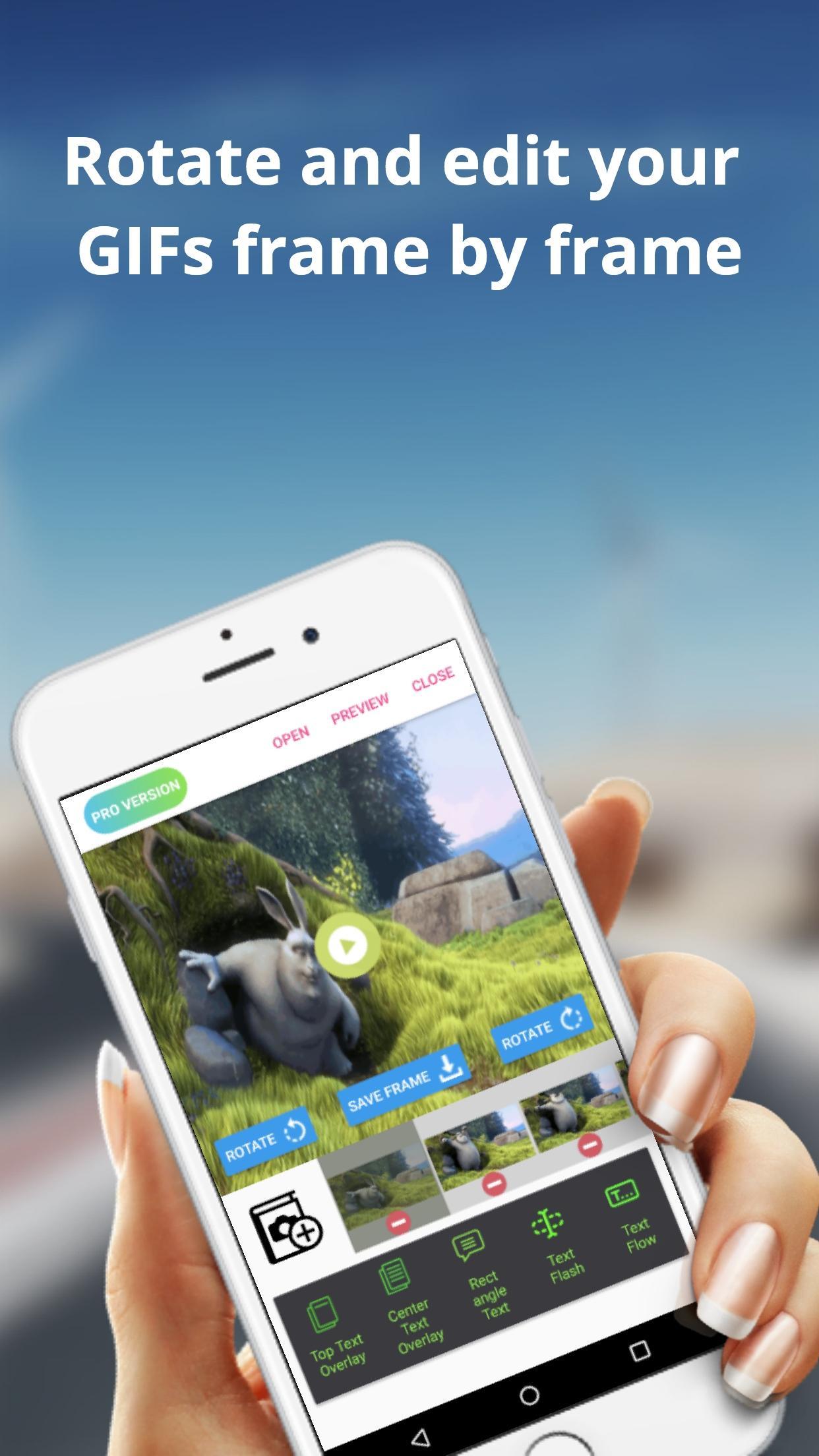
The Easy GIF app can assist you in building cool gifs by providing options like gif edit(add or remove gif frames),add animated text on gifs etc. With Easy GIF, you can package your favourite moments into a gif format and share with your friends family. You can also add text overlays on your GIFs.
The app also helps you to convert videos to GIF. For larger videos, the app helps to trim the videos to 10 sec clips and then convert to gif. You can also save images from the video to your gallery.
You can also batch import images to the app and then convert them to gif. You can finally save the created GIF to gallery or even share with friends and family using whatsapp, gmail etc.
Some features provided by the app includes :
> Convert images to GIF
> Browse multiple images at once from gallery and then convert images
> Edit already built GIFs
> Save rotated gif to gallery
> trim large videos to short videos automatically
> Convert GIF to images and save to gallery
> Convert Video to images and save to gallery
> Add text overlays in already built GIFs
> Add or Delete frames from GIFs
Предварительный просмотр
Теги
ФотографияИнформация
Разработчик
Navneet Krishna
Последняя версия
1.0.9
Последнее обновление
2019-07-05
Категория
Фотография
Доступно на
Google Play
Показать больше
Как играть в Easy GIF - Video to GIF, Images to GIF, Edit GIF с GameLoop на ПК
1. Загрузите GameLoop с официального сайта, затем запустите исполняемый файл для установки GameLoop.
2. Откройте GameLoop и выполните поиск Easy GIF - Video to GIF, Images to GIF, Edit GIF, найдите Easy GIF - Video to GIF, Images to GIF, Edit GIF в результатах поиска и нажмите Установить.
3. Наслаждайтесь игрой в Easy GIF - Video to GIF, Images to GIF, Edit GIF на GameLoop.
Minimum requirements
OS
Windows 8.1 64-bit or Windows 10 64-bit
GPU
GTX 1050
CPU
i3-8300
Memory
8GB RAM
Storage
1GB available space
Recommended requirements
OS
Windows 8.1 64-bit or Windows 10 64-bit
GPU
GTX 1050
CPU
i3-9320
Memory
16GB RAM
Storage
1GB available space