MatPop for Kustom KLWP/KWGT на пк
BaconBits
Скачать MatPop for Kustom KLWP/KWGT на ПК с помощью эмулятора GameLoop
MatPop for Kustom KLWP/KWGT на ПК
MatPop for Kustom KLWP/KWGT, исходящий от разработчика BaconBits, в прошлом работал на системе Android.
Теперь вы можете без проблем играть в MatPop for Kustom KLWP/KWGT на ПК с помощью GameLoop.
Загрузите его в библиотеке GameLoop или результатах поиска. Больше не нужно смотреть на аккумулятор или разочаровывать звонки в неподходящее время.
Просто наслаждайтесь MatPop for Kustom KLWP/KWGT на ПК на большом экране бесплатно!
MatPop for Kustom KLWP/KWGT Введение
YOU NEED TO HAVE THE PRO VERSION OF KUSTOM KLWP INSTALLED ON YOUR PHONE TO USE THE WALLPAPERS/KOMPONENTS - https://goo.gl/UkHJ99
YOU NEED TO HAVE THE PRO VERSION OF KUSTOM KWGT INSTALLED ON YOUR PHONE TO USE THE WIDGETS - https://goo.gl/ABJVXq
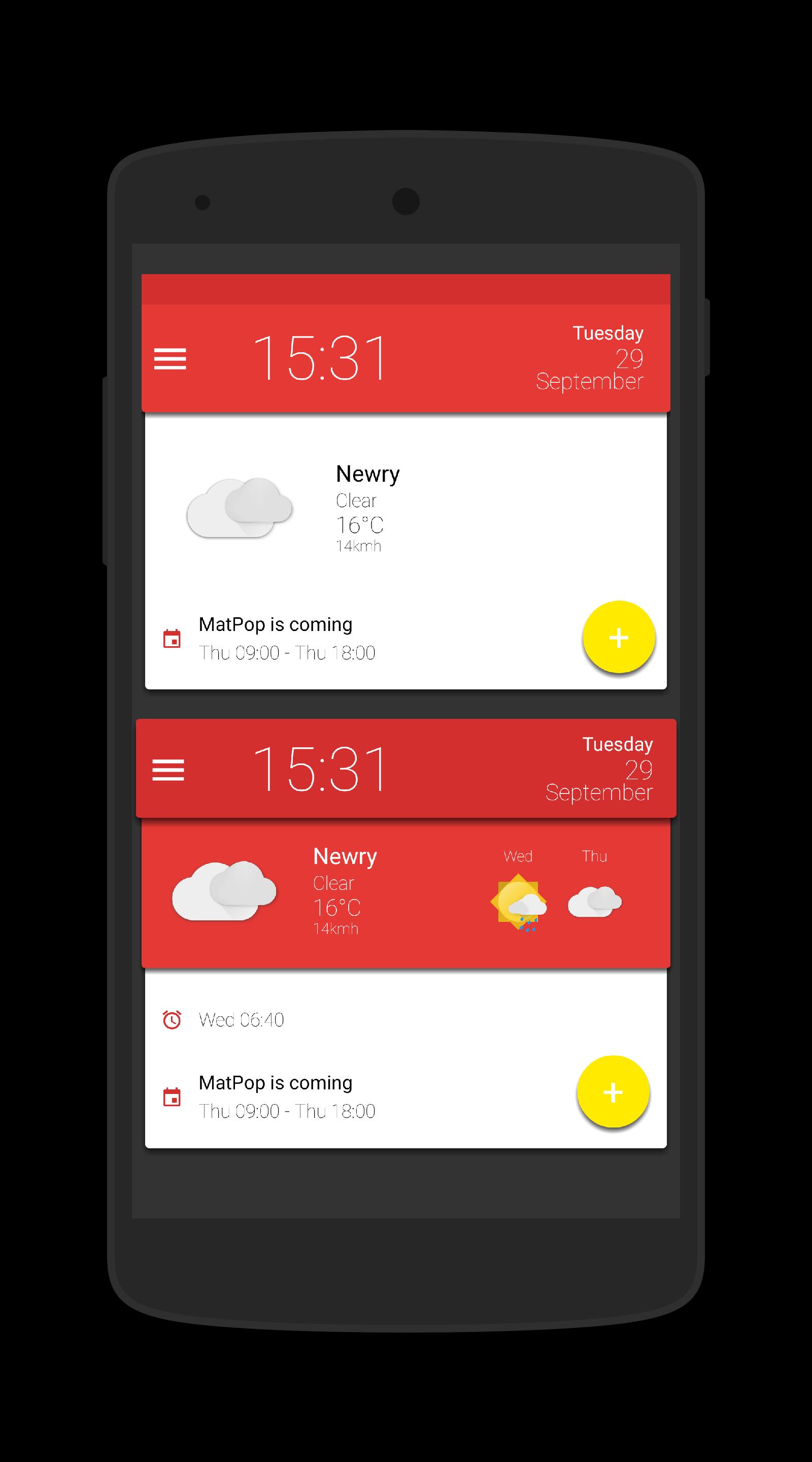
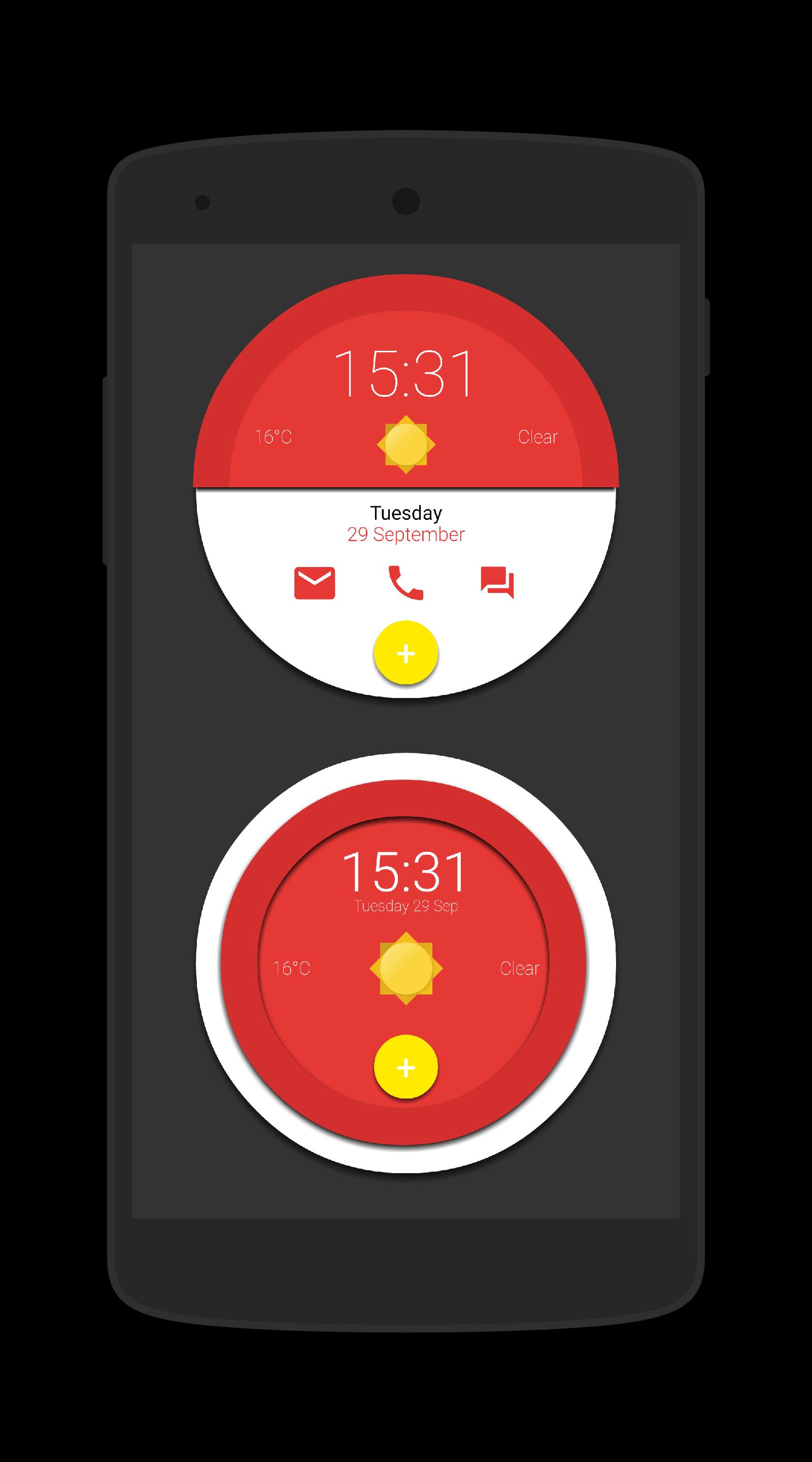
This is a collection of 15 Komponents and a Wallpaper for Kustom KLWP & 15 Widgets for use with Kustom KWGT, all in glorious Material Design
Instructions - Video - https://www.youtube.com/watch?v=dVlmgFTAsa4&feature=youtu.be
Using the Wallpaper (3 page setup)
- Open Kustom KLWP app
- Tap on menu icon
- Select Load Presenmt
- Tap on Installed tab and select Matpop for Kustom
- Select the Matpop Wallpaper
- Tap on save icon
- Make Kustom the Live Wallpaper
- Return to homescreen
- Colours can be changed via the Globals menu in the editor
Using a komponent
- Open the Kustom KWLP app
- Tap the + icon
- Select Matpop for Kustom
- Select the komponent(s) you wish to use
- Tap on save icon
- Make Kustom the Live Wallpaper
- Return to homescreen
- Colours can be changed via the Globals menu in the editor
Using a Wiget
- Longpress on homescreen and select Widget
- Scroll down and select a KWGT widget
- Rersize widget and tap on it
- KWGT app will open
- Select load preset from menu
- Tap on Installed and select Matpop for Kustom
- Select the widget you which to use and press save
- Return to the homescreen
- Colours can be changed via the Globals menu in the editor
Please watch the video as it shows how to use this app
If you have any queries, please email me instead of leaving 1* reviews
Enjoy & Thankyou
Find me on Reddit - https://www.reddit.com/user/BaconBitsNI/
or Twitter - https://twitter.com/baconbitskustom
for more Bacon
Предварительный просмотр
Теги
ПерсонализацияИнформация
Разработчик
BaconBits
Последняя версия
2.1
Последнее обновление
2020-09-01
Категория
Персонализация
Доступно на
Google Play
Показать больше
Как играть в MatPop for Kustom KLWP/KWGT с GameLoop на ПК
1. Загрузите GameLoop с официального сайта, затем запустите исполняемый файл для установки GameLoop.
2. Откройте GameLoop и выполните поиск MatPop for Kustom KLWP/KWGT, найдите MatPop for Kustom KLWP/KWGT в результатах поиска и нажмите Установить.
3. Наслаждайтесь игрой в MatPop for Kustom KLWP/KWGT на GameLoop.
Minimum requirements
OS
Windows 8.1 64-bit or Windows 10 64-bit
GPU
GTX 1050
CPU
i3-8300
Memory
8GB RAM
Storage
1GB available space
Recommended requirements
OS
Windows 8.1 64-bit or Windows 10 64-bit
GPU
GTX 1050
CPU
i3-9320
Memory
16GB RAM
Storage
1GB available space