
Bixby Home Commands - 3.0: Device commands на пк
Bixby-Commands
Скачать Bixby Home Commands - 3.0: Device commands на ПК с помощью эмулятора GameLoop
Bixby Home Commands - 3.0: Device commands на ПК
Bixby Home Commands - 3.0: Device commands, исходящий от разработчика Bixby-Commands, в прошлом работал на системе Android.
Теперь вы можете без проблем играть в Bixby Home Commands - 3.0: Device commands на ПК с помощью GameLoop.
Загрузите его в библиотеке GameLoop или результатах поиска. Больше не нужно смотреть на аккумулятор или разочаровывать звонки в неподходящее время.
Просто наслаждайтесь Bixby Home Commands - 3.0: Device commands на ПК на большом экране бесплатно!
Bixby Home Commands - 3.0: Device commands Введение
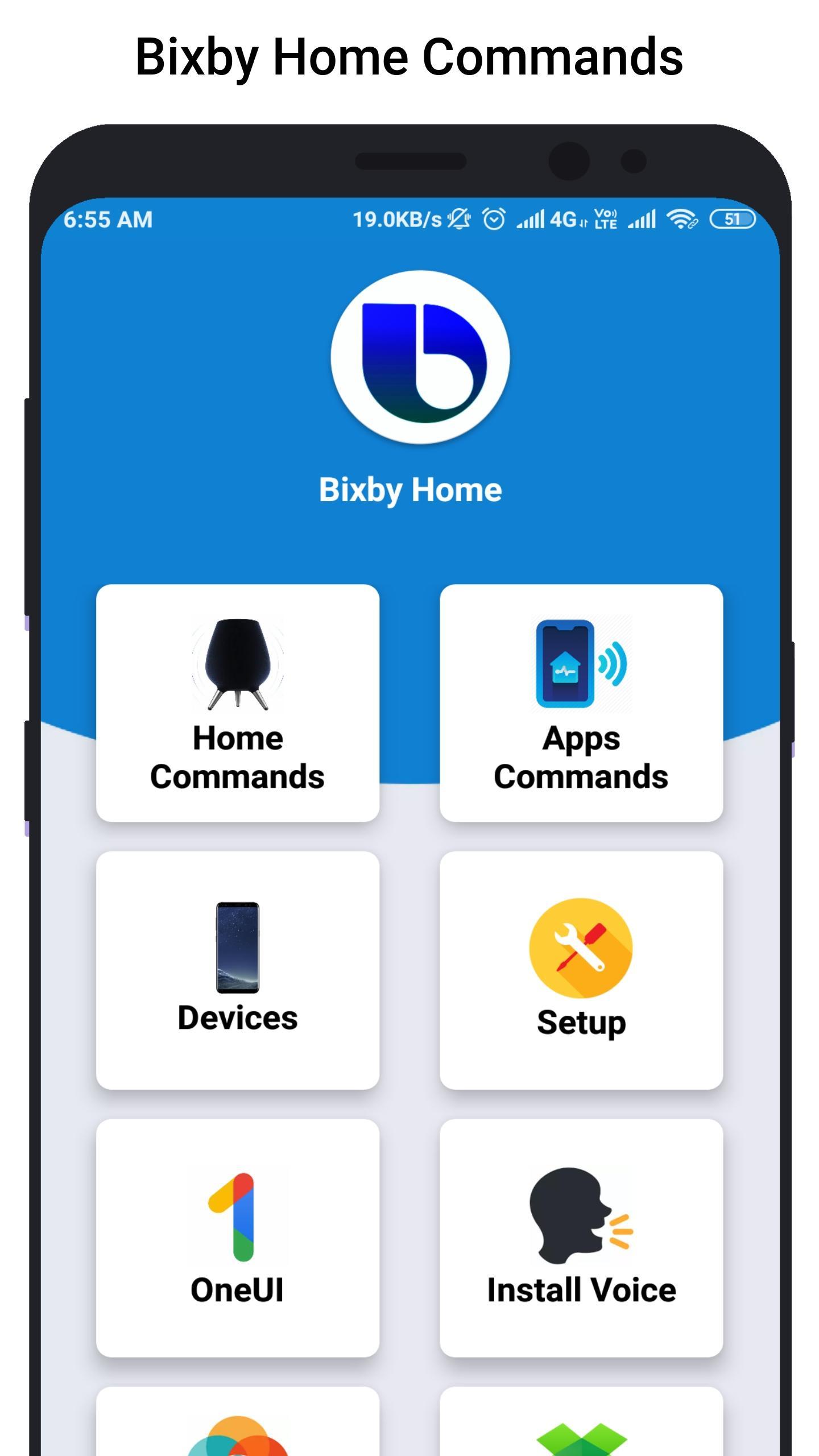
Bixby Home helps you unlock the full potential of your device. By providing useful commands and you can learn what you like and working with your favorite apps, Bixby Home makes it easy for you to get more done.
Bixby Home is always growing by adding new services and expanding supported devices, so you can focus on getting more done.
Bixby Home provides useful commands for every device so, you can learn and implement this real world commands in your smart phone or smart devices.
Hi Bixby Home "show this on my TV" to see your phone screen mirrored to a Samsung TV.
Hi Bixby Home "use this as my wallpaper" to saves the onscreen image as your phone wallpaper.
Hi Bixby Home Say "take a selfie and share it will Facebook" to force your device to do exactly that.
Hello Bixby Home "remind me to take medicine at 3pm" so that Bixby Home will save reminder.
Bixby Home "open Messages" to open the Messages app.
Bixby Home "turn on HDR" to turn on that feature in the Camera app.
Although Bixby Home is in beta stage, we cannot guarantee full functional of the app and we constantly thriving to make app better.
Предварительный просмотр
Информация
Разработчик
Bixby-Commands
Последняя версия
1.0
Последнее обновление
2019-07-07
Категория
Персонализация
Доступно на
Google Play
Показать больше
Как играть в Bixby Home Commands - 3.0: Device commands с GameLoop на ПК
1. Загрузите GameLoop с официального сайта, затем запустите исполняемый файл для установки GameLoop.
2. Откройте GameLoop и выполните поиск Bixby Home Commands - 3.0: Device commands, найдите Bixby Home Commands - 3.0: Device commands в результатах поиска и нажмите Установить.
3. Наслаждайтесь игрой в Bixby Home Commands - 3.0: Device commands на GameLoop.
Minimum requirements
OS
Windows 8.1 64-bit or Windows 10 64-bit
GPU
GTX 1050
CPU
i3-8300
Memory
8GB RAM
Storage
1GB available space
Recommended requirements
OS
Windows 8.1 64-bit or Windows 10 64-bit
GPU
GTX 1050
CPU
i3-9320
Memory
16GB RAM
Storage
1GB available space