SoundBot Player на пк
SoundBot
Скачать SoundBot Player на ПК с помощью эмулятора GameLoop
SoundBot Player на ПК
SoundBot Player, исходящий от разработчика SoundBot, в прошлом работал на системе Android.
Теперь вы можете без проблем играть в SoundBot Player на ПК с помощью GameLoop.
Загрузите его в библиотеке GameLoop или результатах поиска. Больше не нужно смотреть на аккумулятор или разочаровывать звонки в неподходящее время.
Просто наслаждайтесь SoundBot Player на ПК на большом экране бесплатно!
SoundBot Player Введение
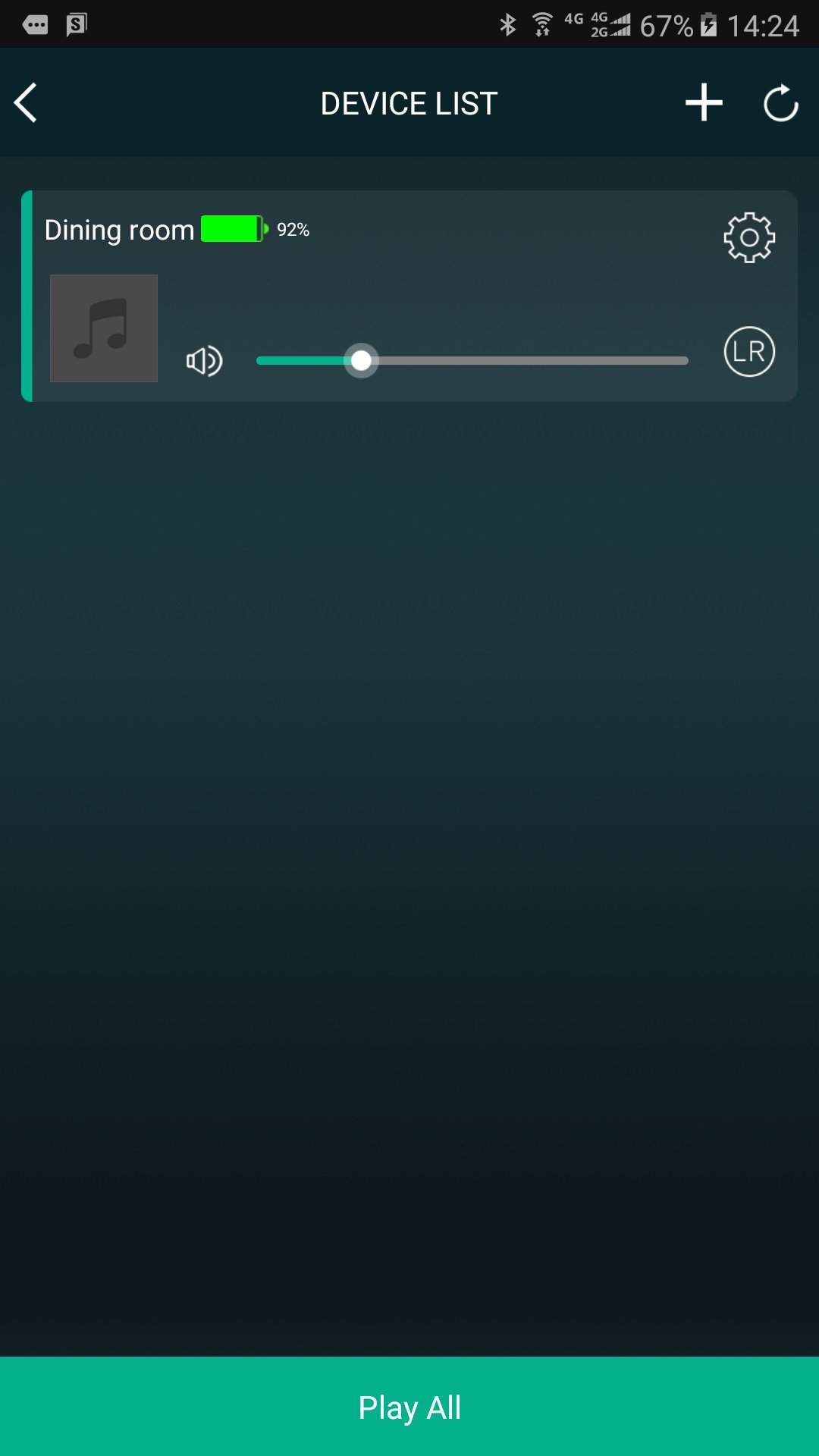
SoundBot controls your music from your phone to all SoundBot speaker.
Group and ungroup speakers, manage your stations and presets, control volume, use the intercom, and more.
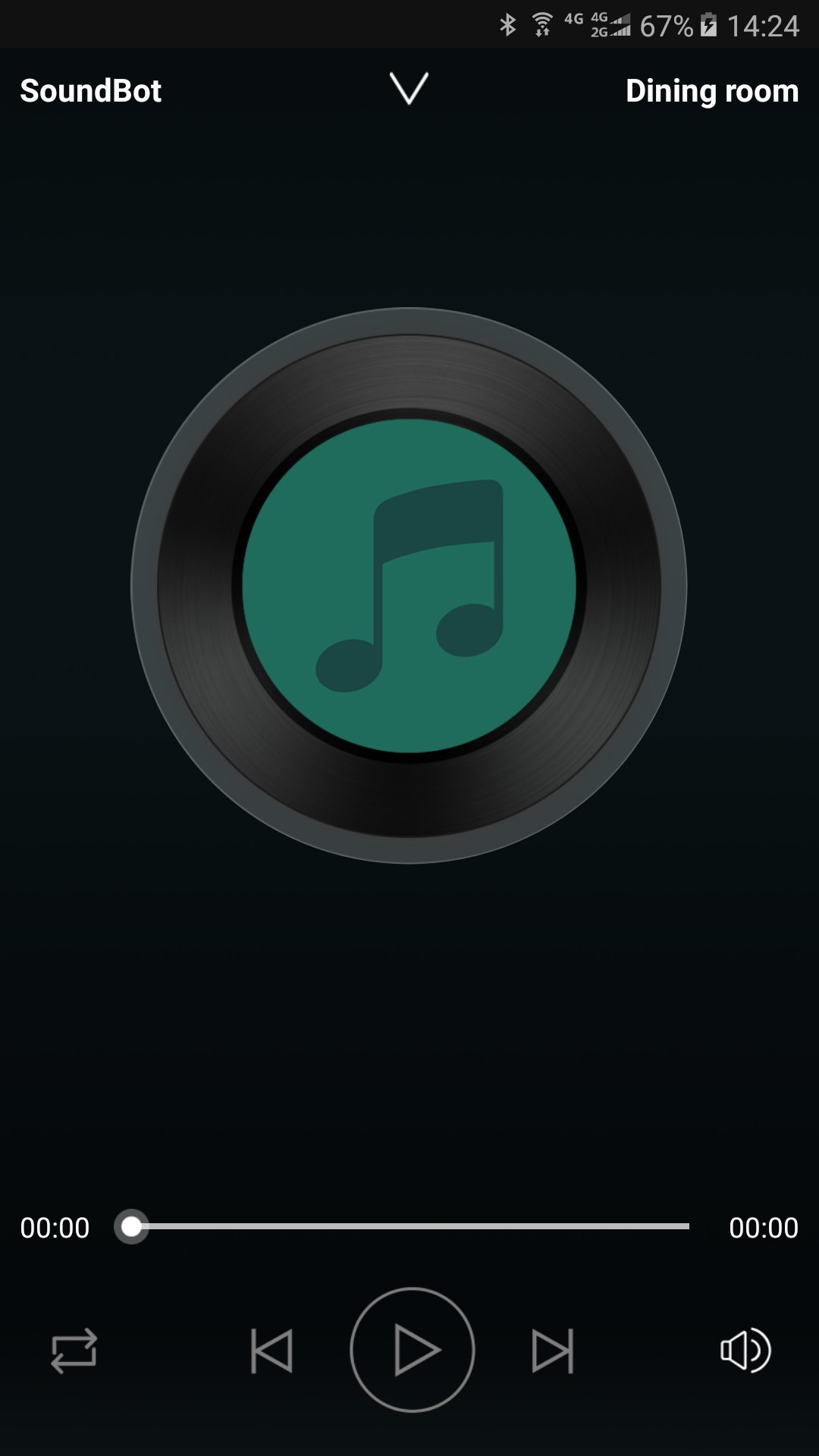
Enjoy listening to your music from cloud music service providers and online radio without connecting your phone to speakers. Just connect SoundBot speaker and use the SoundBot player app to play music wirelessly over your WiFi Network.
Stay Tuned
We will be updating the app regularly to introduce new music service providers and features. Sign up your email address to get updates at www.soundbot.com.
Предварительный просмотр
Информация
Разработчик
SoundBot
Последняя версия
2.9.0.170927.d2ab14
Последнее обновление
2017-10-16
Категория
Music-audio
Доступно на
Google Play
Показать больше
Как играть в SoundBot Player с GameLoop на ПК
1. Загрузите GameLoop с официального сайта, затем запустите исполняемый файл для установки GameLoop.
2. Откройте GameLoop и выполните поиск SoundBot Player, найдите SoundBot Player в результатах поиска и нажмите Установить.
3. Наслаждайтесь игрой в SoundBot Player на GameLoop.
Minimum requirements
OS
Windows 8.1 64-bit or Windows 10 64-bit
GPU
GTX 1050
CPU
i3-8300
Memory
8GB RAM
Storage
1GB available space
Recommended requirements
OS
Windows 8.1 64-bit or Windows 10 64-bit
GPU
GTX 1050
CPU
i3-9320
Memory
16GB RAM
Storage
1GB available space