
Voice Recorder - High Quality Smart Recorder на пк
Muhammed Göksu
Скачать Voice Recorder - High Quality Smart Recorder на ПК с помощью эмулятора GameLoop
Voice Recorder - High Quality Smart Recorder на ПК
Voice Recorder - High Quality Smart Recorder, исходящий от разработчика Muhammed Göksu, в прошлом работал на системе Android.
Теперь вы можете без проблем играть в Voice Recorder - High Quality Smart Recorder на ПК с помощью GameLoop.
Загрузите его в библиотеке GameLoop или результатах поиска. Больше не нужно смотреть на аккумулятор или разочаровывать звонки в неподходящее время.
Просто наслаждайтесь Voice Recorder - High Quality Smart Recorder на ПК на большом экране бесплатно!
Voice Recorder - High Quality Smart Recorder Введение
Regarding phone calls: 📲
This app is not designed explicitly for recording phone calls. Some manufacturers block the ability to record the other party of a phone call for privacy or legal reasons. For the same purpose, the app will even pause the recording during phone calls, but it can be turned off in the settings. Check your local laws and make sure it works on your handset first.
More features:
• Live audio spectrum analyzer
• Wave/PCM encoding with adjustable sample rate (8-44 kHz)
• Recording in the background (even when a display is off)
• Save/pause/resume/cancel recording process control
• Efficient and easy on battery
• Recording time limited only by available space on your storage (and tech. limit 2GB per file)
• Straightforward recordings list and many sharing options
• Launcher shortcut to start recording in one tap
• Microphone gain calibration tool.
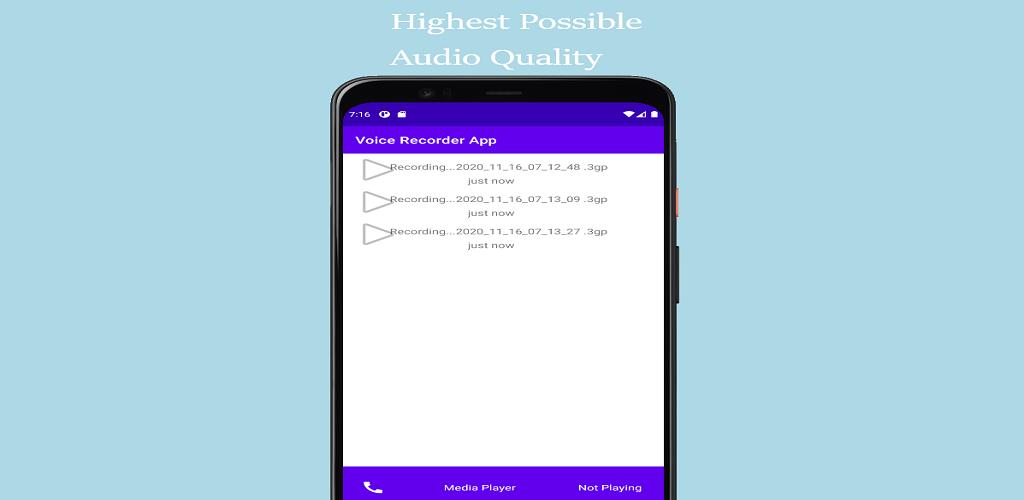
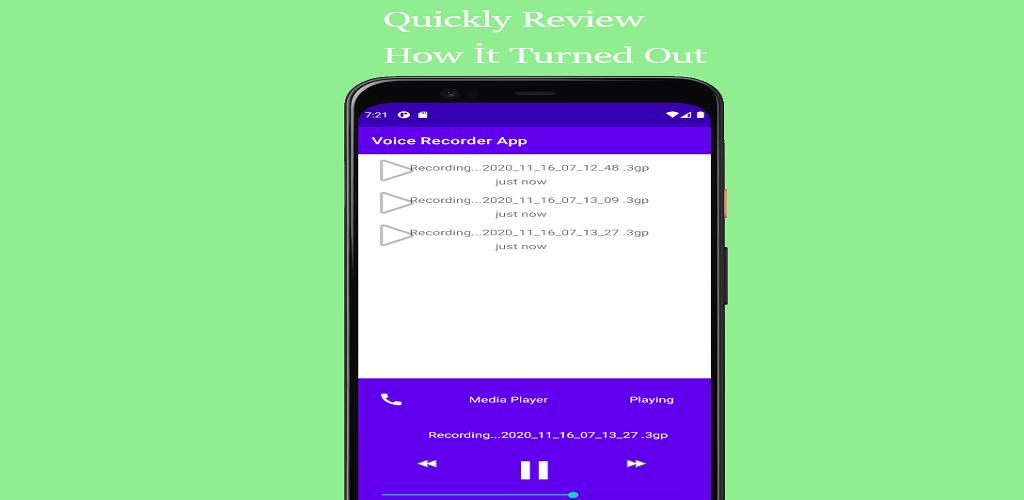
Предварительный просмотр
Теги
Music-&Информация
Разработчик
Muhammed Göksu
Последняя версия
3
Последнее обновление
2020-11-17
Категория
Music-audio
Доступно на
Google Play
Показать больше
Как играть в Voice Recorder - High Quality Smart Recorder с GameLoop на ПК
1. Загрузите GameLoop с официального сайта, затем запустите исполняемый файл для установки GameLoop.
2. Откройте GameLoop и выполните поиск Voice Recorder - High Quality Smart Recorder, найдите Voice Recorder - High Quality Smart Recorder в результатах поиска и нажмите Установить.
3. Наслаждайтесь игрой в Voice Recorder - High Quality Smart Recorder на GameLoop.
Minimum requirements
OS
Windows 8.1 64-bit or Windows 10 64-bit
GPU
GTX 1050
CPU
i3-8300
Memory
8GB RAM
Storage
1GB available space
Recommended requirements
OS
Windows 8.1 64-bit or Windows 10 64-bit
GPU
GTX 1050
CPU
i3-9320
Memory
16GB RAM
Storage
1GB available space