Add Music To Video & AI Editor на пк
KITE GAMES STUDIO
Скачать Add Music To Video & AI Editor на ПК с помощью эмулятора GameLoop
Add Music To Video & AI Editor на ПК
Add Music To Video & AI Editor, исходящий от разработчика KITE GAMES STUDIO, в прошлом работал на системе Android.
Теперь вы можете без проблем играть в Add Music To Video & AI Editor на ПК с помощью GameLoop.
Загрузите его в библиотеке GameLoop или результатах поиска. Больше не нужно смотреть на аккумулятор или разочаровывать звонки в неподходящее время.
Просто наслаждайтесь Add Music To Video & AI Editor на ПК на большом экране бесплатно!
Add Music To Video & AI Editor Введение
Do you want to add music to video or add audio to video effortlessly? This AI video editor is the ultimate video audio editor, offering stunning video editor effects to bring your memories to life. Whether it’s a summer getaway, birthday party, wedding, or family dinner, this free video editor makes your moments unforgettable with powerful features and AI-driven enhancements.
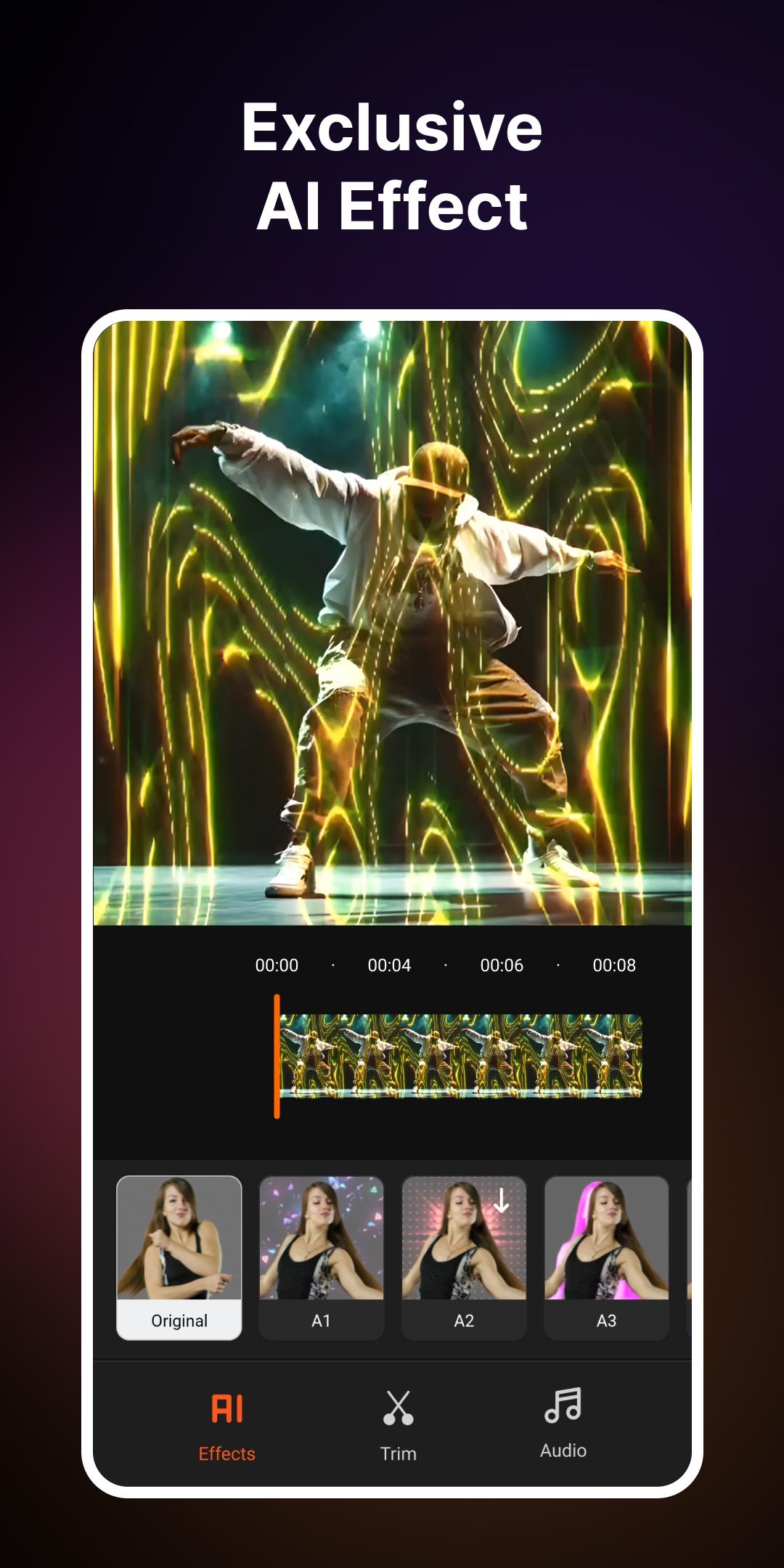
Want to create lasting AI video effects? All you need is to add incredible video editor effects to your videos! Believe me, it will have a magical effect on your audience!
Download now to explore the powerful features of this free video editor app that make your video editing worth your time and effort!
Features
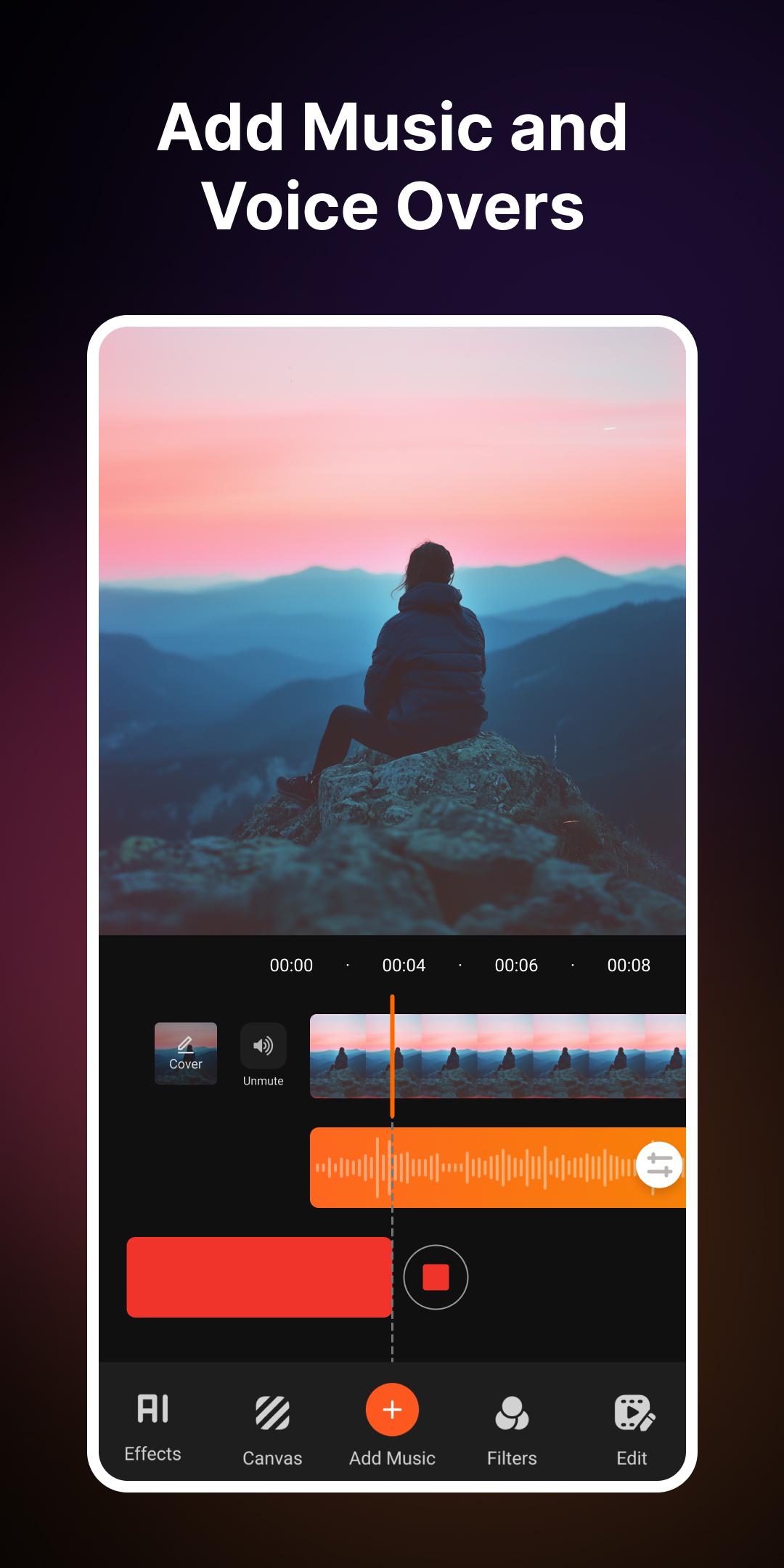
* 🎵 Add music to video with multiple background tracks
* 🎵 Choose music from various in-built audio selections
* 🎵 Record your Voice Over within the video editor
* 🎵 Remove noise from your audios
* 🎵 Trim and cut unwanted parts in this music video editor
* 🎵 Select songs from your library for your music videos
* 🎵 Trim audio, add fade-in/out effects in MP3 Cutter
* 🎵 Stunning AI effects within the free video editor
* 🎵 In-built voice recorder & mp3 editor
* 🎵 Export videos in HD quality with this video editor app
* 🎵 Share directly to Instagram, Facebook, Twitter, TikTok, and more
* 🎵 25+ Genres to add music to video
* 🎵 Add multiple audio tracks and trim in this video editor
* 🎵 Mute any video in the add music to video editor with song
Download the add music to video app & video editor from the Play Store and App Store for free!
Is it easy to use? Any new skills required?
This add music to video & video editor app is designed for everyone. It’s user-friendly, and anyone can use this music video editor without learning any complicated skills. Make your music video captivating with beautiful features and color options available in this free video editor.
Can I record my music with this app?
Share your video editing talent with the world! With the voice recorder & mp3 editor feature in this add music to video & free video editor, you can record and edit music for free. Plus, there are special effects like Chipmunk, Monster, Echo, Chorus, and more to spice up your creations!
Other highlights:
* Display sound in wave and bubble form
* Showtime for recording and music video
* Easily stop, pause, or restart recording with one touch
How to add music to video with this editor?
This add audio to video editor lets you add a song to your recorded video and make the visuals even more captivating. Just follow these steps:
* 🎶 Select a video from your device
* 🎶 Import your favorite song from your music library
* 🎶 Search for songs & add music to videos for free
* 🎶 Customize audio with trimming, fade-in/out filters
* 🎶 Adjust the volume with the slider in this music video editor
* 🎶 Save the edited video or share it on social platforms
Предварительный просмотр
Теги
Music-&Информация
Разработчик
KITE GAMES STUDIO
Последняя версия
8.3
Последнее обновление
2025-05-19
Категория
Music-audio
Доступно на
Google Play
Показать больше
Как играть в Add Music To Video & AI Editor с GameLoop на ПК
1. Загрузите GameLoop с официального сайта, затем запустите исполняемый файл для установки GameLoop.
2. Откройте GameLoop и выполните поиск Add Music To Video & AI Editor, найдите Add Music To Video & AI Editor в результатах поиска и нажмите Установить.
3. Наслаждайтесь игрой в Add Music To Video & AI Editor на GameLoop.
Minimum requirements
OS
Windows 8.1 64-bit or Windows 10 64-bit
GPU
GTX 1050
CPU
i3-8300
Memory
8GB RAM
Storage
1GB available space
Recommended requirements
OS
Windows 8.1 64-bit or Windows 10 64-bit
GPU
GTX 1050
CPU
i3-9320
Memory
16GB RAM
Storage
1GB available space