
Mapping на пк
Mono INC
Скачать Mapping на ПК с помощью эмулятора GameLoop
Mapping на ПК
Mapping, исходящий от разработчика Mono INC, в прошлом работал на системе Android.
Теперь вы можете без проблем играть в Mapping на ПК с помощью GameLoop.
Загрузите его в библиотеке GameLoop или результатах поиска. Больше не нужно смотреть на аккумулятор или разочаровывать звонки в неподходящее время.
Просто наслаждайтесь Mapping на ПК на большом экране бесплатно!
Mapping Введение
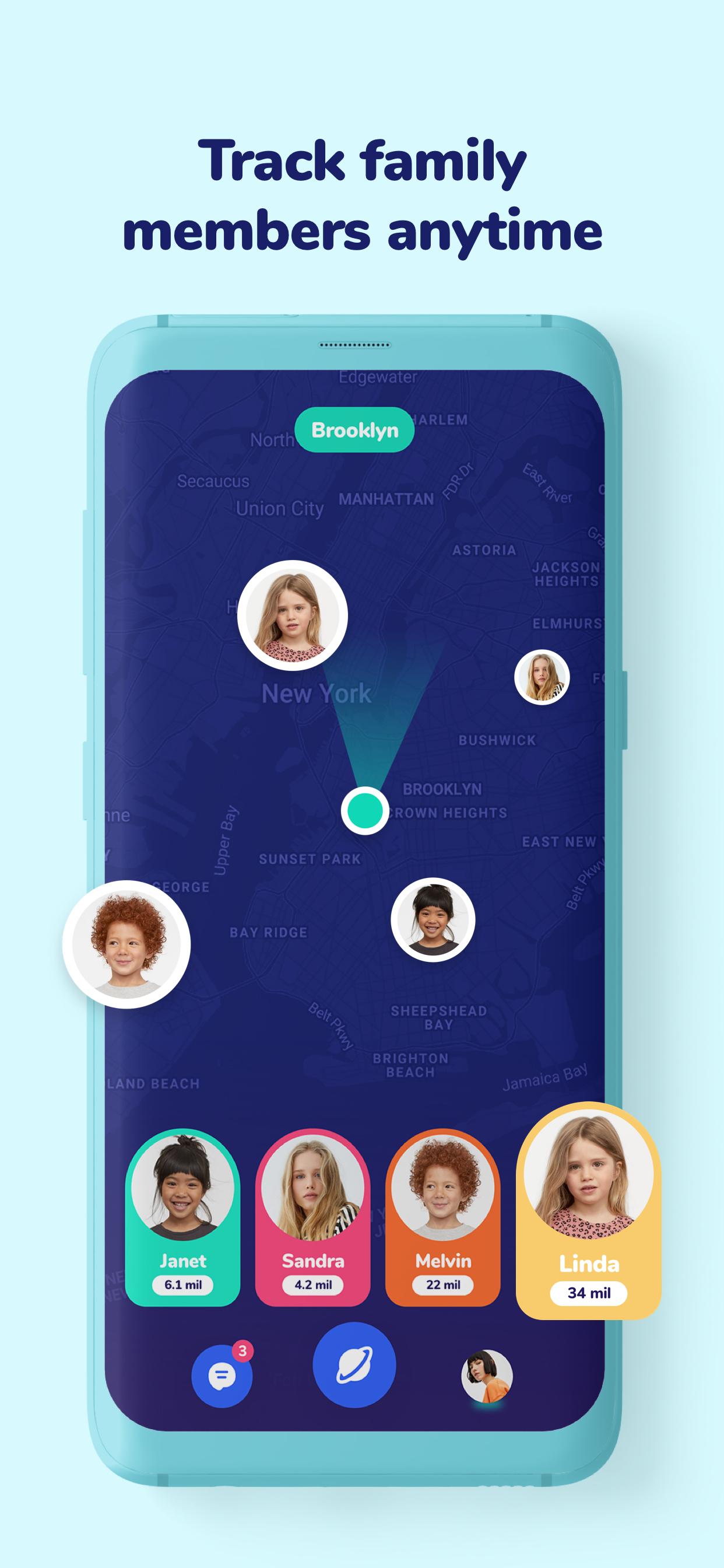
Mapping is a location sharing app that keeps you in touch with your family. Mapping has a user-friendly interface, all you have to do is send a follow request to your family via the phone book. Also, in order to fully use the application, you and your family must have downloaded the application.
It’s a highly dependable Cell Phone Tracker. It can constantly locate the location of registered mobile devices, such as smartphones. You can track phones using our GPS Phone Tracker. To track any cell phone, you must invite your family members and track them on your phone.
[NOTE: This is not a stalking app or a means of carrying out spying or surreptitious tracking of others.]
Features:
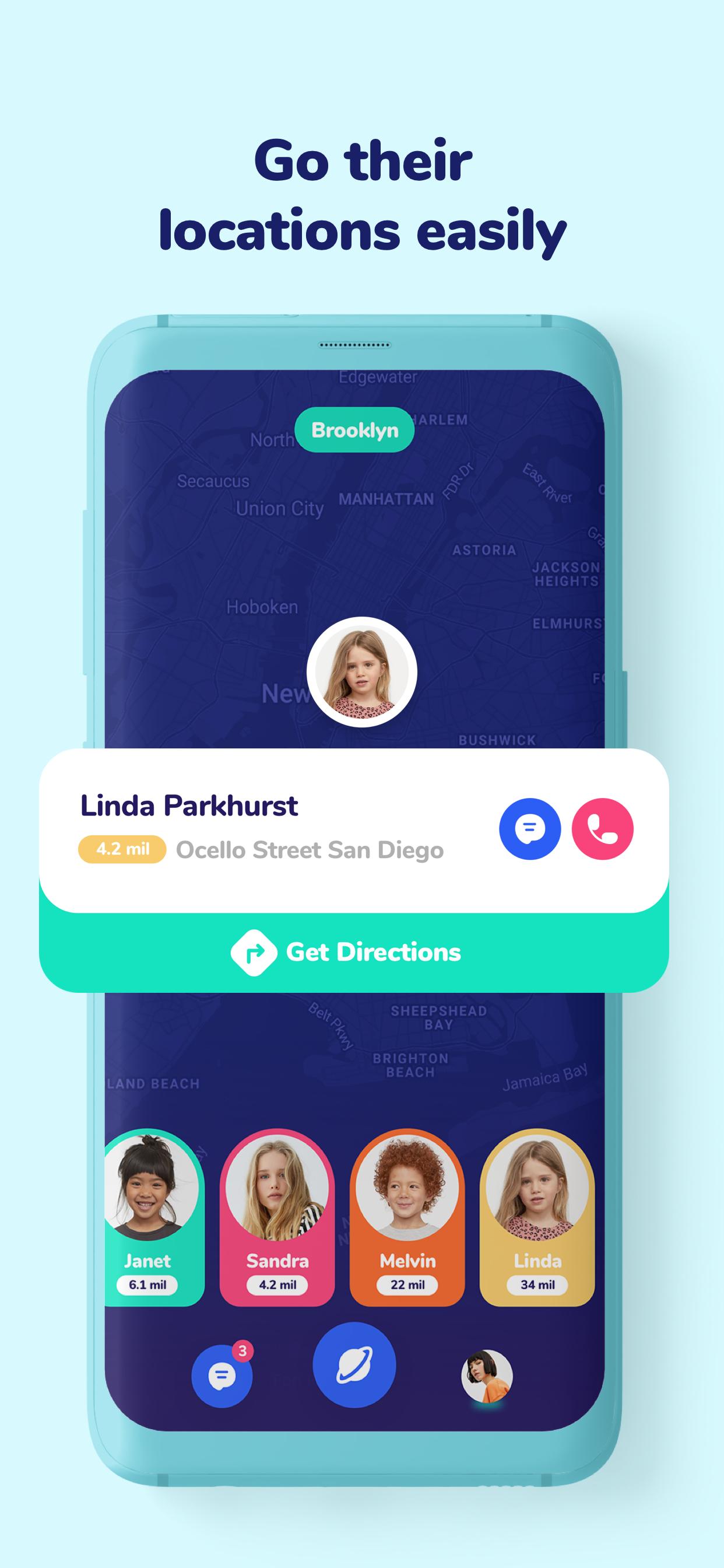
• See the location of your family on a map in real-time
• Keep your security at the highest level: You can block your friends at any time.
• Chat with your family in privately
• Direct your kids instantly with a tap
• Track the location of a stolen or lost phone
Why Mapping?
We don’t show any ads, and we don’t share(or sell) your location or personal information with anybody else. Your privacy is important to us.
How to use Mapping
•To use the app, you can install the app then sign up.
•To add a friend, you need to enter their phone number or select it from the phone book.
•When a request approved you can see their live location on the map
•You must have an active internet connection to use.
•You need to allow access to both your and your kids’ geolocation from the settings to use Mapping
Предварительный просмотр
Информация
Разработчик
Mono INC
Последняя версия
1.0.6
Последнее обновление
2021-11-12
Категория
Maps-navigation
Доступно на
Google Play
Показать больше
Как играть в Mapping с GameLoop на ПК
1. Загрузите GameLoop с официального сайта, затем запустите исполняемый файл для установки GameLoop.
2. Откройте GameLoop и выполните поиск Mapping, найдите Mapping в результатах поиска и нажмите Установить.
3. Наслаждайтесь игрой в Mapping на GameLoop.
Minimum requirements
OS
Windows 8.1 64-bit or Windows 10 64-bit
GPU
GTX 1050
CPU
i3-8300
Memory
8GB RAM
Storage
1GB available space
Recommended requirements
OS
Windows 8.1 64-bit or Windows 10 64-bit
GPU
GTX 1050
CPU
i3-9320
Memory
16GB RAM
Storage
1GB available space