
iTOUCH Home Automation на пк
Connected Switchgear
Скачать iTOUCH Home Automation на ПК с помощью эмулятора GameLoop
iTOUCH Home Automation на ПК
iTOUCH Home Automation, исходящий от разработчика Connected Switchgear, в прошлом работал на системе Android.
Теперь вы можете без проблем играть в iTOUCH Home Automation на ПК с помощью GameLoop.
Загрузите его в библиотеке GameLoop или результатах поиска. Больше не нужно смотреть на аккумулятор или разочаровывать звонки в неподходящее время.
Просто наслаждайтесь iTOUCH Home Automation на ПК на большом экране бесплатно!
iTOUCH Home Automation Введение
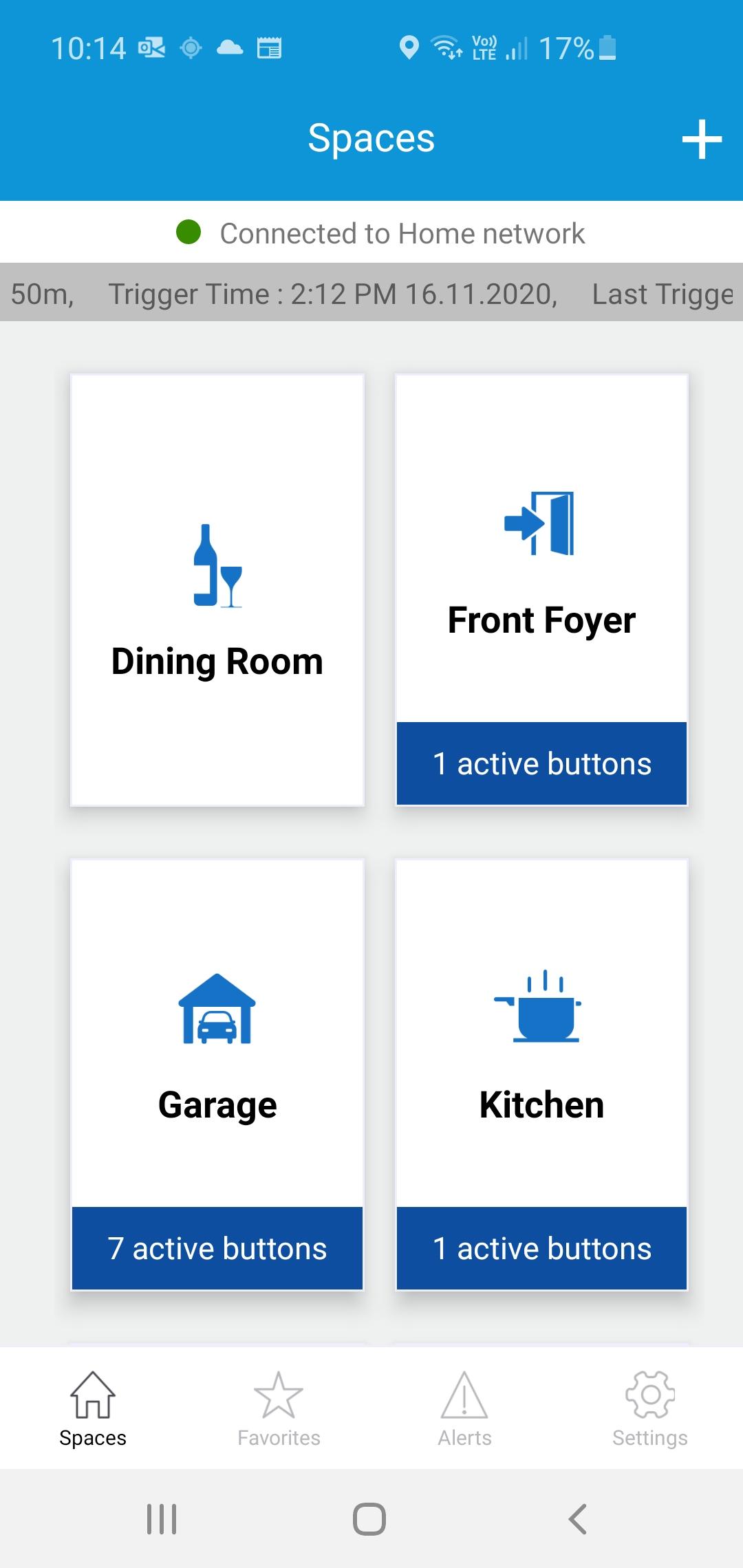
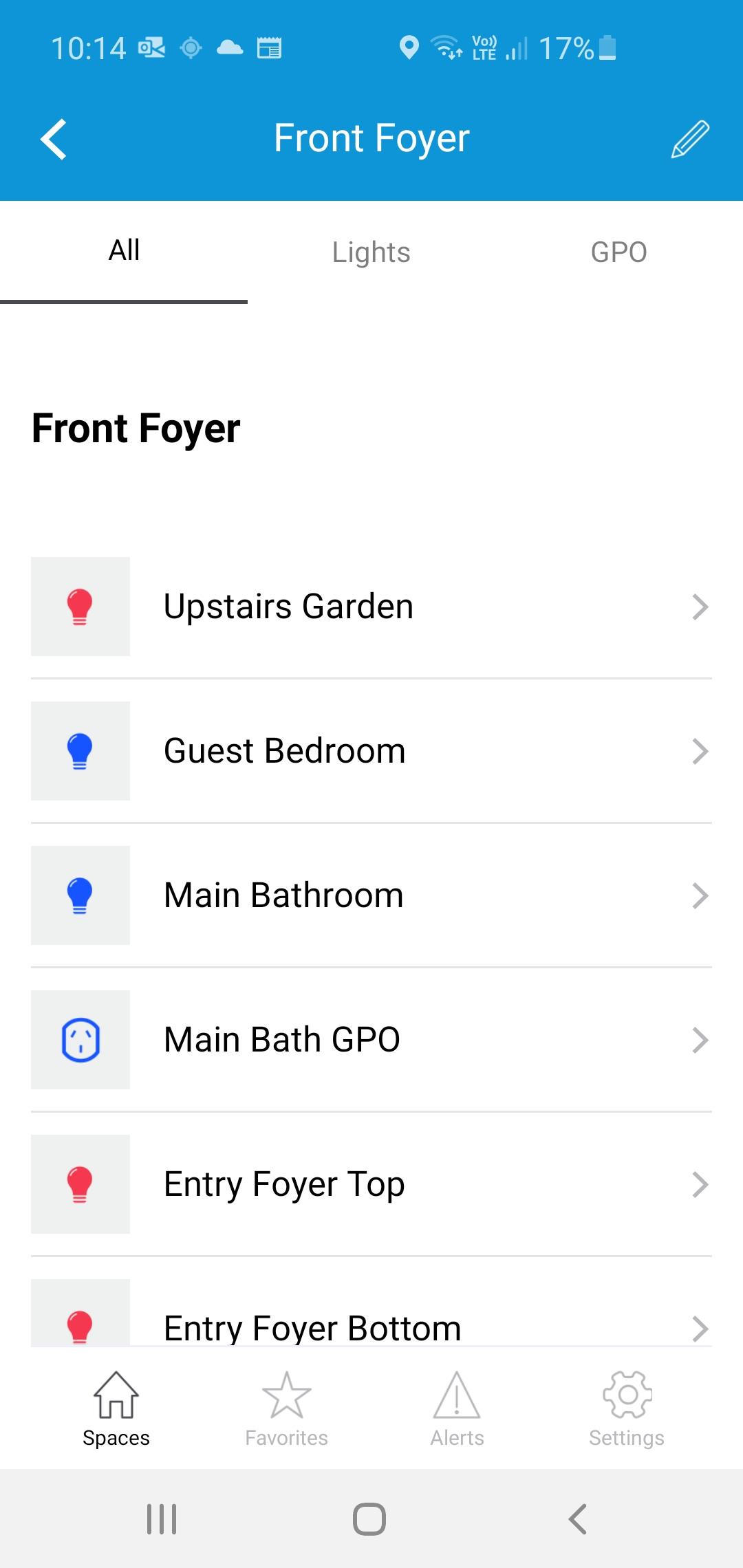
The iTOUCH Home Automation App places configuration and control of your iTOUCH Home Automation System onto your mobile device. Personalize your system by creating spaces and naming individual panels and buttons. Set up timers, ambient light triggers and group control multiple buttons using a buttons double tap feature. Issue global commands such as Home, Away, Goodnight or Good Morning. Check the state of your whole home. Assign users, access levels and passwords. Turn on or off global timers and synchronize time across the whole system. Set up Geo-Fence feature to trigger global commands using the devices GPS proximately to the installation.
Предварительный просмотр
Теги
House-&Информация
Разработчик
Connected Switchgear
Последняя версия
2.0.1
Последнее обновление
2021-11-19
Категория
House-home
Доступно на
Google Play
Показать больше
Как играть в iTOUCH Home Automation с GameLoop на ПК
1. Загрузите GameLoop с официального сайта, затем запустите исполняемый файл для установки GameLoop.
2. Откройте GameLoop и выполните поиск iTOUCH Home Automation, найдите iTOUCH Home Automation в результатах поиска и нажмите Установить.
3. Наслаждайтесь игрой в iTOUCH Home Automation на GameLoop.
Minimum requirements
OS
Windows 8.1 64-bit or Windows 10 64-bit
GPU
GTX 1050
CPU
i3-8300
Memory
8GB RAM
Storage
1GB available space
Recommended requirements
OS
Windows 8.1 64-bit or Windows 10 64-bit
GPU
GTX 1050
CPU
i3-9320
Memory
16GB RAM
Storage
1GB available space