HD Video Screen Mirroring Cast на пк
Unique Lab.
Скачать HD Video Screen Mirroring Cast на ПК с помощью эмулятора GameLoop
HD Video Screen Mirroring Cast на ПК
HD Video Screen Mirroring Cast, исходящий от разработчика Unique Lab., в прошлом работал на системе Android.
Теперь вы можете без проблем играть в HD Video Screen Mirroring Cast на ПК с помощью GameLoop.
Загрузите его в библиотеке GameLoop или результатах поиска. Больше не нужно смотреть на аккумулятор или разочаровывать звонки в неподходящее время.
Просто наслаждайтесь HD Video Screen Mirroring Cast на ПК на большом экране бесплатно!
HD Video Screen Mirroring Cast Введение
HD Screen Mirroring app will help you to scan and mirror your android phone or tablet screen on your Smart TV display. Enjoy your mobile screen contents or tablet screen in your smart tv screen using screen mirroring.
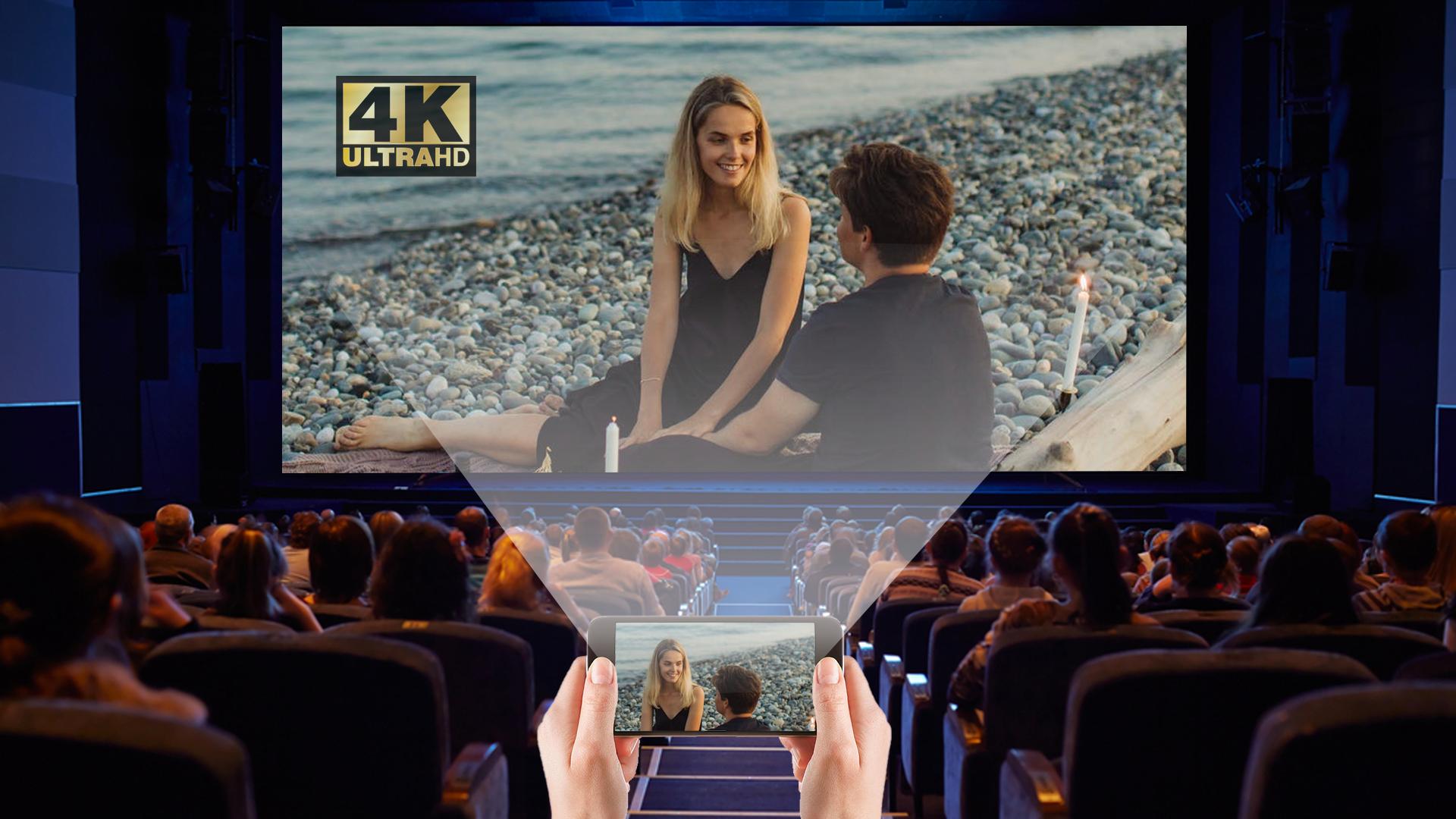
If you are not having fun by looking at your small cellular phone screen, you will get a great big screen phone experience by connecting your phone to a TV screen with screen mirroring with all tv app. When you're watching any shows with your family or in a group small mobile screen size will not be enough. Connect your android mobile with TV and enjoy it in larger screen. Your Smart TV should support wireless display for using Screen mirroring features. TV must be connected to same wireless network with your android device is connected for Screen Mirroring.
Screen Mirroring app mirrors entire mobile screen to your smart TV without any lag or buffering so you can Play Videos, Music and Photos very easily from your mobile. Sharing your screen with TV is very easy with Screen Mirroring with All TV app. Screen Mirroring - Screen Casting Phone to TV app provides you a secure connection between your mobile and TV to protect your data, files and applications.
Screen Mirroring is a tool, which allows you to mirror your smartphone on TV screen with high quality. You can easily access all of your games, photos, videos and other application on a big screen using Mirror Screen to TV App.
KEY FEATURES:
- Cast smartphone screen to big TV screen stably
- Simple & fast connection with just a click
- Cast the mobile game to your big-screen TV
- Cast to TV, Live video on Twitch, YouTube and BIGO LIVE
- All media files supported, including photos, audios, E-books, PDFs, etc.
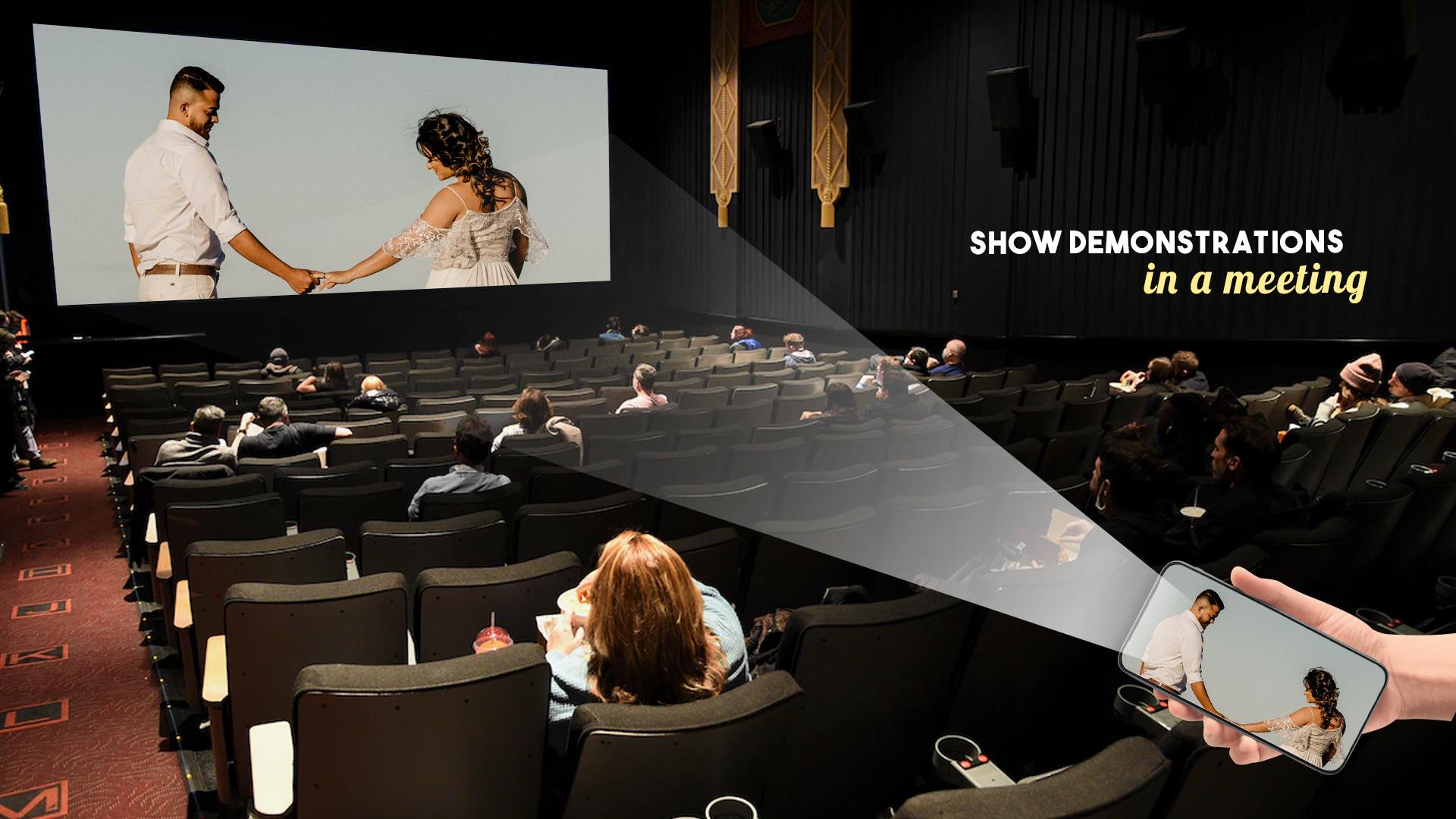
- Show demonstrations in a meeting, watch travel slideshowswith family
- Neat & clean user interface to create a good experience
- Screen share in real-time speed.
How to Use Screen Mirroring:
1. Make sure your phone/tablet and smart TV are connected to the same Wi-Fi network.
2. Enable “Wireless display” on your phone.
3. Enable “Miracast” on your smart TV.
4. Search and pair the device.
Предварительный просмотр
Информация
Разработчик
Unique Lab.
Последняя версия
1.3
Последнее обновление
2022-01-27
Категория
Развлечения
Доступно на
Google Play
Показать больше
Как играть в HD Video Screen Mirroring Cast с GameLoop на ПК
1. Загрузите GameLoop с официального сайта, затем запустите исполняемый файл для установки GameLoop.
2. Откройте GameLoop и выполните поиск HD Video Screen Mirroring Cast, найдите HD Video Screen Mirroring Cast в результатах поиска и нажмите Установить.
3. Наслаждайтесь игрой в HD Video Screen Mirroring Cast на GameLoop.
Minimum requirements
OS
Windows 8.1 64-bit or Windows 10 64-bit
GPU
GTX 1050
CPU
i3-8300
Memory
8GB RAM
Storage
1GB available space
Recommended requirements
OS
Windows 8.1 64-bit or Windows 10 64-bit
GPU
GTX 1050
CPU
i3-9320
Memory
16GB RAM
Storage
1GB available space