Sound Recorder на пк
Idea Soft Apps
Скачать Sound Recorder на ПК с помощью эмулятора GameLoop
Sound Recorder на ПК
Sound Recorder, исходящий от разработчика Idea Soft Apps, в прошлом работал на системе Android.
Теперь вы можете без проблем играть в Sound Recorder на ПК с помощью GameLoop.
Загрузите его в библиотеке GameLoop или результатах поиска. Больше не нужно смотреть на аккумулятор или разочаровывать звонки в неподходящее время.
Просто наслаждайтесь Sound Recorder на ПК на большом экране бесплатно!
Sound Recorder Введение
Application is totally free. It is simple and easy to use. You can reliably record your meetings, personal notes, speeches, lectures, songs. There is no time limits. This application can record most of your sound and voice. You can record a business meeting, a lecture, an interview. This app is a best choice. Other names which you can call it: voice recorder, audio recorder, sound recorder. Record classes and lectures with clear quality, even when the teacher is not right in front of you. Listen to these recordings as many times as you want to help you study for that next exam.
Features:
1. Record voice with different qualities.
2. Simple user interface, easy to use.
3. Simple and Reliable.
4. Keep Recordings Safe.
5. Quality Settings.
6. Manage Clips.
With many options to fine-tune the recording, the app is great for rehearsals and for capturing melodies that pop into your head. Try new ideas fast, hear the results and make adjustments on a new take.
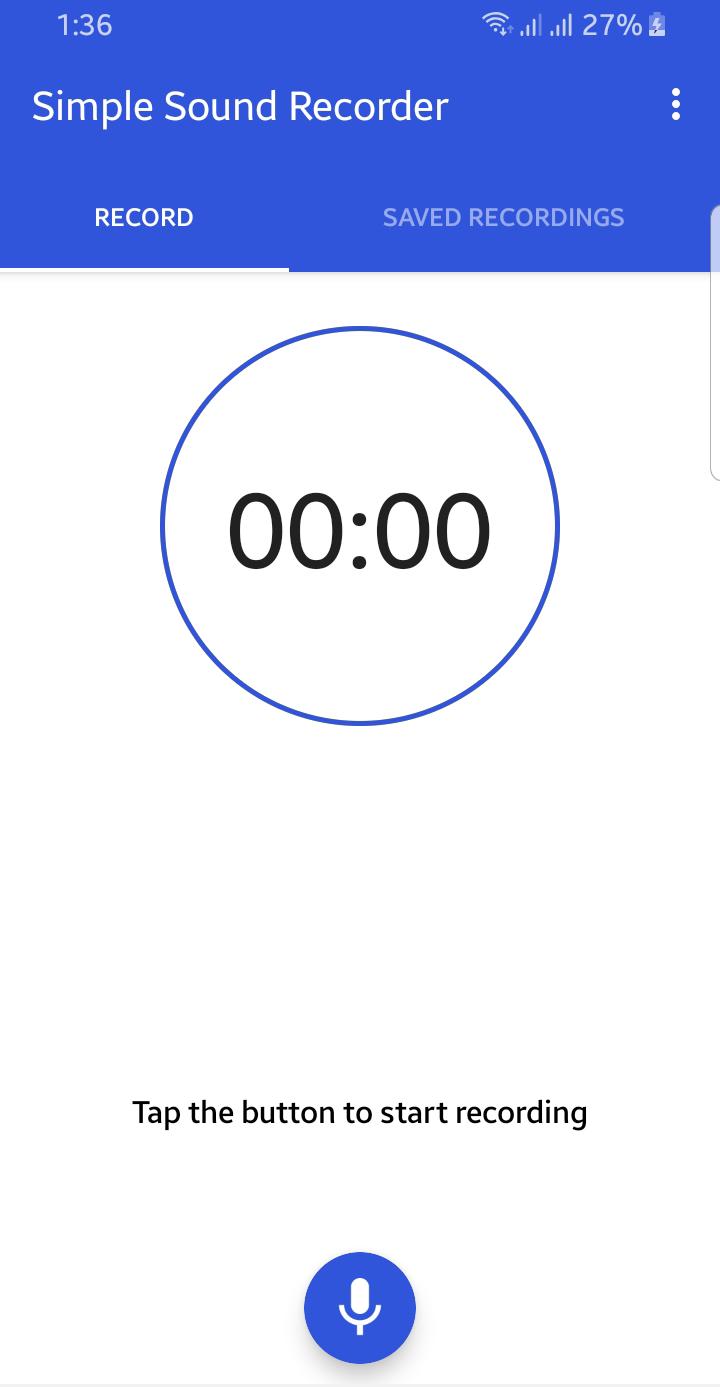
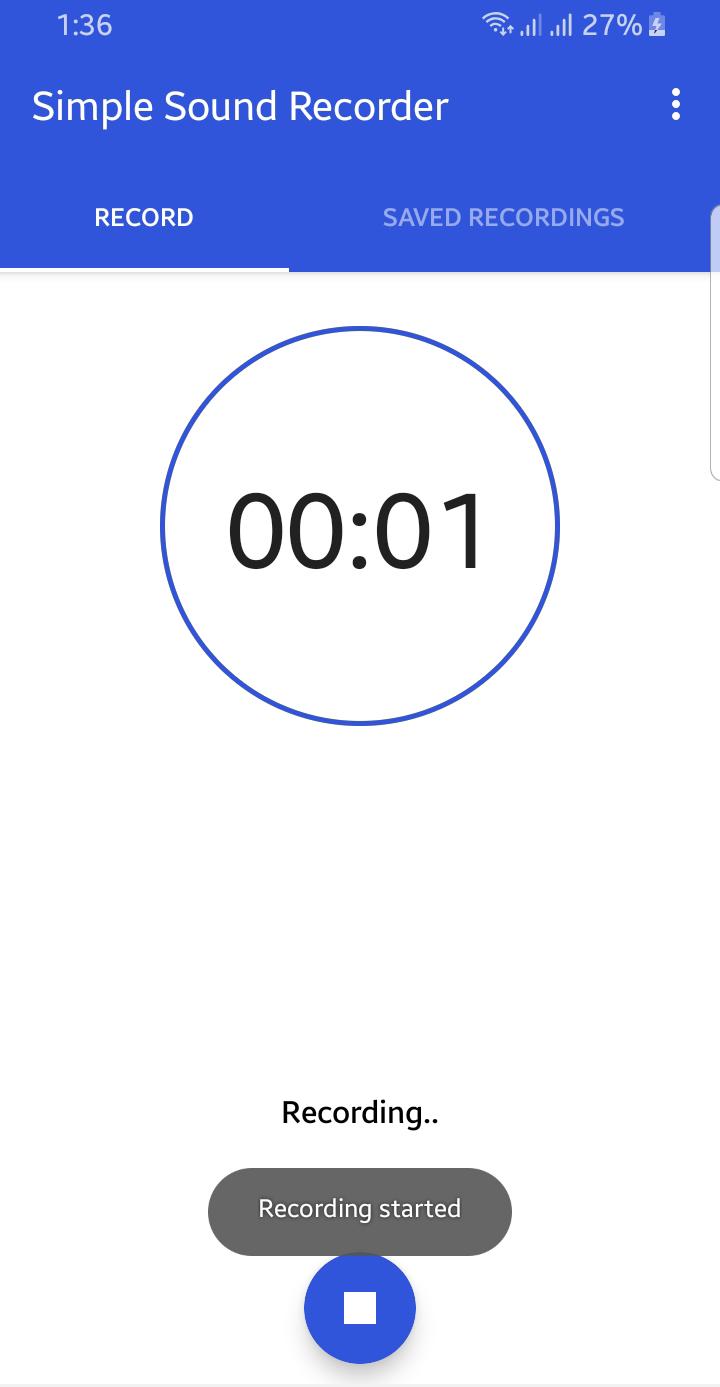
Предварительный просмотр
Теги
РазвлеченияИнформация
Разработчик
Idea Soft Apps
Последняя версия
2.0
Последнее обновление
2021-08-21
Категория
Развлечения
Доступно на
Google Play
Показать больше
Как играть в Sound Recorder с GameLoop на ПК
1. Загрузите GameLoop с официального сайта, затем запустите исполняемый файл для установки GameLoop.
2. Откройте GameLoop и выполните поиск Sound Recorder, найдите Sound Recorder в результатах поиска и нажмите Установить.
3. Наслаждайтесь игрой в Sound Recorder на GameLoop.
Minimum requirements
OS
Windows 8.1 64-bit or Windows 10 64-bit
GPU
GTX 1050
CPU
i3-8300
Memory
8GB RAM
Storage
1GB available space
Recommended requirements
OS
Windows 8.1 64-bit or Windows 10 64-bit
GPU
GTX 1050
CPU
i3-9320
Memory
16GB RAM
Storage
1GB available space