Smart Board Plus на пк
Your Education
Скачать Smart Board Plus на ПК с помощью эмулятора GameLoop
Smart Board Plus на ПК
Smart Board Plus, исходящий от разработчика Your Education, в прошлом работал на системе Android.
Теперь вы можете без проблем играть в Smart Board Plus на ПК с помощью GameLoop.
Загрузите его в библиотеке GameLoop или результатах поиска. Больше не нужно смотреть на аккумулятор или разочаровывать звонки в неподходящее время.
Просто наслаждайтесь Smart Board Plus на ПК на большом экране бесплатно!
Smart Board Plus Введение
※ Smart Board is an interactive whiteboard that uses touch detection for user input. You use it the same way as you use a computer, with your fingers instead of a mouse, to edit a document, browse websites and collaborate on projects.
※ With these futures, teachers can make lessons not only effective but also fast and easy.
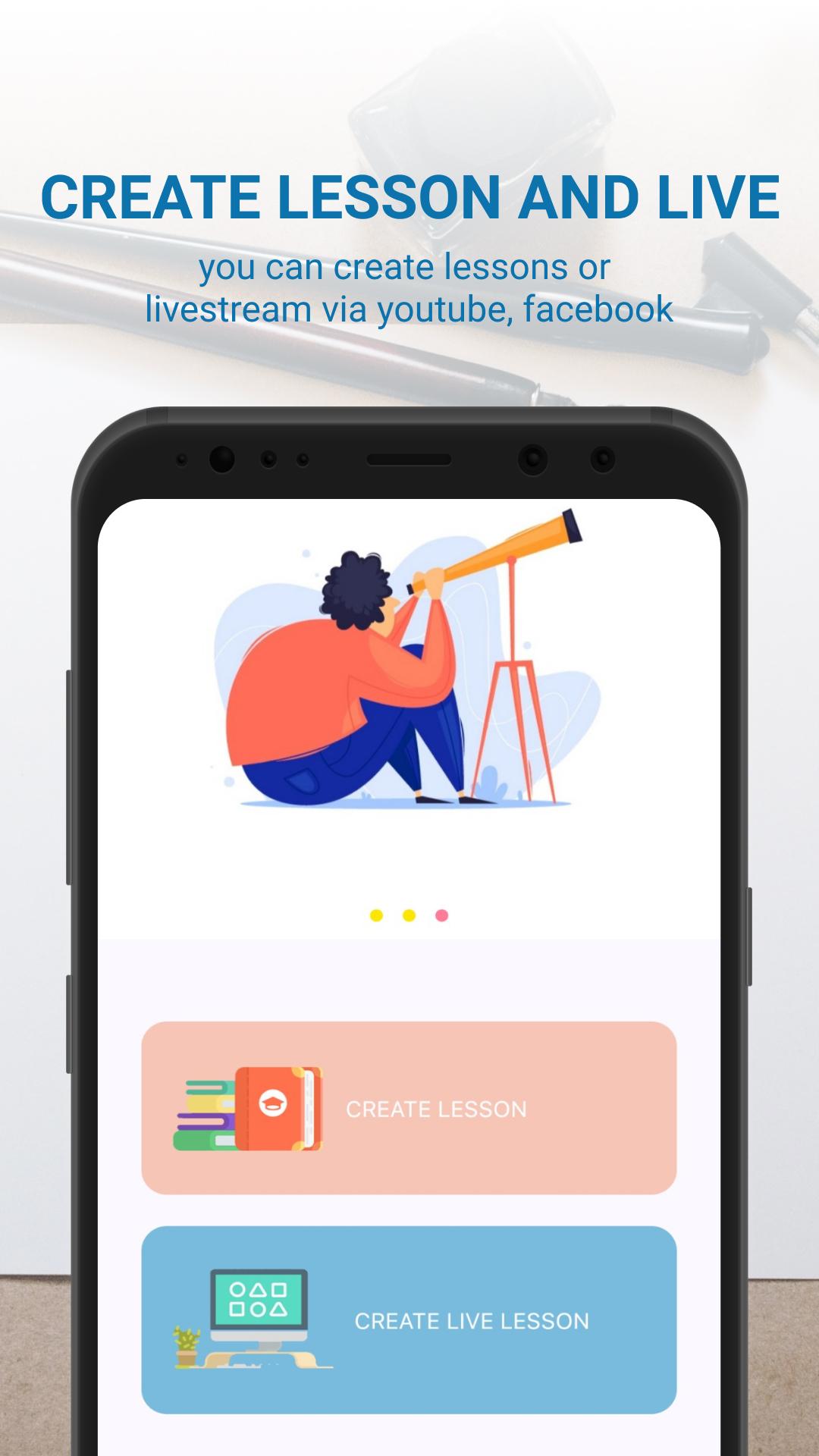
※ It helps you turn into video presentations, draw and write whatever, upload files and record your sessions and then share them with your students.
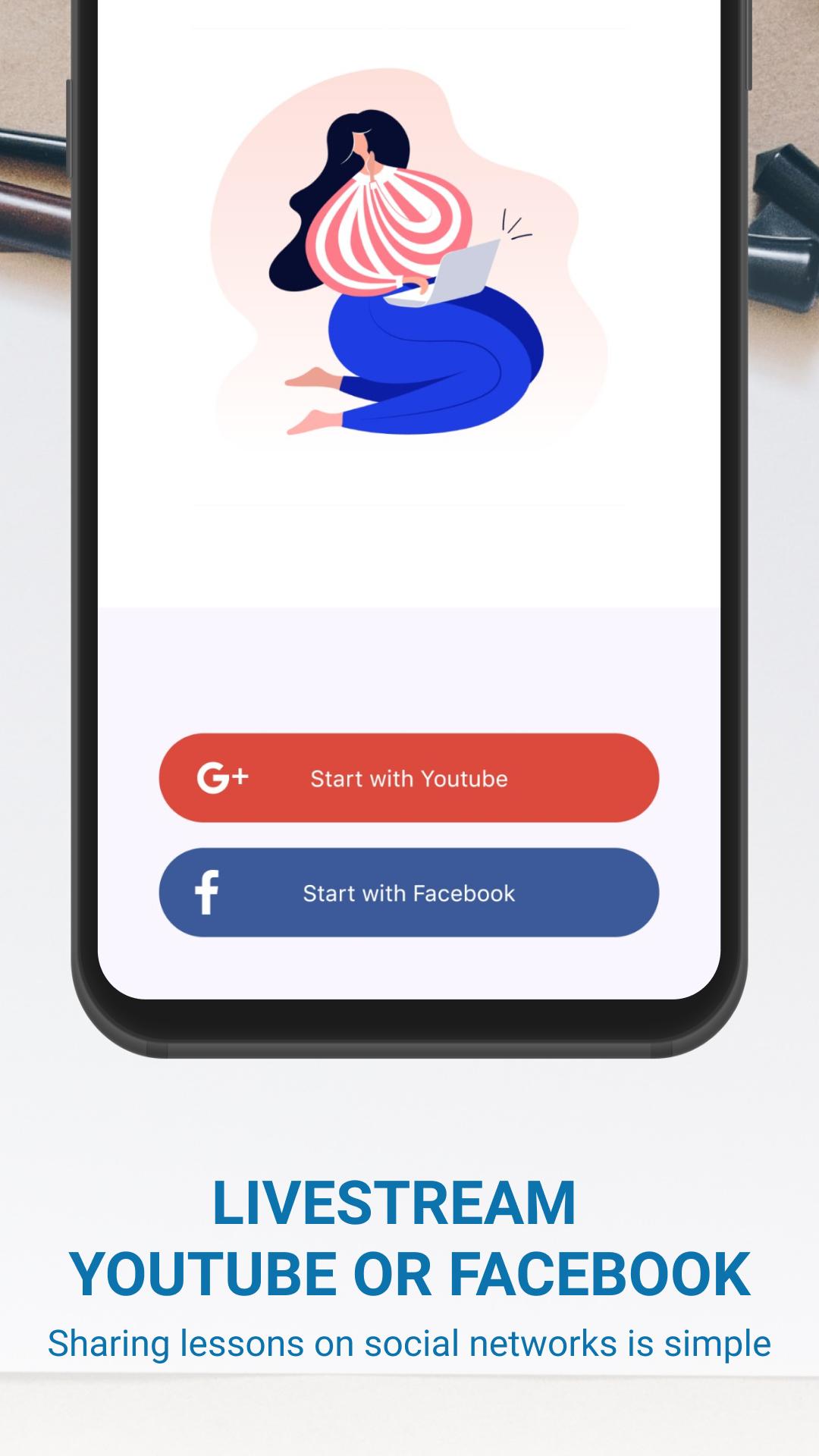
※ It is a responsive portal which allow you to teach your students, make livestreams on You Tube or Facebook.
※ It allows us teach different subjects and provide knowledge for students unless you limited time.
※ Permission Required
- Microphone: Using when you record a lecture with audio.
- Storages: You can use a photo, file from your gallery or save the recognition.
- Camera: Using when you record a lecture with video.
Предварительный просмотр
Теги
ОбразованиеИнформация
Разработчик
Your Education
Последняя версия
1.0-release
Последнее обновление
2021-06-11
Категория
Образование
Доступно на
Google Play
Показать больше
Как играть в Smart Board Plus с GameLoop на ПК
1. Загрузите GameLoop с официального сайта, затем запустите исполняемый файл для установки GameLoop.
2. Откройте GameLoop и выполните поиск Smart Board Plus, найдите Smart Board Plus в результатах поиска и нажмите Установить.
3. Наслаждайтесь игрой в Smart Board Plus на GameLoop.
Minimum requirements
OS
Windows 8.1 64-bit or Windows 10 64-bit
GPU
GTX 1050
CPU
i3-8300
Memory
8GB RAM
Storage
1GB available space
Recommended requirements
OS
Windows 8.1 64-bit or Windows 10 64-bit
GPU
GTX 1050
CPU
i3-9320
Memory
16GB RAM
Storage
1GB available space