
School HW: Homework App for Students and Teachers на пк
Dotsquares
Скачать School HW: Homework App for Students and Teachers на ПК с помощью эмулятора GameLoop
School HW: Homework App for Students and Teachers на ПК
School HW: Homework App for Students and Teachers, исходящий от разработчика Dotsquares, в прошлом работал на системе Android.
Теперь вы можете без проблем играть в School HW: Homework App for Students and Teachers на ПК с помощью GameLoop.
Загрузите его в библиотеке GameLoop или результатах поиска. Больше не нужно смотреть на аккумулятор или разочаровывать звонки в неподходящее время.
Просто наслаждайтесь School HW: Homework App for Students and Teachers на ПК на большом экране бесплатно!
School HW: Homework App for Students and Teachers Введение
This is an app that connects the teachers and students online. It is now a known fact that the future is digital. And the preparation for it should begin today, if it hasn’t already started. And Dotsquares’s School HW app is a step towards the digital education. This app lets the teachers assign work to students online, keep a track of every student’s assignment and also see whether or not they have checked every student’s work. The Students, on the other hand, can upload assignments of all subjects and stay connected with the teachers.
Features:
Super admin: We, Dotsquares have developed this app and will maintain it on behalf of the school and act as the super admin.
Admin: The school will be the admin.The admin will have to enter details of the students and the teachers, the app will then generate access codes for every person whose details are entered. Admin will give these details to teachers and students, who will then use it to log in to the app.
How the app works for students
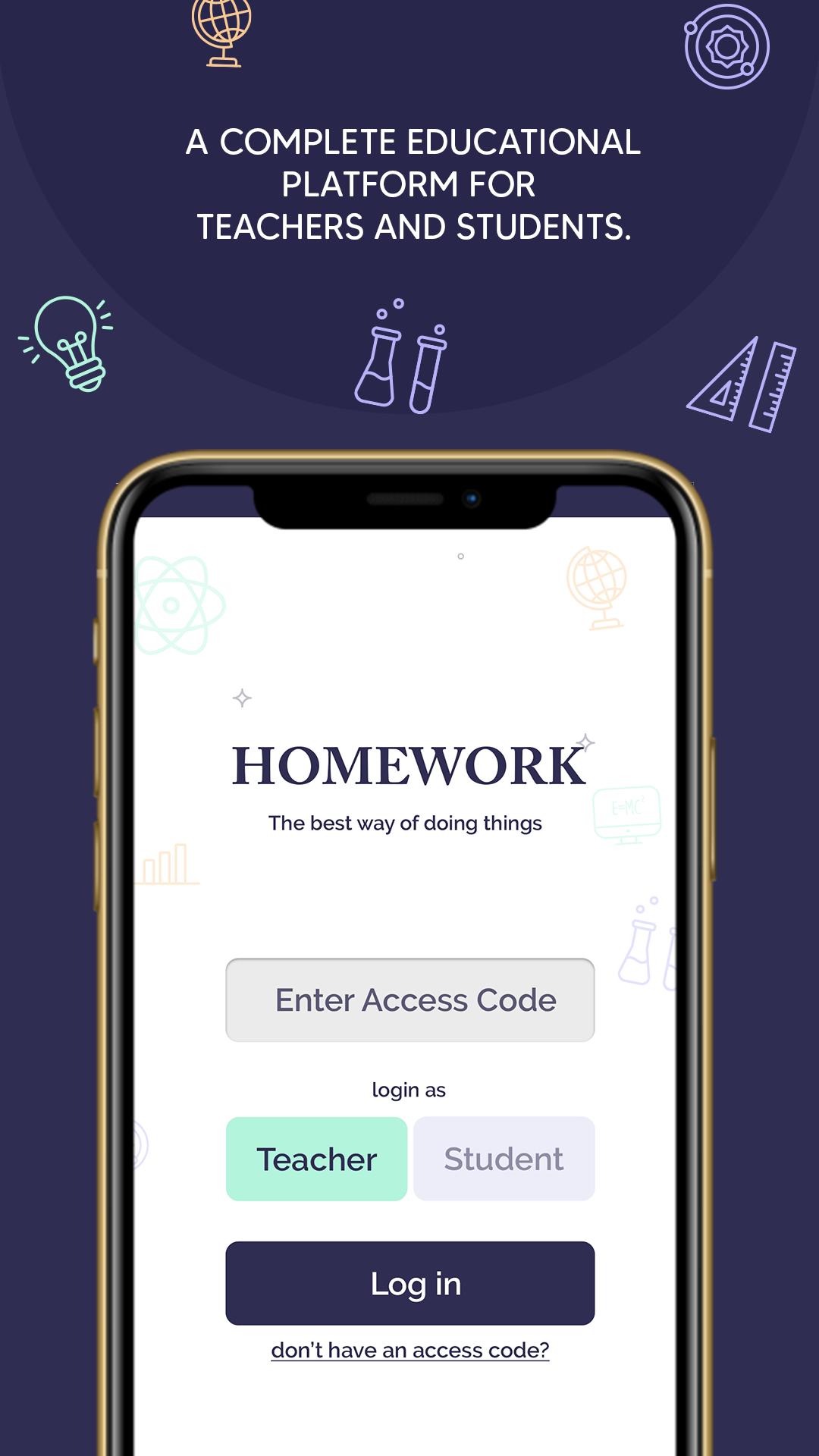
Step 1. Select the student tab and enter your access code to get started.
Step 2. After you’ll enter the access code, you will be directed to another screen where you will see:
Hamburger menu - When you click over it, a list will appear. The list will have multiple categories (profile, subject list, history, subjects) tap on any of these and the next screen will open accordingly.
First page - This will show you the assignments given in multiple subjects. To view the details of any particular assignment, you can click on the ‘view work’ button, which will lead you to the homework page.
Step 3. On the homework page, you can see the assignments given by the teacher and can upload your assignments using the ‘upload’ button.
Step 4. The app also allows the students to review his submissions.
How the app works for teachers:
Step 1. On opening the app, enter your access code to get started.
Step 2. After entering the access code,will see:
1.Hamburger menu - Click this and you’ll see 3 categories:
Subject
Check homework
Profile
Tap on any of the categories and the next screen will open accordingly.
2.Your Name, Class Name, Subject Name, Add Task, Previous Task, History.
From here, you can either click on the ‘Add Task’ or ‘History’ or any of the options given in hamburger menu.
Add task: This lets you add assignments via uploading the pictures. Also, lets you set the start and end date.
History: This shows the history of any assignment.
Check homework - This lets you see the ‘checked’ or ‘unchecked’ status. Followed by details like, students name, submission date and check status.
Profile - You can see your details here; subject you teach, contact, email, address, access code.
Digital is the future. And by purchasing this app, you can take the step towards the digitization of education in your institute. It is an easy-to-use app. Try it and you will definitely want to keep using it for forever.
Предварительный просмотр
Теги
ОбразованиеИнформация
Разработчик
Dotsquares
Последняя версия
7.0
Последнее обновление
2020-09-22
Категория
Образование
Доступно на
Google Play
Показать больше
Как играть в School HW: Homework App for Students and Teachers с GameLoop на ПК
1. Загрузите GameLoop с официального сайта, затем запустите исполняемый файл для установки GameLoop.
2. Откройте GameLoop и выполните поиск School HW: Homework App for Students and Teachers, найдите School HW: Homework App for Students and Teachers в результатах поиска и нажмите Установить.
3. Наслаждайтесь игрой в School HW: Homework App for Students and Teachers на GameLoop.
Minimum requirements
OS
Windows 8.1 64-bit or Windows 10 64-bit
GPU
GTX 1050
CPU
i3-8300
Memory
8GB RAM
Storage
1GB available space
Recommended requirements
OS
Windows 8.1 64-bit or Windows 10 64-bit
GPU
GTX 1050
CPU
i3-9320
Memory
16GB RAM
Storage
1GB available space