
Unity Connect Softphone на пк
Unity Connected Solutions
Скачать Unity Connect Softphone на ПК с помощью эмулятора GameLoop
Unity Connect Softphone на ПК
Unity Connect Softphone, исходящий от разработчика Unity Connected Solutions, в прошлом работал на системе Android.
Теперь вы можете без проблем играть в Unity Connect Softphone на ПК с помощью GameLoop.
Загрузите его в библиотеке GameLoop или результатах поиска. Больше не нужно смотреть на аккумулятор или разочаровывать звонки в неподходящее время.
Просто наслаждайтесь Unity Connect Softphone на ПК на большом экране бесплатно!
Unity Connect Softphone Введение
Work seamlessly, from anywhere.
Stay connected and responsive while-on-the-go with the Unity Connect Softphone mobile app.
Keep collaborating.
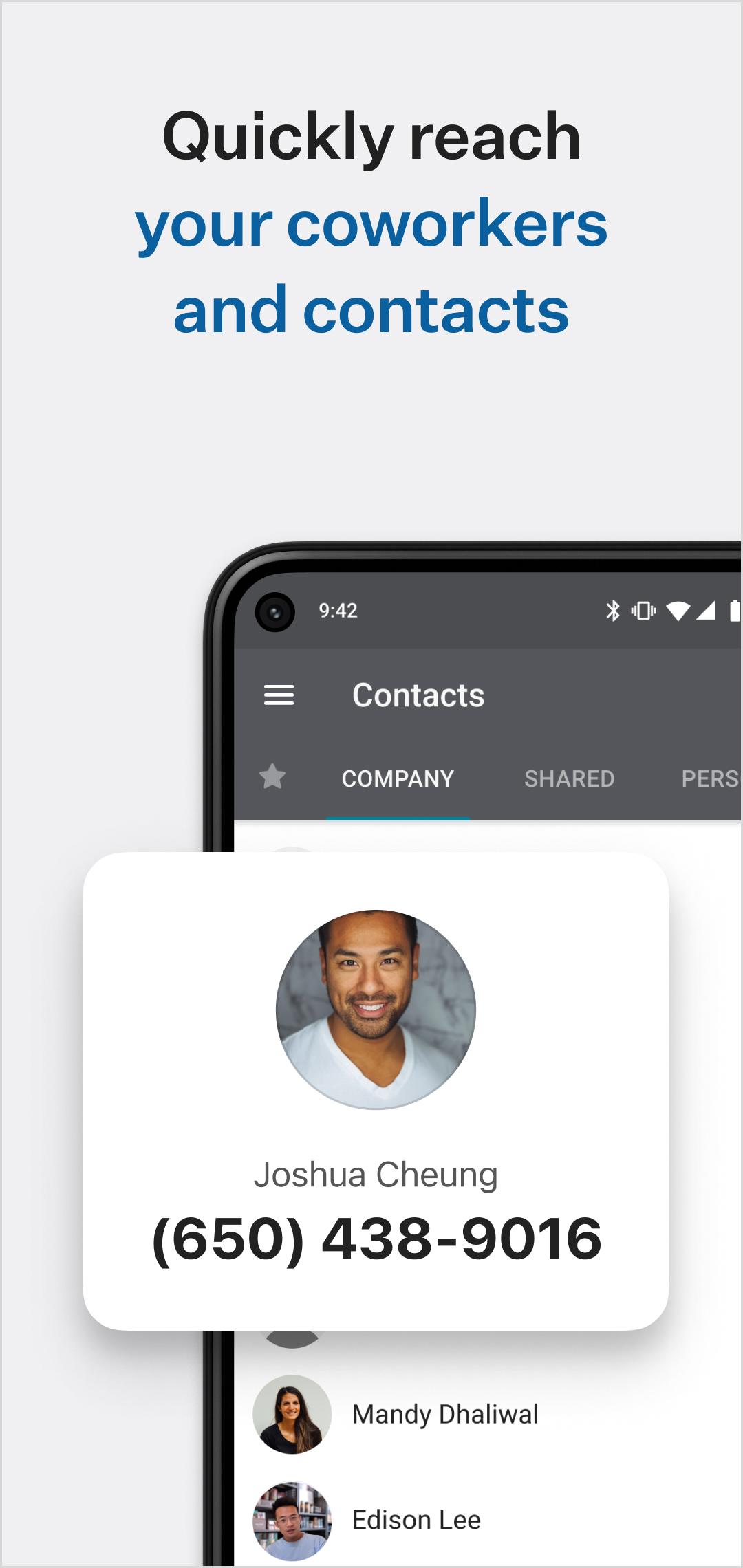
Search your company directory and easily connect to coworkers with internal peer to peer or group messaging (chat), three-way calls and extension dialing, allowing you connect to colleagues whenever you need to, from wherever you are.
Never miss a call.
Forget about missing important calls by routing all your important business phone calls right to the Unity Connect Softphone app. Manage your outgoing phone number (Mobile, Direct, Montreal Office, Vancouver Office) as well as follow-me/call forwarding rules.
Manage business calls better.
Easily transfer calls to your co-workers to help clients and customers get the help they need faster. Make calls over Wi-Fi, 3G or LTE, from anywhere in the world. (Even disable mobile data while roaming and use only Wi-Fi! Great for staying in touch while traveling abroad without having to buy a local phone plan!)
On-the-go voicemail, call recordings and fax access.
Check your voicemail from wherever you are right within the Unity Connect Softphone mobile app, view transcriptions for a quicker response. Access call recordings and faxes.
Unity Connect Softphone mobile app requires an existing account with Unity Connected. To enable new features, reach out to your administrator, account manager or support.
***** IMPORTANT NOTICE - PLEASE READ *****
The Unity Connect Softphone mobile app works best with the latest mobile operating systems. Please ensure you’re on the most recent operating system for your device. Be aware that some mobile network operators prohibit or restrict the use of VoIP (Voice over Internet Protocol) over their network. They may prohibit the use of VoIP over their network or impose additional fees and/or charges when using VoIP over their network. By using Unity Connect Softphone over 3G/4G/LTE, you agree to familiarize yourself with and abide by any restrictions your cellular carrier imposes and agree that Unity Connected Solutions will not be held liable for any charges, fees or liability imposed by your carrier for using Unity Connect Softphone over their 3G/4G/LTE network.
Предварительный просмотр

Теги
ОбщениеИнформация
Разработчик
Unity Connected Solutions
Последняя версия
3.1
Последнее обновление
2022-06-17
Категория
Общение
Доступно на
Google Play
Показать больше
Как играть в Unity Connect Softphone с GameLoop на ПК
1. Загрузите GameLoop с официального сайта, затем запустите исполняемый файл для установки GameLoop.
2. Откройте GameLoop и выполните поиск Unity Connect Softphone, найдите Unity Connect Softphone в результатах поиска и нажмите Установить.
3. Наслаждайтесь игрой в Unity Connect Softphone на GameLoop.
Minimum requirements
OS
Windows 8.1 64-bit or Windows 10 64-bit
GPU
GTX 1050
CPU
i3-8300
Memory
8GB RAM
Storage
1GB available space
Recommended requirements
OS
Windows 8.1 64-bit or Windows 10 64-bit
GPU
GTX 1050
CPU
i3-9320
Memory
16GB RAM
Storage
1GB available space