
Video Player PC
We.Apps
گیم لوپ ایمولیٹر کے ساتھ PC پر Video Player ڈاؤن لوڈ کریں۔
پی سی پر Video Player
Video Player، جو ڈویلپر We.Apps سے آرہا ہے، ماضی میں اینڈرائیڈ سسٹم پر چل رہا ہے۔
اب، آپ پی سی پر Video Player آسانی سے GameLoop کے ساتھ چلا سکتے ہیں۔
اسے GameLoop لائبریری یا تلاش کے نتائج میں ڈاؤن لوڈ کریں۔ مزید غلط وقت پر بیٹری یا مایوس کن کالوں پر نظر نہیں ڈالی جائے گی۔
بس بڑی سکرین پر Video Player PC کا مفت میں لطف اٹھائیں!
Video Player تعارف
HD Video Player - All Format Full HD & 4K Media Player for Android
HD Video Player is a powerful, fast, and easy-to-use all format media player designed for smooth HD video playback on Android devices. Play Full HD, 1080p, and 4K Ultra HD videos with high quality sound and advanced playback controls. This video player app supports all popular video formats and delivers a cinema-like movie watching experience anytime, anywhere.
If you are looking for a reliable video player for Android that supports MP4, MKV, AVI, and 4K videos, this all format video player is the perfect choice. Enjoy lag-free playback, smart gesture controls, background audio play, and floating popup window mode in one lightweight media player app.
🎥 All Format Video Player
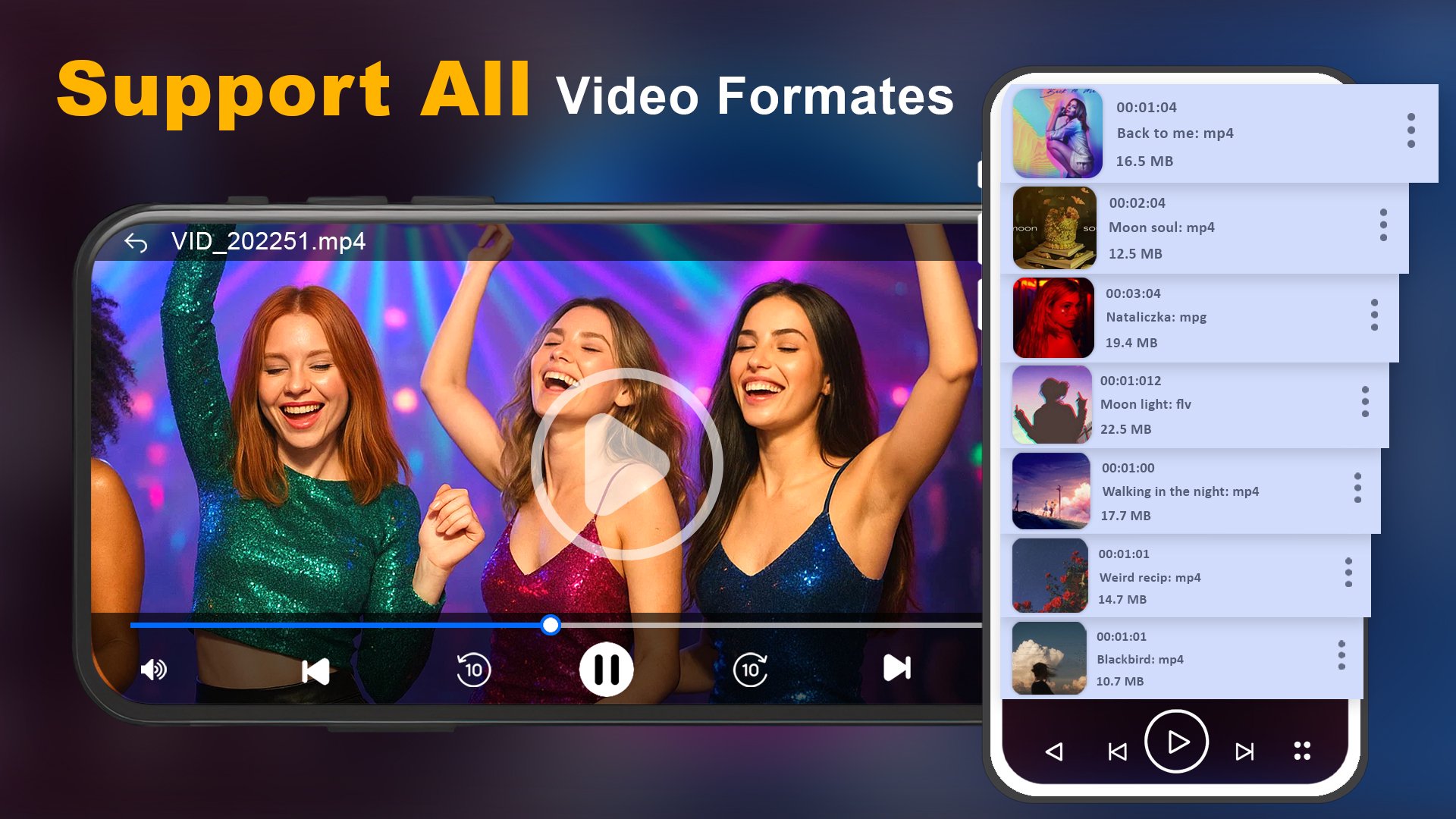
Play almost all video formats including MP4, MKV, AVI, MOV, M4V, FLV, 3GP, MPG, WMV and more.
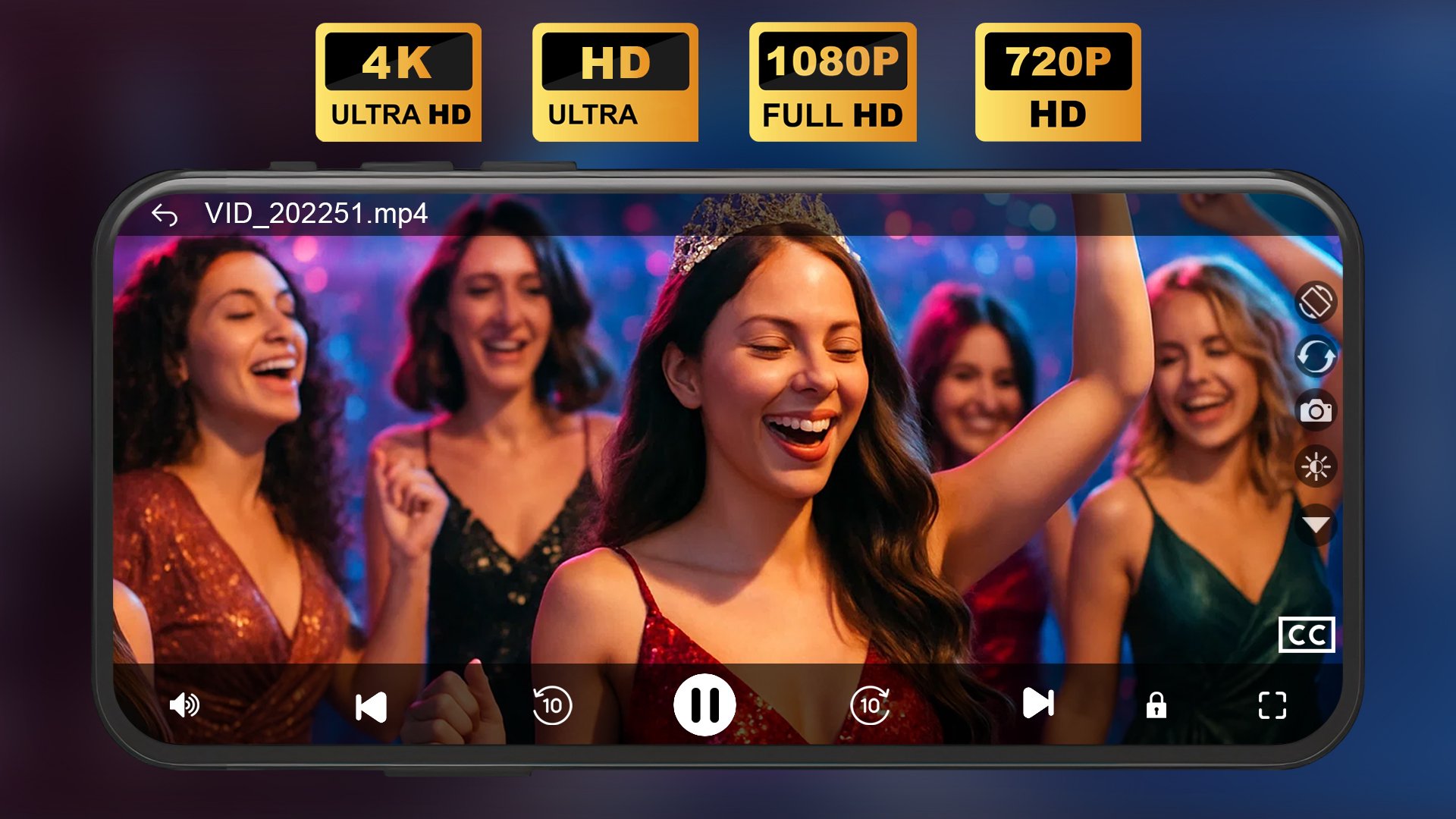
Supports 4K video player, Ultra HD video player, and Full HD 1080p playback.
Smooth video streaming with hardware acceleration and audio synchronization.
📂 Auto Detect & Smart Media Library
Automatically scan and detect videos from internal storage and SD card.
Quick access to all local videos and movies.
Smart search, sort, and organize your media files easily.
Create and manage custom playlists in seconds.
🖥 Floating Popup Video Player
Watch videos in a floating window while using other apps.
Multitask while chatting, browsing, or working.
Resize and move the popup video screen anywhere on your device.
🎧 Background Video Player
Play videos in the background like a music player.
Listen to music videos, lectures, and audio content without keeping the screen on.
Perfect offline video player for daily use.
🎛 Smart Gesture & Playback Controls
Easy swipe gestures to adjust volume and brightness.
Control playback speed from slow motion to fast forward.
Quick rewind and forward options.
Screen lock feature to prevent accidental touches.
🎵 Powerful Music Player
Built-in music player with support for MP3, AAC, WAV, FLAC, M4A and other audio formats.
Play music in background mode while using other apps.
Create playlists and manage your favorite songs easily.
Perfect MP3 player for offline music listening.
🔊 HD Sound & Equalizer Support
Experience powerful audio with built-in equalizer support.
Clear sound quality for movies, TV shows, and music videos.
🎞 Movie Player for Android
Enjoy Indian movies, Hollywood films, TV series, short videos, and offline HD content in high resolution.
This 4K media player ensures smooth performance even with large video files.
Lightweight, fast, and optimized for all Android smartphones and tablets.
Whether you need an MP4 player, MKV player, 4K video player, or all format media player, this mp4 player app gives you everything in one simple and modern interface. Watch videos offline without internet connection and enjoy seamless playback every time.
HD Video Player is designed for users who want a professional media player with advanced features, smooth performance, and full format support.
📥 Download HD Video Player – All Format Full HD & 4K Media Player now and enjoy high-quality video playback on your Android device today!
📧 For support or suggestions, contact us at: weapps.offcial@gmail.com
Note: this video player is free to download, supported by ads. If you don't like ads, then you can purchase a premium plan.
All videos or movies must be available in your phone storage to watch.
پیش نظارہ
ٹیگز
Video-Playersمعلومات
ڈویلپر
We.Apps
تازہ ترین ورژن
1.10
آخری تازہ کاری
2026-02-26
قسم
Video-players-editors
پر دستیاب ہے۔
Google Play
مزید دکھائیں
پی سی پر گیم لوپ کے ساتھ Video Player کیسے کھیلا جائے۔
1. آفیشل ویب سائٹ سے گیم لوپ ڈاؤن لوڈ کریں، پھر گیم لوپ انسٹال کرنے کے لیے exe فائل چلائیں۔
2. گیم لوپ کھولیں اور "Video Player" تلاش کریں، تلاش کے نتائج میں Video Player تلاش کریں اور "انسٹال کریں" پر کلک کریں۔
3. گیم لوپ پر Video Player کھیلنے کا لطف اٹھائیں۔
Minimum requirements
OS
Windows 8.1 64-bit or Windows 10 64-bit
GPU
GTX 1050
CPU
i3-8300
Memory
8GB RAM
Storage
1GB available space
Recommended requirements
OS
Windows 8.1 64-bit or Windows 10 64-bit
GPU
GTX 1050
CPU
i3-9320
Memory
16GB RAM
Storage
1GB available space