
Video and Music Editor PC
United Developers Studio
گیم لوپ ایمولیٹر کے ساتھ PC پر Video and Music Editor ڈاؤن لوڈ کریں۔
پی سی پر Video and Music Editor
Video and Music Editor، جو ڈویلپر United Developers Studio سے آرہا ہے، ماضی میں اینڈرائیڈ سسٹم پر چل رہا ہے۔
اب، آپ پی سی پر Video and Music Editor آسانی سے GameLoop کے ساتھ چلا سکتے ہیں۔
اسے GameLoop لائبریری یا تلاش کے نتائج میں ڈاؤن لوڈ کریں۔ مزید غلط وقت پر بیٹری یا مایوس کن کالوں پر نظر نہیں ڈالی جائے گی۔
بس بڑی سکرین پر Video and Music Editor PC کا مفت میں لطف اٹھائیں!
Video and Music Editor تعارف
video editing application
edit videos and edit audio files without internet connection.
Now, simply, with a professional video editing application that gives you a lot of options to edit or convert video to mp3 audio and share it with friends.
using this application you will be able to edit videos , cut videos , merge videos also to loop videos.
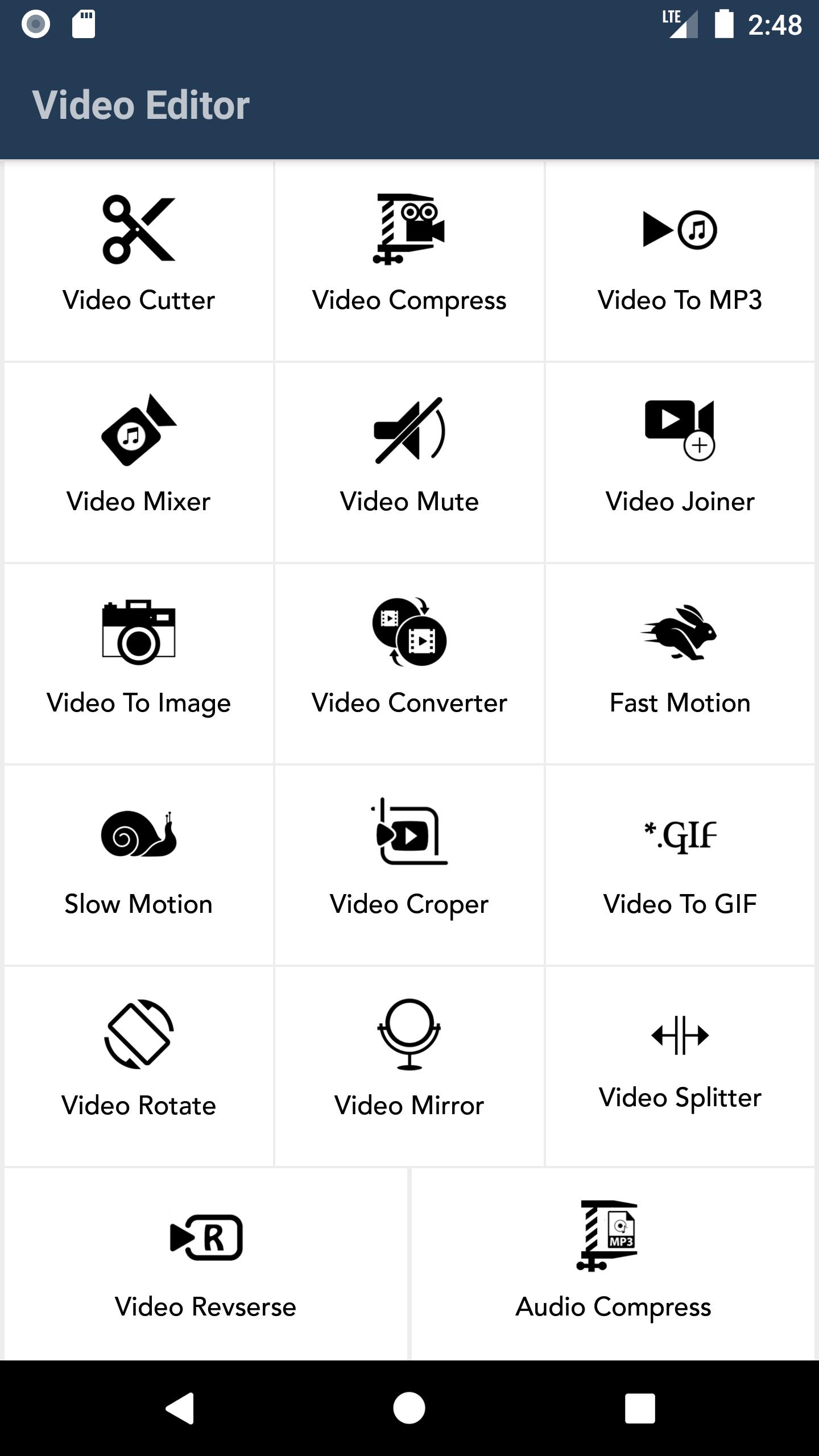
There are many options that can be used, including:
- Cut, edit, save or share videos Easily compress video to multiple sizes
- Convert video to MP3 or Acc audio
- Add audio to video, control the duration of the audio, and merge videos with songs
- Video mute feature Merge videos
- Convert video to images
- Convert video format to flv, mkv, wmv, 3gp
- Speed up or slow down the videos
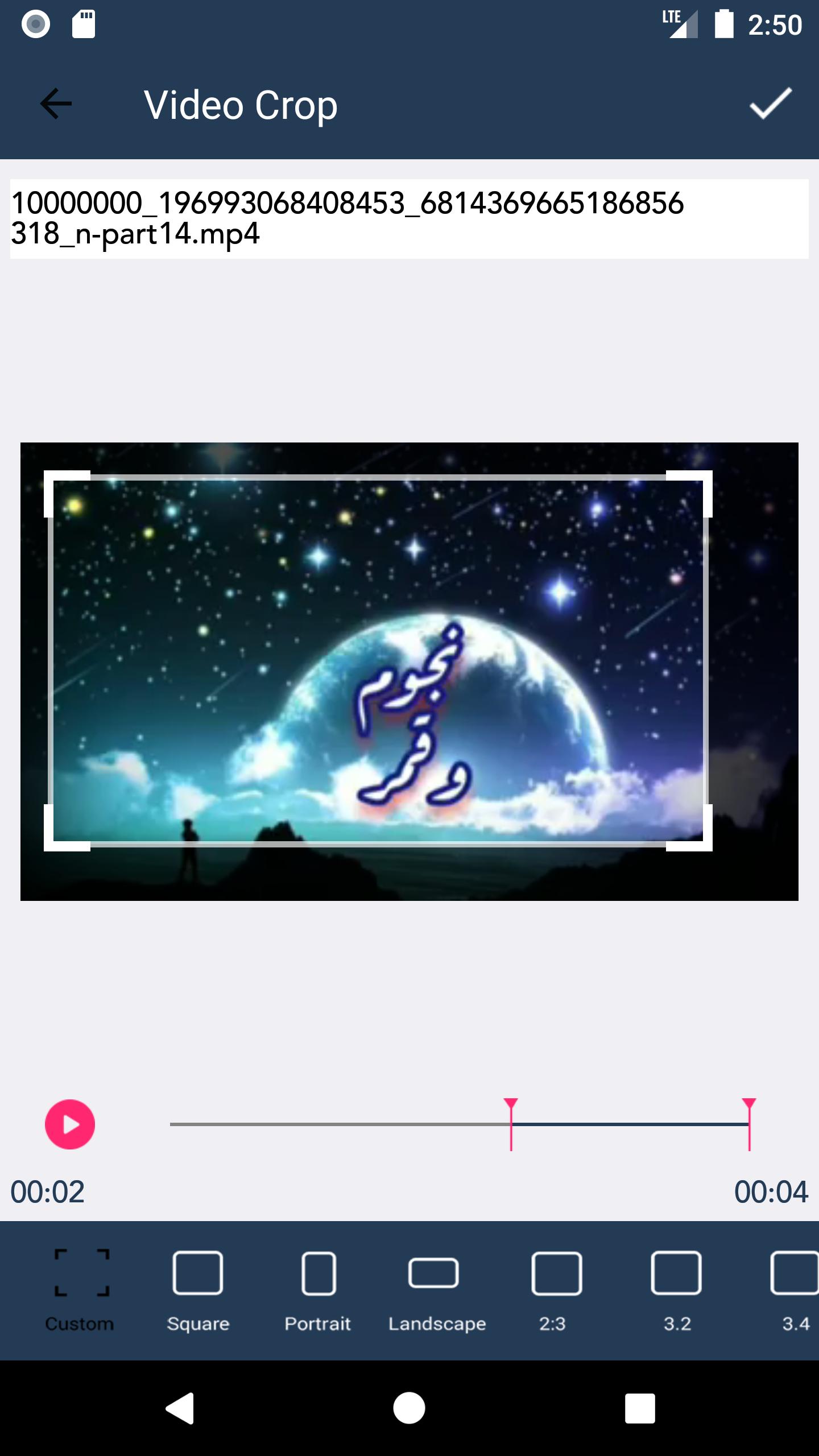
- Crop a frame from the video
- Convert a video clip to gif and share it
- Rotate the video to 180, 90, 270, or any other degree
- Reverse the direction of the video
- Cut the video into parts according to a period of time
- Reverse the video from end to beginning
- Compress audio files
- Merge audio
- Cut the sound
And more great features and options inside this video and audio editing program
get video editor and audio editor and use it now without internet connection.
پیش نظارہ
ٹیگز
Video-Playersمعلومات
ڈویلپر
United Developers Studio
تازہ ترین ورژن
1.2
آخری تازہ کاری
2021-12-10
قسم
Video-players-editors
پر دستیاب ہے۔
Google Play
مزید دکھائیں
پی سی پر گیم لوپ کے ساتھ Video and Music Editor کیسے کھیلا جائے۔
1. آفیشل ویب سائٹ سے گیم لوپ ڈاؤن لوڈ کریں، پھر گیم لوپ انسٹال کرنے کے لیے exe فائل چلائیں۔
2. گیم لوپ کھولیں اور "Video and Music Editor" تلاش کریں، تلاش کے نتائج میں Video and Music Editor تلاش کریں اور "انسٹال کریں" پر کلک کریں۔
3. گیم لوپ پر Video and Music Editor کھیلنے کا لطف اٹھائیں۔
Minimum requirements
OS
Windows 8.1 64-bit or Windows 10 64-bit
GPU
GTX 1050
CPU
i3-8300
Memory
8GB RAM
Storage
1GB available space
Recommended requirements
OS
Windows 8.1 64-bit or Windows 10 64-bit
GPU
GTX 1050
CPU
i3-9320
Memory
16GB RAM
Storage
1GB available space