VBox LiveTV PC
VBox Communications
گیم لوپ ایمولیٹر کے ساتھ PC پر VBox LiveTV ڈاؤن لوڈ کریں۔
پی سی پر VBox LiveTV
VBox LiveTV، جو ڈویلپر VBox Communications سے آرہا ہے، ماضی میں اینڈرائیڈ سسٹم پر چل رہا ہے۔
اب، آپ پی سی پر VBox LiveTV آسانی سے GameLoop کے ساتھ چلا سکتے ہیں۔
اسے GameLoop لائبریری یا تلاش کے نتائج میں ڈاؤن لوڈ کریں۔ مزید غلط وقت پر بیٹری یا مایوس کن کالوں پر نظر نہیں ڈالی جائے گی۔
بس بڑی سکرین پر VBox LiveTV PC کا مفت میں لطف اٹھائیں!
VBox LiveTV تعارف
*** This App works only with the VBox TV Gateway Device ***
- To learn more about the VBox TV Gateway PVR please go to - www.vboxcomm.com
Bring Live TV to your Android box, smartphone and tablet
Watch and Record Live TV on any device, anywhere!
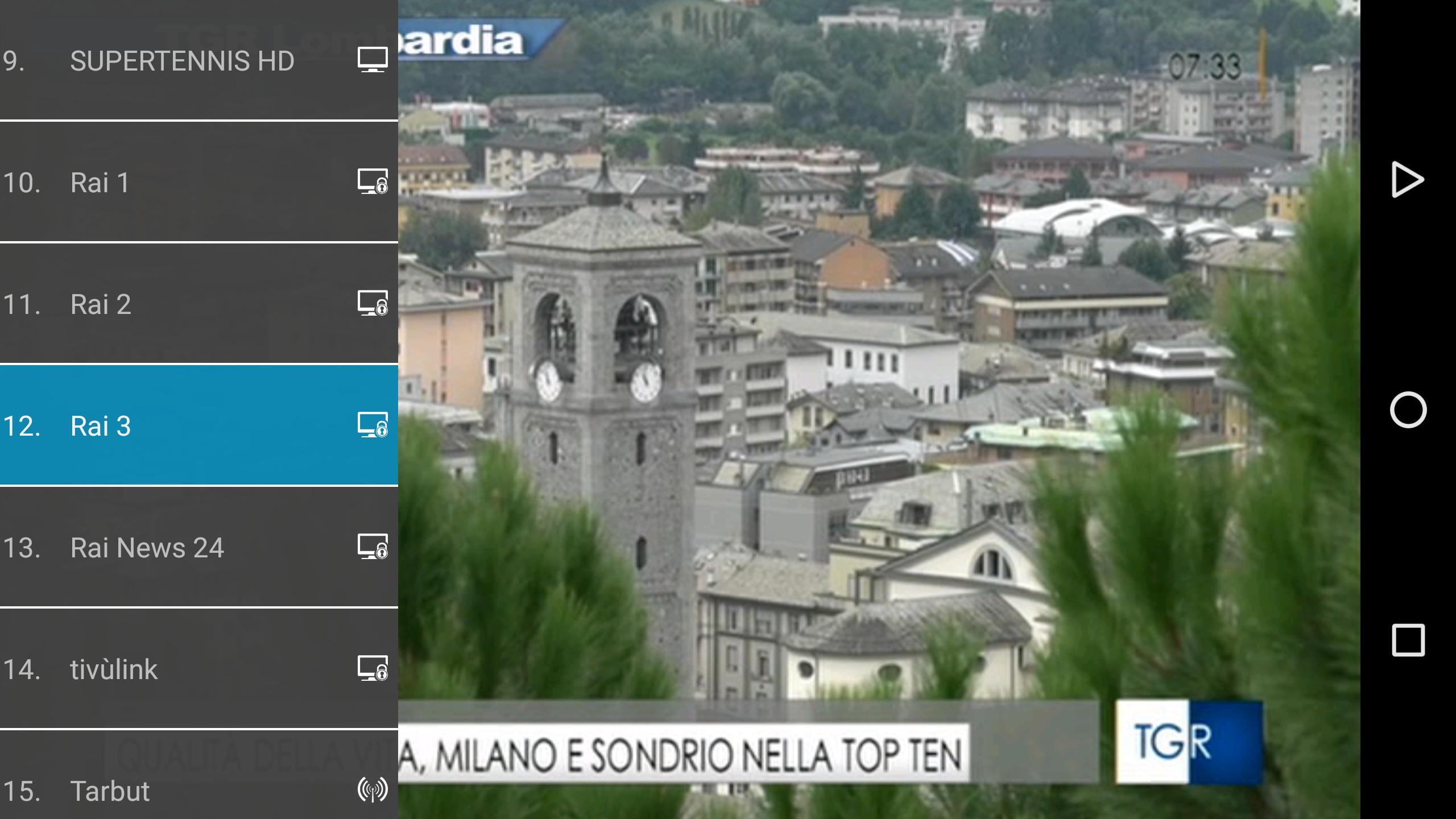
- View your favorite Live TV channels in full broadcast quality
- Record shows, entire series and scheduled events on a USB stick or network drive (NAS)
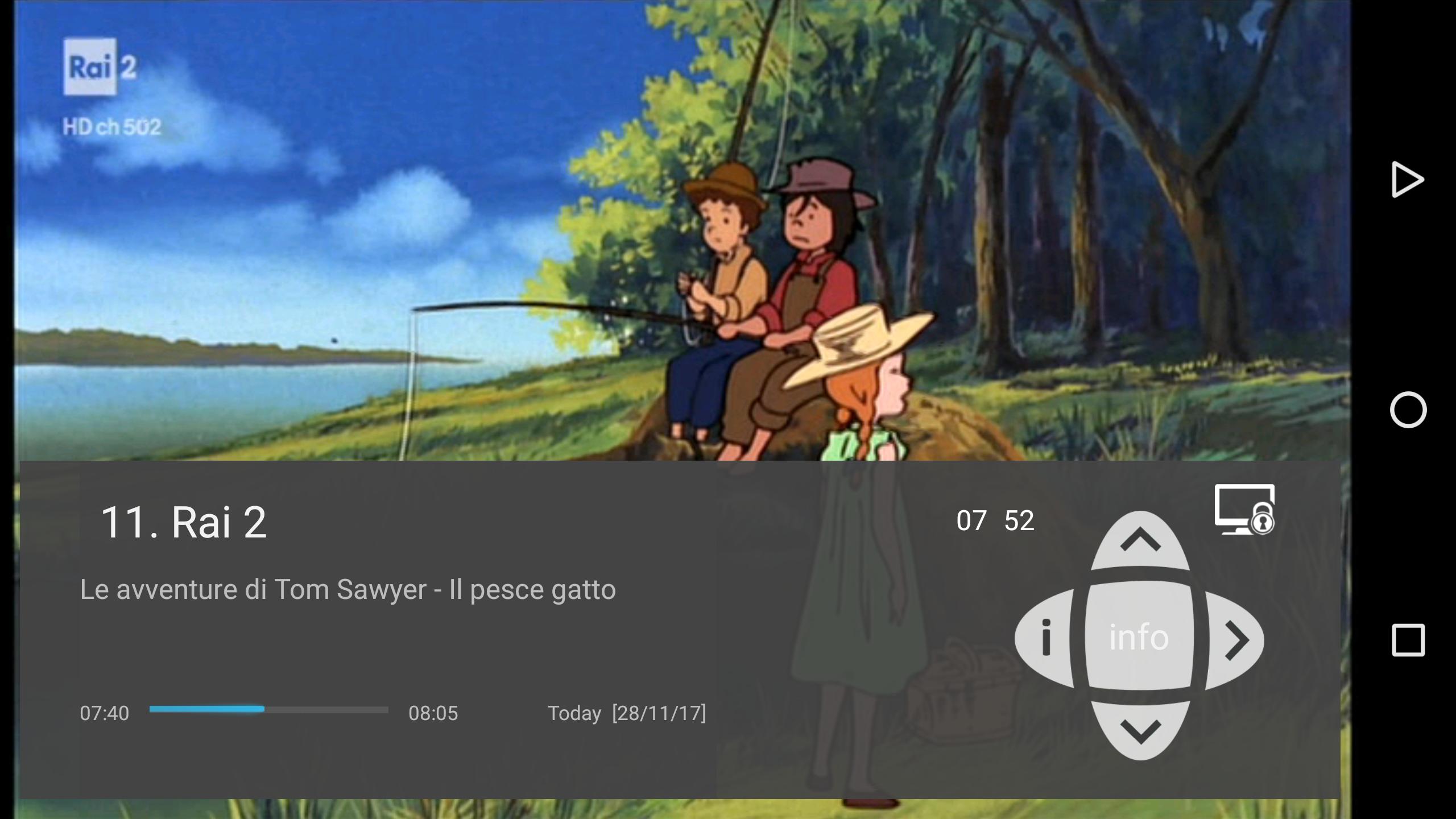
- Discover programs with the free program guide (EPG)
- Easy navigation – works with your Android set top box remote control and smartphone or tablet touch interface
- Watch Live and recorded programs or set recordings from outside your home so you won’t miss a thing
- Download and go – take recordings with you for offline viewing when commuting, traveling abroad or whenever connectivity is not available
No internet connection is required! the VBox TV Gateway receives broadcast TV signal from your Satellite, Cable or digital Antenna, converts the signal to IP and streams multiple live TV channels to any connected device over your home network (WiFi or wired)
پیش نظارہ
ٹیگز
Video-Playersمعلومات
ڈویلپر
VBox Communications
تازہ ترین ورژن
2.0.22.20.3
آخری تازہ کاری
2023-09-27
قسم
Video-players-editors
پر دستیاب ہے۔
Google Play
مزید دکھائیں
پی سی پر گیم لوپ کے ساتھ VBox LiveTV کیسے کھیلا جائے۔
1. آفیشل ویب سائٹ سے گیم لوپ ڈاؤن لوڈ کریں، پھر گیم لوپ انسٹال کرنے کے لیے exe فائل چلائیں۔
2. گیم لوپ کھولیں اور "VBox LiveTV" تلاش کریں، تلاش کے نتائج میں VBox LiveTV تلاش کریں اور "انسٹال کریں" پر کلک کریں۔
3. گیم لوپ پر VBox LiveTV کھیلنے کا لطف اٹھائیں۔
Minimum requirements
OS
Windows 8.1 64-bit or Windows 10 64-bit
GPU
GTX 1050
CPU
i3-8300
Memory
8GB RAM
Storage
1GB available space
Recommended requirements
OS
Windows 8.1 64-bit or Windows 10 64-bit
GPU
GTX 1050
CPU
i3-9320
Memory
16GB RAM
Storage
1GB available space